
Select the model you want to generate your image with.
Turn Your Photo to Watercolor Painting with Bylo.aiPhoto to Watercolor AI – Free AI Converter
Create breathtaking watercolor paintings from your photos instantly – all for free with Bylo.ai!
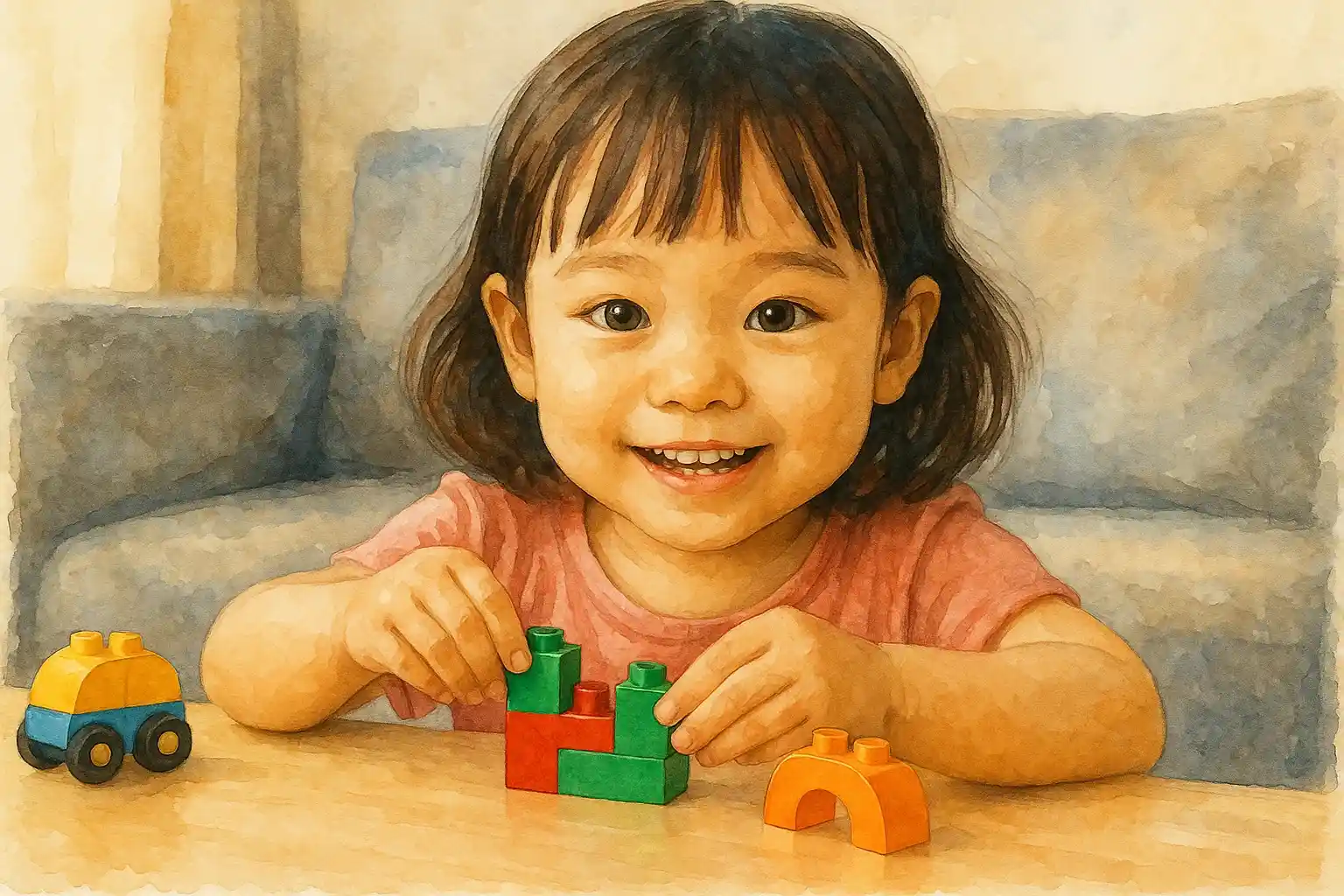
Your Generated Images
Free Photo to Watercolor Painting Converter by Bylo.ai
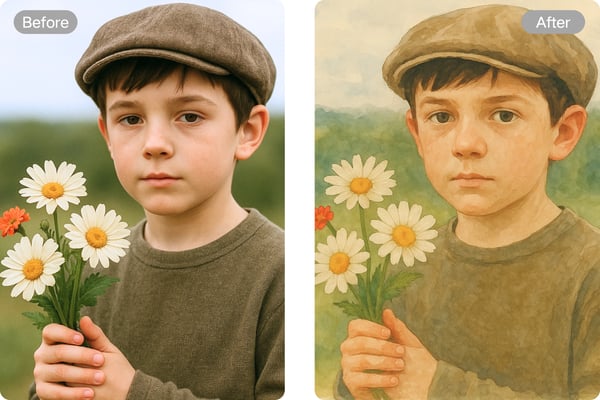
Instant AI-Powered Watercolor Transformation
Bylo.ai's free photo to watercolor painting converter uses cutting-edge AI technology to turn any image into a stunning watercolor painting in seconds. Whether it’s a portrait or a landscape, your photos are transformed with vibrant brushstroke-like textures and soft color transitions.
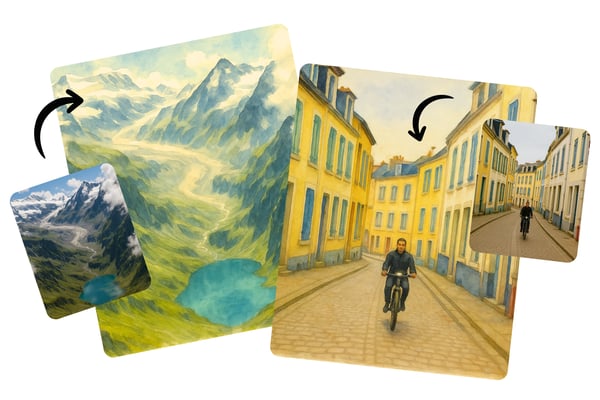
High-Resolution, Watermark-Free Downloads
Download your watercolor painting in high-resolution with no watermark. Bylo.ai ensures the original image quality is preserved, delivering professional-grade watercolor effects ready for printing, sharing, or framing.
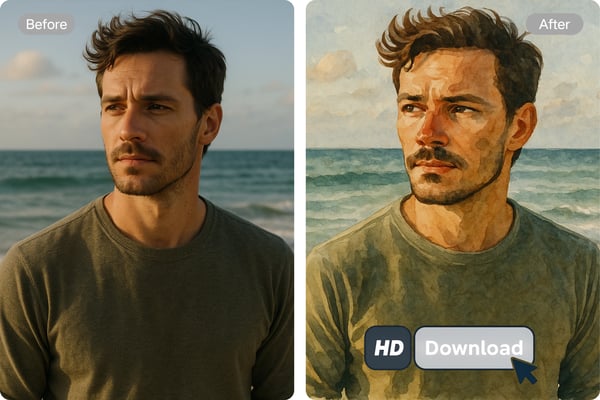
Supports All Photo Types and Subjects
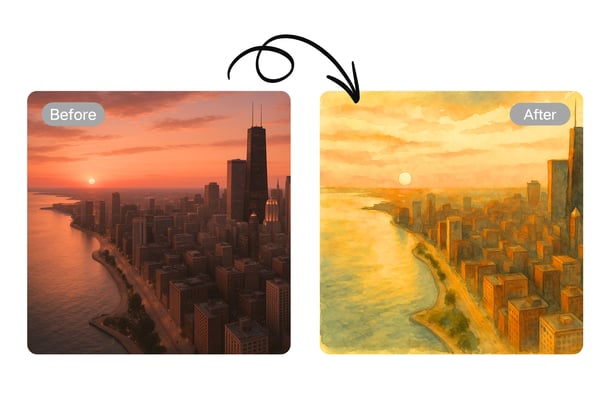
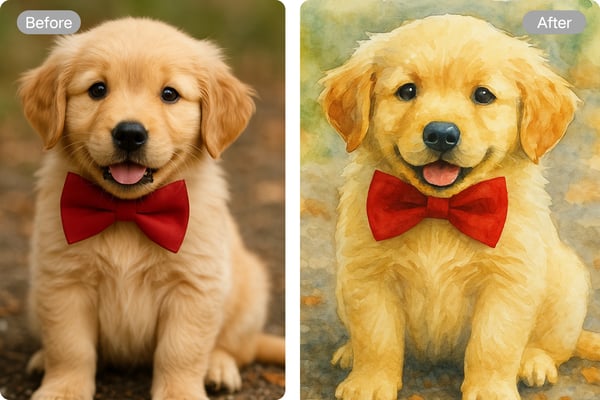
Transform photos of people, pets, nature, cityscapes, and more into watercolor art. The AI intelligently analyzes details and texture to give aPhoto to Watercolor AI realistic watercolor painting feel—perfect for any subject matter.
Free and Easy-to-Use Online Tool
No software downloads or subscriptions needed. Use our photo to watercolor painting tool online for free. Upload your image, let AI do the magic, and get beautiful watercolor results with zero hassle.
How to Use Bylo.ai’s Photo to Watercolor Painting AI Tool
Upload Your Photo
Choose the image you want to convert and upload it directly to the Bylo.ai platform. Our tool supports various image formats and sizes.
Apply the Watercolor Filter
Select the watercolor painting effect. Our AI detects facial features, textures, and backgrounds to generate a stunning watercolor version instantly.
Download and Share
Once you're satisfied with the result, download the high-quality watercolor image and share your masterpiece with friends or on social media.
Use Cases for the Photo to Watercolor Painting
Digital Artists & Illustrators
Digital artists can quickly transform reference photos into watercolor-style sketches, saving time on manual painting. This tool helps experiment with different artistic effects before finalizing a piece. It’s ideal for concept art, book illustrations, or social media content, allowing artists to maintain a hand-painted aesthetic while working efficiently.
Social Media Content Creators
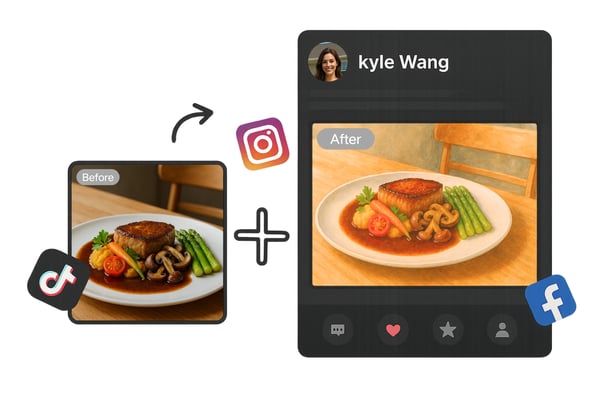
Influencers and marketers can enhance their visuals by converting photos into watercolor art for posts, stories, or ads. This adds a unique, artistic touch to travel photos, product shots, or portraits, helping brands stand out. The AI-generated style is eye-catching and shareable, boosting engagement.
Gift & Merchandise Creators
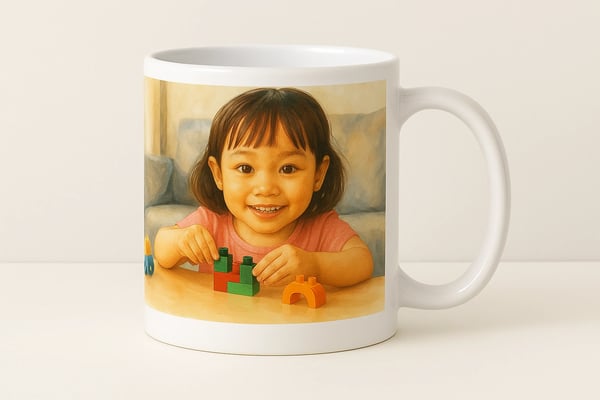
Users can turn personal photos (weddings, pets, landscapes) into watercolor prints for custom gifts like mugs, canvases, or greeting cards. The AI automates the conversion, making it easy for non-artists to create professional-looking keepsakes without hiring an illustrator.
Interior Designers & Home Decor Enthusiasts
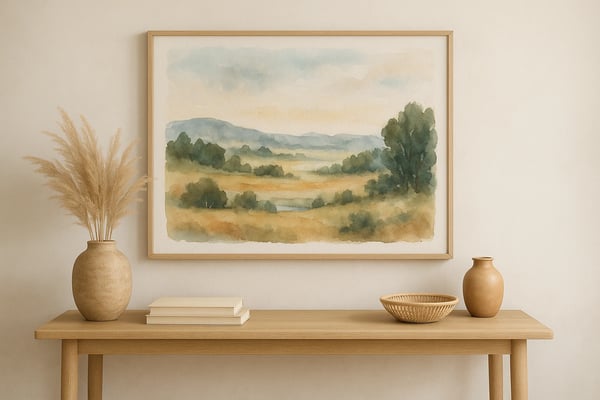
Interior designers and homeowners can generate watercolor-style wall art from personal photos or inspiration images. This allows for custom, budget-friendly decor matching any color scheme. The AI tool helps visualize how a painted artwork would look before commissioning or printing.
User Feedback on Photo to Watercolor Painting with Bylo.ai
Bylo.ai helped me turn complex reference photos into watercolor designs in seconds. It’s become an essential part of my workflow.
Emily Carter
Digital Illustrator
I love how my travel photos look in watercolor! The AI filter is quick and gives my content a fresh, artistic feel.
Michael Chan
Travel Blogger
Creating personalized gifts for my customers has never been easier. The watercolor effect looks so authentic, and the quality is outstanding!
Sarah Mitchell
Etsy Shop Owner
Our brand's engagement skyrocketed after using Bylo.ai's watercolor filters for visual content. It's such a simple way to stand out.
David Huang
Social Media Strategist
This tool is perfect for producing preview art for clients. I can show them what a custom piece will look like before printing or commissioning it.
Olivia Ross
Interior Designer
Bylo.ai gives me a quick start on my pet portrait commissions. I use the watercolor output as a reference and inspiration!
James Patel
Pet Portrait Artist
Frequently Asked Questions about Photo to Watercolor Painting
Can images generated by the Photo to Watercolor Painting be used commercially?
Free images can only be used for personal use, and the images generated during the subscription period can be used commercially.
Do I need to install any software to use this tool?
No, Bylo.ai is a web-based platform. You can access it from any device with a browser and internet connection.
What kind of photos work best with the watercolor filter?
Portraits, landscapes, pet photos, and artistic scenes all work great. The AI is optimized for a variety of image types.
Will my original photo be stored or shared?
No, Bylo.ai values your privacy. Uploaded photos are processed temporarily and not stored or shared.
How long does the conversion process take?
It only takes a few seconds! The AI engine quickly analyzes and applies the watercolor effect to your uploaded image.
Can I edit the watercolor output afterward?
Currently, the tool does not offer in-app editing. However, you can download and use any editing software for further changes.