
Select the model you want to generate your image with.
From Pets to Portraits – Bring Your Pictures to Life in Clay
Turn any photo into playful, clay-style artwork instantly – no sign-up, completely free!
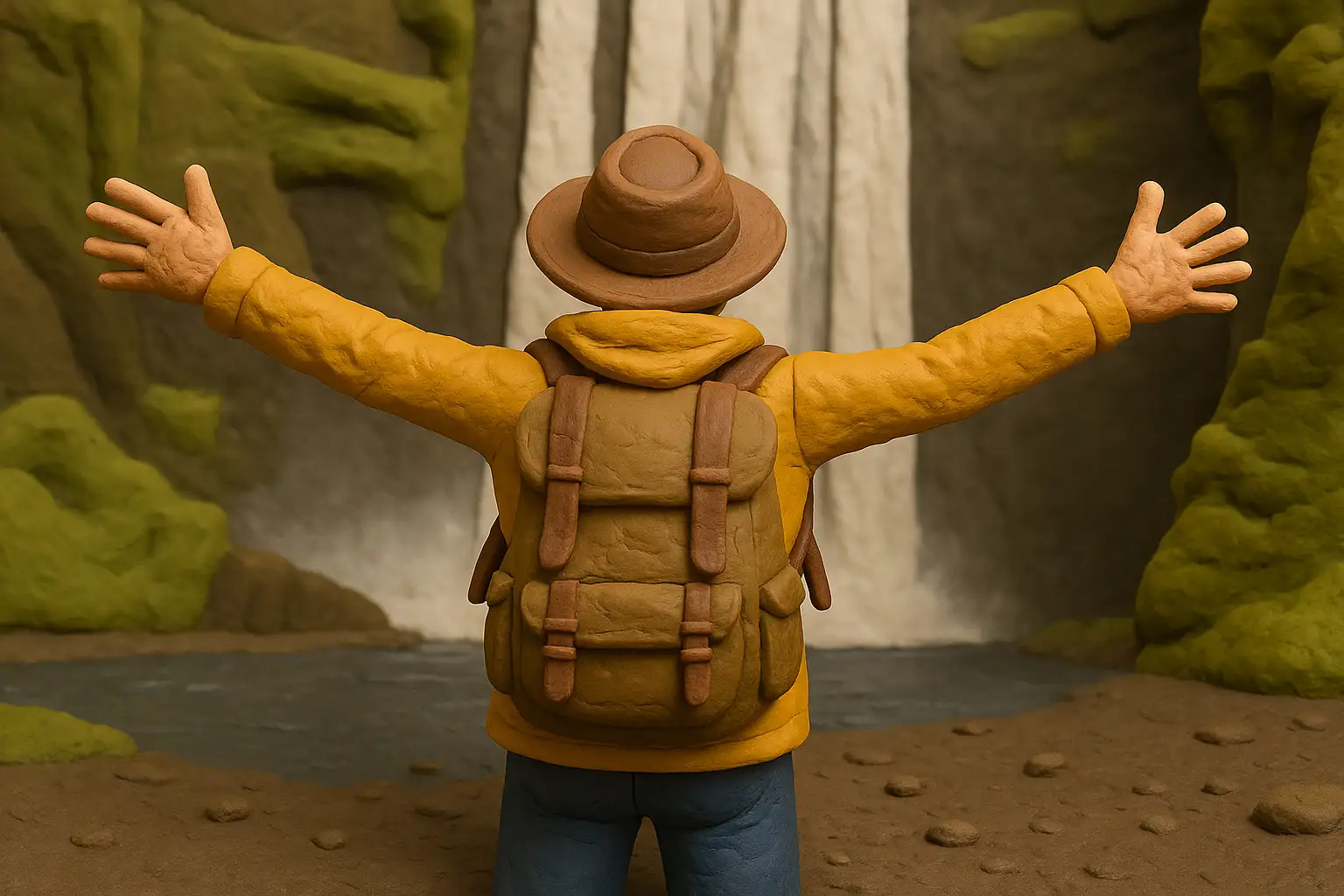
Your Generated Images
Key Features of Bylo.ai's Clay Filter
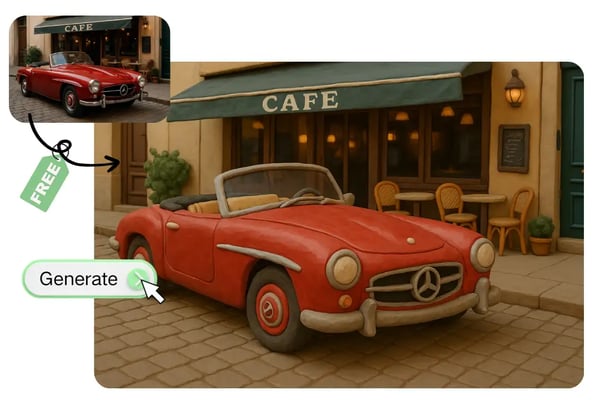
Free AI Clay Filter for Everyone
Enjoy clay-style photo transformations with the Bylo.ai clay filter – completely free and with no registration required. Perfect for trying out the claymation AI filter before sharing with friends or followers.
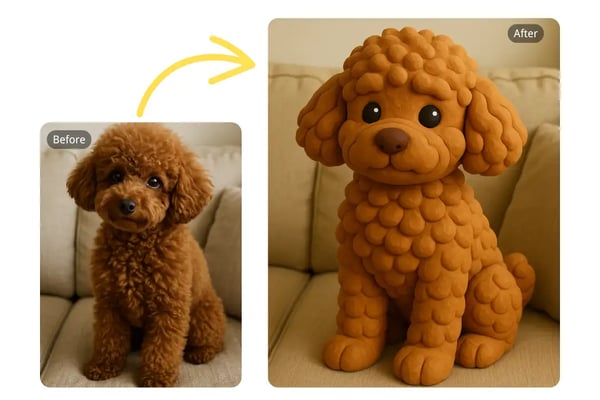
Fast for Charming Pet Keepsakes
Transform pet photos into adorable clay art in seconds, ideal for creating shareable icons or unique framed keepsakes.
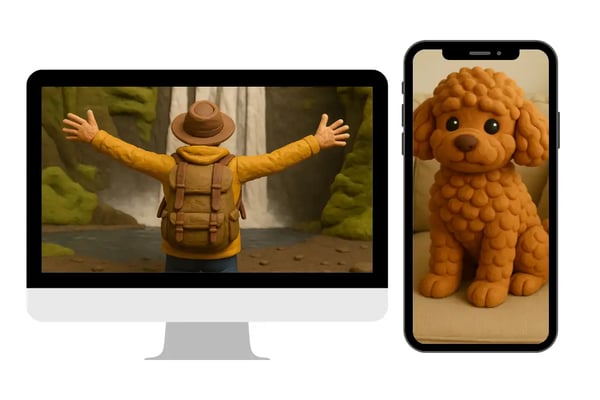
Cross-Platform for Stunning Travel Art
Turn travel or nature shots into whimsical clay art on any device, great for standout wall art or social media posts.
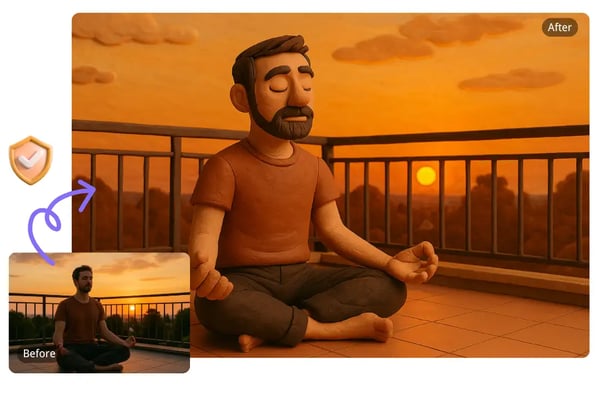
Secure for Creative Project Illustrations
Process photos for graphic design or personal projects securely, with no storage unless permitted, ensuring privacy for all creations.
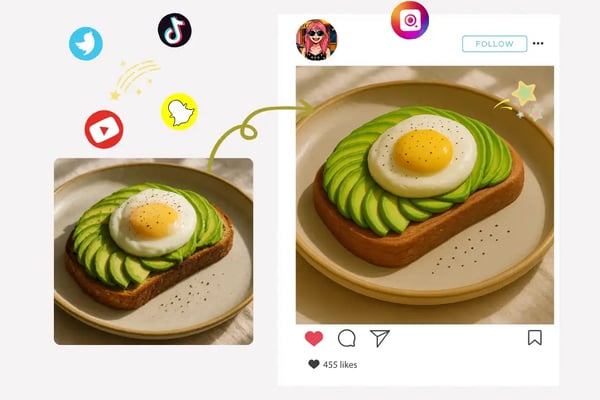
Go Viral with Clay Art on Social Media
Join the clay filter trend on TikTok, Instagram, and Pinterest. Transform your photos and boost engagement with quirky clay art!
How to Use the Bylo.ai Clay Filter – Clay Art in 3 Easy Steps
Step 1: Upload Your Photo
Simply drag and drop your image into the uploader or click to select a file from your device.
Step 2: Let the AI Clay Filter Work Its Magic
Bylo.ai instantly applies the claymation AI filter to your image, creating a playful and artistic clay art version.
Step 3: Download & Share
Download your new clay art creation and share it directly to social media, or save it for a personal project or gift.
What Users Are Saying About our Clay Filter
Bylo.ai’s clay filter made my puppy’s photo so adorable! It’s so easy to use and free!
SophieLovesPets
Pet Enthusiast
I created a clay-style portrait for my Instagram, and the likes poured in! Love Bylo.ai.
MarkVibes
Influencer
The clay filter added such a fun twist to my travel photos. Super quick and creative!
GlobeTrotterKate
Travel Blogger
Bylo.ai’s clay art is perfect for my design projects. The results are professional and unique.
ChrisDesigns
Graphic Designer
I turned my family photo into clay art for a gift, and everyone loved it! Highly recommend.
FamilyMoments
Parent
As an artist, Bylo.ai’s clay filter inspires my work. It’s fast, free, and fantastic!
ArtByLuna
Digital Artist
Frequently Asked Questions About the Bylo.ai Clay Filter
What is the Bylo.ai Clay Filter?
An AI-powered tool that transforms any photo into playful, clay-style art with a single click.
Is the clay filter really free?
Yes, Bylo.ai’s clay filter is 100% free with no sign-up or hidden costs.
What types of images can I use?
You can use any photo—portraits, pets, travel shots, objects, or food. The clay filter works across all styles.
How fast is the transformation process?
The Bylo.ai AI clay filter creates clay art within seconds, thanks to our optimized cloud rendering engine.
Do I need to install anything?
No installation needed. The AI clay filter runs directly in your browser on any device.
How secure is my data?
Your photos are securely processed and not stored unless you explicitly allow it. We respect your privacy.
What if I don’t like the result?
You can try uploading a different photo or adjusting the image content for varied results.
Can I share my clay art online?
Absolutely! Download your creation and share it on Instagram, TikTok, Pinterest, or any platform you like.