
Select the model you want to generate your image with.
Photo to Pixel Art with Bylo AI – Free AI Pixel Art Generator
Turn text or images into retro-style pixel art instantly — no login, no cost.
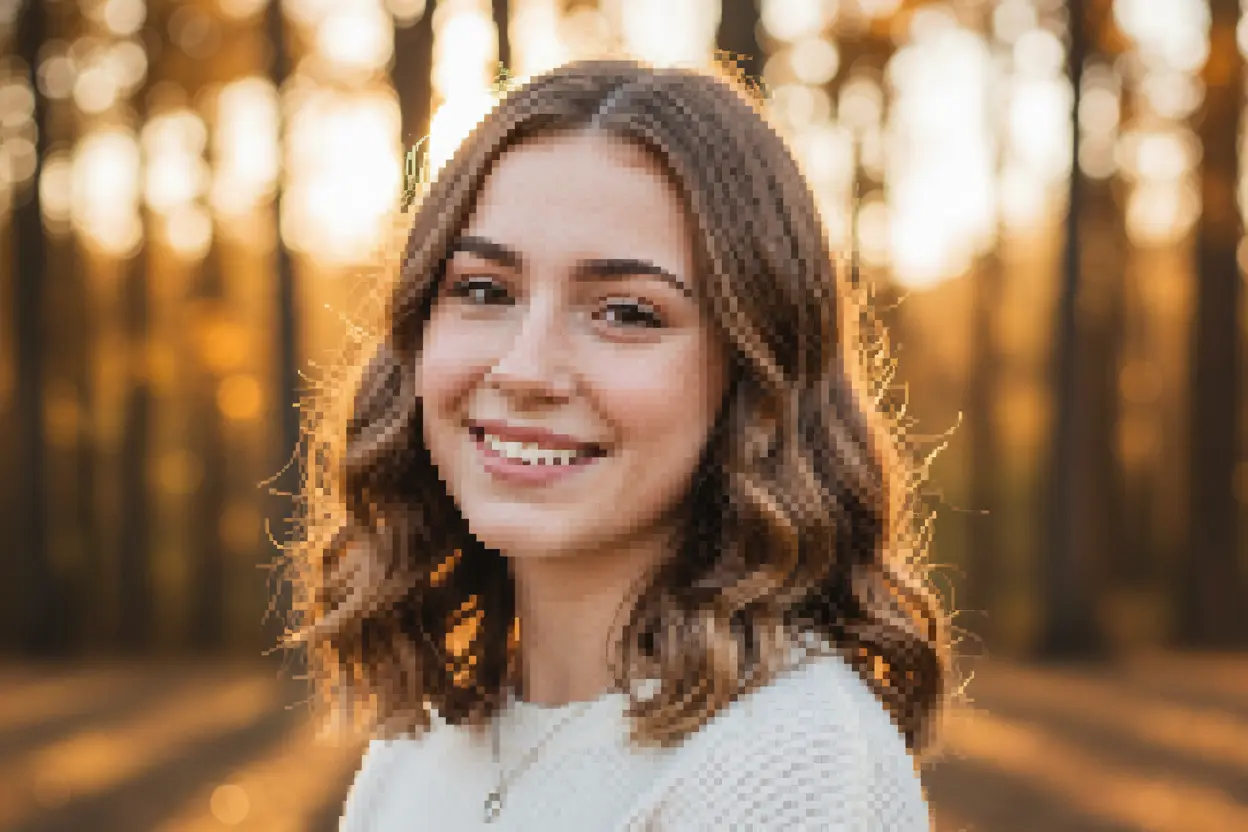
Your Generated Images
Key Features of the Pixel Art Generator by Bylo AI
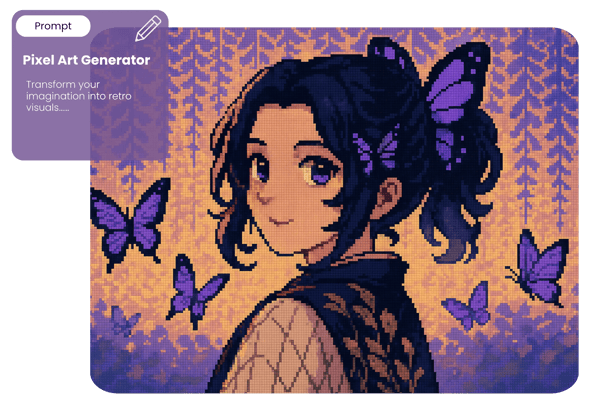
🎮 AI Pixel Art from Text Prompts
Transform your imagination into retro visuals with our AI pixel art generator. Just describe any scene, object, or character, and the system creates vibrant 8-bit style images — perfect for concept art or game development.
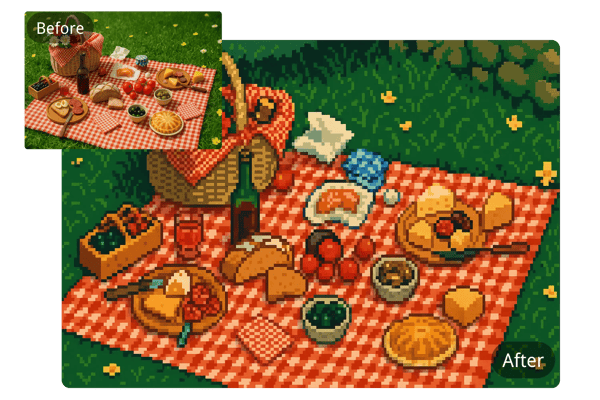
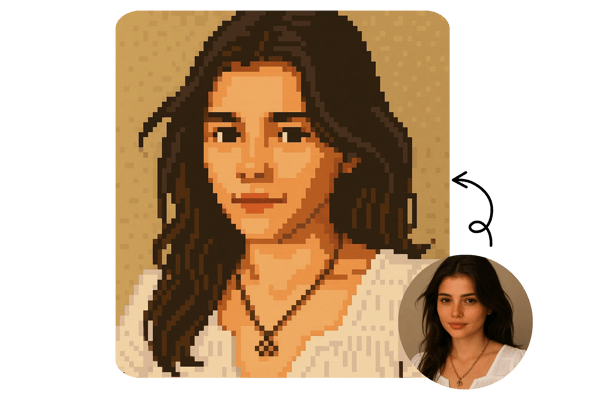
🖼️ Convert Any Photo to Pixel Art Instantly
Easily upload a photo or logo and let the pixel art generator AI convert it into charming pixel style. From portraits to brand assets, control the pixel size and palette to suit your needs.
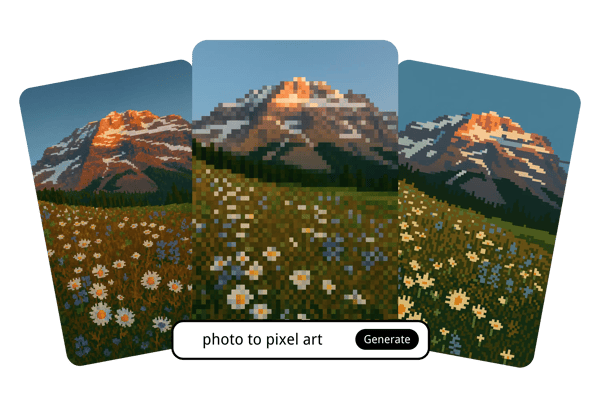
🎨 Multiple Pixel Art Styles to Choose From
Whether you prefer minimal 8-bit or modern pixel realism, the Bylo AI pixel art generator lets you select from various styles, enhancing creative flexibility for artists, developers, and hobbyists alike.
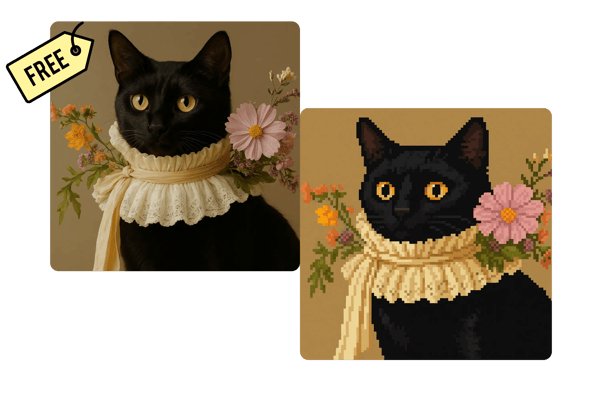
⚡ Free and Fast Pixel Art Generator — No Sign-Up Needed
Start generating pixel art without any login or subscription. Our free pixel art generator is built for speed, making it the fastest way to turn your ideas into pixel-perfect creations.
How to Use the Photo to Pixel Art Generator by Bylo AI
📝 Step 1: Enter a Prompt or Upload a Photo
Begin by either typing a creative description (e.g., 'dragon flying over a volcano') or uploading your own image or photo.
🎛️ Step 2: Select Your Pixel Art Style
Fill in your desired pixel art style in the prompt — you can describe pixel size, color palette, or specific aesthetics to guide the output.
📥 Step 3: Generate and Download
Click 'Generate' to see your pixel art in seconds. Download your creation with one click and use it wherever you like.
What You Can Create with the Pixel Art Generator
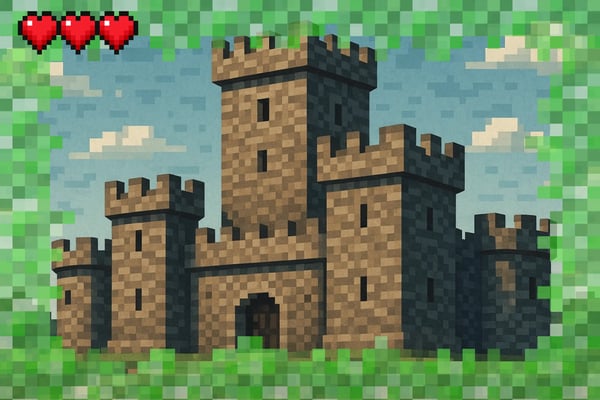
Minecraft Pixel Art Generator
Turn your favorite characters, memes, or objects into Minecraft-style pixel art blocks. Great for planning in-game builds or sharing visual blueprints with friends.
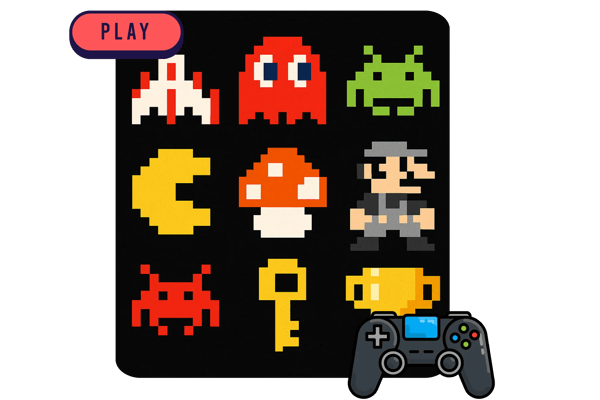
8-Bit Pixel Art Generator
Capture the look of classic arcade and NES-era games. Perfect for indie game prototypes, web graphics, or nostalgic profile icons.
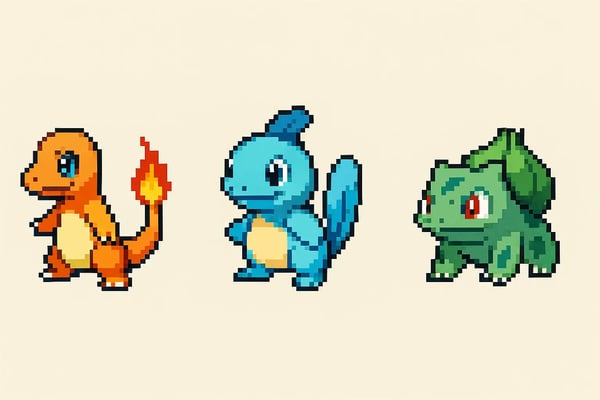
Fakemon Pixel Art Generator
Design original Pokémon-style creatures in authentic pixel aesthetics. Ideal for fan games, concept art, or collecting your own digital Pokédex.
Avatar & Emoji Creator
Transform selfies or portraits into pixel avatars with customizable styles. Use them on Discord, Reddit, or as pixel-styled Twitch badges.
What Users Say About the Bylo AI Pixel Art Generator
I used the generator to create NPC characters for my pixel platformer. The results were shockingly good — clear lines, great color balance, and totally usable sprites right out of the box.
Tom H.
Indie Game Developer
Tried it for fun, ended up making a whole retro Twitter avatar set for my friends. The ability to control style and pixel size made it feel like a real art tool, not just a gimmick.
Mia K.
Digital Artist
Way better than other pixel filters I’ve tried — it actually feels like handcrafted pixel art, not just a blurry version of my original.
Dan Y.
Game Design Student
Bylo AI turned my sketches and selfies into charming pixel characters. It’s super addictive and perfect for sticker packs and profile icons!
Alicia W.
Graphic Design Hobbyist
I used the Minecraft mode to pixelate objects into block-ready blueprints — it’s perfect for planning my builds.
Leo M.
Minecraft Content Creator
I made custom pixel emotes for my channel using a few selfies — easy, fun, and on brand!
Sophie L.
Twitch Streamer
Frequently Asked Questions about the Pixel Art Generator
Is the pixel art generator by Bylo AI really free?
Yes, you can try the Pixel Art Generator by Bylo AI for free — no sign-up or payment required.
Can I convert my photo to pixel art?
Absolutely — just upload your photo and choose your desired pixel style and settings.
What styles of pixel art can I choose from?
Bylo AI offers multiple styles, including 8-bit, Minecraft, and modern pixel realism to suit various creative projects.
Do I need any design skills to use the generator?
No skills needed — just describe or upload your content and let the AI do the work.
Can I use the generated art for commercial projects?
Commercial use is available for paid users only. If you’re on a free plan, the generated art is for personal use only.
Is the tool compatible with mobile devices?
Yes, Bylo AI’s pixel art generator is fully responsive and works smoothly on smartphones and tablets.
How fast is the generation process?
Most results are generated in just a few seconds, depending on image complexity.
Can I customize pixel size and color palette?
Yes! You can customize pixel size and color palette by refining your prompt.