
Select the model you want to generate your image with.
Create Stunning Silhouettes in Seconds with Bylo.ai's Silhouette Maker
With just a few clicks, turn your photos into powerful, bold silhouettes
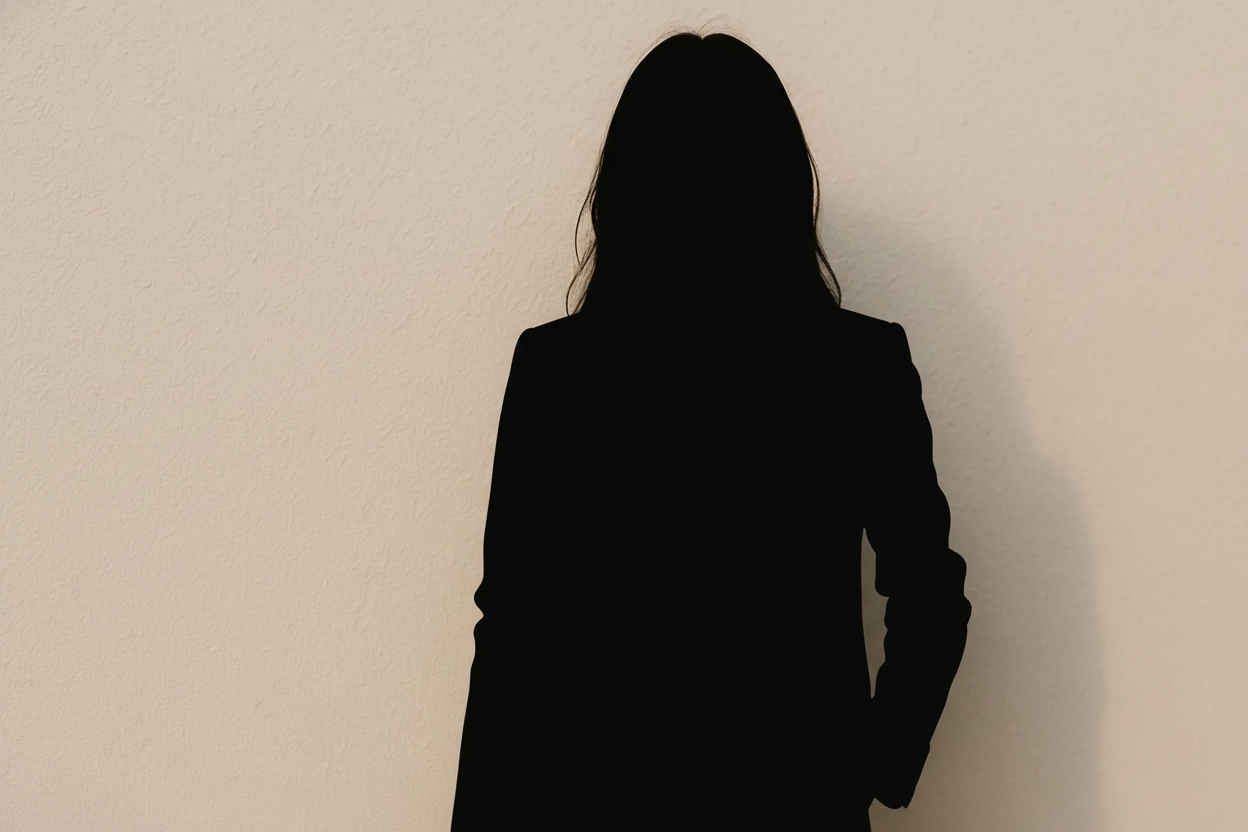
Your Generated Images
How to Make a Silhouette with Bylo.ai
Step 1: Upload Your Image or Text
Simply upload your photo or input a text description for the AI to generate the silhouette. Whether it’s a picture of a person, animal, or even a simple text description, you’re just a few steps away from creating your silhouette.
Step 2: Wait for the AI to Generate Your Silhouette
Once your image or text is uploaded, our AI will quickly process it and generate a silhouette, automatically detecting key details and converting them into a clean, striking design.
Step 3: Download or Share Your Silhouette
Once the silhouette is ready, you can download the file or share it instantly on your social media platforms. It’s that easy!
Key Features Of Bylo.ai's Silhouette Maker
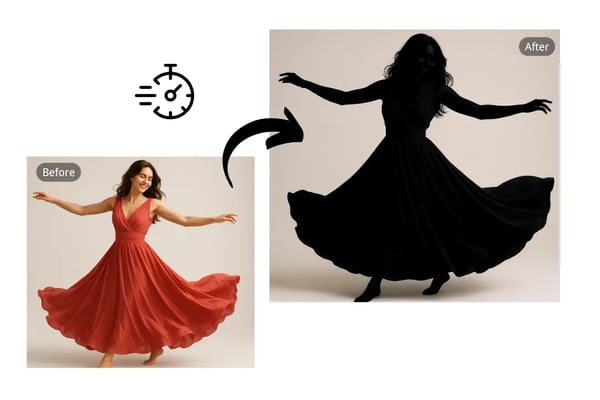
Convert Photos to Silhouettes Instantly With AI Silhouette Maker
Easily transform any photo into a striking silhouette with just one click. Upload your image, and let the AI silhouette generator instantly create a perfect silhouette, ready for download in PNG or JPEG.
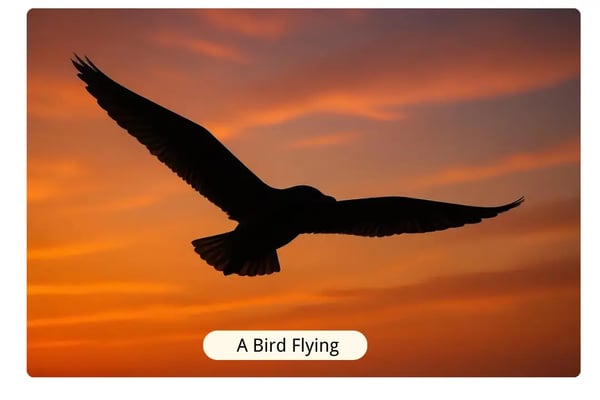
Create Silhouettes from Text Descriptions with AI Silhouette Maker
Input a text prompt like "a bird flying" or "a runner at sunset," and watch our AI silhouette maker turn your words into a beautifully crafted silhouette.
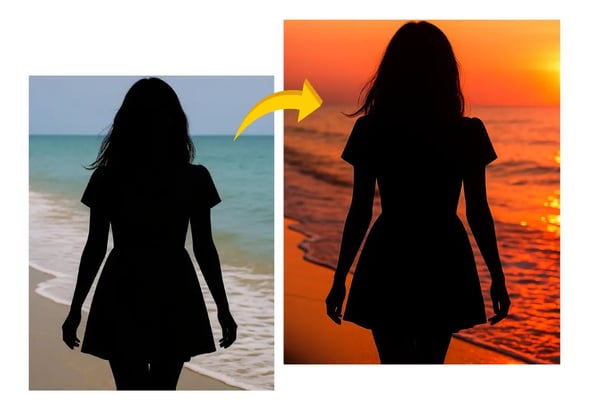
Photo Silhouette Editor for Perfect Customization
Once your silhouette is created, use our built-in photo editor to enhance it further. Enhance your images by applying filters or using a background changer to achieve the ideal silhouette.
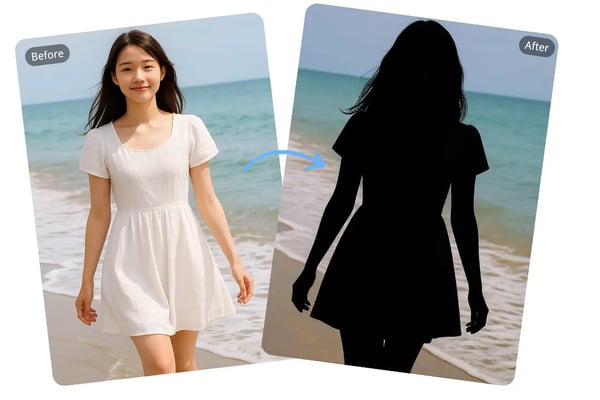
Easily Make Black and White Silhouettes from Your Photos
Convert your images into bold black and white silhouettes effortlessly. Upload your picture, and our silhouette photo maker generates a clean silhouette with minimal effort.
Creative Ways to Use Bylo.ai’s Silhouette Maker
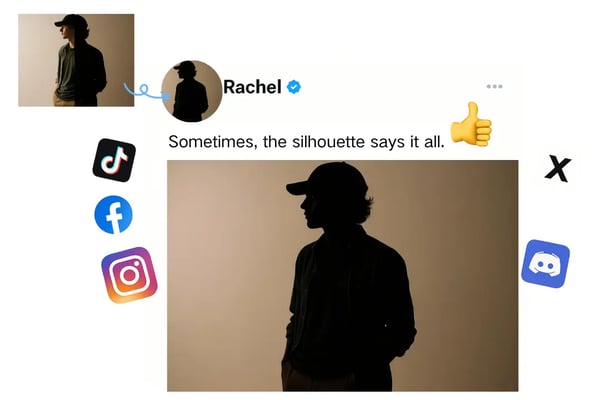
Profile Silhouette
Transform your headshot or portrait into a sleek, minimalistic silhouette that gives your social media profiles or personal websites a professional and eye-catching look.
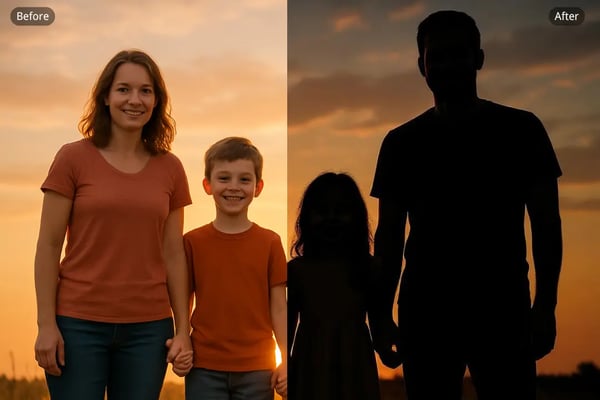
Family Silhouette
Create a meaningful family silhouette to capture the essence of your loved ones. Whether it’s for a personalized gift, family photo albums, or home décor, a family silhouette brings cherished memories to life.
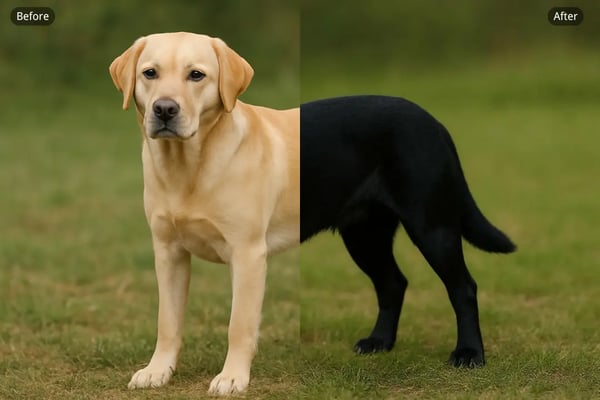
Pet Silhouette
Turn your pet’s adorable photo into a beautiful silhouette. Ideal for creating custom art for your home, pet accessories, or as a unique gift for fellow animal lovers.
Nature Silhouette
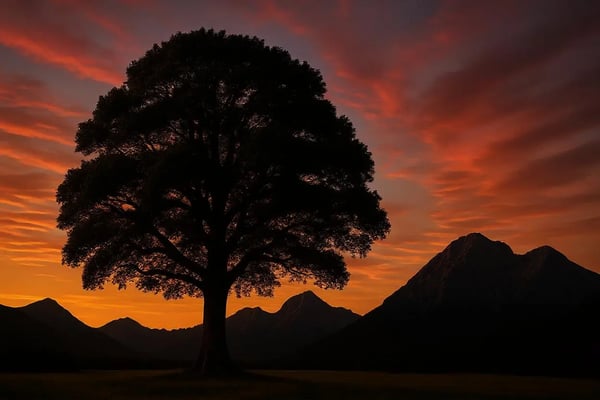
Convert stunning landscapes, nature scenes, or outdoor photos into dramatic silhouettes. Perfect for posters, home décor, and creative projects that celebrate the beauty of nature.
Frequently Asked Questions About Silhouette Maker
What is a silhouette?
A silhouette is an image that represents the outline or shape of a subject, typically filled with a solid color like black, set against a lighter background.
Can I convert image to silhouette?
Yes! Upload your photo to Bylo.ai, and our AI silhouette generator will automatically create a silhouette from your image.
How do I make a silhouette from text?
Simply enter a text prompt describing the silhouette you want to create. For example, "a person running" or "a tree in a field," and the AI will generate a silhouette based on your description.
Is it free to use the silhouette maker?
Yes, Bylo.ai offers a free trial that lets you use the silhouette maker without creating an account.
What file formats are available for download?
You can download your silhouette in standard image formats, including JPG and PNG.
How do I edit my silhouette after it is created?
Bylo.ai includes a built-in photo editor that allows you to further customize your silhouette. You can apply filters or change the background to fit your preferences.