
Select the model you want to generate your image with.

Task

Supported formats: PNG, JPG, or WEBP

Maximum file size per image: 5 MB, up to 5 images can be uploaded.

0/2000
0/2000

No Watermark

Private

Side by Side Photo Maker Online Free

Put two photos side by side in seconds for comparisons, storytelling, before-and-after posts, and social-ready image layouts.

Record image

Your Generated Images

No images yet. Generate your first masterpiece!

How to Make Side by Side Photos Free with Bylo.ai

Follow these simple steps to get started with our platform.

Upload the Two Photos You Want to Combine

Enter the Side by Side Layout You Want

Generate and Save Your Final Side by Side Photo

Key Features of Bylo.ai Side by Side Photo Maker

Put Two Pictures Side by Side Online with a Cleaner Layout

Put Two Pictures Side by Side Online with a Cleaner Layout

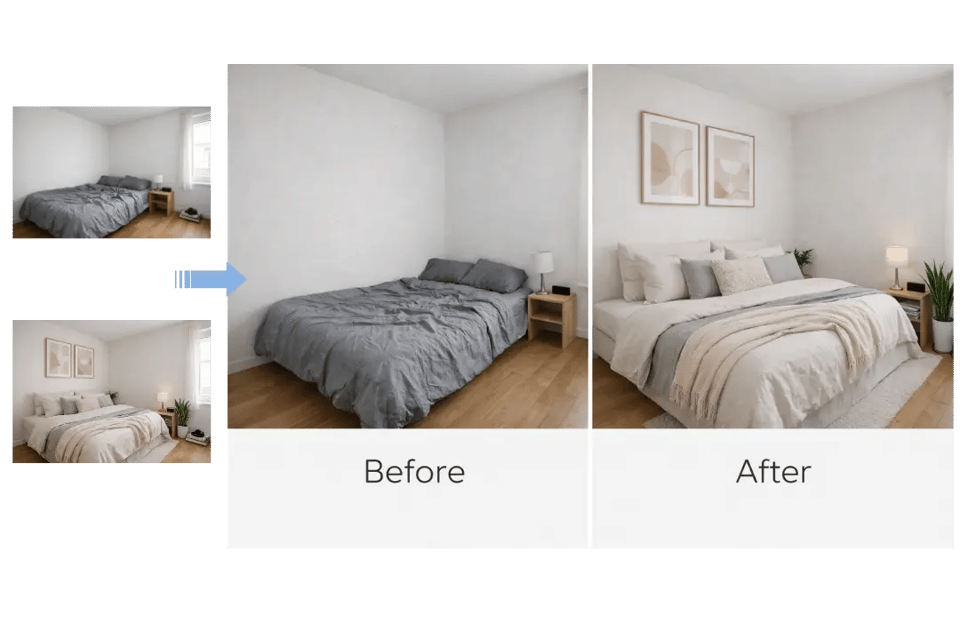
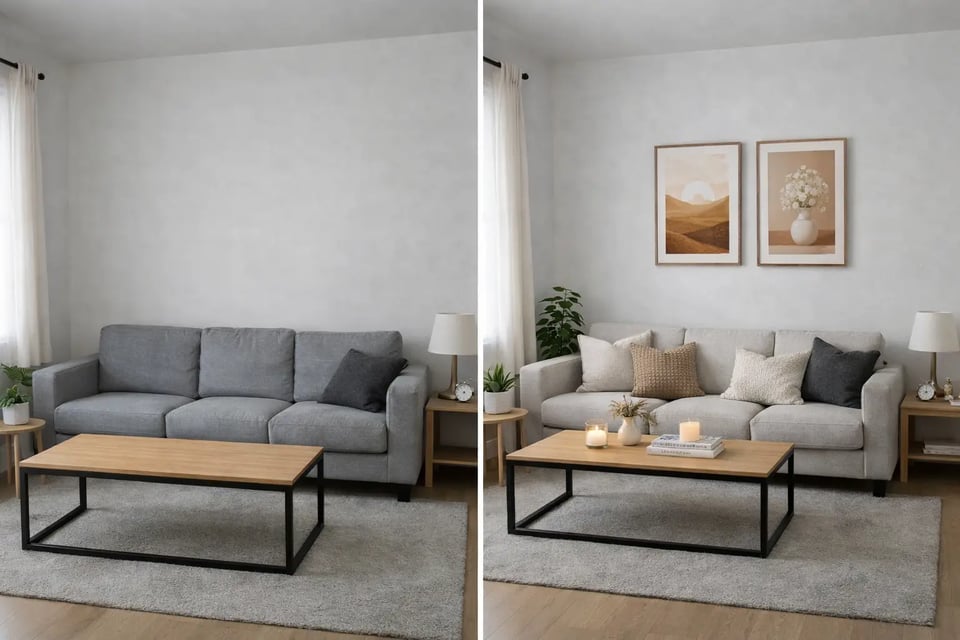
Create a Before and After Side by Side Photo for Clearer Comparison

Create a Before and After Side by Side Photo for Clearer Comparison

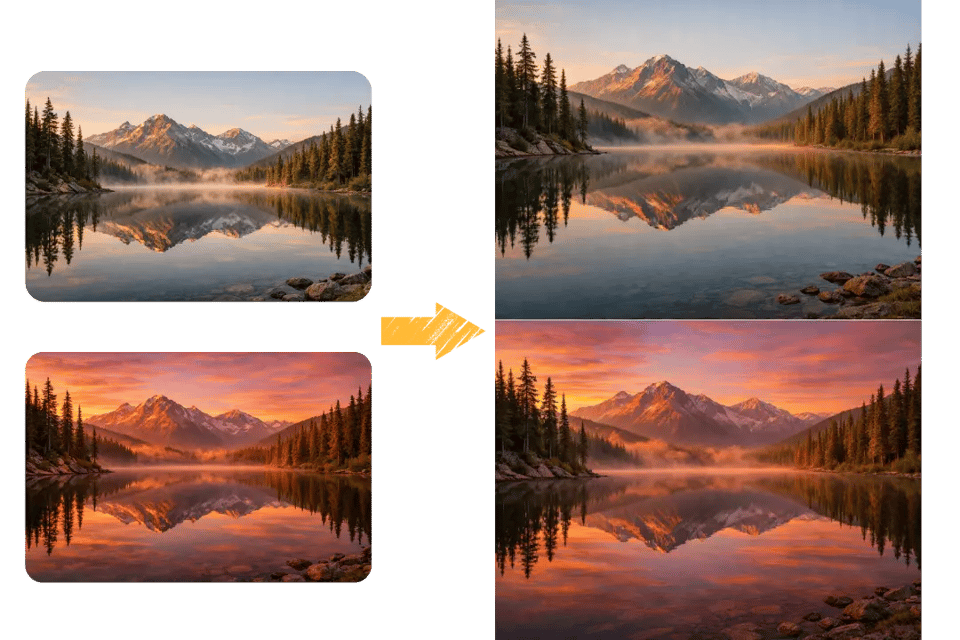
Make a Vertical or Horizontal Side by Side Photo Layout More Easily

Make a Vertical or Horizontal Side by Side Photo Layout More Easily

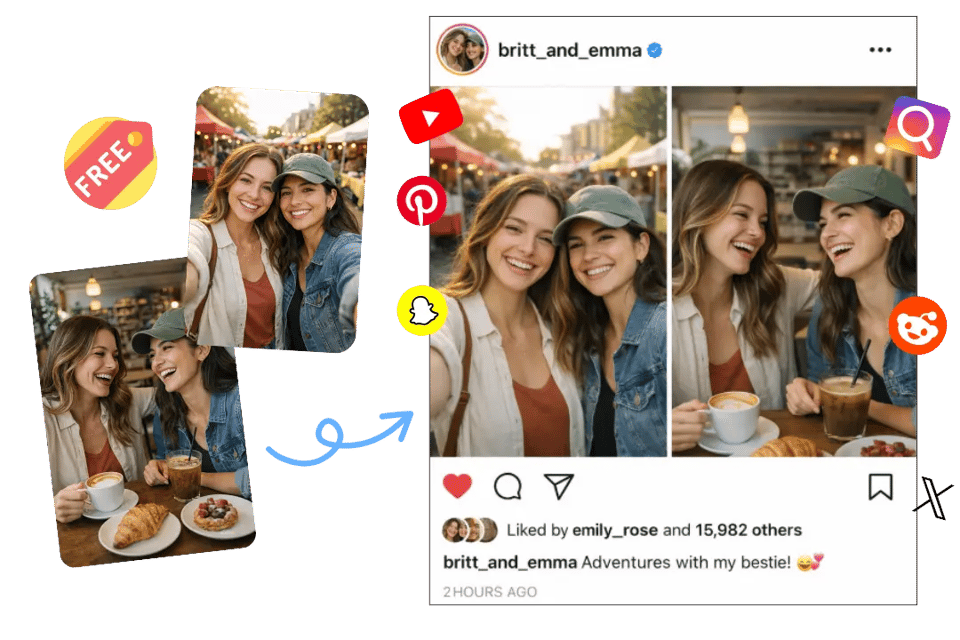
Make a Side by Side Photo Online Free for Fast and Simple Sharing

Make a Side by Side Photo Online Free for Fast and Simple Sharing

Explore More Creative Ways to Use Side by Side Photos

Compare Before and After Photos More Clearly

Compare Before and After Photos More Clearly

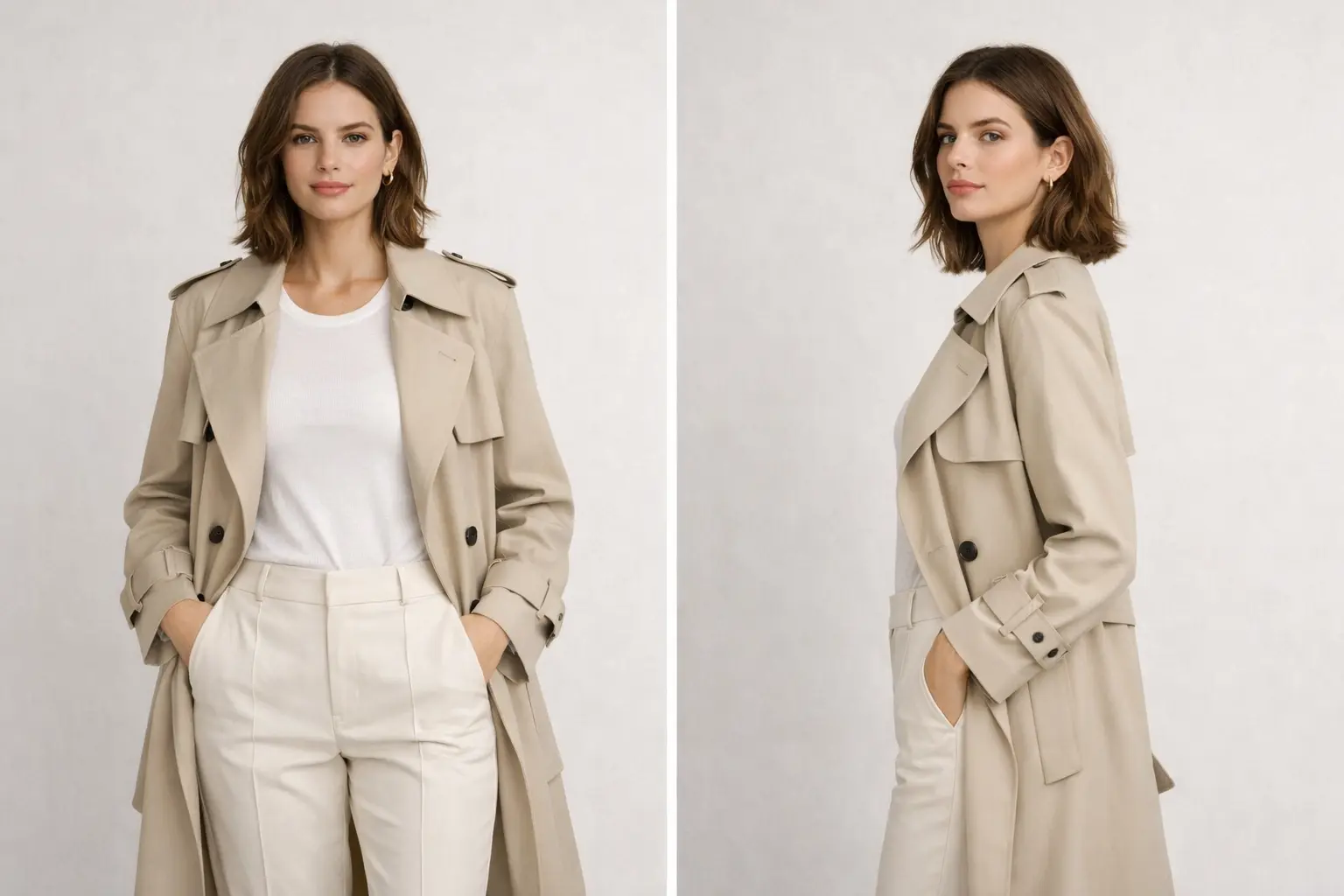
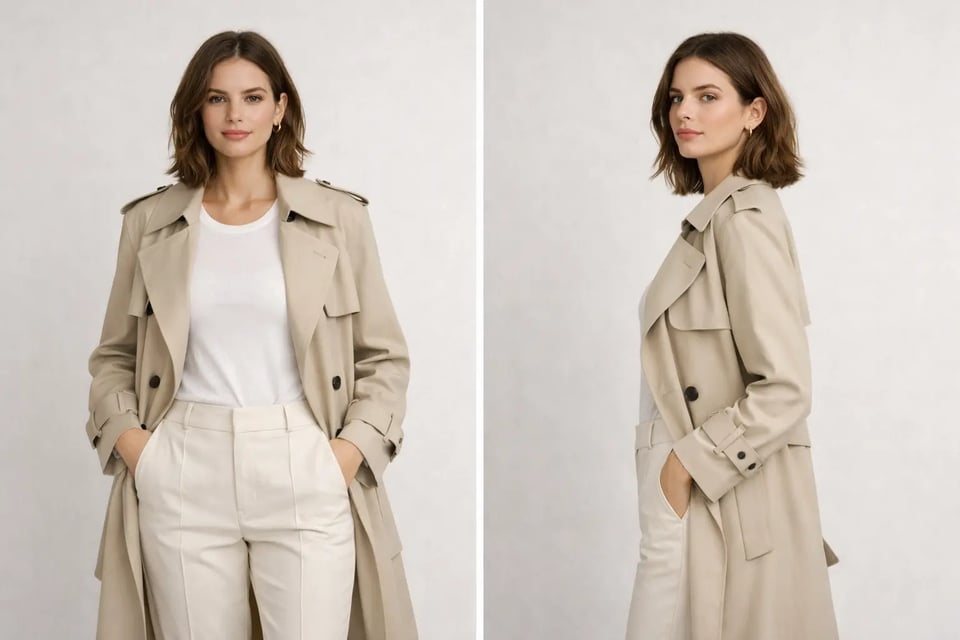
Show Two Different Perspectives in One Image

Show Two Different Perspectives in One Image

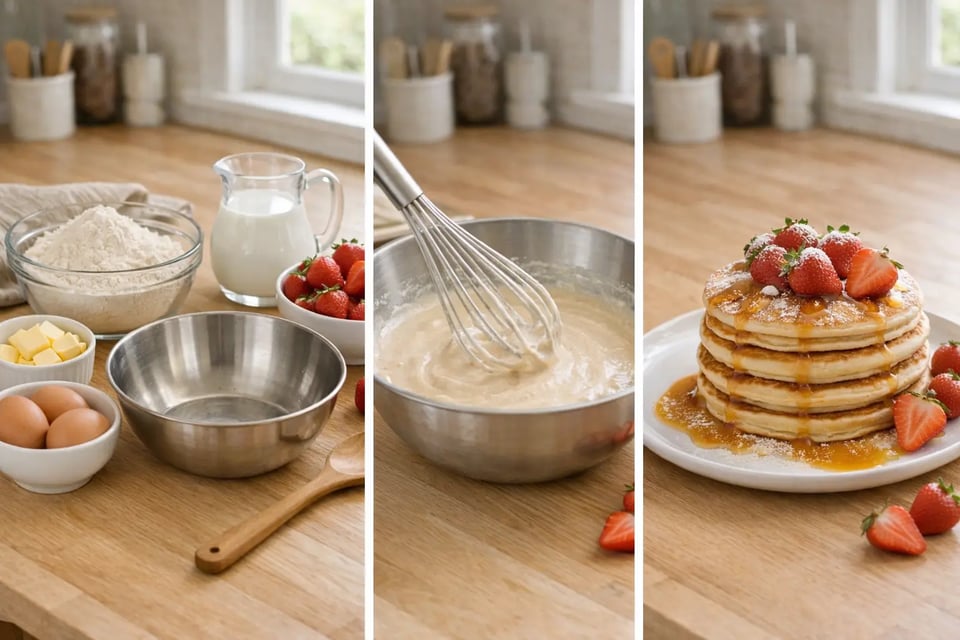
Present Steps or Progress in a Simpler Way

Present Steps or Progress in a Simpler Way

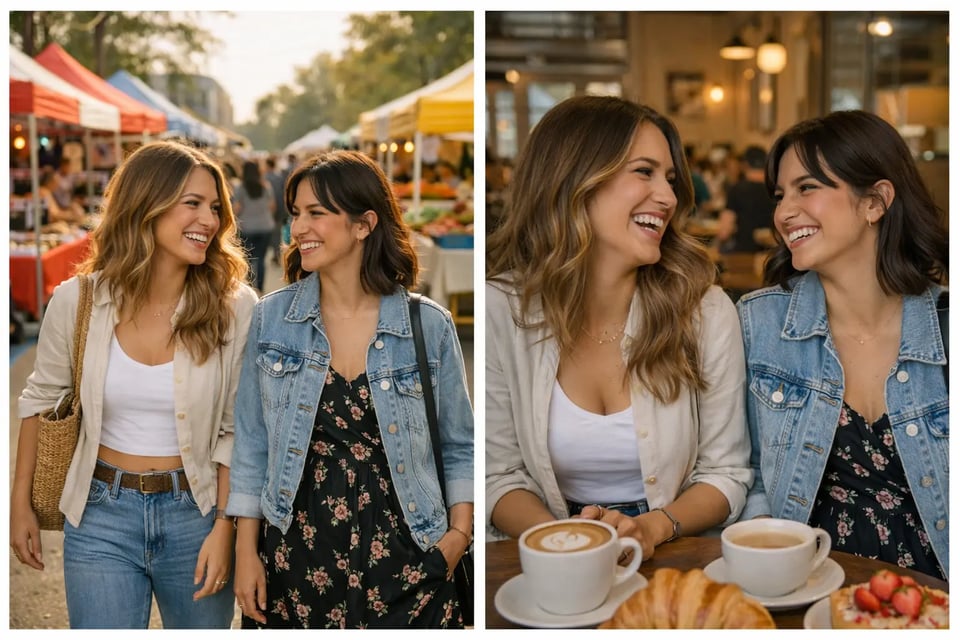
Combine Related Moments for Social Sharing

Combine Related Moments for Social Sharing

Why Choose Bylo.ai for Side by Side Photos

Side by Side Photo Maker Free Trial for Easy Getting Started

Easy to Use Side by Side Photo Maker for Everyday Image Creation

More Than a Side by Side Photo Maker with Multiple Image Editing Tools

FAQs About Side by Side Photo Maker