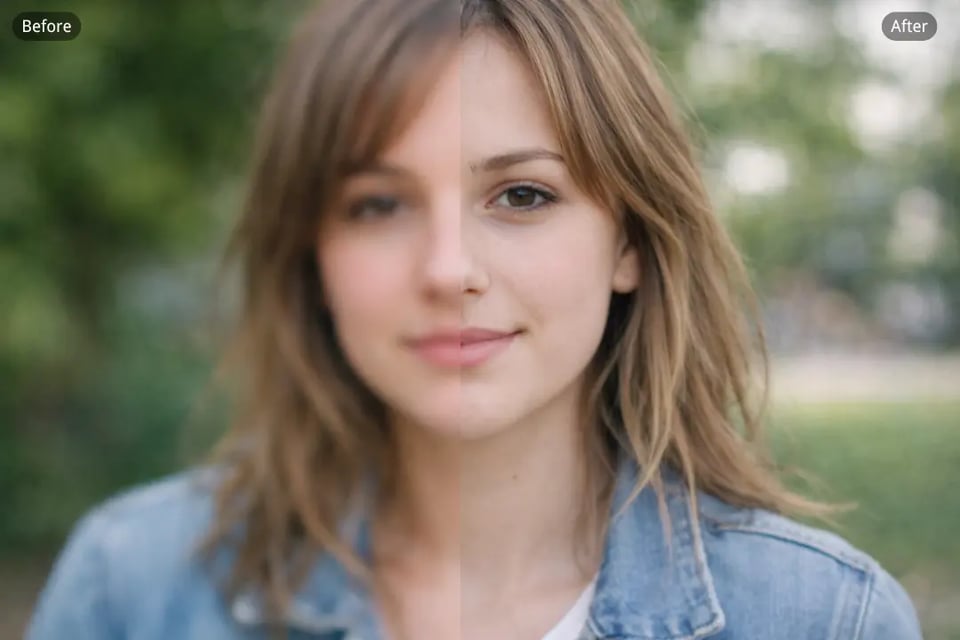
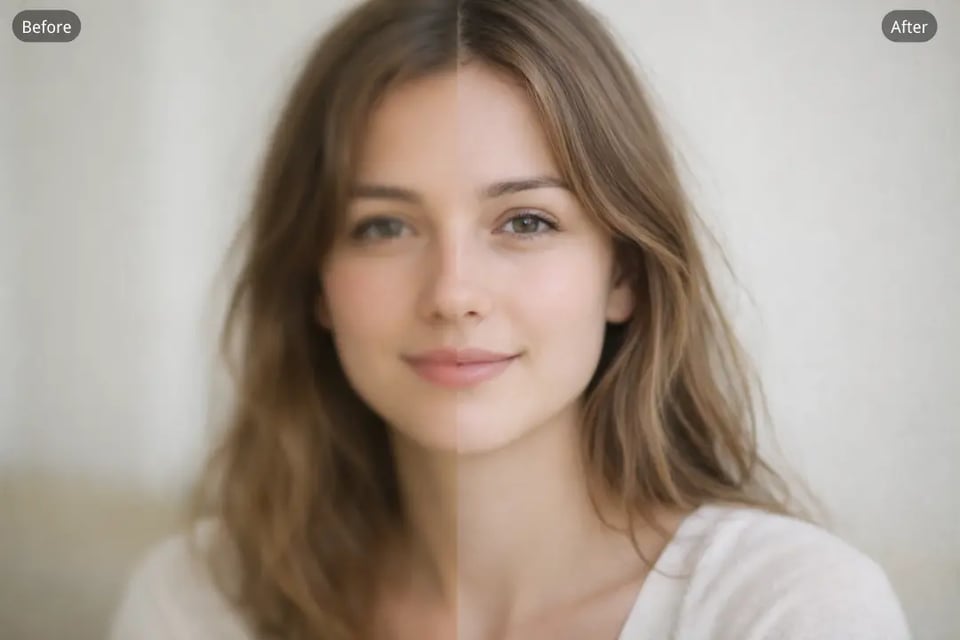
Sharpen Portrait Photos for Clearer Facial Details
Bylo.ai’s AI Image Sharpener can make portrait photos look cleaner by improving soft facial edges, refining hair details, and increasing overall clarity. This is useful for selfies, profile pictures, beauty shots, and lifestyle portraits that need a more polished and visually defined result.
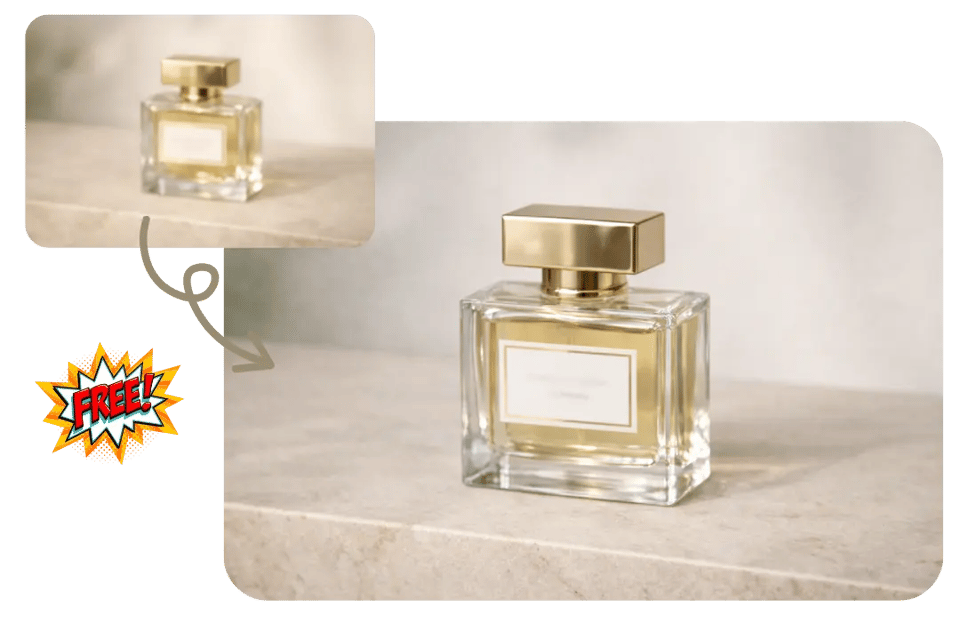
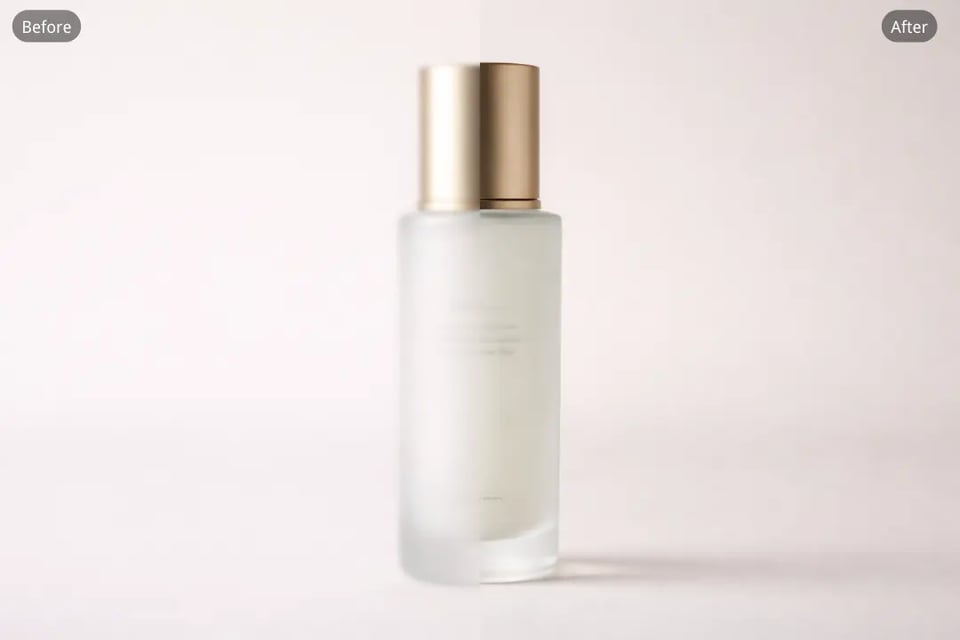
Sharpen Product Images for E-commerce Listings
Bylo.ai’s Image Sharpener helps make product photos look clearer and more professional by enhancing edges, surface details, and overall visual crispness. This works well for online stores, marketplace listings, advertising creatives, and branded product images that need stronger presentation quality.
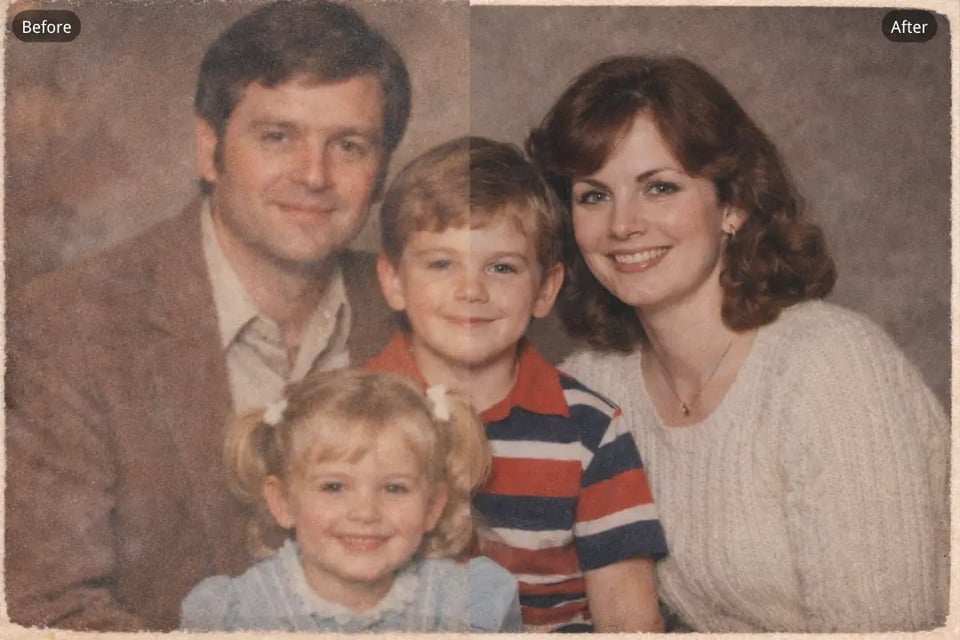
Sharpen Old Photos to Restore Lost Clarity
Bylo.ai’s AI Image Sharpener can improve the appearance of old photos that look soft, faded, or lacking in visible detail. It helps make vintage portraits, scanned family pictures, and older memories look cleaner and more defined while preserving their original visual character.
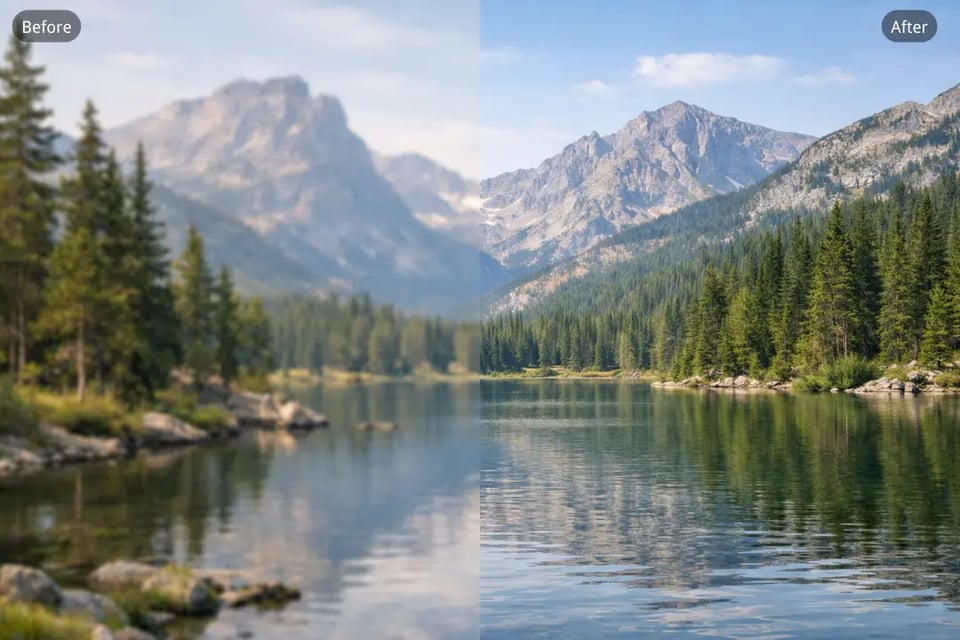
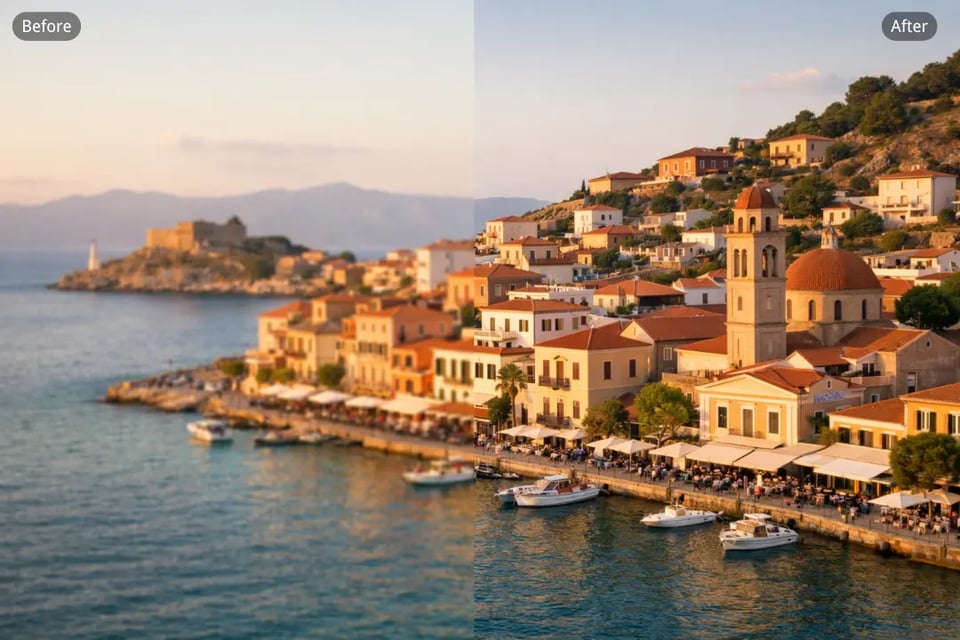
Sharpen Landscape Images with Better Texture and Depth
Bylo.ai’s Free AI Image Sharpener is useful for improving landscape photos by making mountains, buildings, trees, water, and distant details look clearer. This can help travel images, outdoor photography, and scenic content feel more vivid, crisp, and visually engaging.
Sharpen Text in Images and Screenshots
Bylo.ai’s Image Sharpener can also be used to make text in images easier to read by improving the clarity of letters, labels, interface elements, and small visual details. This is especially helpful for screenshots, presentation visuals, menus, posters, and digital content that needs sharper readability.
Sharpen Social Media Photos for a Cleaner Visual Look
Bylo.ai’s AI Image Sharpener helps improve social media visuals by making photos look less soft and more refined before posting. It is a useful option for creators, brands, and everyday users who want sharper images for Instagram posts, profile pictures, promotional graphics, and other shareable content.