
Select the model you want to generate your image with.
Screenshot Editor Online Free – Edit Text in Images with Bylo AI
Change text in screenshots while keeping the same font and style.
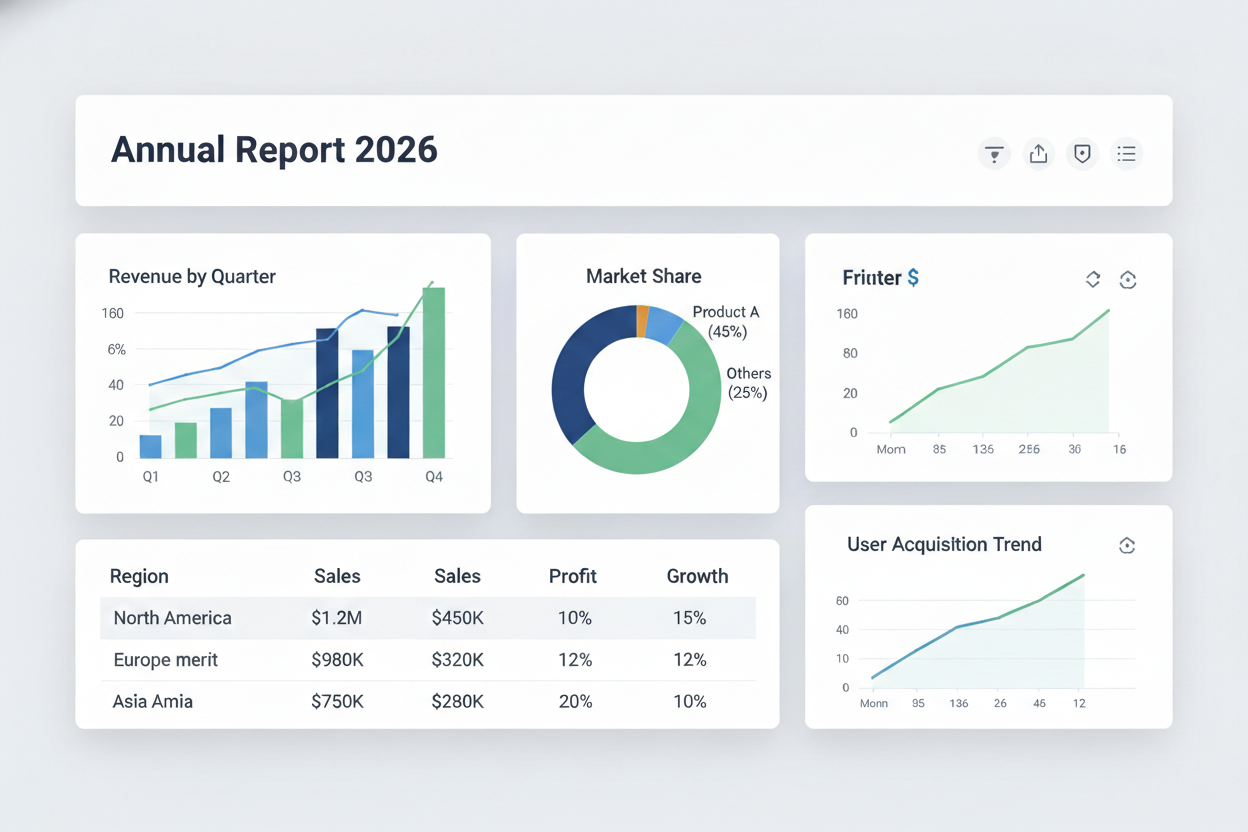
Your Generated Images
Key Features of Bylo AI Screenshot Editor
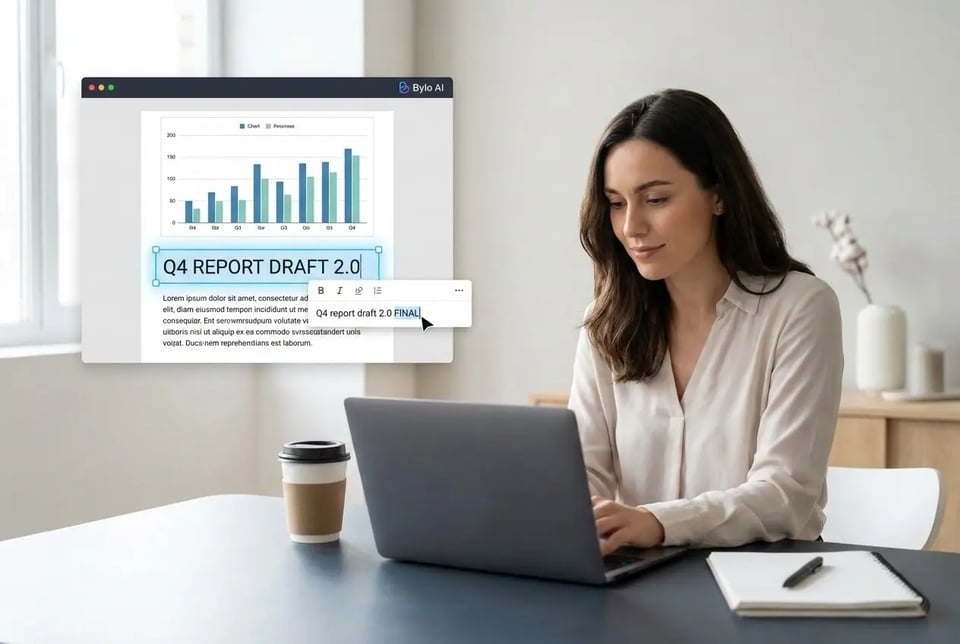
Screenshot Text Editor for Fast Image Text Editing
Bylo AI’s screenshot text editor lets you select and edit text directly inside any screenshot. Turn image text into editable content in seconds, making your screenshot editor workflow faster and more accurate.
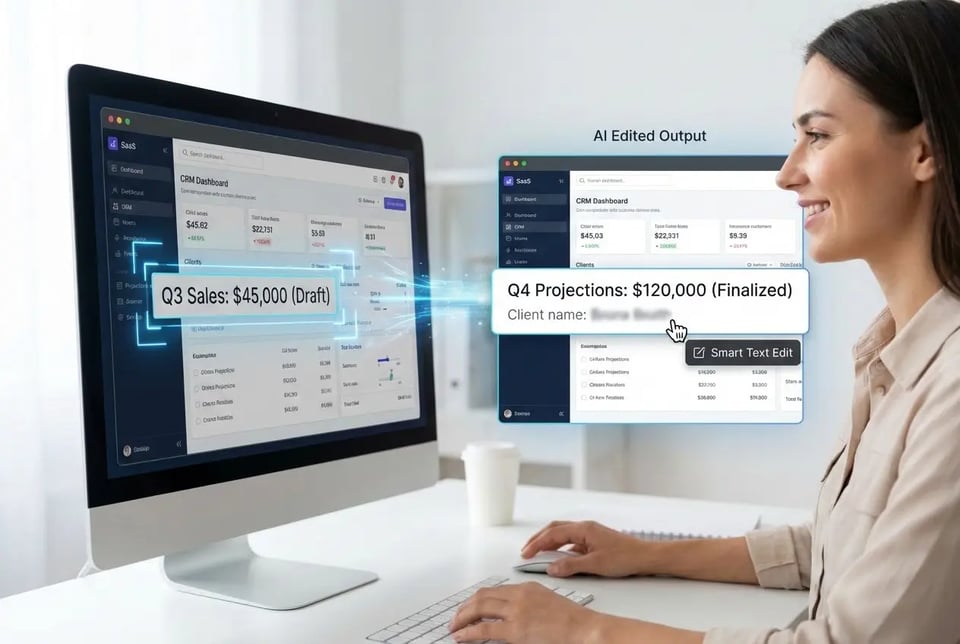
AI Screenshot Editor with Smart Text Recognition
Bylo AI Screenshot Editor uses AI to recognize text and layout automatically. Smart text recognition allows the screenshot editor to locate editable areas without manual tracing and improves accuracy when editing screenshots.
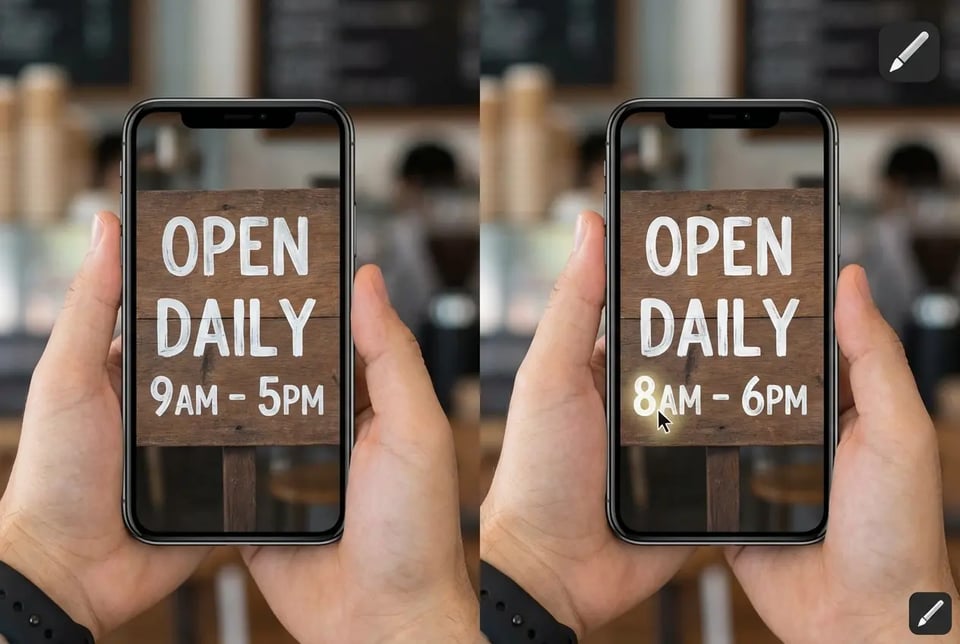
Edit Text in Images with the Same Font and Style
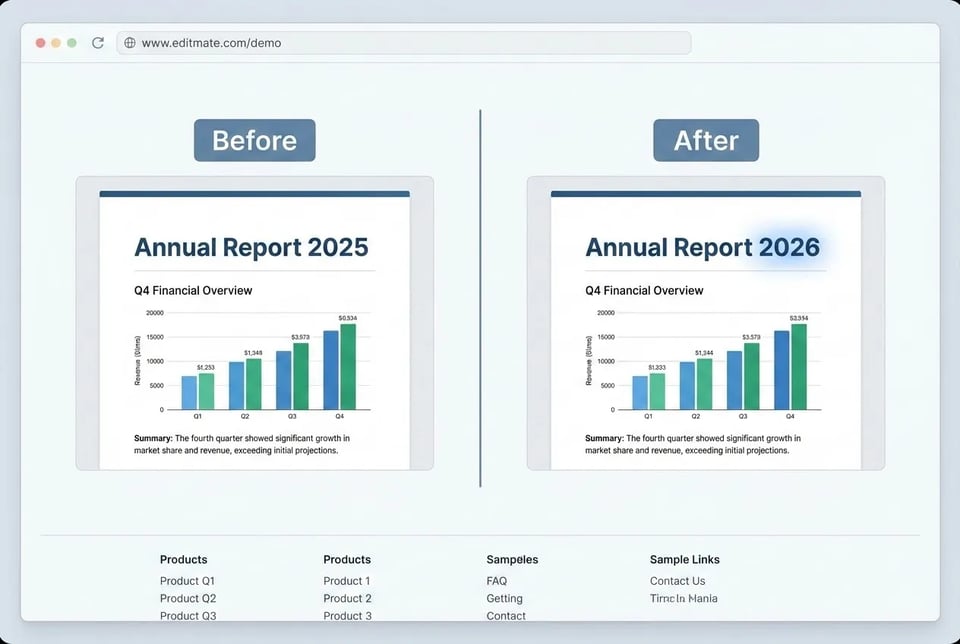
Bylo AI Screenshot Editor supports editing text in images with the same font, size, and color as the original. Screenshot editor output keeps original spacing and visual style, so edited screenshots look natural and consistent.
Screenshot Editor Without Watermark for Clean Results
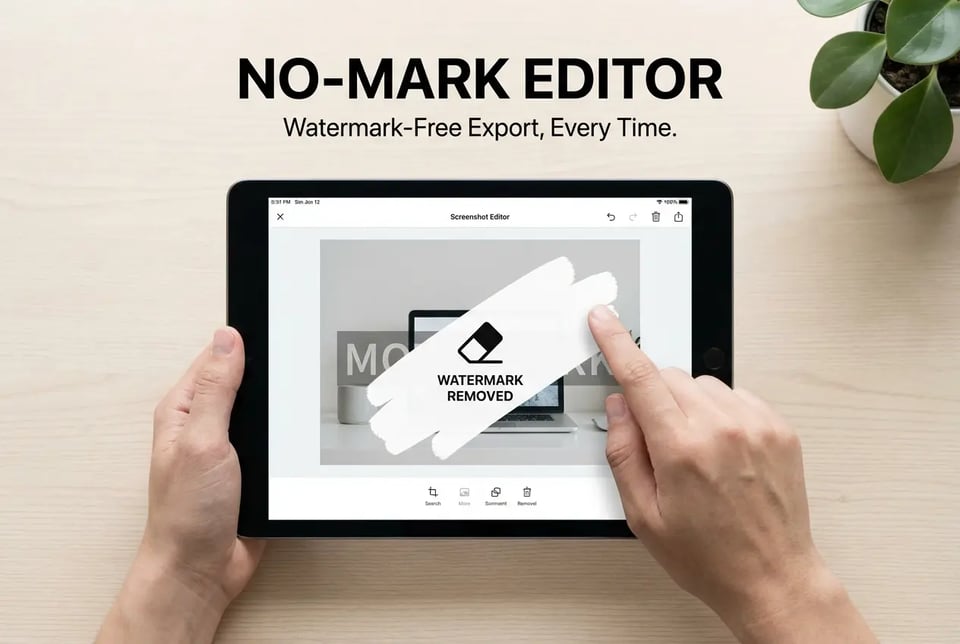
Bylo AI Screenshot Editor provides a screenshot editor without watermark for subscribed users. Edited screenshots remain clean and brand-ready, making Bylo AI a reliable screenshot editor for marketing, design, and business use after subscription.
Screenshot Editor Online Free with High-Quality Output
Bylo AI Screenshot Editor is a screenshot editor online free with a free trial available in the browser. Free screenshot editor output stays sharp and high resolution, making edited screenshots suitable for websites, documents, and social media images.
How to Use Screenshot Editor Online with Bylo AI
Step 1: Choose Bylo AI Screenshot Editor
Open Bylo AI Screenshot Editor and upload a screenshot from your device. Screenshot editor online works directly in the browser, so users can start editing screenshots without installing any software.
Step 2: Describe What to Change in the Screenshot
Describe what should be changed in the screenshot, such as editing text, replacing labels, or adjusting colors. AI screenshot editor automatically detects text and UI elements, making screenshot text editor tasks simple and accurate.
Step 3: Download Your Edited Screenshot
Preview the result and export the image in high quality. Screenshot editor online free trial supports clean output for testing, and subscribed users can download edited screenshots without watermark for professional use.
Screenshot Editor AI Use Cases for Different Needs
Screenshot Text Editor for Tutorials and Documentation
Bylo AI Screenshot Editor works as a screenshot text editor for guides and help articles. Edit text inside screenshots, correct labels, and update steps without retaking images, making documentation faster and easier to maintain.
Screenshot Editor Online for UI and App Mockups
Bylo AI Screenshot Editor allows teams to modify UI text, button names, and interface colors directly in screenshots. Screenshot editor online supports quick visual updates for app mockups and design feedback.
Free Screenshot Editor for Social Media and Marketing Images
Bylo AI Screenshot Editor can be used as a free screenshot editor to refine captions, replace callouts, and highlight key messages. Screenshot editor output stays clear and ready for social posts and marketing visuals.
Screenshot Editor AI for Product Demos and Presentations
Bylo AI Screenshot Editor uses AI to recognize text and layout in screenshots, allowing you to easily update feature names and interface text for demos, tutorials, and presentation slides. Whether you’re editing screenshots for clarity or removing noise from low-quality images, Bylo.ai’s AI Image Denoiser can help clean up grain and imperfections, ensuring your visuals look sharp and professional.
Why Choose Bylo AI Screenshot Editor
Screenshot Editor Online Free for Quick and Easy Editing
Bylo AI Screenshot Editor is a screenshot editor online free that runs directly in the browser. Users can edit screenshots without installing software, making the free screenshot editor ideal for fast tasks, daily work, and simple image updates.
Edit Text in Images with the Same Font and Original Style
Bylo AI Screenshot Editor supports edit text in image with the same font, size, and color as the original. Screenshot editor output keeps layout and spacing unchanged, so every edit looks natural and stays true to the original design.
Built for Screenshot Editing and Everyday Image Tasks
Bylo AI Screenshot Editor is not only a screenshot editor but also a free image editor for icons, colors, and UI elements. Users can handle more visual tasks in one tool, making Bylo AI a flexible choice for everyday image editing needs.