
Select the model you want to generate your image with.
Turn Photos into Photo Booth Strips with Bylo AI
Create AI photo booth strips online with Korean-inspired styles, vintage looks, and fun layouts for selfies, friends, or your favorite characters.
Your Generated Images
Create Photo Booth Moments with People and Themes You Love
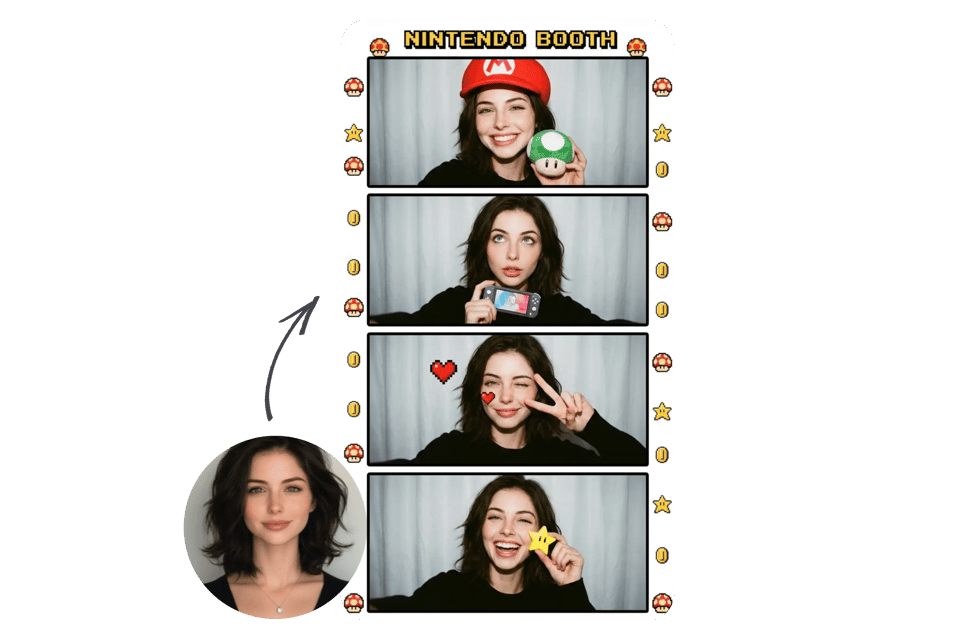
Selfie Photo Booth for Personal Style and Expression
Create photobooth online strips from your selfies with AI-powered layouts and styling. Bylo AI helps you turn everyday photos into clean, aesthetic photo booth moments ready for sharing.
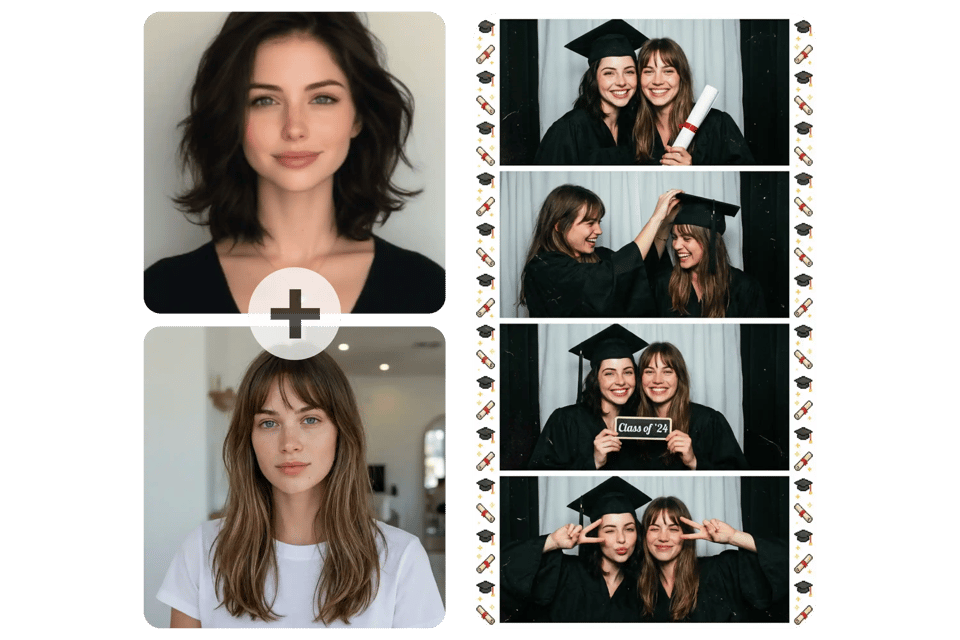
Friends and Group Photo Booth Memories
Turn friend photos or group shots into fun photobooth strips. The AI photo booth keeps natural interaction and spacing so your virtual photo booth results feel real and spontaneous.
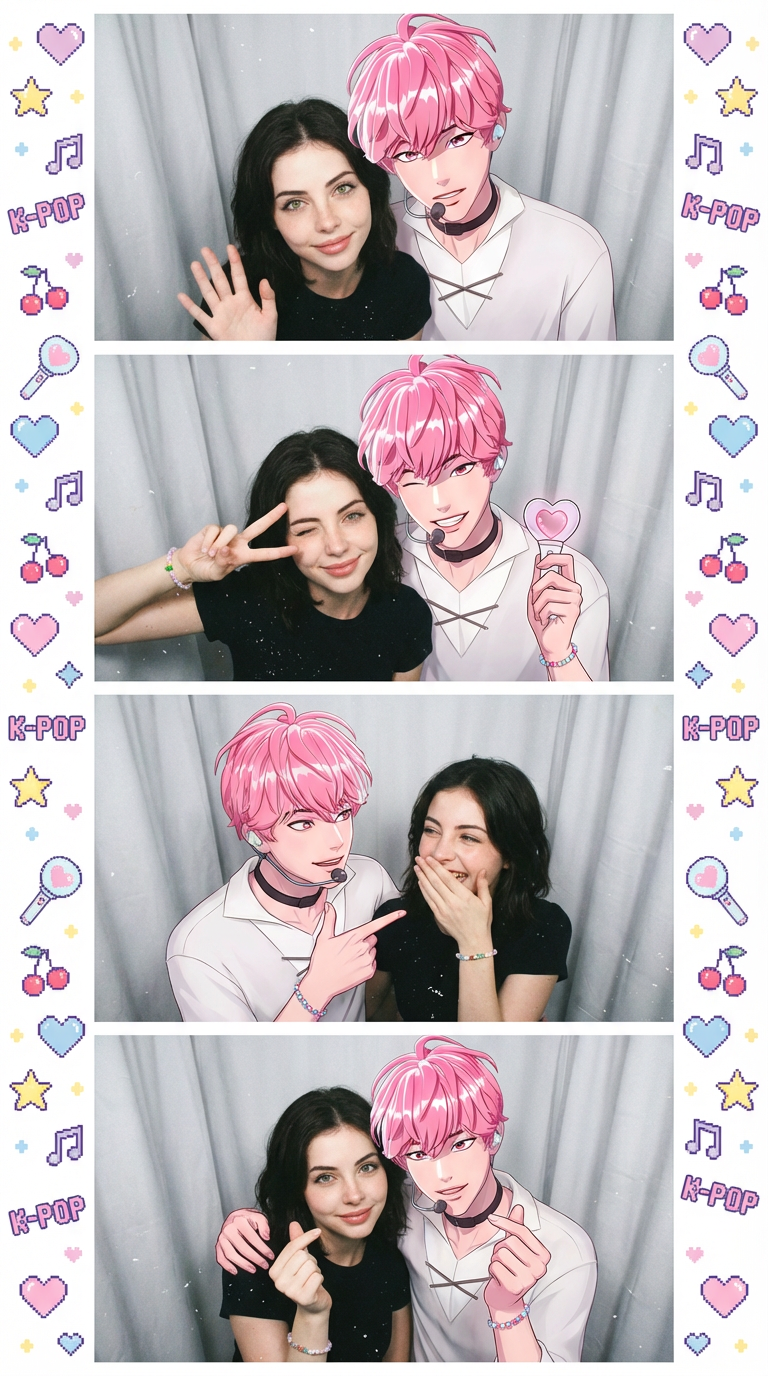
Create Kpop Photobooth Online with Your Favorite Idols
Use Bylo AI to create kpop photobooth online images with your favorite characters or idol-inspired visuals. This AI photobooth experience makes it easy to combine selfies with trendy Korean-style layouts, giving you a fun photobooth web idol kpop free style result that feels natural and social-ready.
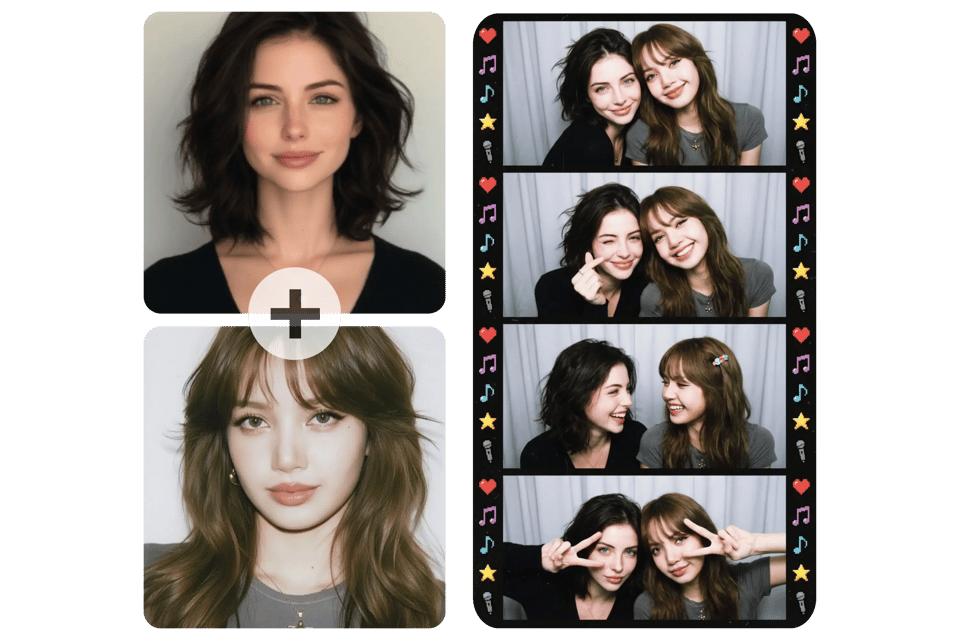
Life4Cuts Style Photos Online with AI Photo Booth
Recreate life4cuts photos without visiting a physical booth. Bylo AI photo booth online applies virtual photo booth aesthetics, flash lighting, and classic strip layouts so you can generate Life4Cuts-inspired photobooth images instantly with your favorite themes or characters.
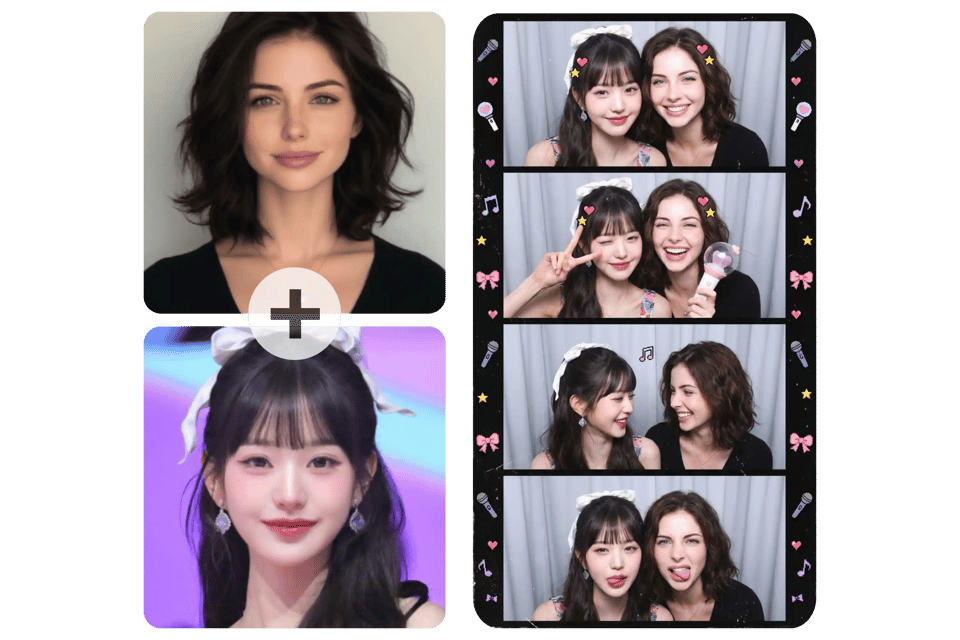
Create Photo Booth Pictures with Virtual Idols
Take photobooth online pictures with virtual idols or any characters you love. Bylo AI blends your photo naturally, creating virtual photo booth moments that look fun, trendy, and share-ready.
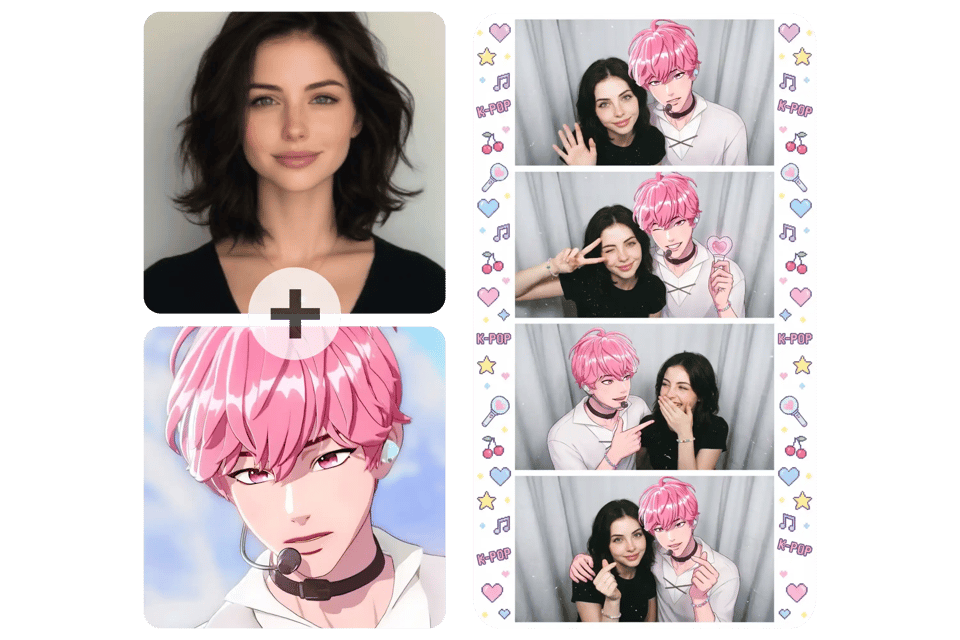
Key Features of AI Photo Booth Online by Bylo AI
Create Photo Booth Strips with AI Photobooth Technology
Bylo AI turns any selfie or group photo into a classic photo booth strip using advanced AI photobooth technology. Generate clean 4-frame layouts that look like real photobooth online results in seconds.
Photobooth Web Experience – No Download Required
Use Bylo AI as a photobooth web tool directly in your browser. This photobooth online experience works instantly on desktop or mobile, so users can create photo booth strips without installing any software.
Virtual Photo Booth Styles Inspired by Life4Cuts Photos
Choose virtual photo booth styles inspired by Life4Cuts photos and modern Korean booth trends. Bylo AI helps users recreate popular life4cuts photos online with authentic lighting, framing, and aesthetic balance.
Kpop Photobooth Online Filters and Aesthetic Effects
Apply kpop photobooth online filters designed for social-ready visuals. Bylo AI adds flash effects, film grain, and cute accessories to create trendy photobooth looks perfect for TikTok, Instagram, and fan-style edits.
AI Photobooth Enhancements for Better Lighting and Texture
Bylo AI improves lighting, skin tone, and image texture automatically for a more natural photobooth finish. AI photobooth enhancement keeps faces clear while preserving the realistic flash feel of photobooth online images.
PTB Online Layouts for Single and Group Photo Booth Moments
Bylo AI supports ptb online formats for solo selfies, couples, or group shots. The virtual photo booth intelligently adjusts spacing and interaction so every photobooth strip feels natural and balanced.
Photo Booth Style Examples You Can Create Online
Vintage Photobooth Style
Create a classic vintage photobooth look with soft film grain, flash lighting, and retro strip layouts. This style recreates the nostalgic photo booth feeling often seen in old-school photobooth photos.
Cute Photobooth Style
Generate a cute photobooth aesthetic with playful expressions, soft tones, and fun accessories. This AI photo booth style is perfect for selfies, couple photos, or social-ready photobooth online content.
Korean Photo Booth Style
Create a photobooth korea style inspired by modern Korean photo booths and Life4Cuts aesthetics. This virtual photo booth look features clean lighting, soft flash effects, and trendy layouts popular in kpop photobooth online culture.
How to Create Photo Booth Strips Online
Upload Selfies or Group Photos to Create Online Photo Booths
Upload one or multiple photos you want to turn into a photo booth strip. Bylo AI photobooth online supports selfies, couple photos, and group shots to help you create online photo booths easily.
Choose a Style Description or AI Photobooth Preset
Select your preferred photobooth style. Bylo AI already provides preset prompts, and you can edit them to better match your needs. For the best photobooth online result, we recommend choosing a 9:16 ratio.
Generate and Download Your AI Photo Booth Strip Instantly
Click generate and let the AI photobooth automatically arrange your photos into a classic photo booth strip. Your virtual photo booth result is ready to download, save, or share right away.
Popular Use Cases for Photo Booth Online
Create Kpop Photobooth Online Pictures for Social Media
Use Bylo AI photo booth online to create trendy kpop photobooth online images for Instagram, TikTok, or profile photos. AI photobooth styles help your content feel modern, fun, and instantly shareable.
Make Life4Cuts Style Photos Without Visiting a Booth
Turn everyday selfies into life4cuts photos using Bylo AI virtual photo booth styles. This photobooth online tool recreates the popular Korean photo booth aesthetic without needing a physical machine.
PTB Online for Couples, Friends, and Group Memories
Create ptb online photo strips for couples, best friends, or group moments. Bylo AI photobooth keeps natural interaction between people, making every photo booth strip feel authentic and personal.
Create Online Photo Booths for Events and Digital Content
Use AI photo booth online for birthdays, online parties, or creator content. Bylo AI helps users create online photo booths quickly, producing stylish photo strips ready for sharing or printing.