
Select the model you want to generate your image with.
Free AI Image Translator Online – Translate Text in Image Accurately
Translate text in image online with a free AI image translator. Upload once, get clean, readable results in seconds.
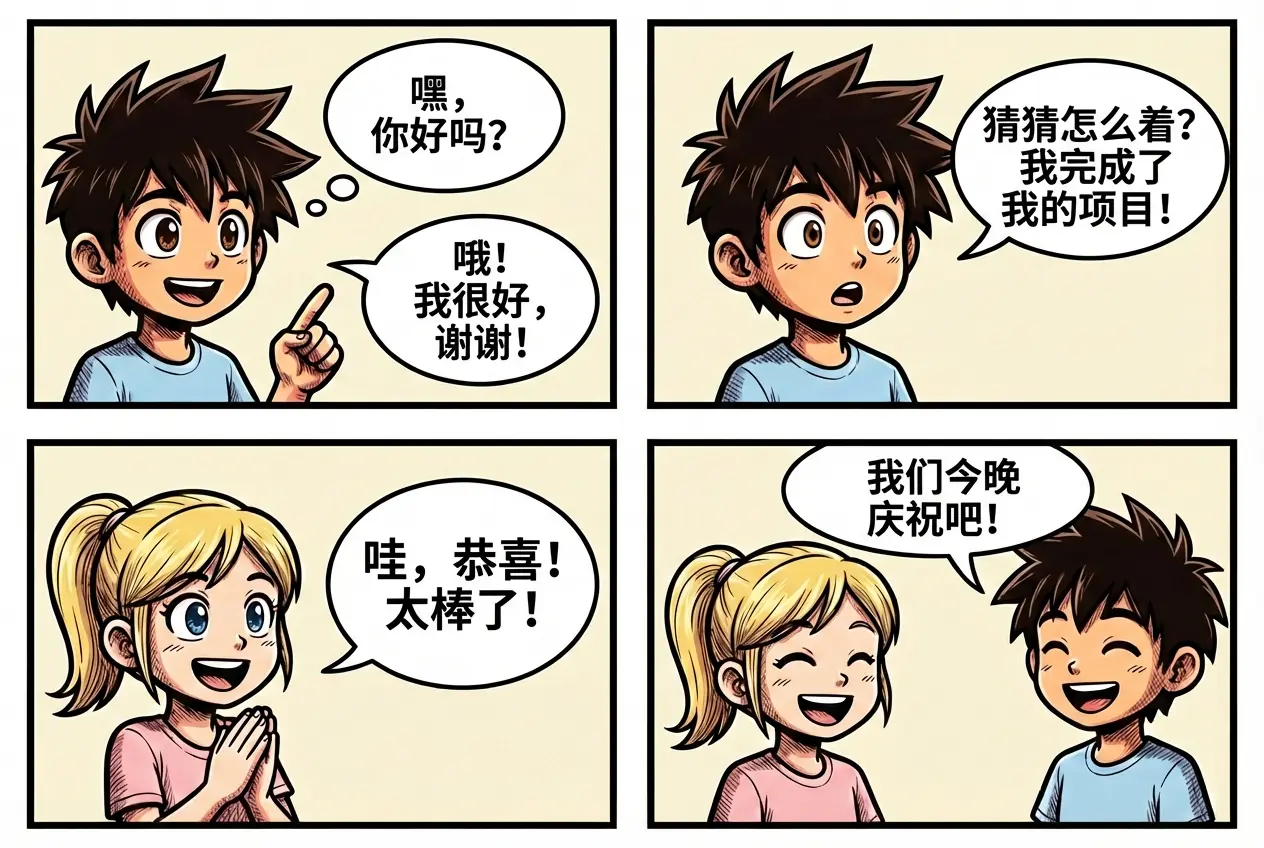
Your Generated Images
How to Translate Images with AI Image Translator Free Online on Bylo.ai
Follow these simple steps to get started with our platform.
Step 1:Upload an Image to Translate Text in Image
Upload a screenshot, photo, scanned document, poster, or any image containing text on Bylo.ai. Visible text in the image will be detected automatically.
Step 2:Enter the Language to Translate Into
Type the target language you want the image text translated into, such as “translate into English” or “convert text to Japanese,” to guide the translation result.
Step 3:Generate and Download the Translated Image
A translated version of the original image is generated within seconds, with text replaced directly inside the image. The translated image can be downloaded and used immediately.
Key Features of Bylo AI Image Translator
Free AI Image Translator Online for One-Click Image Text Translation
Upload an image on Bylo.ai and translate text in image instantly with one click. The free AI Image Translator works directly in the browser, eliminating manual typing, additional software, and unnecessary setup for fast image text translation.
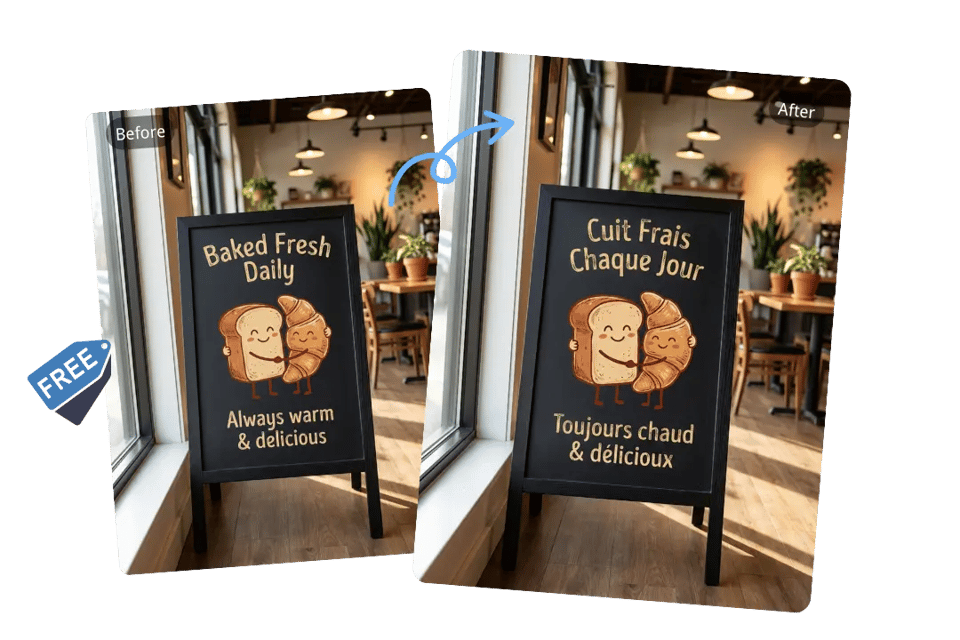
Translate Text in Image with Preserved Layout and Structure
Layout, spacing, and visual structure remain intact when translating text inside images on Bylo.ai. Posters, ads, UI screenshots, packaging, and design assets keep their original appearance while text updates cleanly.

OCR Image Text Translator Powered by Nano Banana Pro for Scanned and Handwritten Content
Scanned documents, handwritten notes, blurry photos, screenshots, and complex backgrounds can be processed through Bylo.ai’s AI Image Translator powered by Nano Banana Pro. The model’s visual understanding improves recognition of irregular text, curved layouts, and low-quality images, helping ensure clearer and more reliable translation results.
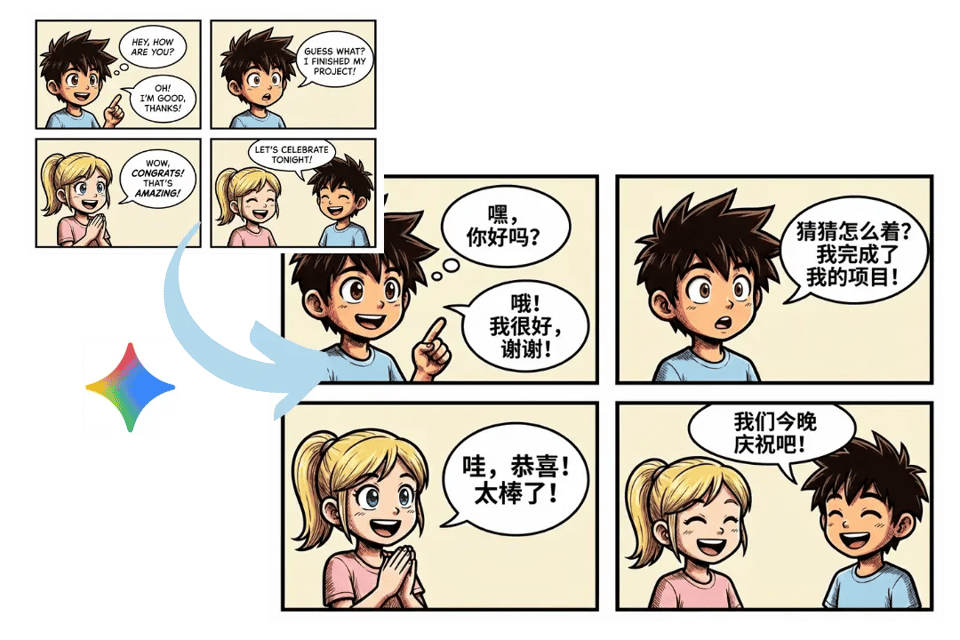
Multi-Language AI Image Translator for Global Communication
Cross-language use cases such as study, work, travel, content creation, and international communication are supported through Bylo.ai’s AI Image Translator. Visual content can be adapted across different languages without extra tools or redesign workflows.
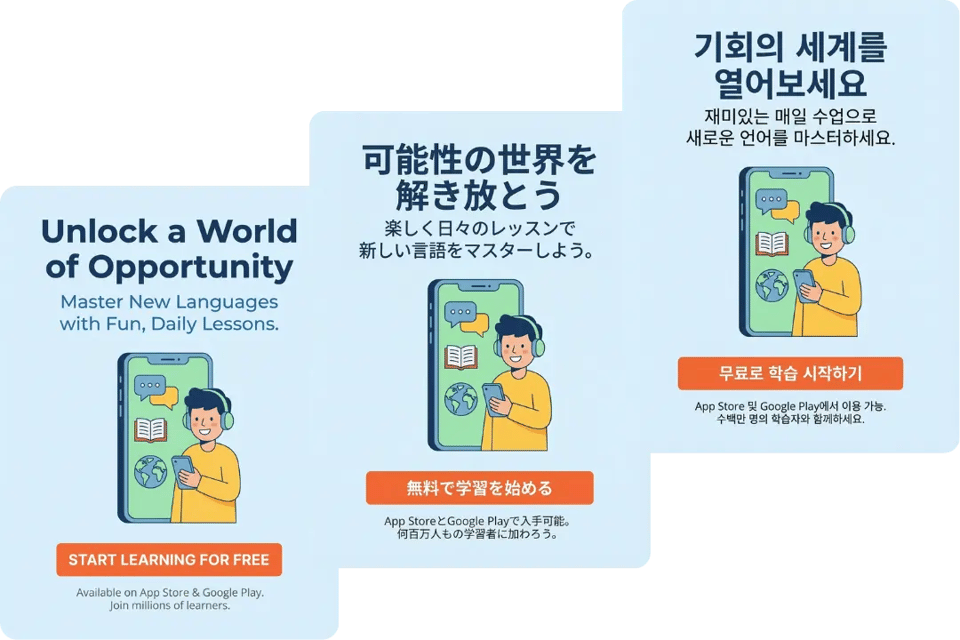
Translate Text in Images to Make Visual Content Understandable Across Languages
Text inside images often becomes a barrier when content crosses languages. Bylo.ai’s AI Image Translator addresses this by translating text directly within images, allowing visuals to remain clear, readable, and meaningful across different contexts.Instead of separating text from design, translated images stay visually consistent and ready to use for documents, interfaces, designs, screenshots, and everyday visual communication.
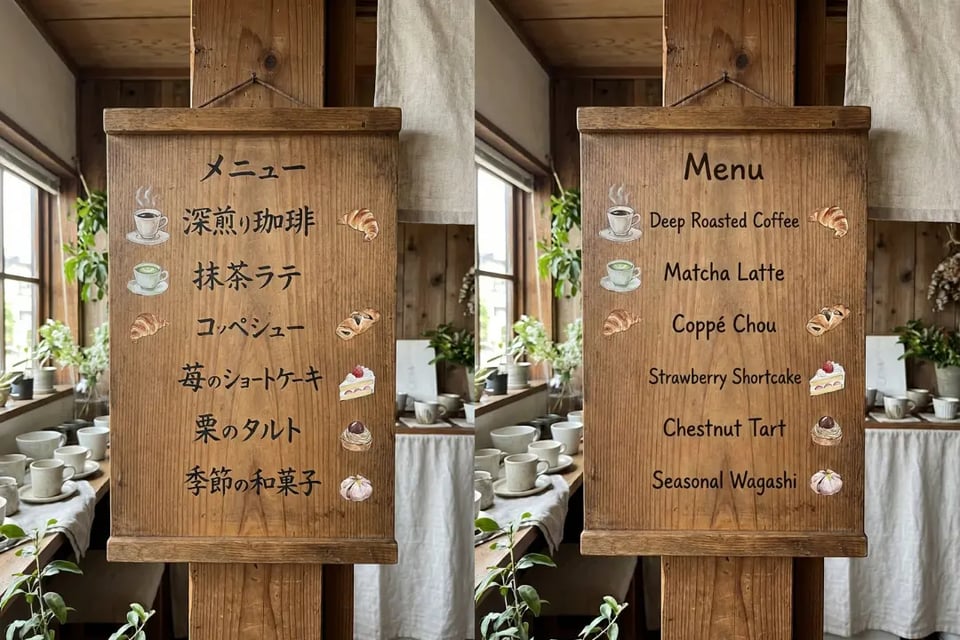
Translate Japanese Image to English
Reading a Japanese menu, street sign, or product label becomes effortless after uploading the image and getting an instant English version.
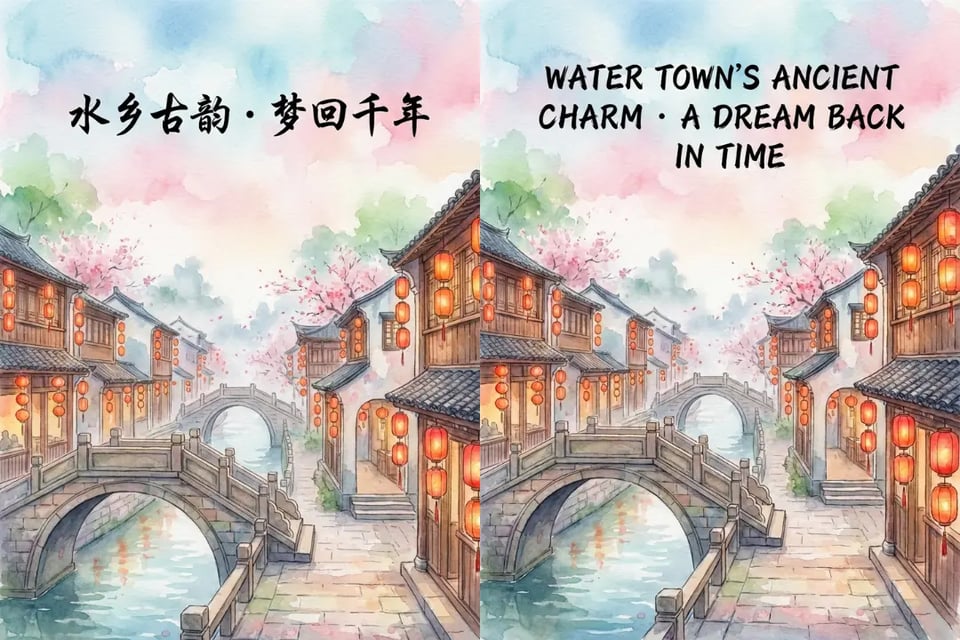
Translate Chinese Image to English
Chinese screenshots, documents, or social media images can be understood instantly without retyping a single word.

Translate Korean Image to English
Korean app screens, web pages, and image-based posts become readable at a glance after translation.
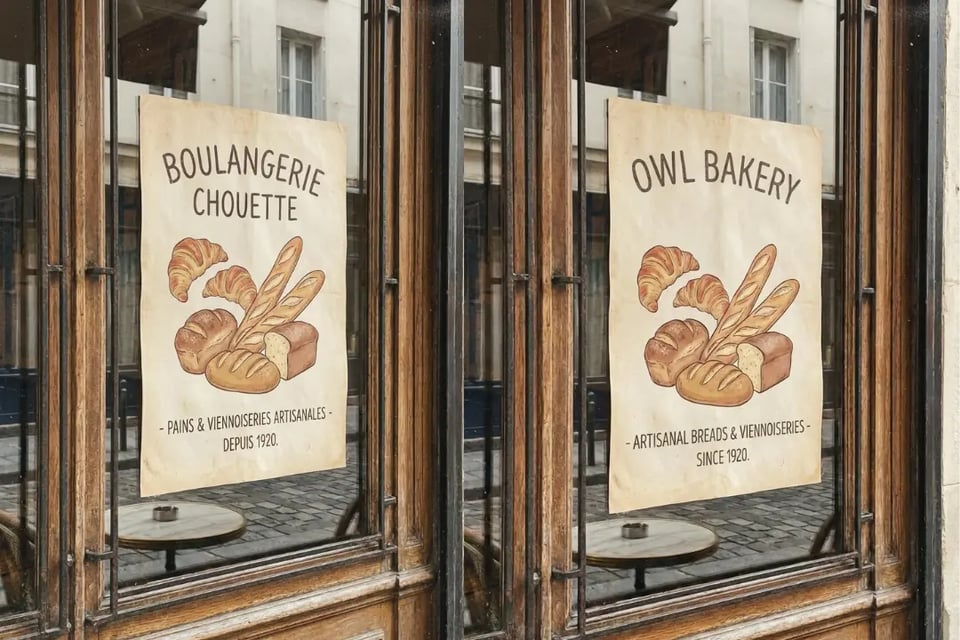
Translate French Image to English
Photos of French menus, posters, and notices can be turned into clear English versions in seconds.

Translate English Image to Spanish
Ads, posters, and product visuals can be quickly localized from English into Spanish for broader audiences.
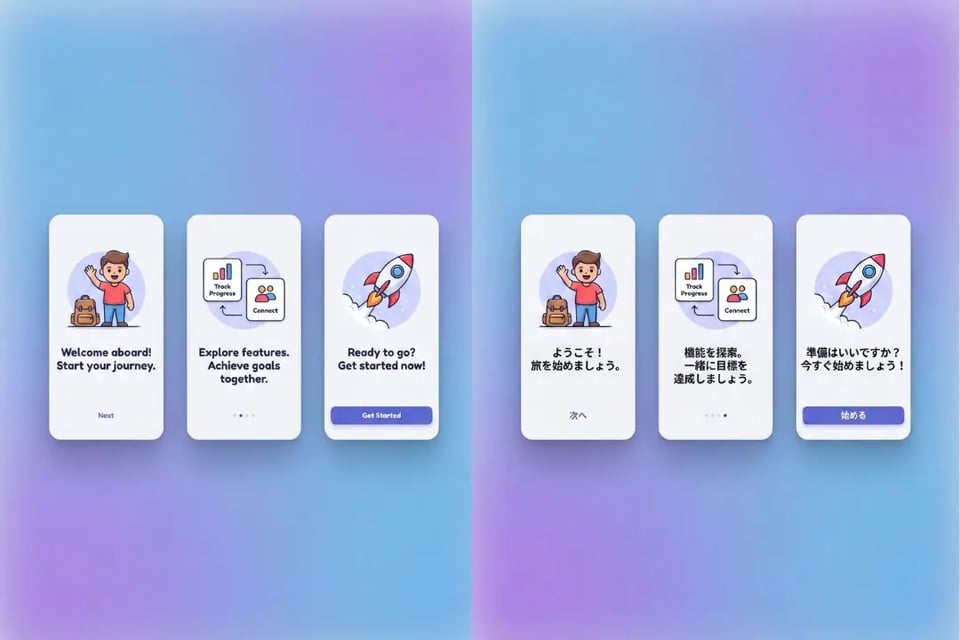
Translate English Image to Japanese
UI designs, instructions, and promotional graphics can be adapted naturally from English into Japanese.
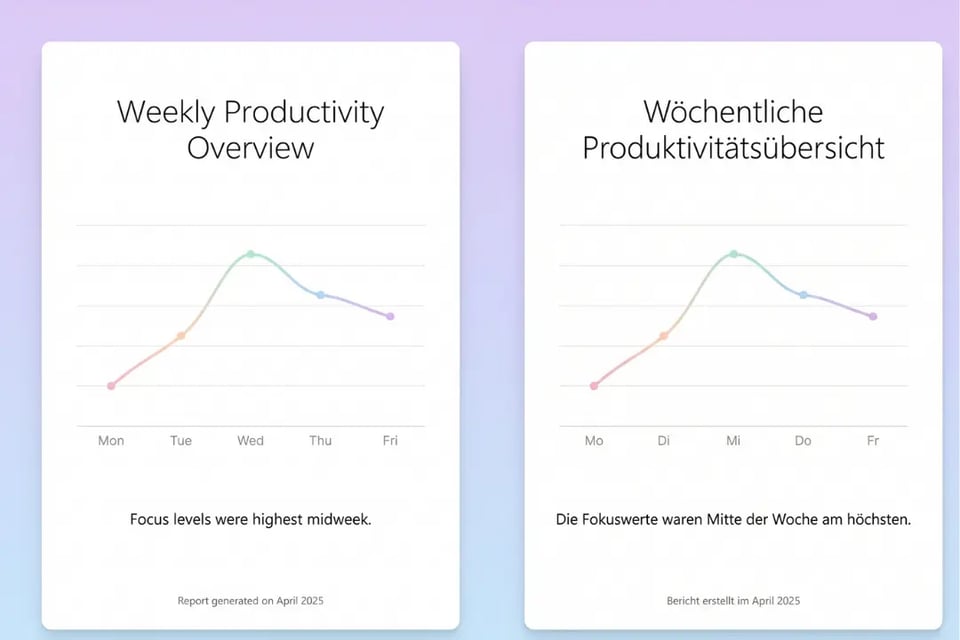
Translate English Image to German
Business visuals, charts, and manuals can be converted from English into German while keeping the original layout.
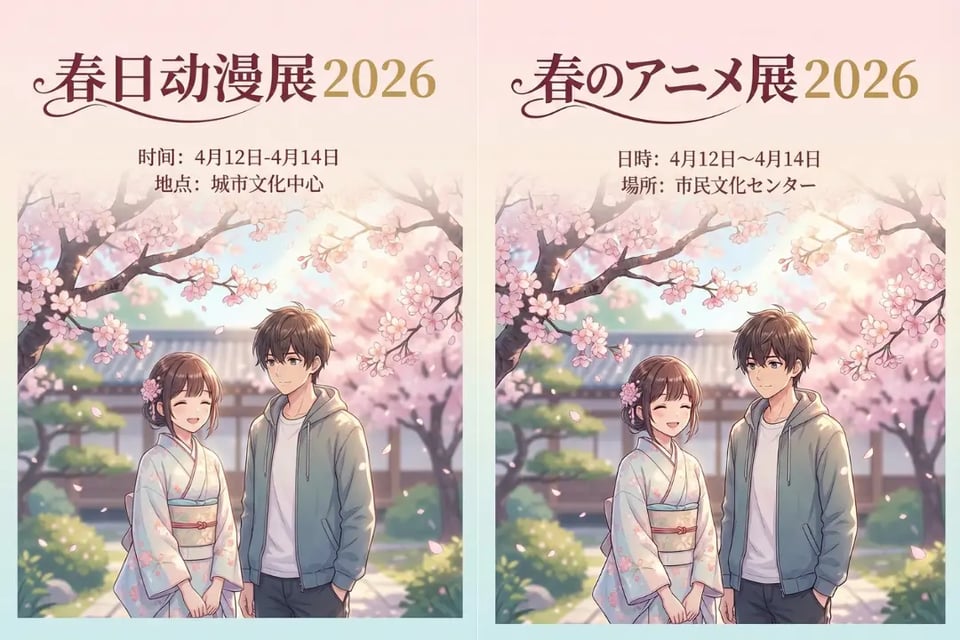
Translate Chinese Image to Japanese
Entertainment images, screenshots, and product visuals can flow smoothly between Chinese and Japanese audiences.
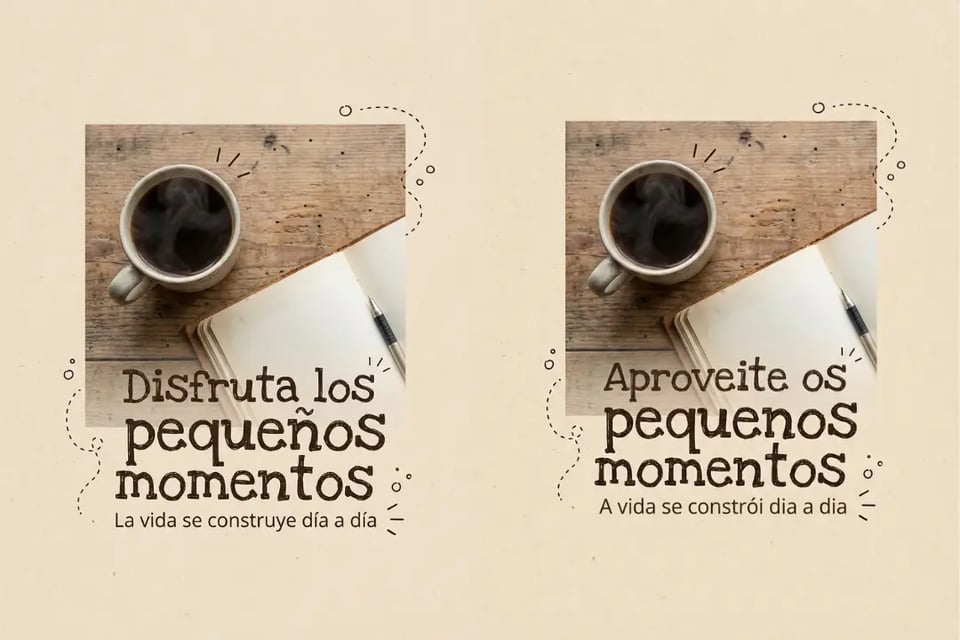
Translate Spanish Image to Portuguese
Social posts, banners, and image-based content can be easily adapted between Spanish and Portuguese markets.
Where Translating Text in Images Makes a Real Difference
Translate Menu Images and Street Signs While Traveling
Restaurant menus, street signs, museum notices, and public instructions often appear only in local languages. Translating text directly inside these images keeps the original visual intact while making everyday moments easier to navigate.
Translate Screenshot Images for Work and Team Communication
Dashboards, reports, UI screens, and shared screenshots often carry key information. Translating text in image screenshots helps distributed teams stay aligned without recreating or redesigning visual materials.
Translate Marketing and Design Images for Global Audiences
Posters, ads, banners, packaging, and social visuals can be adapted for different regions by translating text in image while preserving layout, hierarchy, and overall visual consistency.
Translate Study Materials and Scanned Documents from Images
Textbooks, slides, diagrams, and scanned notes often exist only as images. Translating text in image formats keeps learning materials visually clear while making knowledge more accessible.