
Select the model you want to generate your image with.
AI Doodle Generator Free – Create Doodle Art with Bylo.ai
Try Bylo.ai’s AI Doodle Generator free and without login – start creating doodle art instantly today!
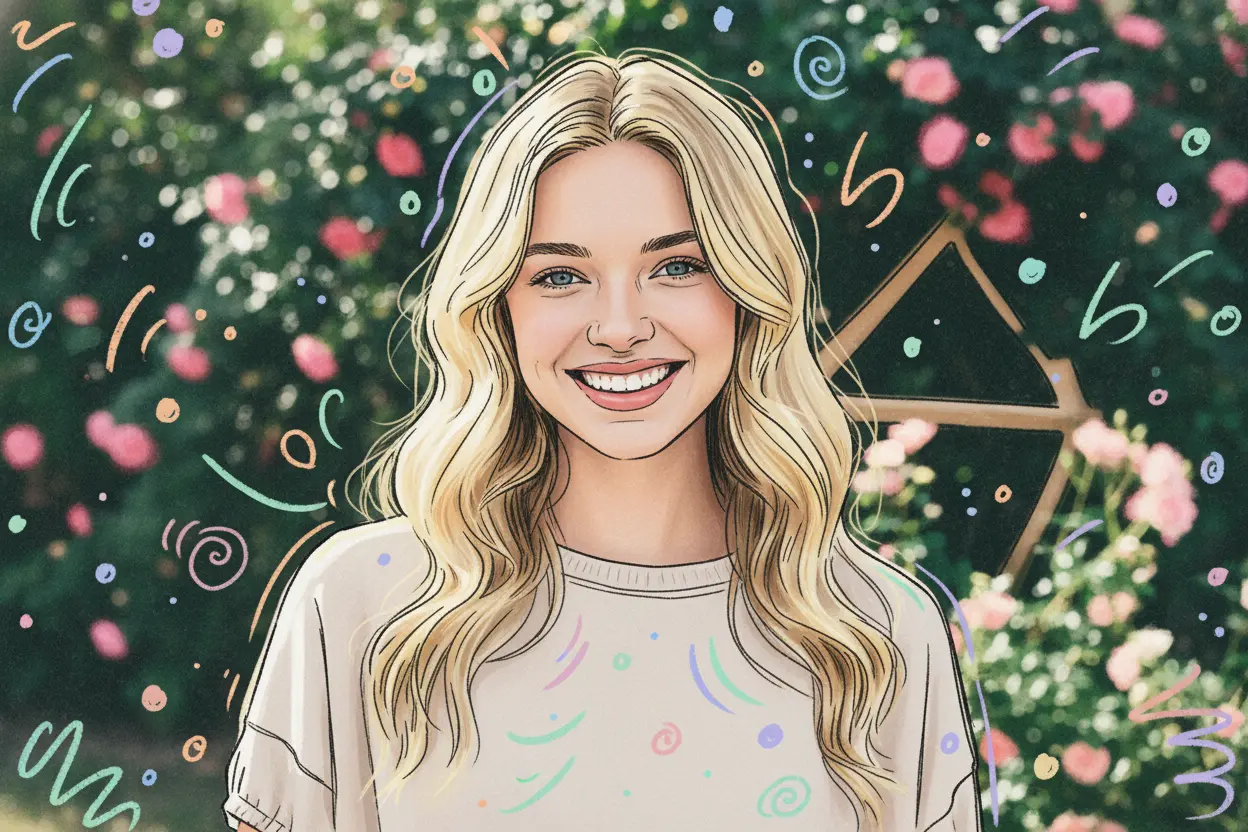
Your Generated Images
Key Features of Bylo.ai's AI Doodle Maker
Free AI Doodle Generator for Quick Social Sharing
With Bylo.ai’s free AI doodle generator, instantly create doodles for Instagram posts, story covers, or TikTok videos. Add playful vibes to your content and stand out online.
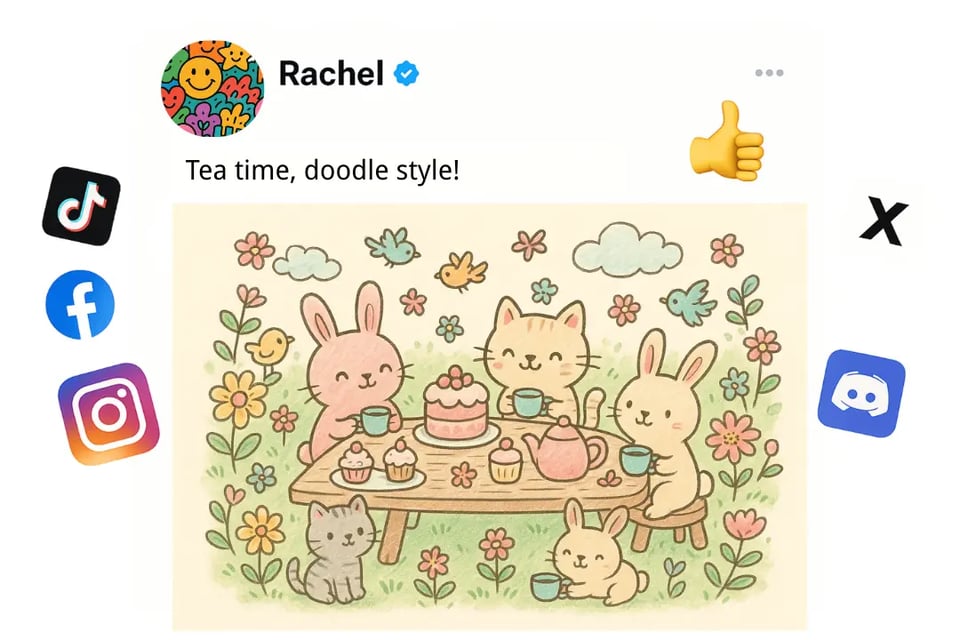
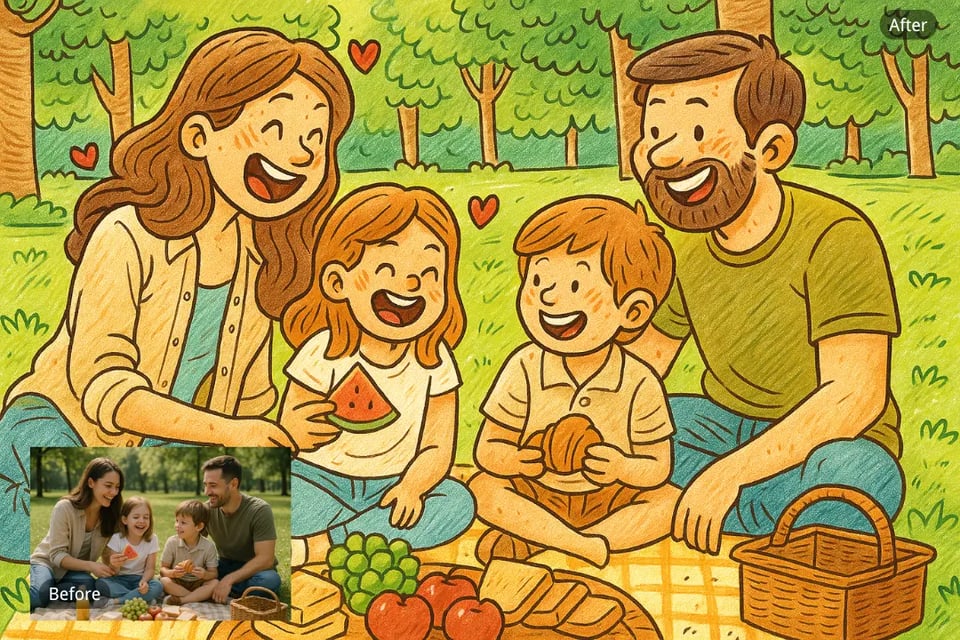
Photo to Doodle Art Filter for Memorable Keepsakes
Upload your family photos, travel shots, or pet pictures, and Bylo.ai’s doodle art filter transforms them into charming sketches. Perfect for printing on mugs, frames, or personalized gifts.
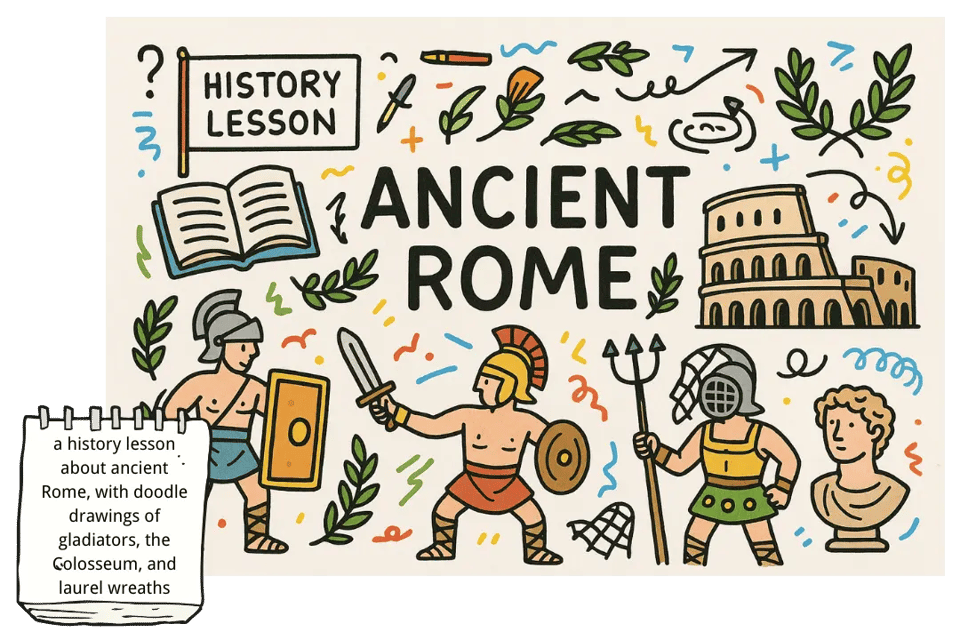
Text to Doodle Art for Classroom and Learning
Teachers and parents can use Bylo.ai’s text-to-doodle art tool to turn simple prompts into engaging classroom illustrations, flashcards, or storybook visuals—making learning more creative and fun.
AI Doodle Maker for Unique Event Designs
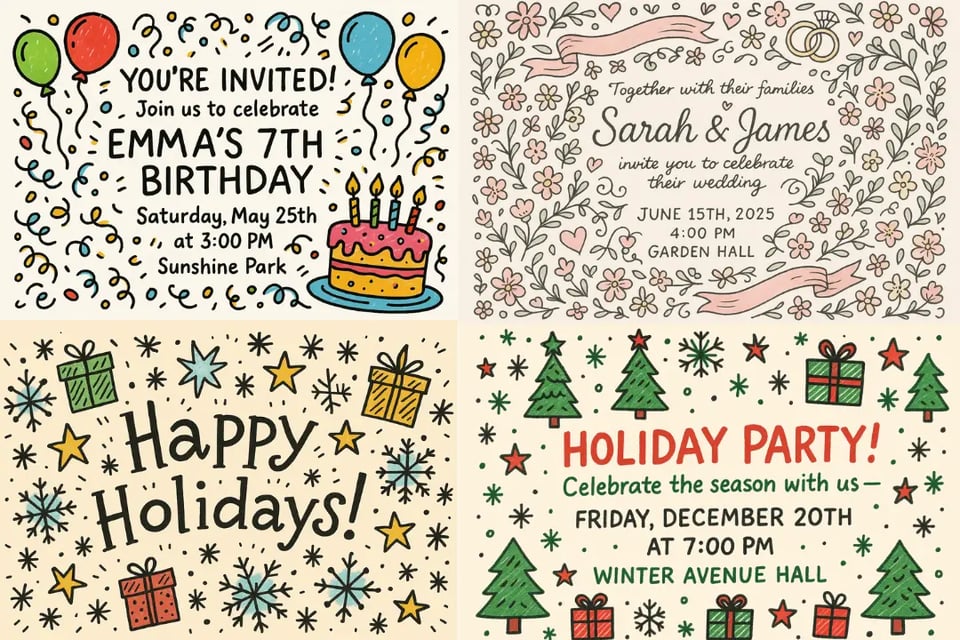
Planning a birthday, wedding, or holiday party? With Bylo.ai’s AI Doodle Maker, you can design doodle-style greeting cards, invitations, or stickers that add personality to your celebrations. For family-centered memories, try our AI family photo generator to create heartwarming portraits alongside your doodles.
How to Create Doodle Art with Bylo.ai
Step 1: Upload a Photo or Text for Doodle Art
Choose a photo for the doodle art filter or type a short idea to start with text-to-doodle art.
Step 2: Generate with the AI Doodle Maker
Click “Generate” and let Bylo.ai instantly create your doodle in sketch, cartoon, or crayon style.
Step 3: Download and Share Your Doodle Art
Save your AI doodle art in seconds and share it on social media, in class projects, or with friends.
Find Endless Doodle Art Ideas with Bylo.ai
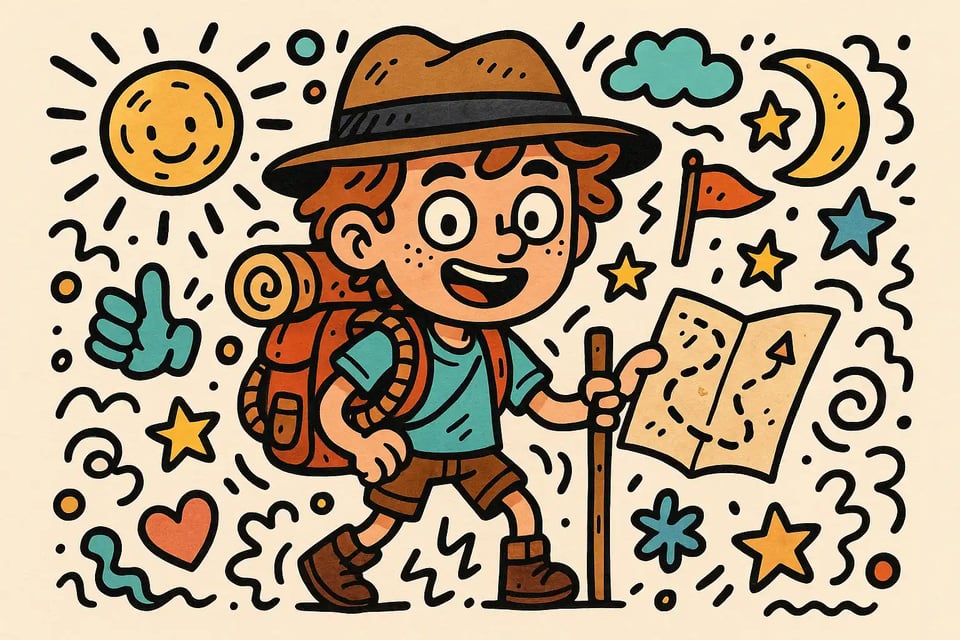
Doodle Characters
Generate quirky doodle-style characters for avatars, comics, or creative storytelling.
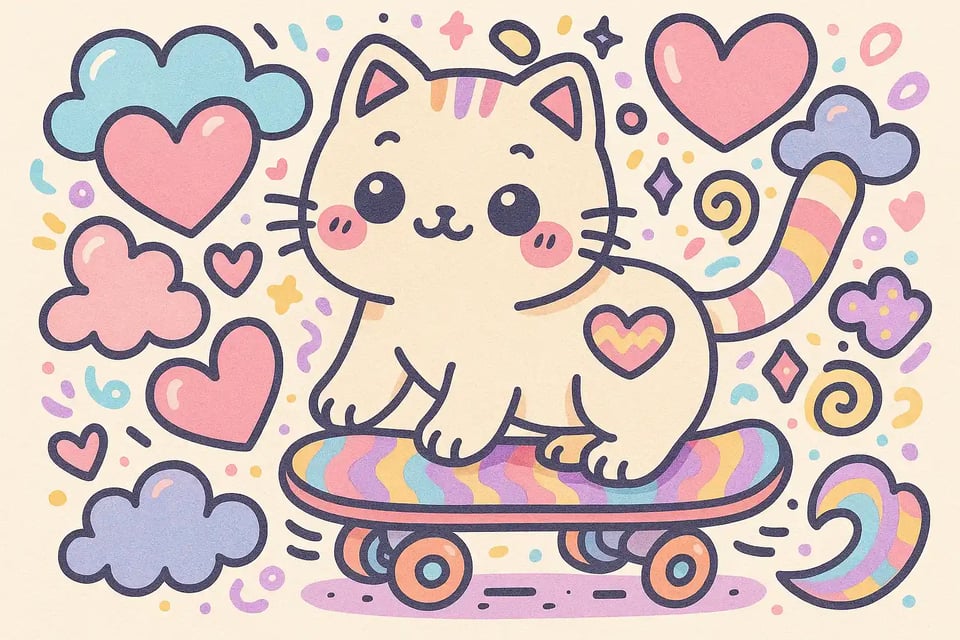
Doodle Animals
Turn animals into playful doodle sketches—great for wallpapers, memes, or kids’ projects.
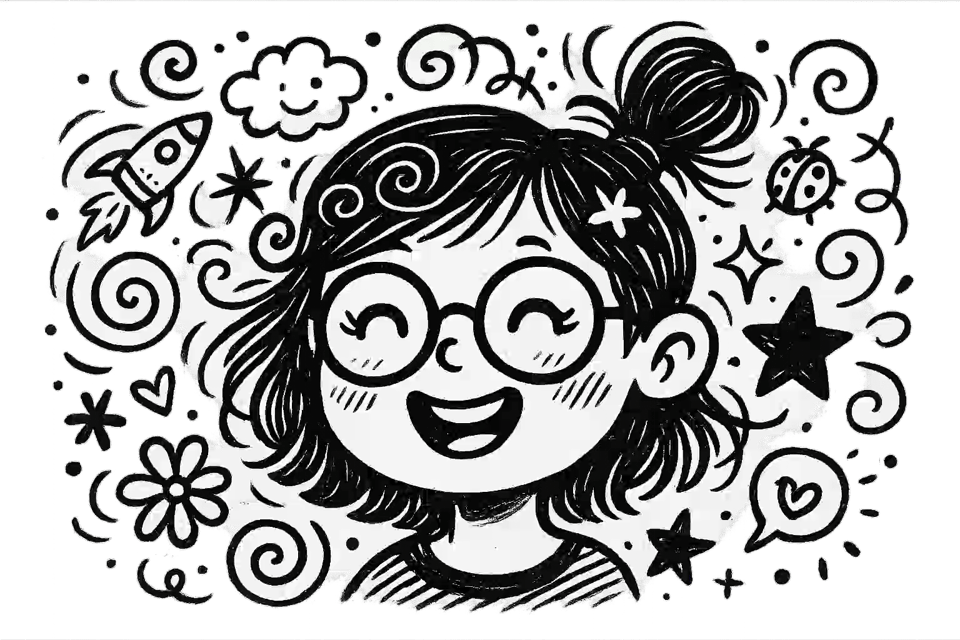
Doodle Faces
Create expressive doodle faces to use in icons, profile pictures, or stickers.
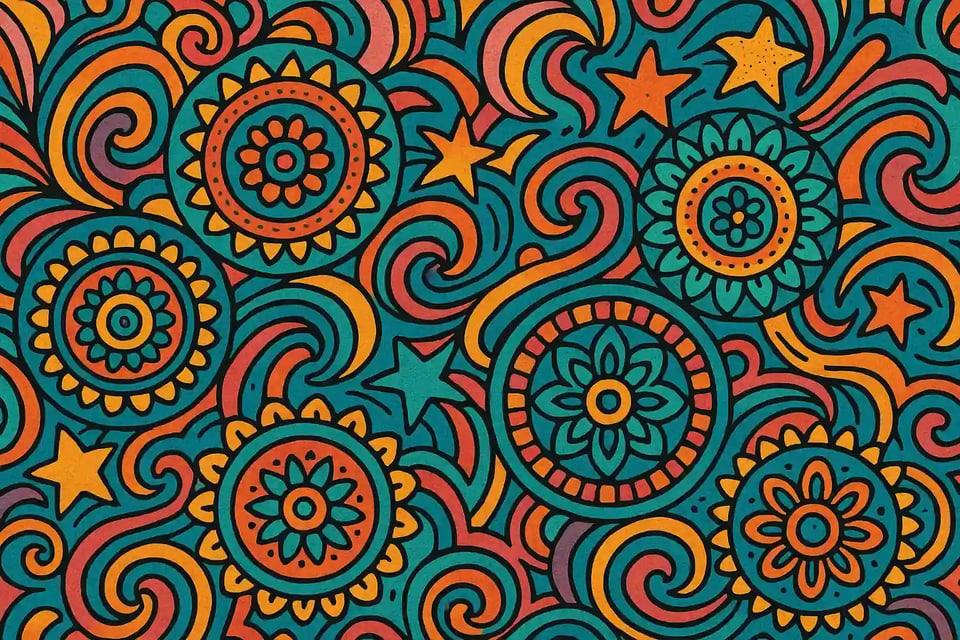
Doodle Shapes & Patterns
Design abstract doodle patterns or shapes for web graphics, logos, or backgrounds.
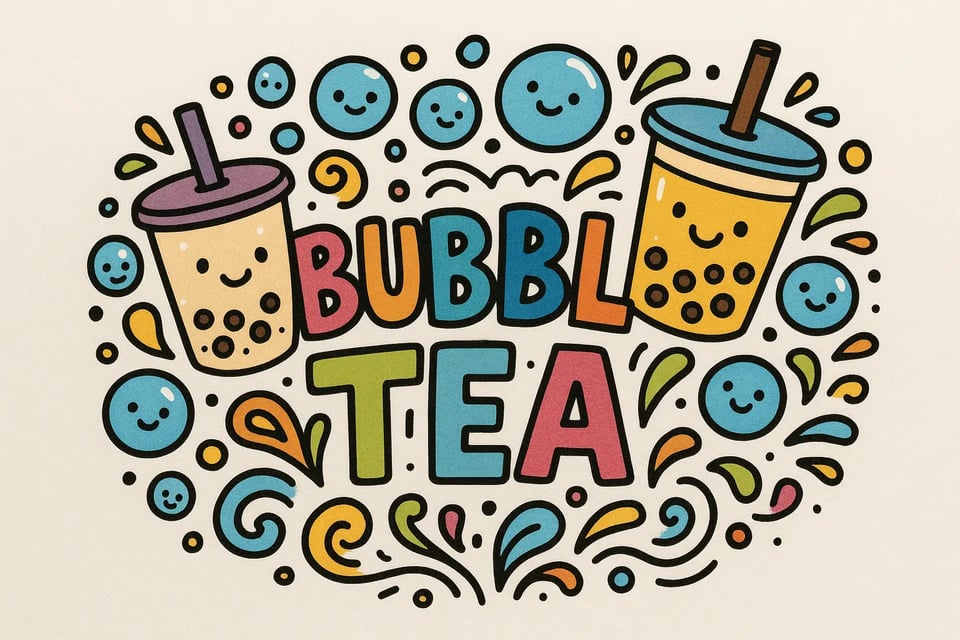
Doodle Logos
Use Bylo.ai’s AI doodle generator to craft fun, hand-drawn style logos for small businesses or personal branding.
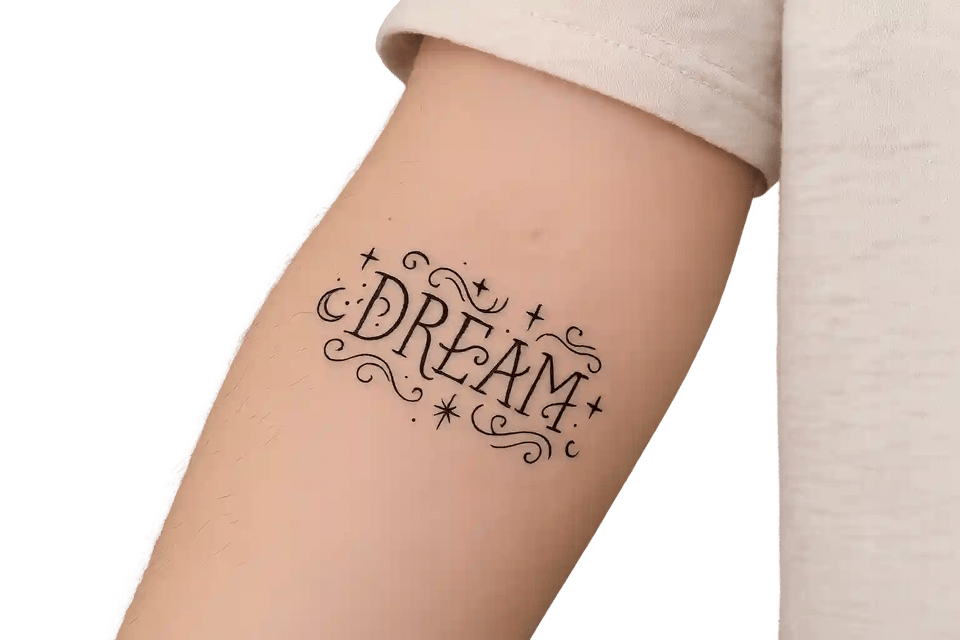
Doodle Tattoos
Experiment with doodle-style tattoo ideas before you commit—see how they might look on skin with playful detail.
What Users Say About Bylo.ai's Doodle Art Filter
Bylo.ai’s doodle art filter makes my posts playful and fresh. It feels like my feed finally has its own style.
Mira
Social Media Creator
My kids love typing silly ideas into Bylo.ai’s AI doodle maker. It’s our go-to tool for weekend projects.
Ava
Parent
The text-to-doodle art option helps me design stickers and classroom visuals in minutes. Students always ask for more.
Jason
Teacher
Bylo.ai turned my photos into doodle sketches for a school presentation. Everyone asked me which app I used.
Liam
Student
I use Bylo.ai’s AI doodle generator free when brainstorming. It sparks new design concepts quickly and naturally.
Sofia
Designer
Sharing doodles on TikTok is so much easier with Bylo.ai. My followers always comment on how unique they look.
Noah
Content Creator
FAQs About Bylo.ai's AI Doodle Generator
What makes Bylo.ai’s AI Doodle Generator different from others?
Bylo.ai focuses on ease of use—no sign-ups required—and offers both text-to-doodle art and photo-to-doodle art filters in one place, making it versatile for casual users and creators.
Can I use the AI doodle generator free without logging in?
Yes, Bylo.ai allows instant access. Simply open the tool, upload a photo or type your idea, and start creating doodle art in seconds.
What styles of doodle art are available?
From crayon, cartoon, and watercolor to sketch and line art, Bylo.ai gives you multiple styles to fit your mood or project.
Do I need artistic skills to use the AI doodle maker?
Not at all. Bylo.ai was designed for everyone—from children to professional designers—so you only need creativity, not drawing skills.
How fast does Bylo.ai generate doodle art?
Most doodles are ready in a few seconds, making it ideal for quick content creation, classroom activities, or last-minute designs.
Can I download and share doodle art directly?
Yes. Bylo.ai provides one-click download and sharing options so you can instantly post your doodles or save them for later use.
Is Bylo.ai’s doodle art filter available on mobile?
Yes, Bylo.ai works in any modern browser across desktop, tablet, and mobile. No extra app download required.
Who can benefit most from Bylo.ai AI doodle generator?
Students, teachers, parents, designers, marketers, and content creators use Bylo.ai daily to bring imagination to life in playful ways.