Select the model you want to generate your image with.

Model Version
Task

Supported formats: PNG, JPG, or WEBP

Maximum file size per image: 5 MB, up to 8 images can be uploaded.

0/2000

No Watermark

Private

Free Darken Image Online

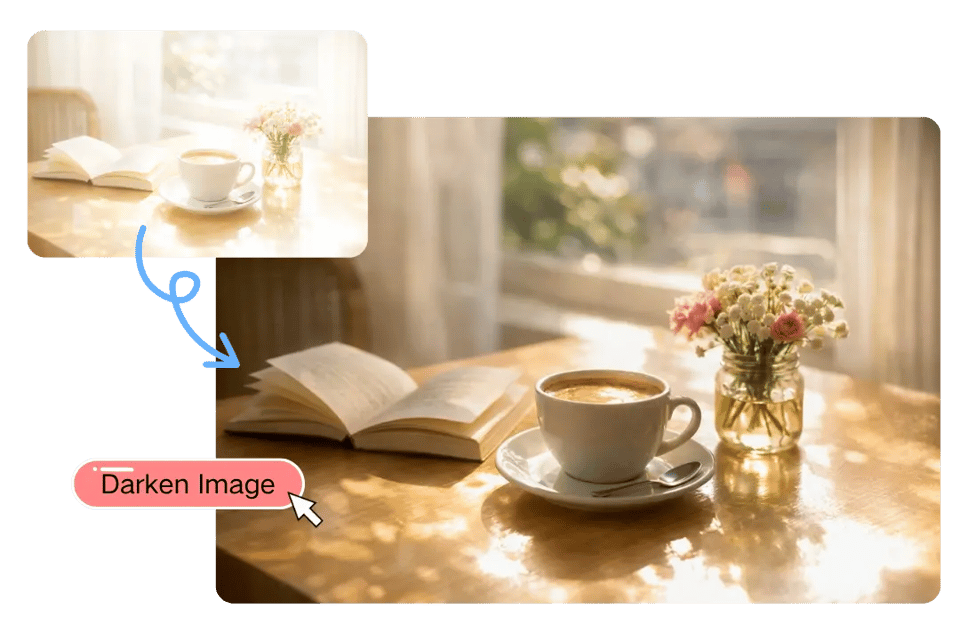
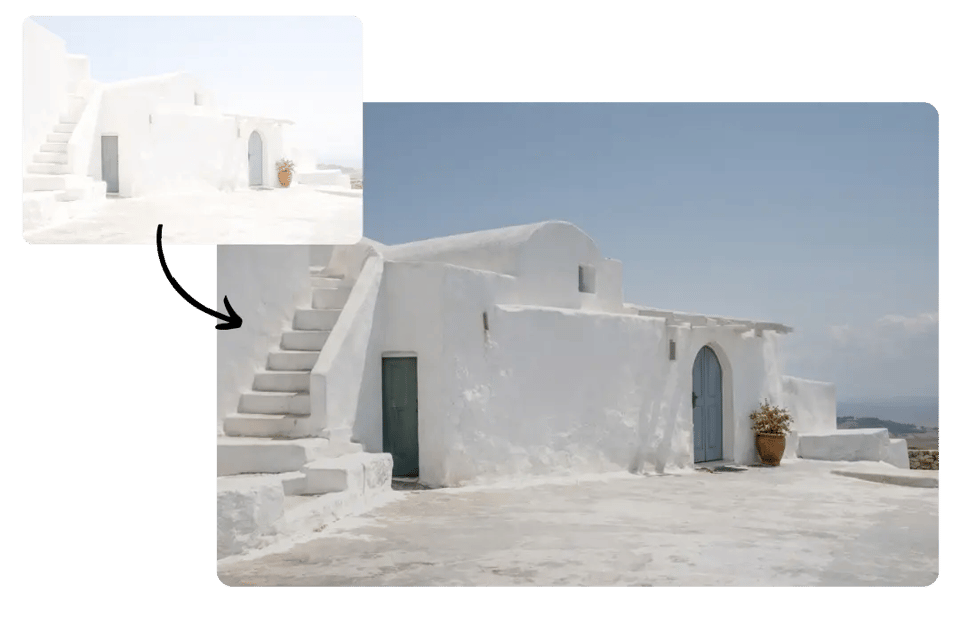
Darken your image now and turn overly bright photos into deeper, more polished visuals.

Record image

Your Generated Images

No images yet. Generate your first masterpiece!

How to Darken Image Free with Bylo.ai

Follow these simple steps to get started with our platform.

Upload Your Image

Apply the Darken Effect

Preview and Download Your Darkened Image

Key Features of Bylo AI Image Darkener

Darken Image Online Free for Quick Brightness Correction

Darken Image Online Free for Quick Brightness Correction

One-Click Image Darkener for Fast and Easy Edits

One-Click Image Darkener for Fast and Easy Edits

Make Image Darker for Better Mood and Visual Depth

Make Image Darker for Better Mood and Visual Depth

Image Darkener for Overexposed and Washed-Out Photos

Image Darkener for Overexposed and Washed-Out Photos

When to Use Bylo.ai to Darken Image More Naturally

Darken Image for Overexposed Outdoor Photos

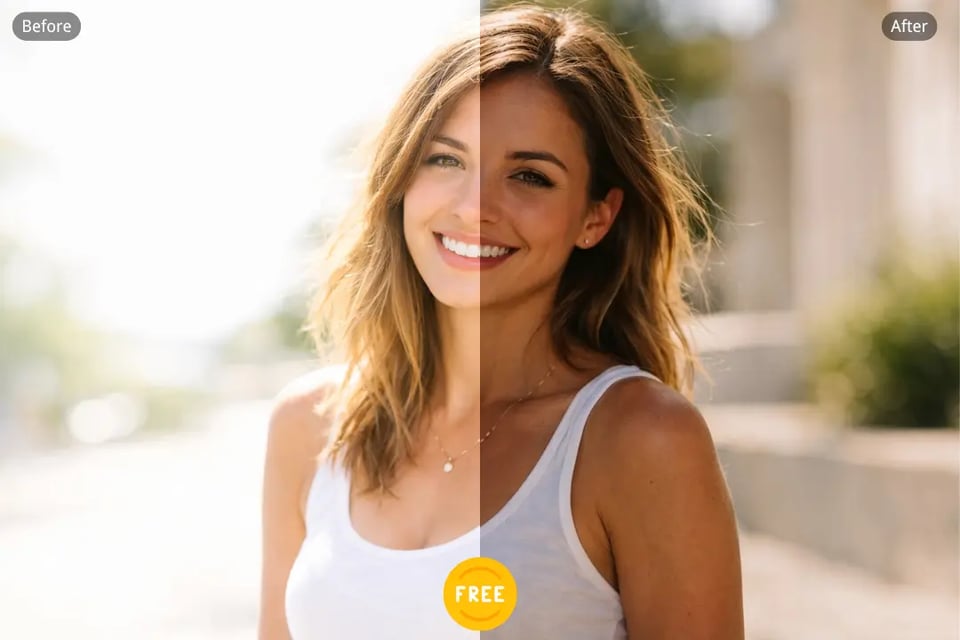
Outdoor photos taken under strong sunlight can sometimes look too bright, flat, or washed out. Bylo.ai’s Darken Image tool helps reduce excessive brightness and makes these images feel more balanced, clearer, and visually more comfortable without making the scene feel overly heavy.

Use Image Darkener for Moodier Portrait Photos

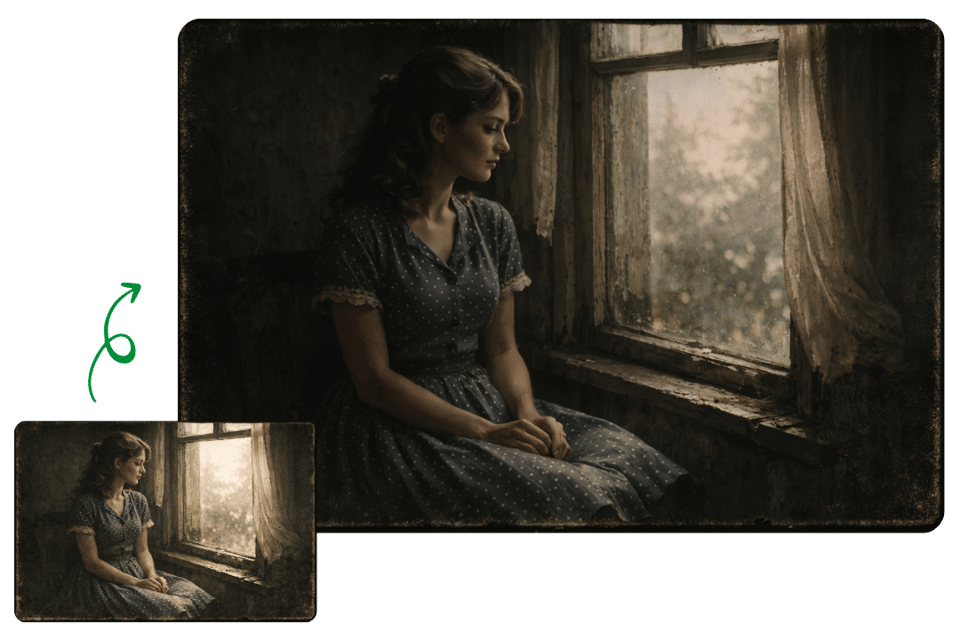
Portraits often look more expressive when the lighting feels deeper and more controlled. With Bylo.ai Image Darkener, users can give selfies, fashion portraits, and lifestyle photos a darker and more atmospheric tone, helping the subject stand out with a stronger visual mood.

Make Image Darker for Text Backgrounds and Banners

When text is placed on top of a bright image, the design can become harder to read. Bylo.ai lets users make image darker so banners, cover images, headers, and promotional visuals have better contrast, making titles and graphic overlays feel clearer and more effective.

Darken Image Online for Product and Brand Visuals

Different product or campaign images may have inconsistent lighting, which can make a collection look less unified. Bylo.ai helps users darken image online to create a more consistent tone across product photos, brand assets, and promotional visuals, making the full set look cleaner and more cohesive.

Why Choose Bylo.ai for Darken Image Online

Try Darken Image Free for Everyday Photo Editing

Use an Easy Image Darkener for Quick Results

Go Beyond Darken Image with More Image Editors

FAQs About Darken Image with Bylo.ai