
Select the model you want to generate your image with.
Car Photo Editor Free Online for Better-Looking Car Images
Make car photos look cleaner, sharper, and more polished with AI background edits, reflection cleanup, lighting improvement, and other automotive image enhancements on Bylo.ai.
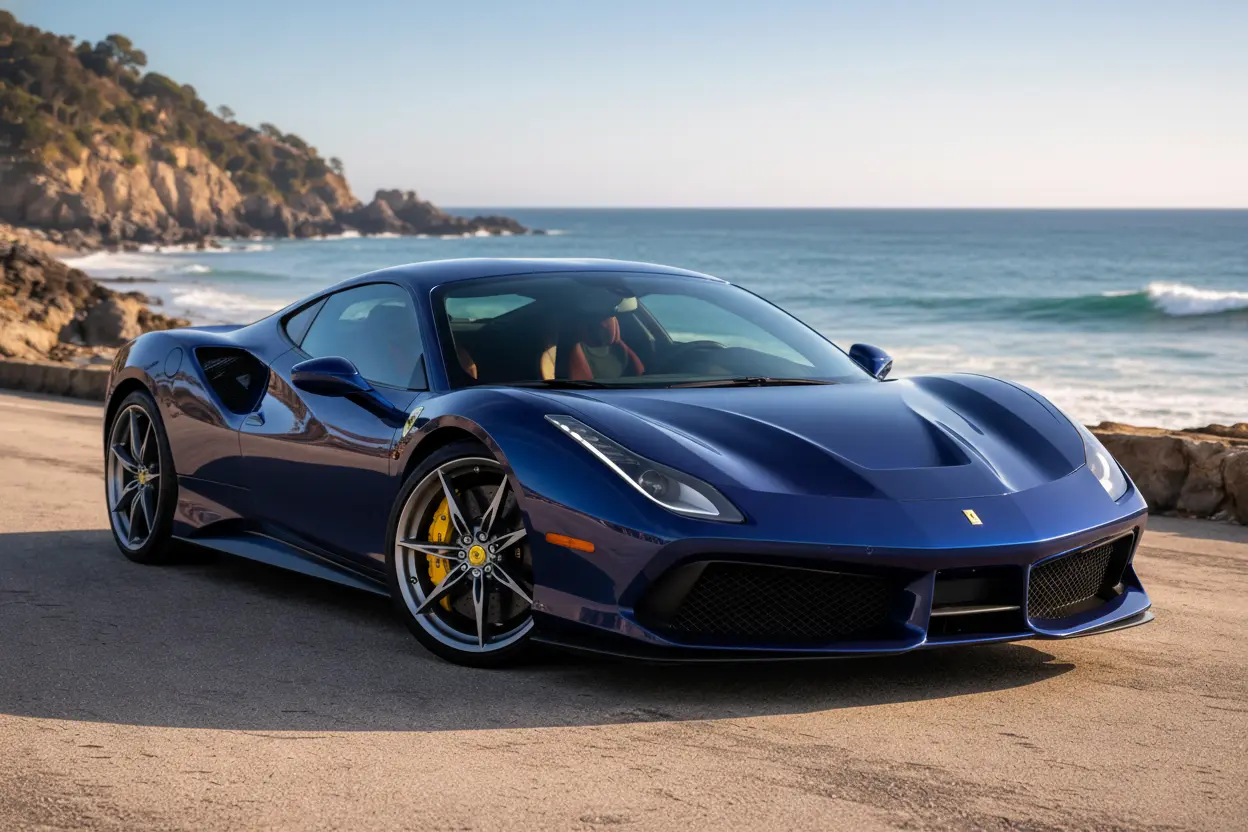
Your Generated Images
How to Edit Car Photos Free Online with Bylo.ai
Follow these simple steps to get started with our platform.
Upload Your Car Photo
Start by uploading the car image you want to edit. A clear photo helps you get better results, whether you are working with a dealership listing, a parked car shot, a garage photo, or a more styled automotive image for social media or promotion.
Describe the Car Photo Edits You Want
Enter the changes you want to make to your image. You can ask to replace the background, remove unwanted distractions, enhance lighting and sharpness, change the car color, or create a cleaner and more professional automotive look based on your needs.
Download Your Edited Car Image
Once the edit is ready, preview the final result and download your new car photo. You can use it for marketplace listings, dealership visuals, promotional materials, or social content that needs a more polished and eye-catching presentation.
Key Features of Bylo AI Car Photo Editor
One-Click Background Replacement with AI Car Photo Editor
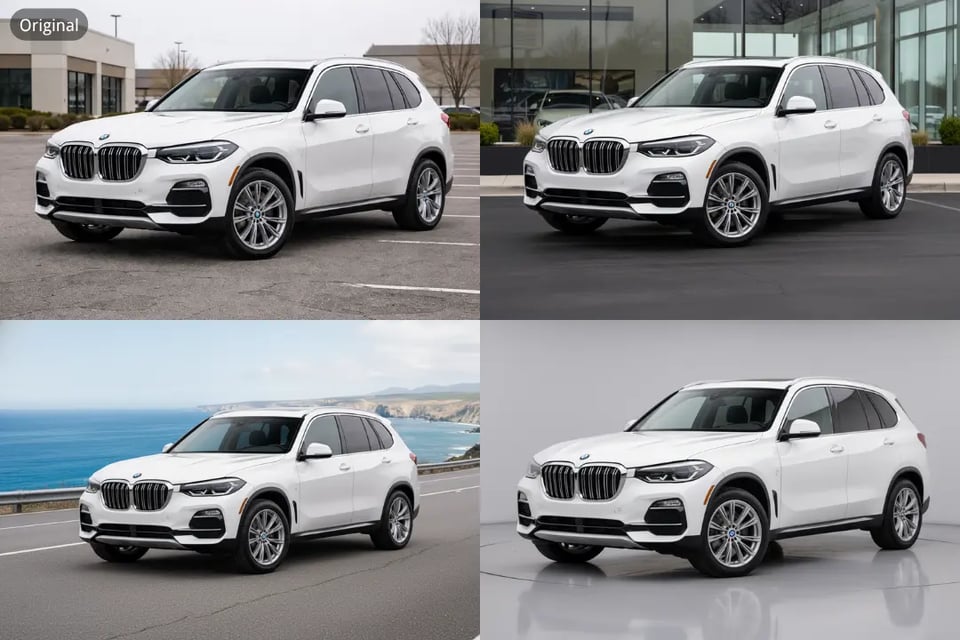
Background quality often decides whether a car photo looks casual or more professionally presented. With Bylo.ai’s AI Car Photo Editor, users can quickly remove distracting surroundings and replace them with cleaner studio-style, outdoor, or custom scenes, helping the vehicle look more polished and better framed. Our Car Photo Editor makes this process faster and easier for users who want more consistent automotive visuals without spending too much time on manual editing.
Remove Reflections and Distractions in Car Photo Editor Free Online
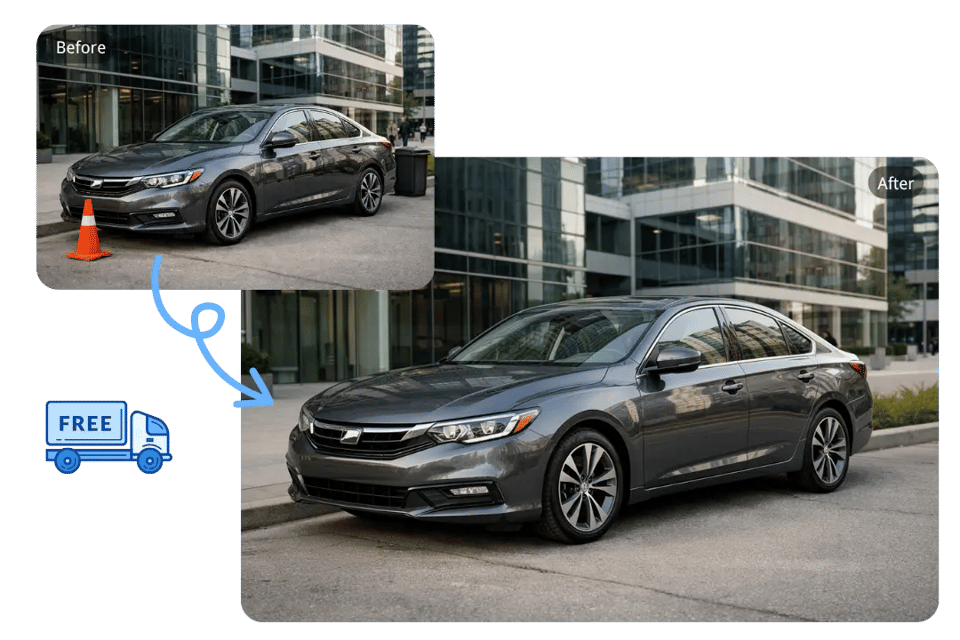
Reflections, extra objects, random people, or messy details can easily weaken the overall impact of a car image. Bylo.ai’s Car Photo Editor free online helps clean up those distractions so the vehicle stays as the clear focus of the photo, making the final result look cleaner and more presentation-ready. Our Car Photo Editor is useful for users who want a more streamlined way to improve car photos for listings, resale pages, or promotional use.
Enhance Car Lighting, Detail, and Color with AI Car Photo Editor
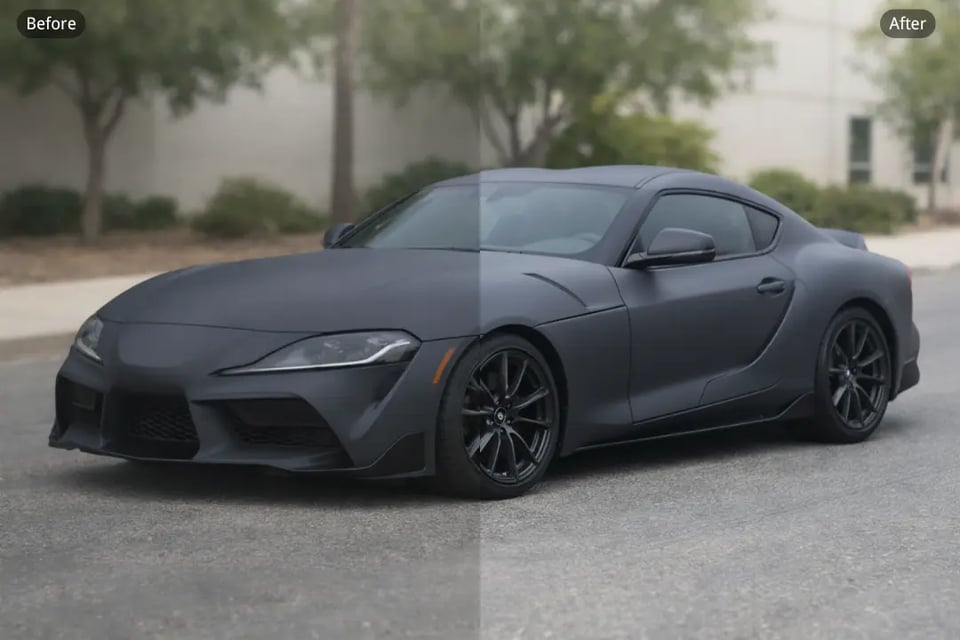
A stronger car photo usually needs better clarity, more balanced lighting, and more refined color performance. Bylo.ai’s AI Car Photo Editor helps improve body detail, paint visibility, sharpness, and overall visual balance so the car looks clearer, glossier, and more polished in the final image. Our Car Photo Editor makes it easier to upgrade flatter or lower-quality car photos into visuals that feel more eye-catching and professionally edited.
Create More Polished Automotive Visuals with Car Photo Editor
Car photos are not always just about basic correction — sometimes they also need a stronger overall presentation. Bylo.ai’s Car Photo Editor helps users create more polished automotive visuals by improving how the car appears within the full image, making the final result feel more suitable for branding, marketing, and social sharing. Our Car Photo Editor gives users a practical way to turn ordinary vehicle images into cleaner and more visually effective content.
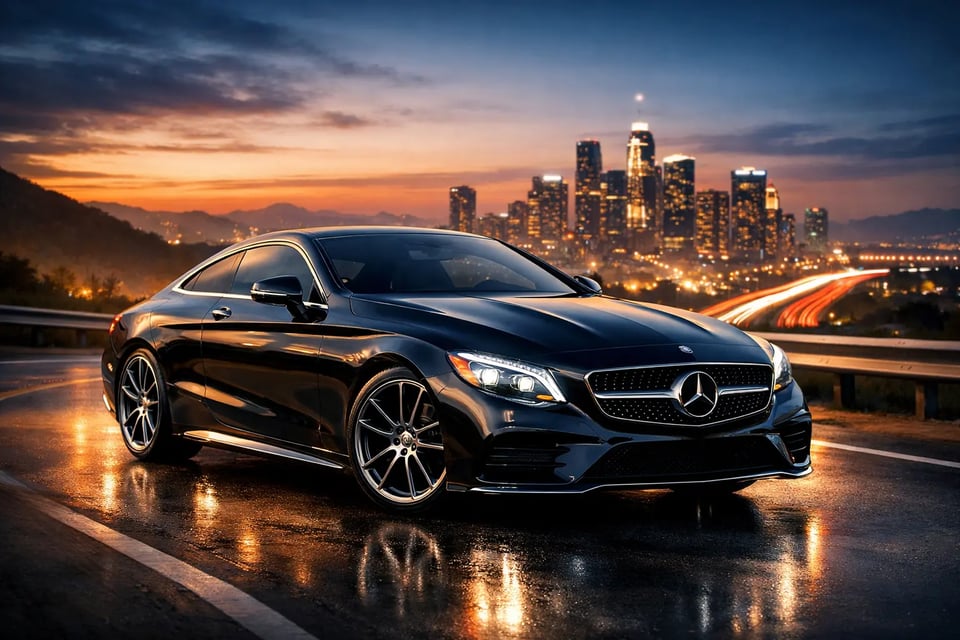
Popular Car Photo Editing Ideas You Can Explore with Bylo.ai’s Car Photo Editor
Bylo.ai’s Car Photo Editor helps users improve vehicle images with practical edits that make car photos look cleaner, sharper, and more polished. With our AI Car Photo Editor, users can replace distracting backgrounds, remove unwanted reflections and clutter, improve lighting, adjust paint color, and create stronger automotive visuals for listings, promotions, dealership pages, or social content. Below are several popular editing ideas that show how our Car Photo Editor can be used in more specific and visually useful ways.
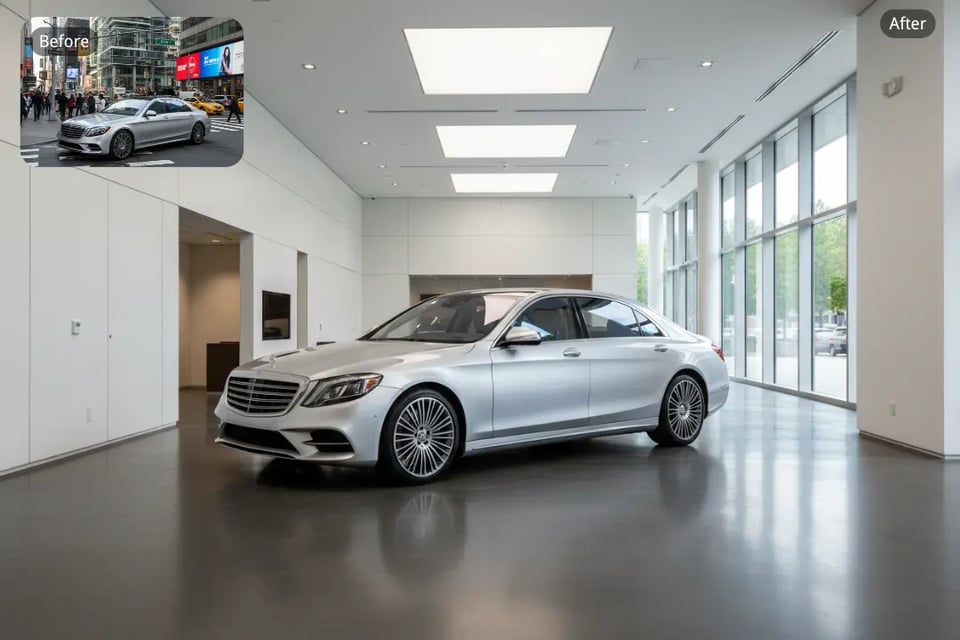
Cleaner Car Backgrounds and Surroundings
A messy parking lot, crowded street, or distracting outdoor setting can make a vehicle image feel less polished. Our Car Photo Editor helps replace the busy background with a clean, professional setting. It also removes unwanted objects like random people, traffic cones, and signs, ensuring the attention stays on the car. The final image looks more refined, with the car standing out naturally in a cleaner environment.
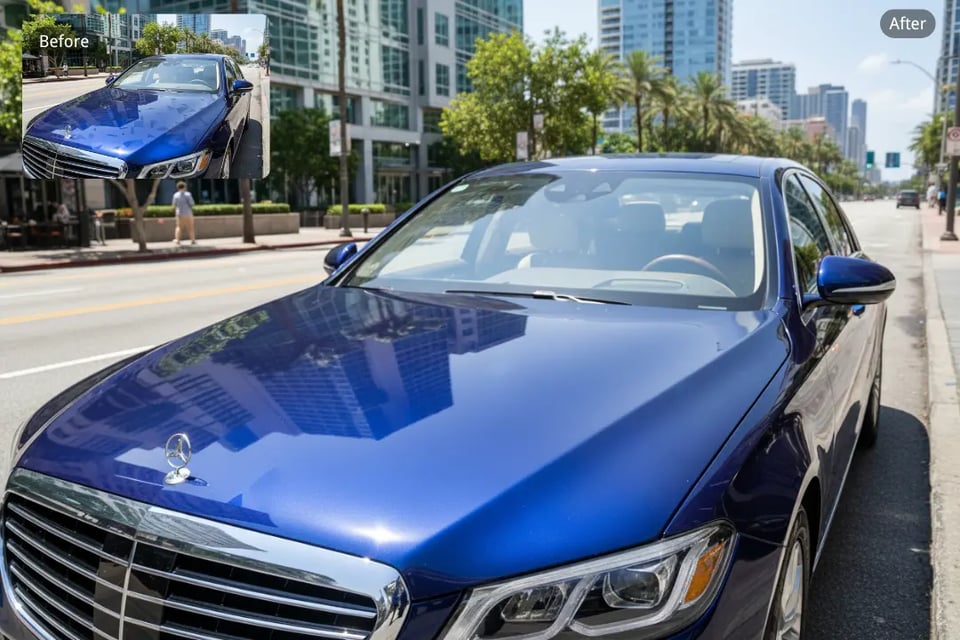
Reduced Reflections and Enhanced Paint
Strong reflections on windows, doors, or glossy body panels can make a car photo look busy and harder to present well. Bylo.ai’s Car Photo Editor helps reduce these reflections, keeping the paint finish smooth, realistic, and visually natural. This edit ensures the car’s body lines and surface finish are clear and glossy, giving it a more polished and premium look.
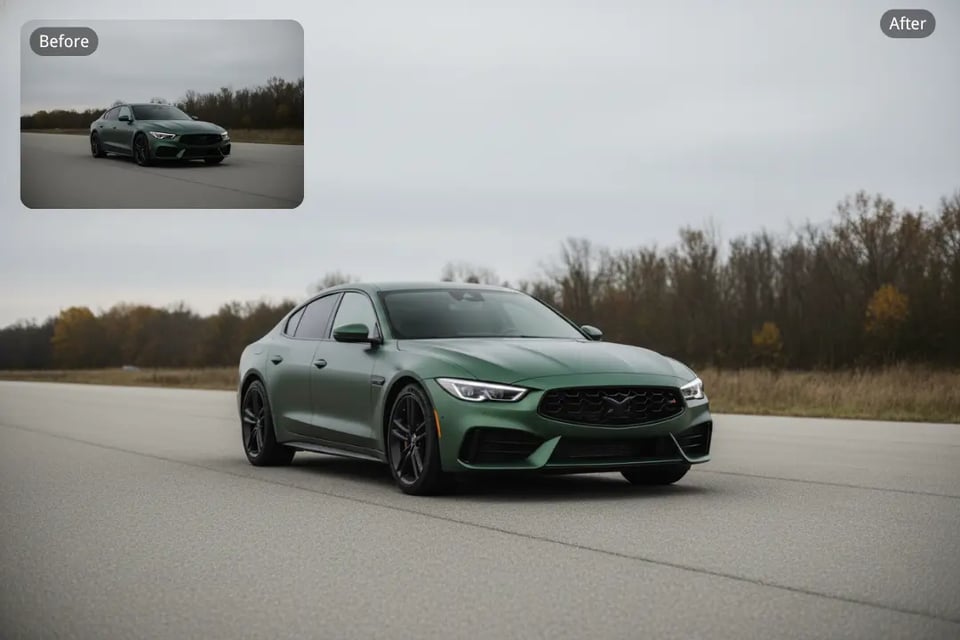
Better Lighting and Sharper Details
When a car photo is too dim or flat, the vehicle can lose much of its visual appeal. This edit helps improve brightness, exposure, and clarity, making the car look brighter and sharper. It also enhances details like headlights, grille, and body lines, ensuring the car looks more defined and premium without over-processing.
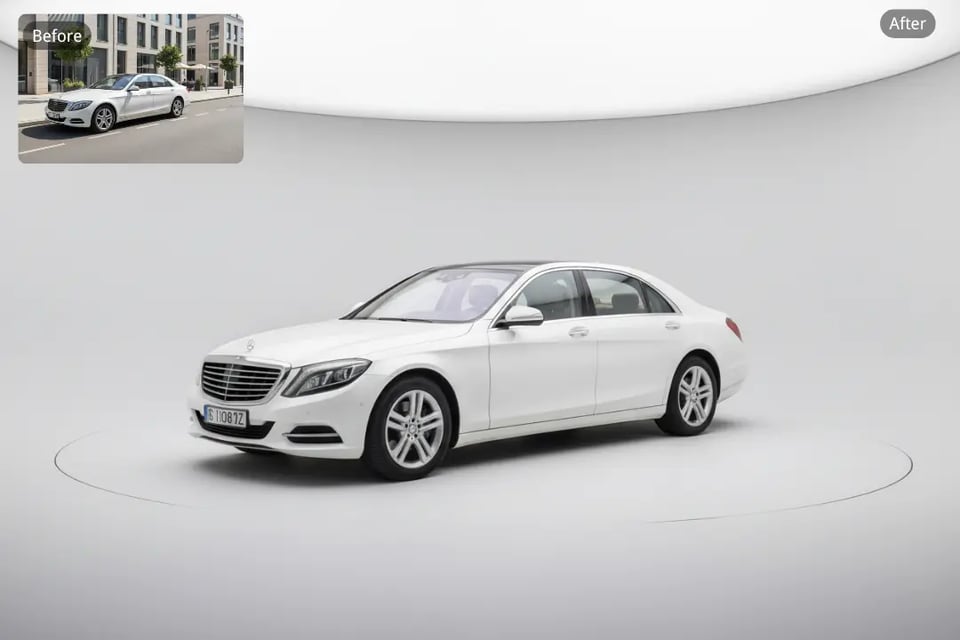
Studio-Style and Showroom-Ready Visuals
A studio-style setting can make a vehicle image feel cleaner, more premium, and more controlled. Bylo.ai’s Car Photo Editor can place the car in a clean, studio-like setting with soft lighting and realistic shadows. This approach works especially well when users want a product-style automotive visual with fewer distractions, or need a showroom-ready image with balanced lighting and a polished presentation.
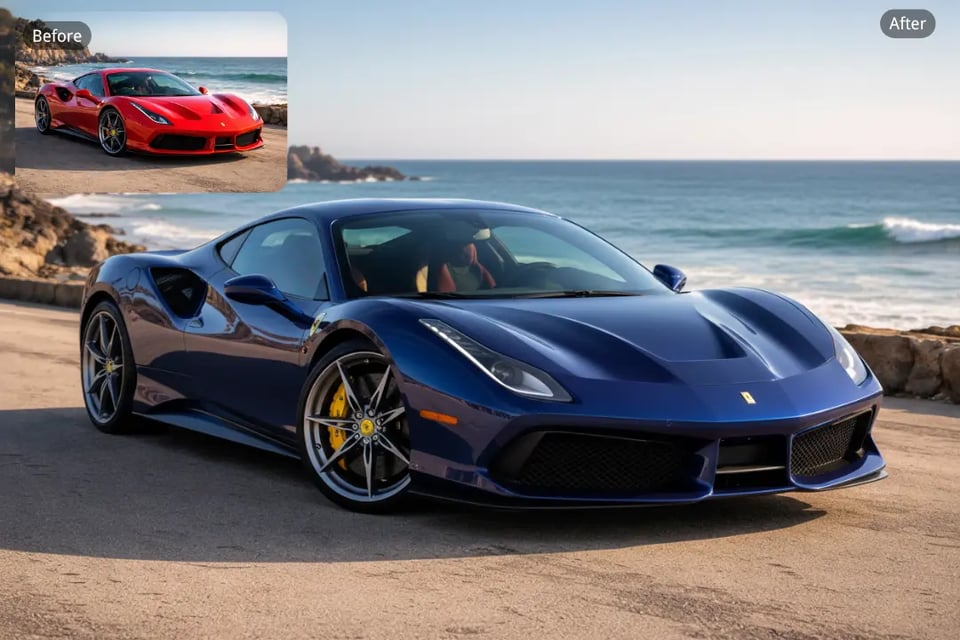
New Car Color Looks
Sometimes users want to test a different visual direction or make the car image more eye-catching. Bylo.ai’s Car Photo Editor allows for easy paint color adjustments while preserving realistic reflections, body lines, and surface finish. Whether you want to change the car’s color to a vibrant metallic shade or a more subtle tone, this edit helps create a striking, eye-catching image.
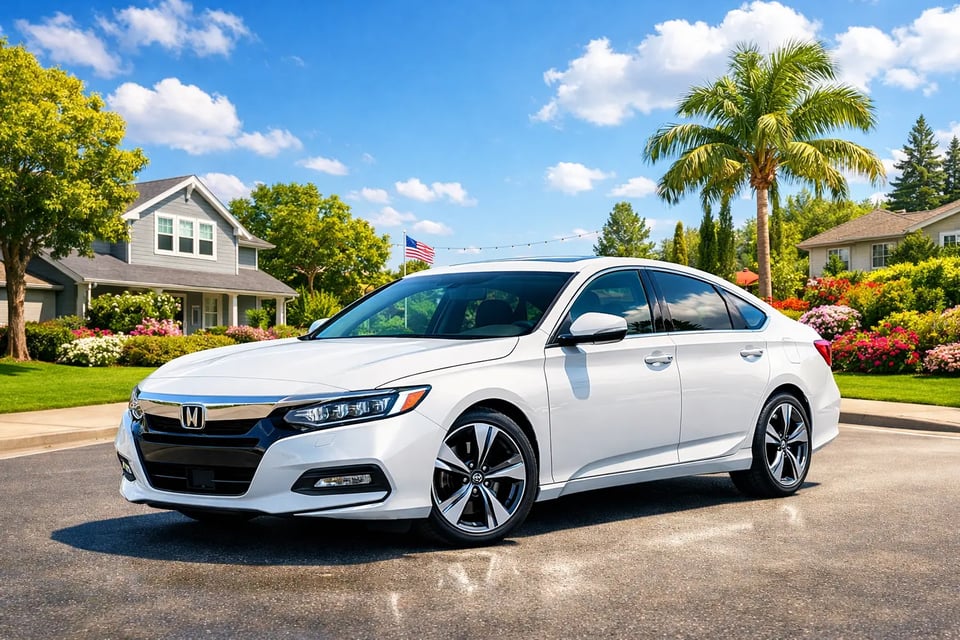
Polished Promotional Car Visuals
Some car images need more than simple cleanup; they need stronger presentation for ads, banners, or social content. Bylo.ai’s AI Car Photo Editor can help create a more polished promotional visual by refining the scene, improving lighting, and giving the car a premium, attention-grabbing look. The final result is a high-quality promotional image that’s ready to capture the audience’s attention.
What Makes Bylo.ai Stand Out for Car Photo Editing
Get Started with Car Photo Editor Free Online
Bylo.ai makes it easier for users to start editing vehicle images with a more accessible Car Photo Editor free online workflow. Our Car Photo Editor helps users explore practical edits like background replacement, reflection cleanup, lighting enhancement, and other automotive image improvements in a faster and more flexible way.
Enjoy a Simple Workflow with AI Car Photo Editor
A car image editing process should feel direct and easy to manage. Bylo.ai’s AI Car Photo Editor allows users to upload a vehicle photo, describe the changes they want, and create cleaner, more polished automotive visuals without depending on complicated manual tools or an overly technical workflow.
Create Better Results with Advanced Models in AI Car Photo Editor
Bylo.ai supports multiple advanced AI image models, including Nano Banana and Seedream, giving users more flexibility when editing different types of vehicle photos. With our AI Car Photo Editor, these stronger model options help create better results for background replacement, image enhancement, color adjustment, and more refined automotive presentation.
Explore More Tools Beyond Car Photo Editor
Bylo.ai offers more than a single Car Photo Editor workflow. In addition to our Car Photo Editor, users can also explore other AI image editing tools on Bylo.ai for broader visual needs, making it easier to continue improving image quality, backgrounds, styles, and other creative photo details in one place.