Select the model you want to generate your image with.

Task

Supported formats: PNG, JPG, or WEBP

Maximum file size per image: 5 MB, up to 5 images can be uploaded.

0/2000

No Watermark

Private

Free Blush Effect Online

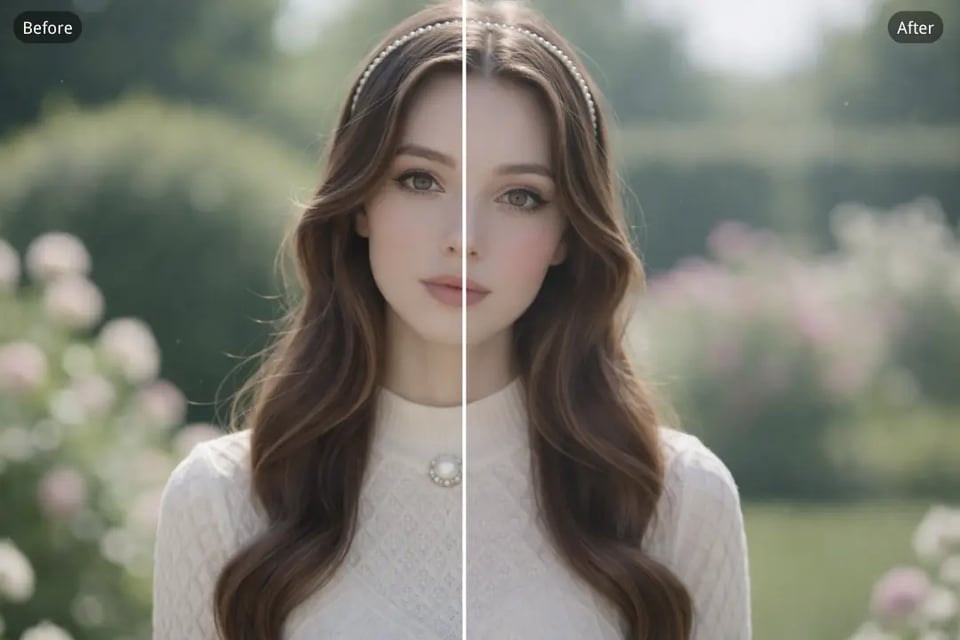
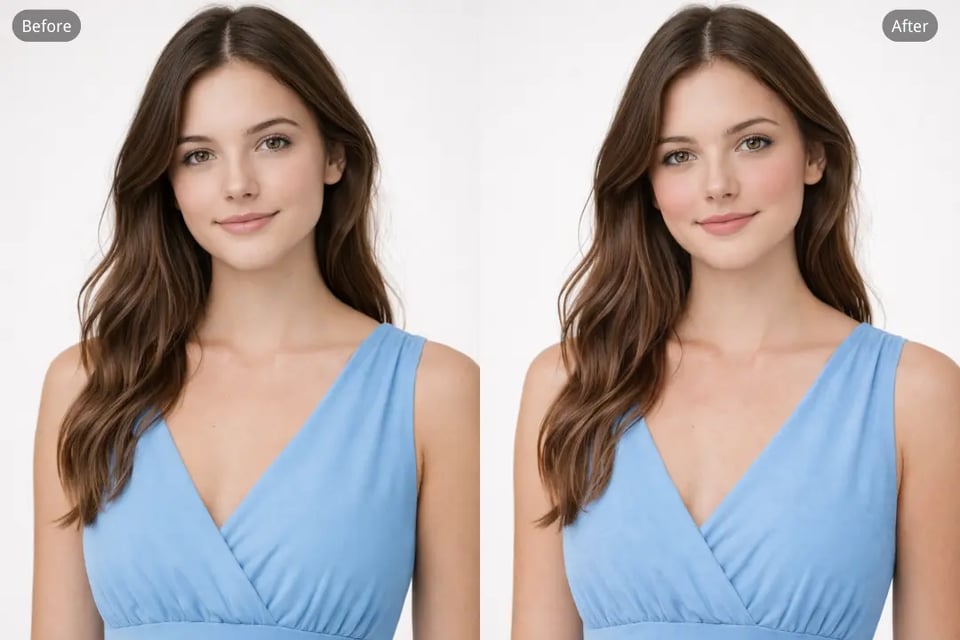
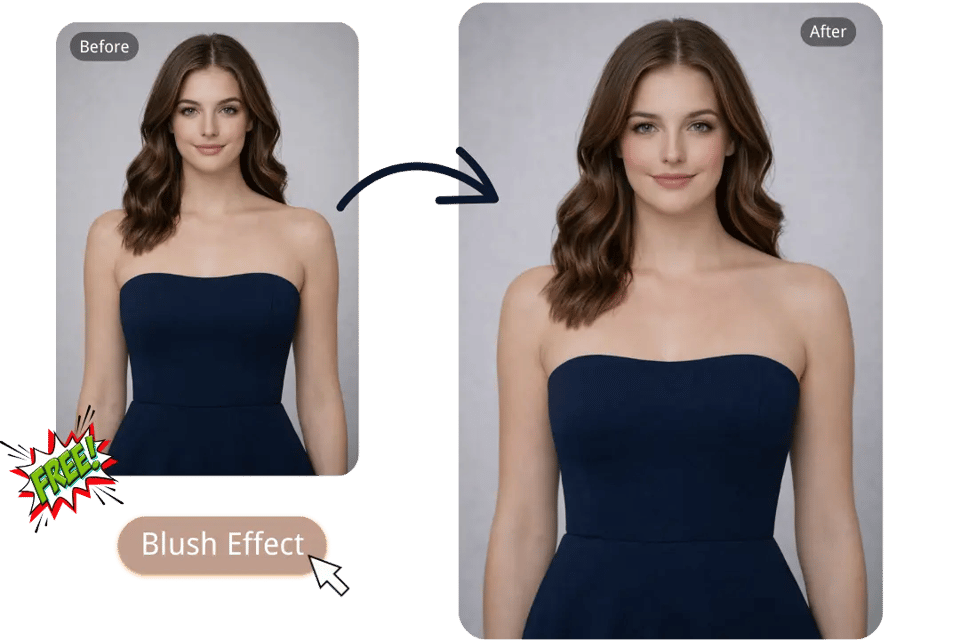
Use Bylo.ai to add a natural blush effect to any photo and create soft, fresh, rosy cheeks in seconds.

Record image

Your Generated Images

No images yet. Generate your first masterpiece!

How to Add a Natural Blush Effect Free with Bylo.ai

Follow these simple steps to get started with our platform.

Upload Your Image

AI Applies the Blush Effect

Generate and Download Your Blush Effect Image

Key Features of Bylo.ai's Blush Effect

Quick and Natural Blush Application for Portraits

Quick and Natural Blush Application for Portraits

Seamless Blush Blending with Skin Tones

Seamless Blush Blending with Skin Tones

AI-Powered Face Recognition for Perfect Blush Placement

AI-Powered Face Recognition for Perfect Blush Placement

Free Blush Effect with One-Click Fast Enhancement

Free Blush Effect with One-Click Fast Enhancement

How to Use Bylo AI Blush Effect for Stunning Photos and Profiles

Enhancing Social Media Profile Pictures with Natural Blush

Whether you're updating your Instagram profile or posting a selfie on TikTok, Bylo.ai's Blush Effect helps you add a natural, glowing blush to your photos. With just a few clicks, you can enhance your social media presence with flawless, radiant images that capture the right amount of warmth and beauty.

Professional Headshots and Portraits with a Natural Blush Effect

Bylo.ai's Blush Effect is perfect for professional headshots, ensuring that your portraits look polished and refined. The subtle blush adds a touch of life to your face, making you look fresh, approachable, and well-groomed, without the need for complex makeup edits.

Enhancing Beauty and Fashion Photography with a Soft Blush

In beauty and fashion photography, the right touch of color can completely elevate the final image. Bylo.ai’s Blush Effect is perfect for adding a soft, natural flush to the cheeks, helping portraits look fresher, healthier, and more editorial. This subtle enhancement works especially well for beauty shoots, fashion campaigns, and Vogue Cover where polished skin, balanced makeup, and a refined high-fashion finish matter. With AI-driven precision, Bylo.ai makes it easier to perfect every shot for portfolios, promotional visuals, and magazine-inspired content.

EducatorsCreating Stunning LinkedIn Profile Pictures with Blush

Want to look your best for online profiles? Bylo.ai's Blush Effect can quickly enhance your profile picture by adding a natural blush that enhances your features. Whether it’s for LinkedIn, Facebook, or any other platform, your new profile picture will stand out with a fresh, polished look.

Why Choose Bylo.ai's Blush Effect for Effortless Photo Enhancement and Precision Editing

Free Blush Effect Trial for Easy and Quick Enhancement

Maintain Character Consistency with Realistic Blush Application

Explore More Face Editing Tools Beyond the Blush Effect

FAQs about Bylo.ai's Blush Effect