Select the model you want to generate your image with.

Model Version
Task

Supported formats: PNG, JPG, or WEBP

Maximum file size per image: 5 MB, up to 10 images can be uploaded.

0/2000

No Watermark

Private

Add Hat to Photo Online Free

Explore different hat styles and preview how they look on your photos by adding hats naturally with Bylo.ai’s AI hat editor.

Record image

Your Generated Images

No images yet. Generate your first masterpiece!

How to Add Hat to Photo Free with Bylo.ai

Follow these simple steps to get started with our platform.

Step 1: Upload a Clear Photo for Accurate Hat Placement

Step 2: Describe the Hat Style to Add to Your Photo

Step 3: Generate and Download Your Edited Photo

Key Features Of Bylo AI Hat Photo Editor

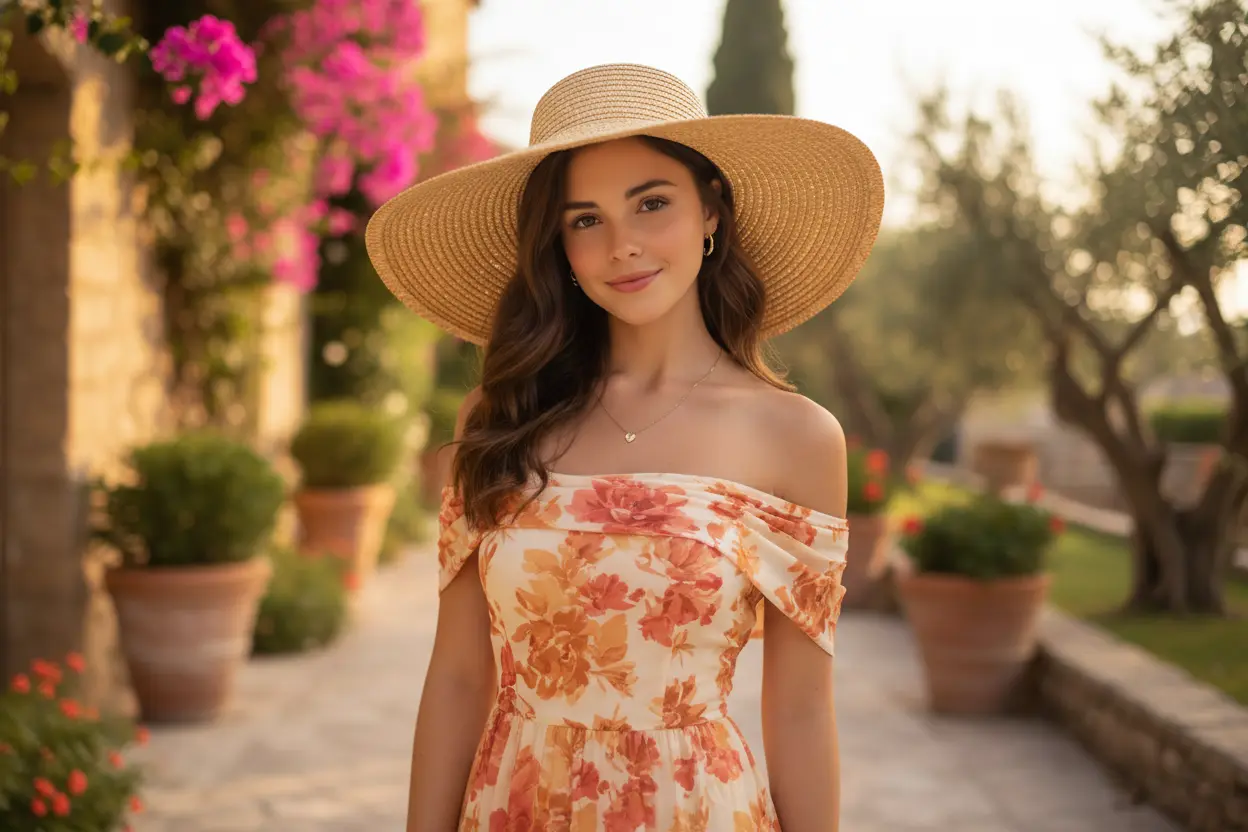
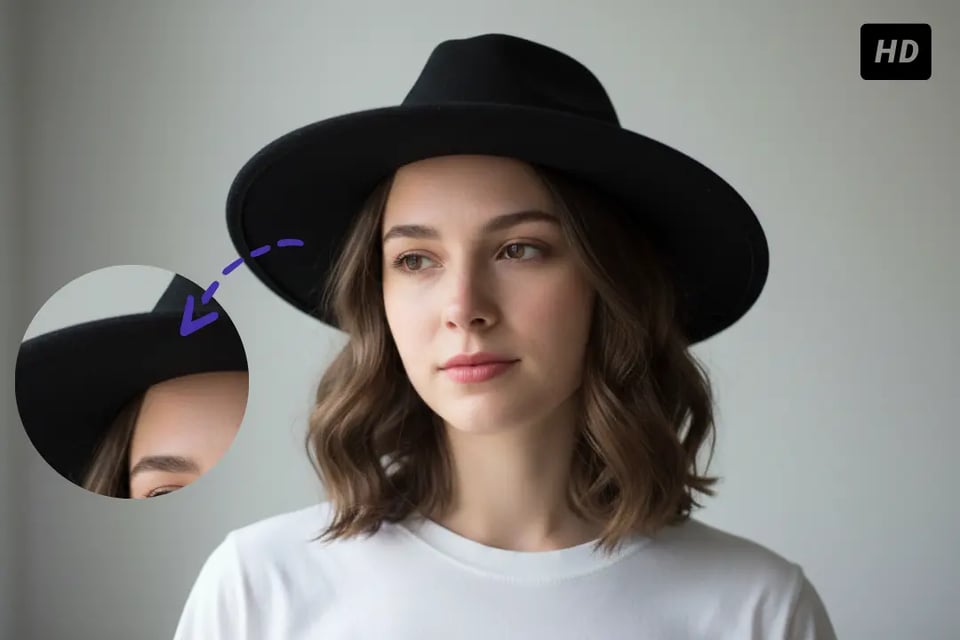
Add Hat to Photo Free That Looks Naturally Worn

Add Hat to Photo Free That Looks Naturally Worn

One-Click AI Hat Photo Editor with Balanced Light and Depth

One-Click AI Hat Photo Editor with Balanced Light and Depth

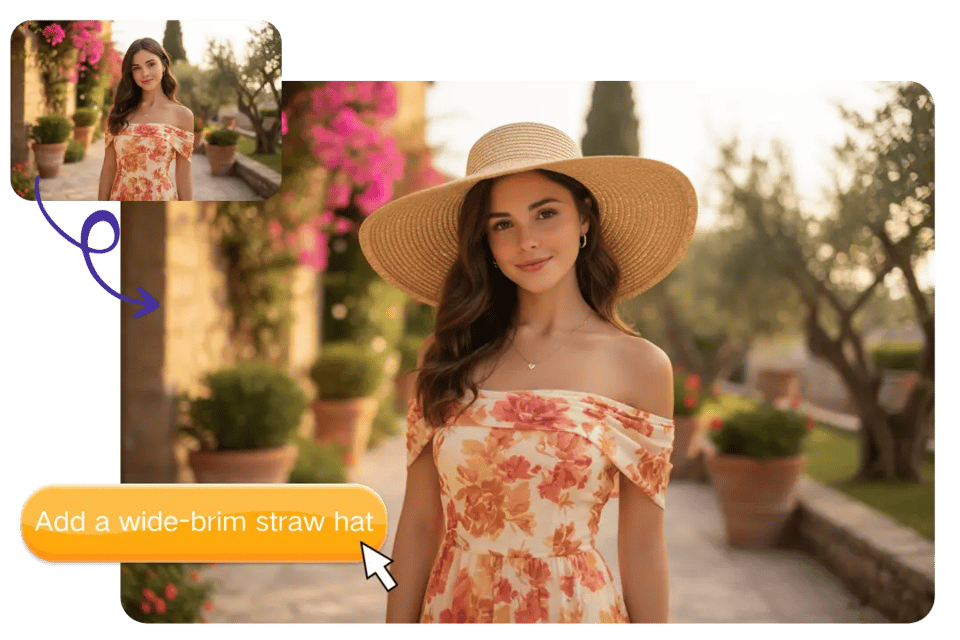
Text-Based Add Hat to Photo Without Fixed Templates

Text-Based Add Hat to Photo Without Fixed Templates

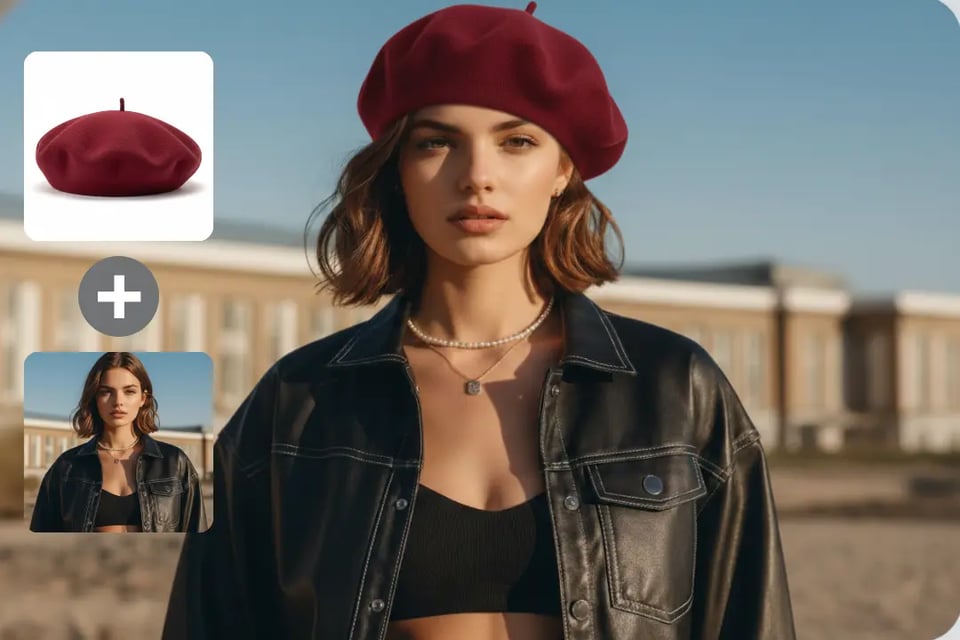
Virtual Hat Try On for Real Photos and References

Virtual Hat Try On for Real Photos and References

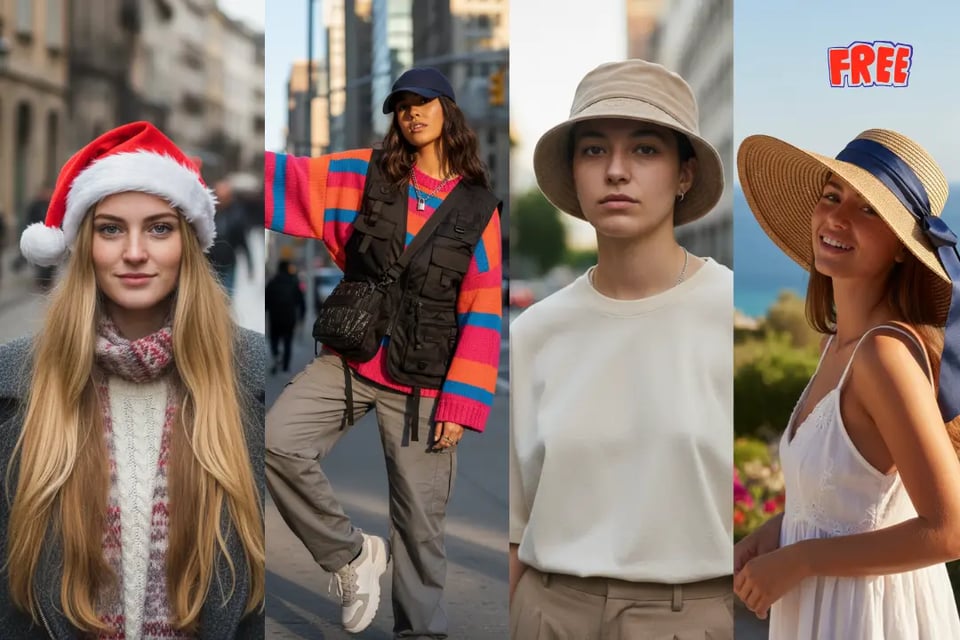
Creative Hat Styles You Can Add to Any Photo

Add Santa Hat to Photo for Holiday Moments

Add Santa Hat to Photo for Holiday Moments

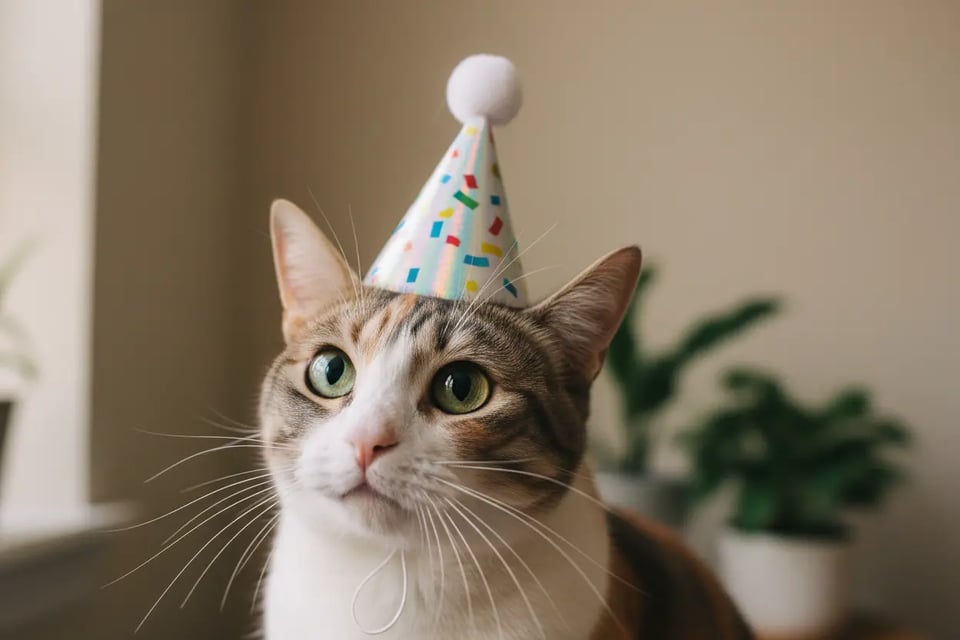
Add Birthday Hat to Photo for Pets and Cats

Add Birthday Hat to Photo for Pets and Cats

Add Cowboy Hat to Photo for Western-Style Looks

Add Cowboy Hat to Photo for Western-Style Looks

Add Fedora Hat to Photo for Clean Portrait Styling

Add Fedora Hat to Photo for Clean Portrait Styling

Add Party Hat to Photo for Celebrations and Events

Add Party Hat to Photo for Celebrations and Events

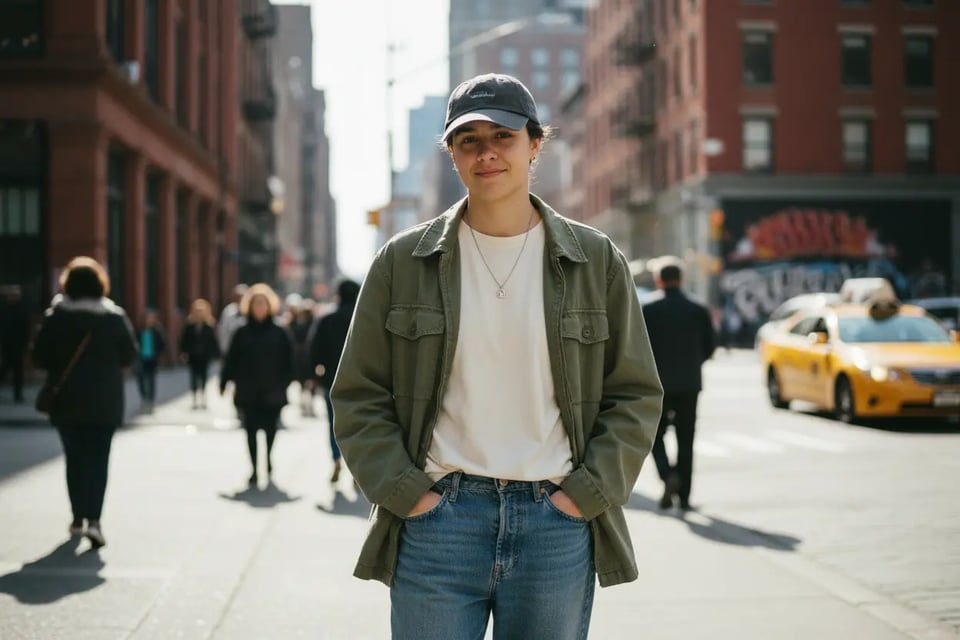
Add Baseball Cap to Photo for Casual Everyday Style

Add Baseball Cap to Photo for Casual Everyday Style

Why Choose Bylo.ai for Add Hat to Photo

Add Hat to Photo Free for Quick Testing

Easy Add Hat to Photo with a Simple Workflow

Realistic AI Hat Photo Editor Results

Frequently Asked Questions about Add Hat to Photo