
Select the model you want to generate your image with.
Transform Your Photo with the Free AI Sailor Moon Filter
See yourself as the iconic Sailor Moon in just a few clicks with our free AI filter!
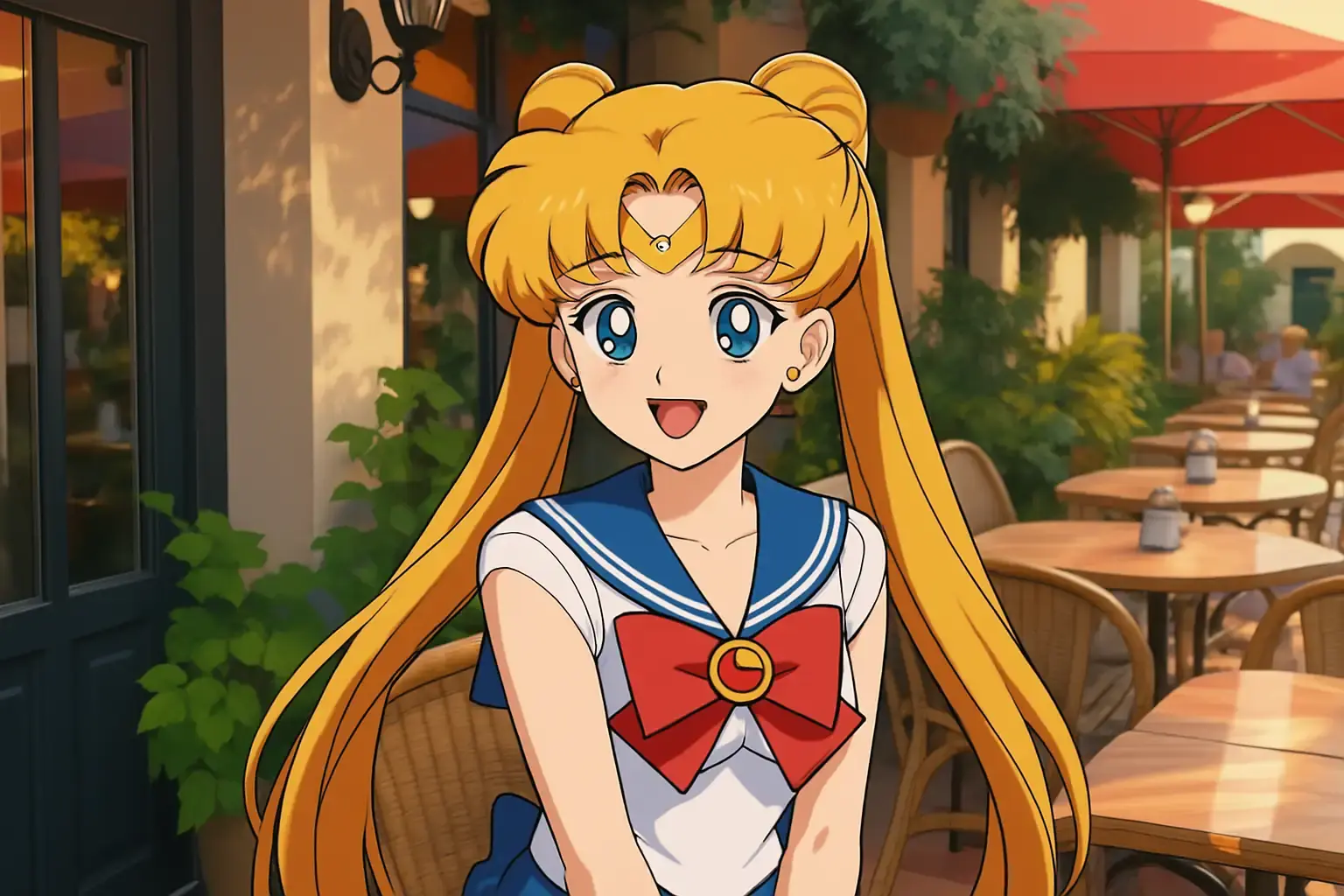
Your Generated Images
Key Features of the AI Sailor Moon Filter
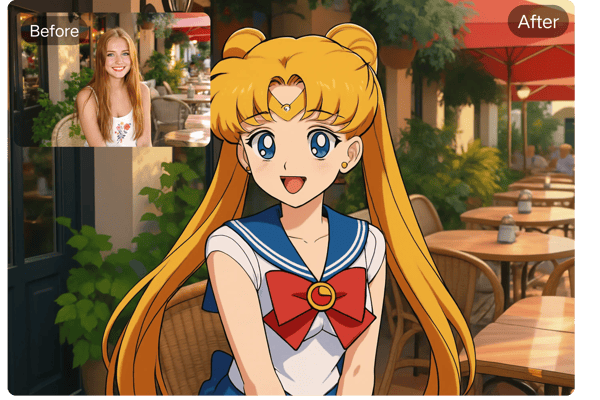
Transform Into a Sailor Moon Star
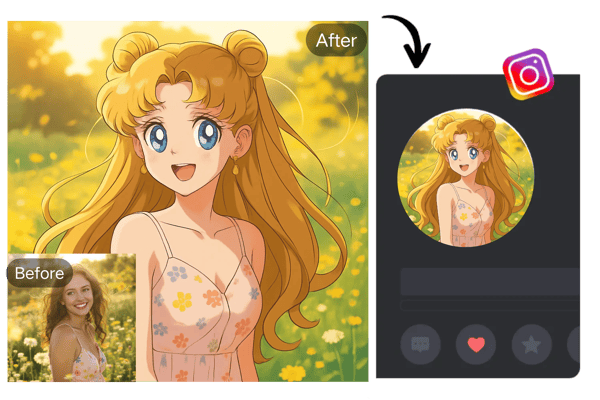
Love Sailor Moon? Our AI Sailor Moon filter lets you transform any portrait into a Sailor Moon-inspired character, capturing her signature look—big eyes, magical outfits, and all. Upload your photo and instantly see your transformation.
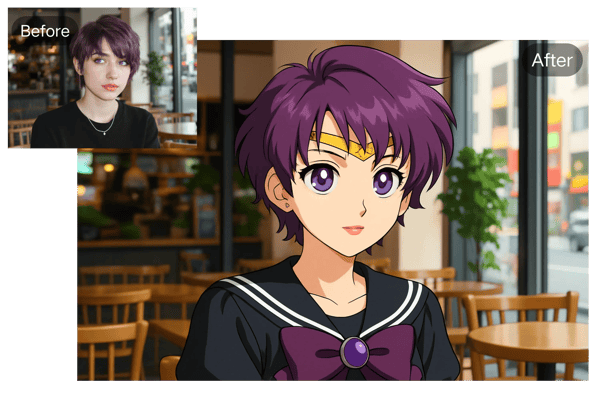
Custom Sailor Moon Comic Appearance
Unlike beauty filters that pursue flawless perfection, the Sailor Moon Filter retains the unique exaggerated elements of anime—such as big eyes, unrealistic hair colors, and dramatic expressions, allowing anyone to transform into a Sailor Moon at this moment.You can also enter the personalized decoration you need in the "other idea" section.
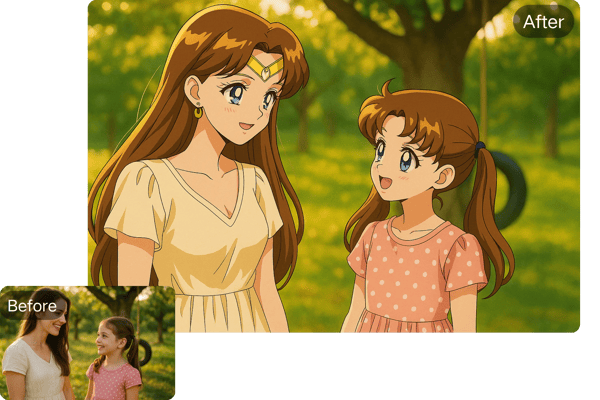
Reliving Your Childhood
This filter carries the shared childhood memories of a generation. If you were once a kid who loved watching "Sailor Moon," then right now, you're not just using a filter; you're engaging in a dialogue with your past, reconnecting with that innocent era when you firmly believed in "love and justice."
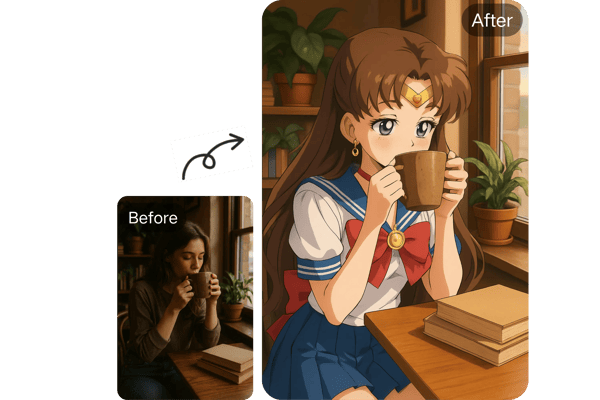
The Fusion of Magic and Reality
Skillfully integrating surreal anime elements into real-life scenes creates a unique "magical realism" visual feast—imagine drinking coffee at Starbucks while wearing a moon-shaped hair accessory on your head; this bizarre absurdity is inherently fascinating.
How to Use the AI Sailor Moon Filter
Upload Your Portrait
Simply upload a portrait photo in JPG, JPEG, PNG, WEBP format to our AI Sailor Moon filter. Make sure your face is clearly visible for the best transformation results!
Let AI Work Its Magic
Once your photo is uploaded, the AI works quickly to analyze your image and convert it into a Sailor Moon-style cartoon. This process only takes within a minute.
Download and Share Your New Sailor Moon Image
Once your Sailor Moon portrait is ready, you can preview it and download it directly to your device. You can also easily share it on social media platforms to impress your friends and fans!
Use Case of the AI Sailor Moon Filter
Relive Childhood Nostalgia
The AI Clay Filter transforms photos into charming claymation-style art, evoking fond memories of childhood stop-motion shows, creating a playful, nostalgic vibe for users to enjoy and share.
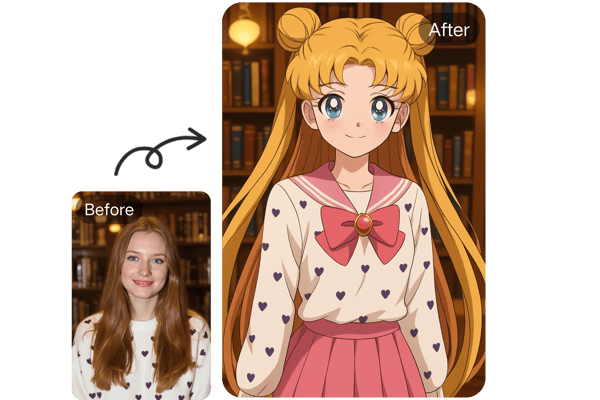
Create Viral Content
With the AI Clay Filter, users can craft eye-catching, claymation-inspired images that stand out on social media, perfect for generating viral posts and engaging audiences on platforms like X.
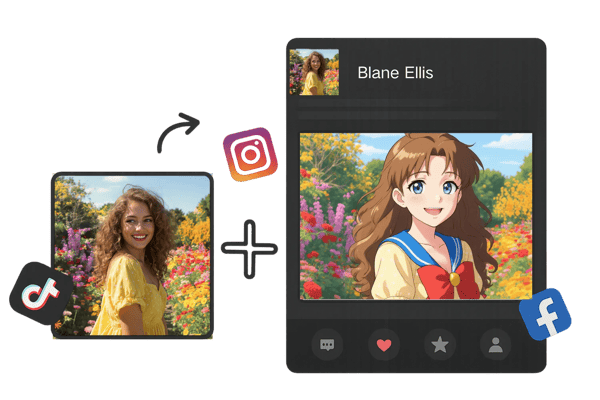
Spark Creative Inspiration
The AI Clay Filter fuels artistic creativity by turning ordinary photos into whimsical clay-like visuals, inspiring users to explore unique storytelling or design ideas for personal or professional projects.
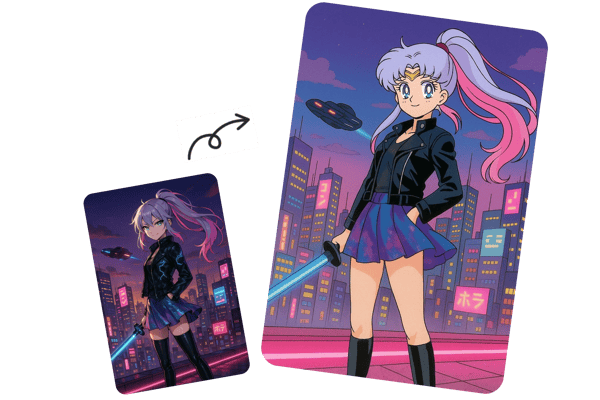
Craft Personalized Avatars
The AI Clay Filter lets users create custom, claymation-style avatars from their photos, offering a fun, distinctive way to personalize profiles or express individuality online.
What Users Say About the AI Sailor Moon Filter
I absolutely love the AI Sailor Moon filter! It’s a fun and unique way to add a little magic to my social media. My followers were amazed at how cute my new avatar looks!
Emily, Content Creator
Instagram Influencer
As a long-time Sailor Moon fan, I’m thrilled with this filter. It captures the essence of Sailor Moon perfectly, and I’ve been using it as my profile picture for weeks now!
John, Anime Enthusiast
Anime Blogger
This filter is a fantastic tool for creating fun, personalized avatars. I used it to create a Sailor Moon version of myself, and I’m planning to use it for my next project!
Sophie, Designer
Freelance Illustrator
I wasn’t sure how an AI could turn a photo into a Sailor Moon character, but I’m really impressed by the quality of the transformation. It's a smooth process and looks amazing!
Mike, Tech Enthusiast
Software Developer
The AI Sailor Moon Filter turned me into Sailor Mercury with her blue uniform and tiara in just a click—super cool! I added a hair bow and a cosmic background, and it felt like I stepped into the anime.
Hana Kim
College Student
As a cosplayer, I’m blown away by the AI Sailor Moon Filter—it crafted a perfect Sailor Jupiter look with green accents!
Yuki Sato
Cosplay Enthusiast
Frequently Asked Questions About the AI Sailor Moon Filter
Is the AI Sailor Moon filter free to use?
Yes, we offer a free plan so you can explore the AI-generated portraits before deciding which plan suits you best.
What file formats can I upload for the transformation?
You can upload portrait images in JPG, JPEG, PNG and WEBP formats.
How long does it take to transform my photo?
The transformation process takes just within tens of seconds once you upload your photo.
Can I use my Sailor Moon image as a wallpaper?
Absolutely! You can resize and set your Sailor Moon avatar as your wallpaper on both mobile and desktop devices.
Can I share my Sailor Moon image on social media?
Yes! After transforming your photo, you can easily download and share it on your favorite social media platforms.If it is for commercial use, a subscription is required.
Does the AI Sailor Moon filter work on all types of photos?
For the best results, use a clear portrait photo where your face is visible. The AI works best with high-quality images.