
Select the model you want to generate your image with.
Change Background Color Instantly with Bylo.ai's Free Background Changeer
Effortlessly transform your images with our free, fast, and privacy AI background color changer.

Your Generated Images
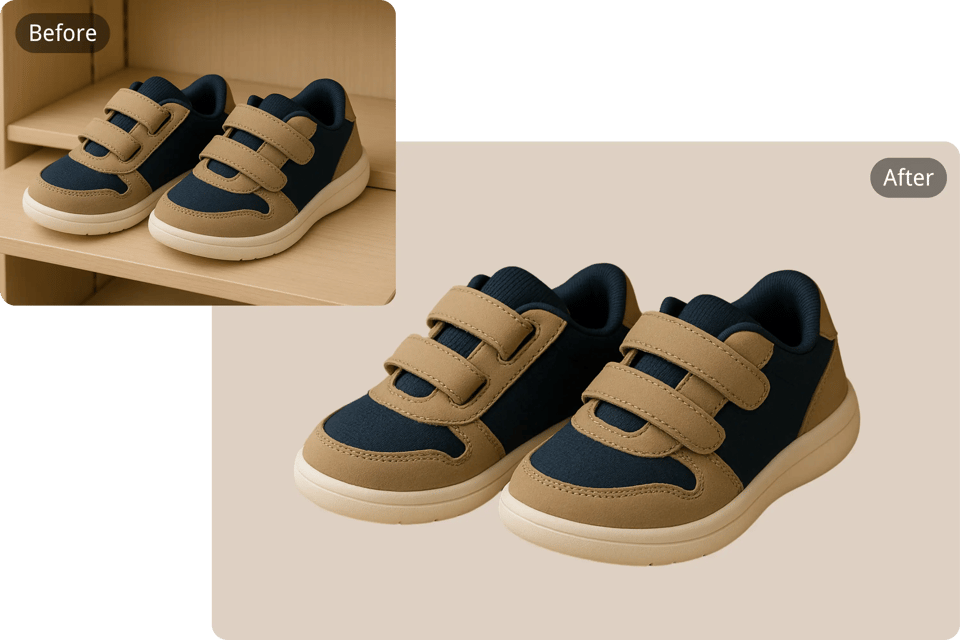
Make Your Products Pop with Custom Backgrounds
Enhance your product visuals effortlessly with Bylo.ai’s AI change background color tool . Whether you're selling online, creating ads, or building a brand, a clean and consistent background can dramatically improve how your products are perceived. From bold tones that grab attention to subtle hues that match your theme, the right background helps your products look more professional, cohesive. Just upload, customize, and download — it’s that simple.
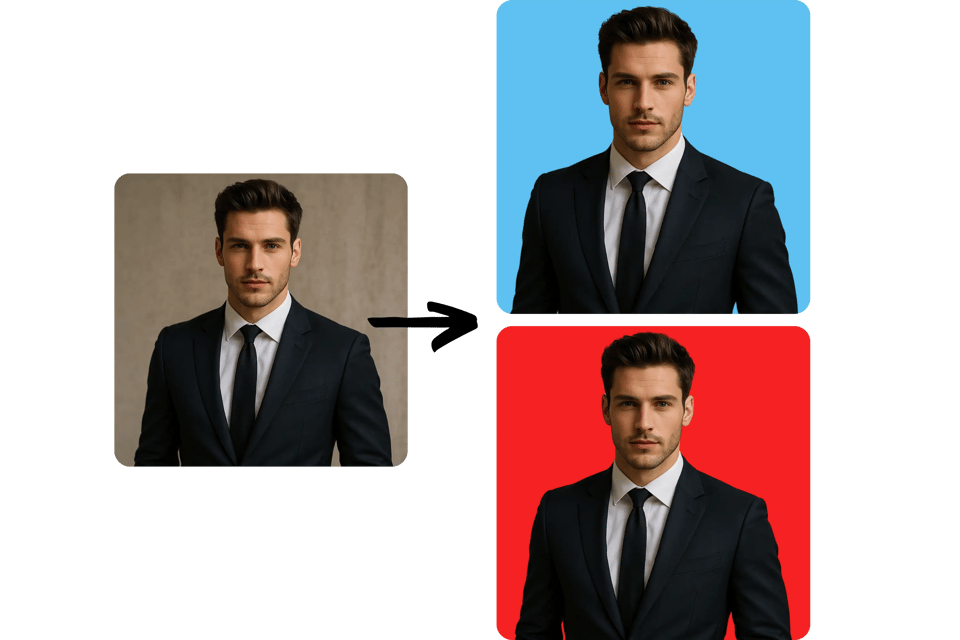
Get a Professional Background Color for Any Portrait
Bylo.ai' change background color tool makes it easy to update the background of any portrait for official documents like passport photos, driver's licenses, visa applications, wedding portraits, and more. Simply upload your image, enter the required background color (such as white, or blue), and let our AI change background color tool handle the rest. Achieve clean, compliant results instantly, whether you're preparing for international travel or updating official records.
Key Features of the AI Background Color Changer
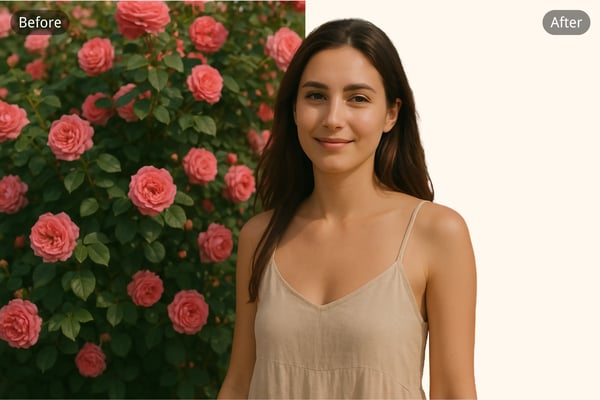
🎨 One-Click Change Background Color
Change background color of any image instantly with just one click. Bylo.ai’s intuitive interface allows users to create professional-looking images without needing any technical skills.
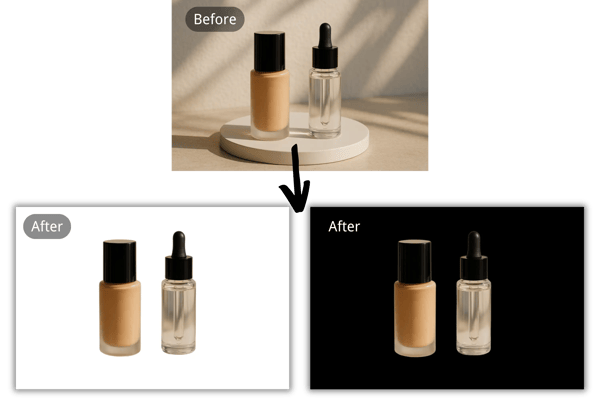
🚀 Free & Fast – No Credit Card Required
Use Bylo.ai’s background color changer for free, with no credit cards required. Enjoy lightning-fast processing that delivers high-quality results in seconds.

🛡️ Privacy-Focused Image Editing
At Bylo.ai, your privacy matters. Our change background color tool processes images securely and ensures that none of your photos are stored or shared.

🤖 AI-Powered Precision
Our advanced AI accurately detects image backgrounds and enables seamless color replacements. Achieve clean, professional edits effortlessly.
How to Change Background Color Frre Online
Step 1: Upload Your Image
Start by uploading your photo to the AI change background color tool. Our tool accepts most standard image formats.
Step 2: Enter Your Background Color
Enter the background color you want to change to and click “Generate.” The AI will instantly update the background to match the color you entered.
Step 3: Download the Result
Click to download your newly transformed photo with the updated background color—ready to share or use in your projects!
User Feedback on Background Color Changer
Bylo.ai has completely changed how I prep images for clients. The background color changer is flawless and saves me hours of editing!
Emily Carter
Freelance Photographer
I love how simple and fast it is to change background colors. It helps my product images pop and aligns perfectly with my store’s theme.
Marcus Lee
E-commerce Store Owner
The privacy-focused feature is what sold me. I can change image backgrounds quickly without worrying about data exposure.
Tina Gomez
Digital Marketer
Finally a tool that makes background editing as easy as uploading and clicking! Bylo.ai is now part of my daily content toolkit.
Rajiv Sharma
Content Creator
What impressed me most is the speed and accuracy. The AI understands exactly what I want—backgrounds look natural, and I can focus more on design instead of manual edits.
Dylan Carter
Freelance Designer
Frequently Asked Questions about Changing Background Color
Is Bylo.ai change background color for free?
Yes! You can change background color of photo for free—no credit card is needed.
Can I use the AI change background color tool on my phone?
Absolutely. Bylo.ai is mobile-friendly and works on all major devices and browsers.
Is my uploaded image safe?
Yes — your image is processed securely and is never stored or shared. We respect your privacy at all times.
What file formats are the AI change background color tool supported?
Bylo.ai supports JPEG, PNG, WEBP and most other common image file types.
Can I change the background to a custom color?
Yes! Choose from our palette or input a custom HEX color to match your brand or theme exactly.
Will the quality of my image be preserved?
Yes, our AI preserves image quality while changing background color, ensuring your visuals look professional.
How long does it take to change background color?
Typically, it takes just a few minutes to process and download your edited image using our AI background color changer.