
Select the model you want to generate your image with.
Try the AI Buzz Cut Filter Online – Free with Bylo.ai
See your boldest look in seconds with our buzz cut camera filter—no scissors, no sign-up, just style.

Your Generated Images
Key Features of the Buzz Cut Filter by Bylo.ai
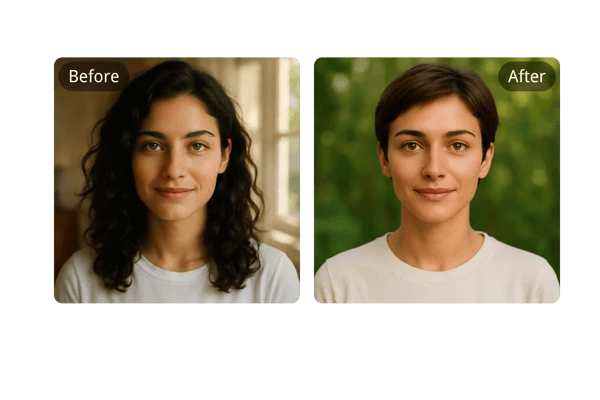
Hyper-Realistic Buzz Cut Previews
Bylo.ai's buzz cut filter uses advanced AI to create highly realistic previews based on your facial features and hairline. Experience how you'd actually look with a buzz cut—no guesswork required.
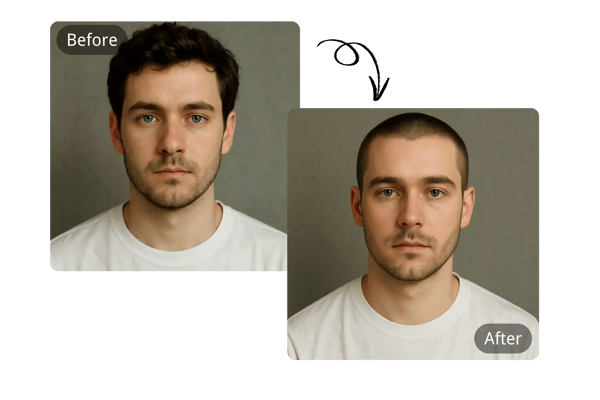
Instant One-Click Results
Upload a photo and instantly see your buzz cut transformation. Our buzz cut camera filter online delivers quick, high-quality results without any technical setup.
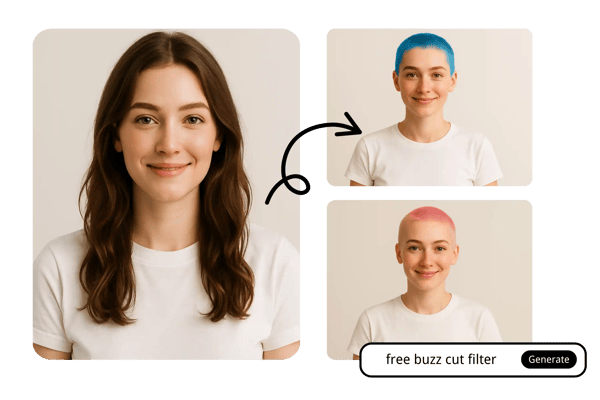
Multiple Buzz Cut Styles
From high fades to induction cuts, explore a variety of buzz cut styles and even custom colored looks. Bylo.ai lets you experiment freely with our buzz cut filter.
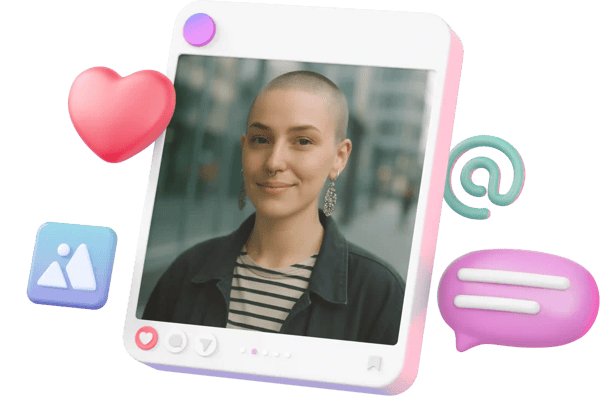
Free Trial, No Signup Needed
Try the AI Buzz Cut Filter with no strings attached. No login, no payment—just upload your photo and preview your buzz cut instantly with Bylo.ai.
How to Use the Buzz Cut Filter on Bylo.ai
Upload Your Photo
Choose a clear, front-facing photo in JPG, PNG, or WebP format. Upload it directly to our buzz cut filter tool.
Pick a Buzz Cut Style or Describe Your Look
Describe your desired look—our AI buzz cut filter camera adapts to your inputs to generate the perfect style.
Generate and Download
Let the AI process your photo and deliver a stunning buzz cut simulation in seconds. Download and share it instantly.
More Than Just Buzz Cuts - Change Your Hairstyle with AI
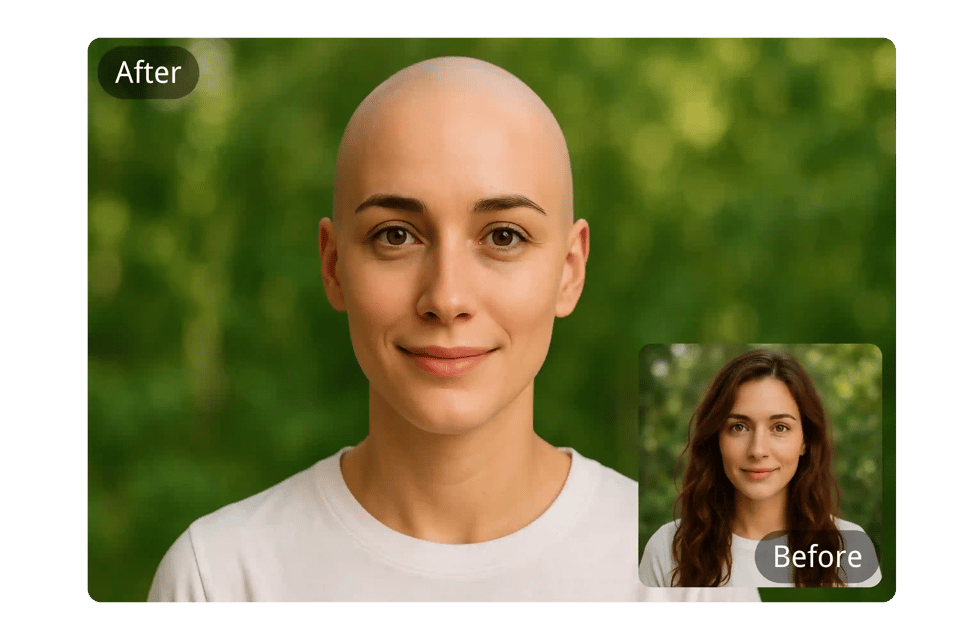
Free Online Bald Filter
Curious how you’d look with a completely shaved head? Try our free bald filter online and preview a bold, minimalist style in seconds—no haircut needed. Perfect for fun, confidence, or a fresh new look.
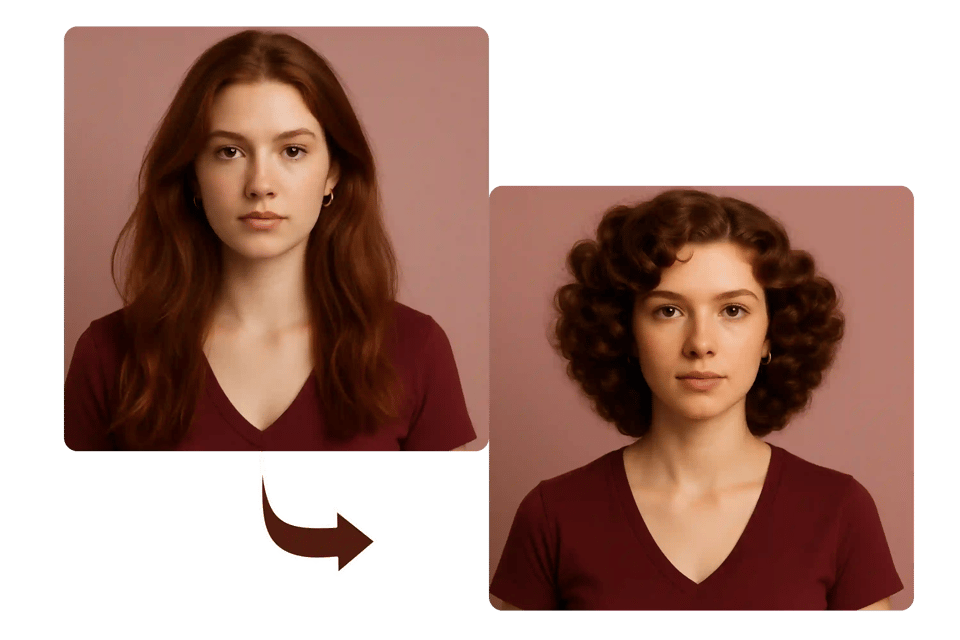
AI Perm Filter
Curious about a wavy or curly look but not ready to commit? Our AI perm filter lets you preview the transformation without touching your hair. Get a feel for soft curls or vintage waves before making it permanent.
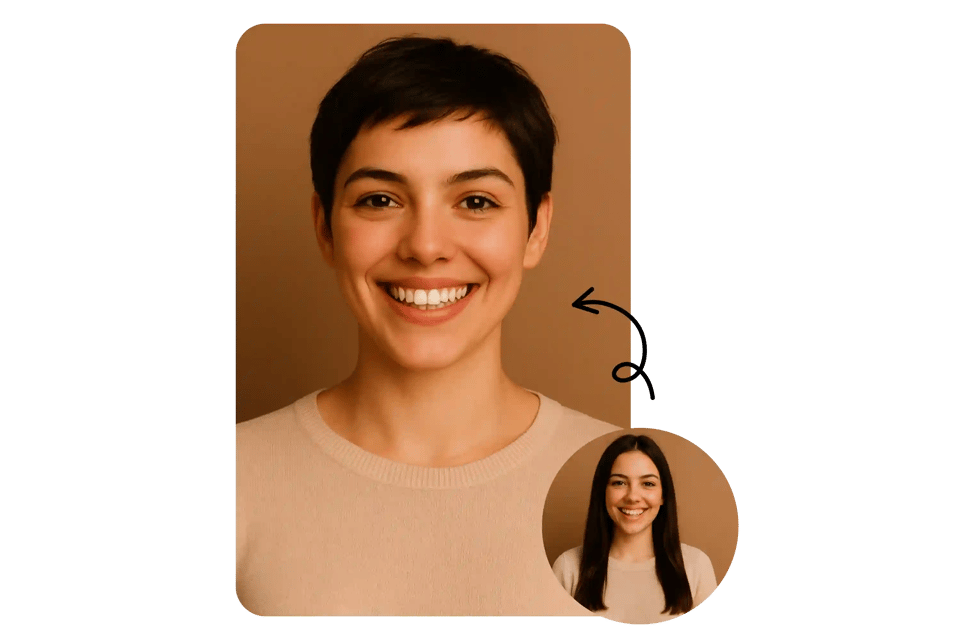
Pixie Cut Generator
Ready for a daring transformation? Our AI-powered pixie cut generator lets you see yourself with a sleek, stylish short crop—instantly and risk-free. Whether you're exploring a bold new identity or just having fun, this modern, edgy look could be your next favorite style.
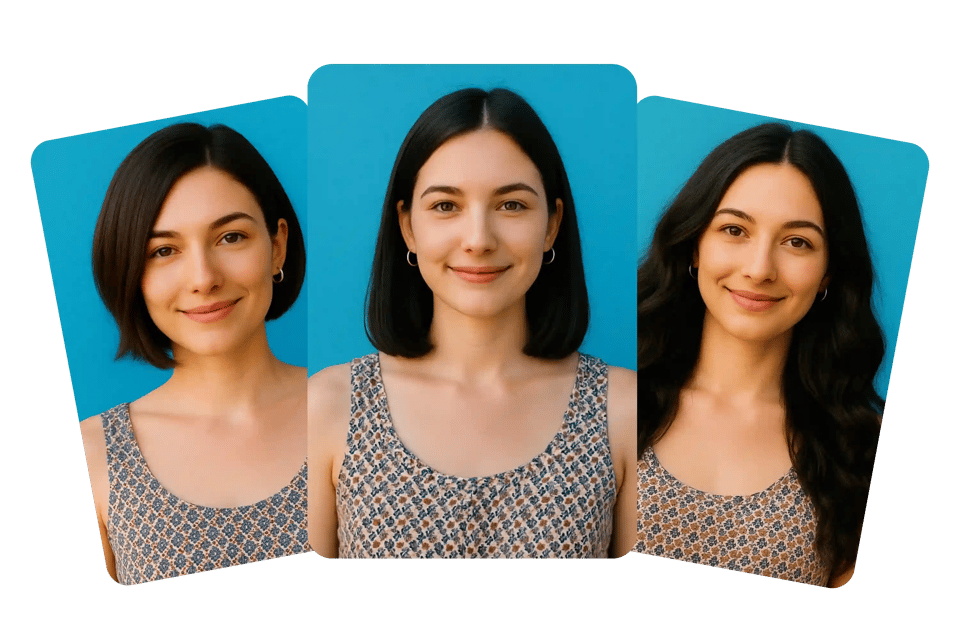
Explore Other AI Hairstyles
Not sure if the buzz cut filter is your perfect fit? No worries—Bylo.ai offers more than just the free buzz cut filter. Try layered cuts, bobs, pixie styles, or even long hair looks—all powered by our advanced AI buzz cut camera filter online. Let AI help you discover your best hairstyle, hassle-free.
Buzz Cut Filter User Reviews
I was skeptical at first, but the buzz cut preview looked so real—it actually helped me decide to get the cut!
Jason W.
College Student
Super fun to use and scarily accurate. I sent it to my friends and they all thought I shaved my head.
Amanda T.
Social Media Influencer
Love that it’s free and doesn’t require signing in. I tried five styles in just a few minutes.
Kevin L.
Freelancer
Very useful for trying bold looks without regret. Bylo.ai gave me confidence to go shorter.
Maria S.
Graphic Designer
Honestly the most realistic hair filter I’ve used. Beats most apps I’ve tried before.
Derek Y.
Tech Enthusiast
The variety of styles is impressive. I ended up liking the pixie cut more than the buzz!
Chloe M.
Fashion Blogger
Frequently Asked Questions About Our Buzz Cut Filter
Is the buzz cut filter on Bylo.ai really free?
Yes! You can use our AI buzz cut filter online free of charge and without creating an account.
Do I need to download an app?
No download is necessary. Bylo.ai works directly in your browser on both desktop and mobile devices.
What photo formats are supported?
We support JPG, PNG, and WebP formats for optimal compatibility and image quality.
Can I try different buzz cut styles?
Absolutely. Our AI buzz cut simulator supports multiple styles including fades, induction cuts, and more.
Is this only for men?
Not at all! Anyone can use the buzz cut filter—it's designed for all genders and hair types.
Are the results realistic?
Yes. Our AI uses advanced facial mapping to ensure hyper-realistic, photo-accurate results.
Can I use it for other hairstyles?
Yes! Bylo.ai also offers simulations for pixie cuts, layered styles, bobs, perms, and more.
Can I share my results on social media?
Definitely! Download your buzz cut look and share it with your friends and followers instantly.