
Select the model you want to generate your image with.
Free AI MS Paint Generator for Viral GPT MS Paint Scribble Images
Upload a photo and turn it into a hilariously awkward MS Paint-style doodle with shaky lines, flat colors, and intentionally bad mouse-drawn charm.
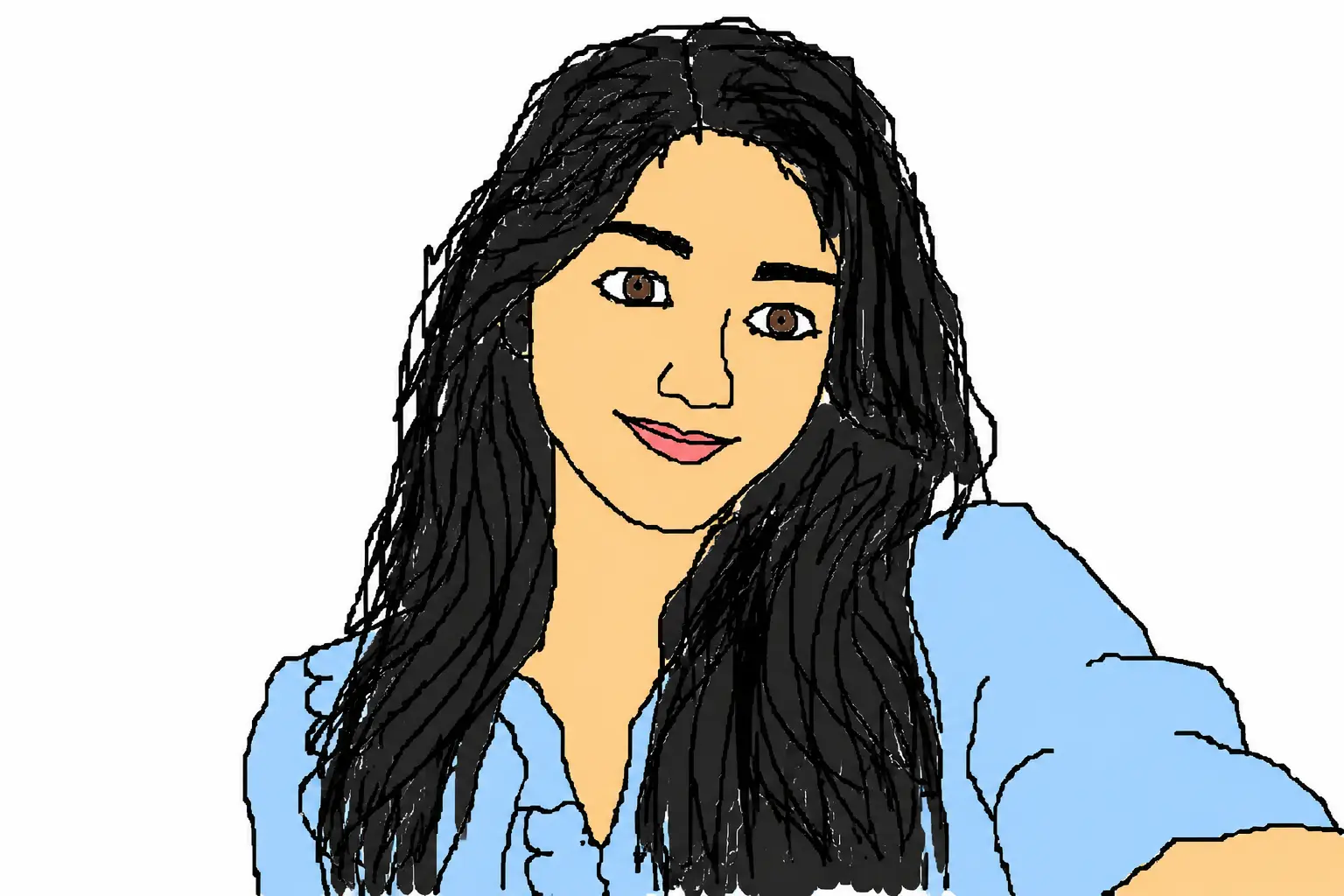
Your Generated Images
Create Viral GPT MS Paint Images with Bylo.ai’s AI MS Paint Generator
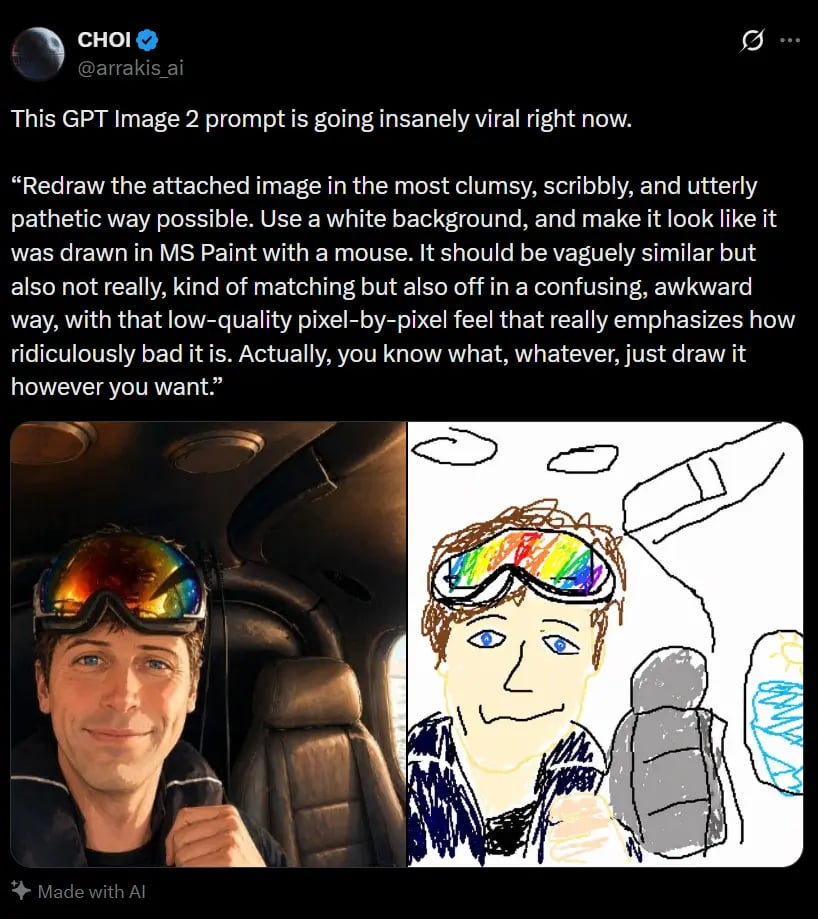
The messy MS Paint redraw trend is blowing up on X, with users turning normal photos into hilariously awkward doodles that look like they were made with a mouse in a few chaotic minutes. Bylo.ai’s AI MS Paint Generator makes it easy to join the trend by transforming portraits, pets, selfies, and memes into scribbly, low-effort-looking images with that recognizable GPT MS Paint charm. If you want to Scribblification or MsPaintify an image without losing the original subject completely, this effect is the perfect way to create funny, shareable visuals that feel instantly internet-native.
How to Use Bylo.ai for Free MS Paint Image Creation
Follow these simple steps to get started with our platform.
Upload a Photo for an MS Paint-Style Redraw
Start by uploading the image you want to transform. Portraits, pet photos, selfies, couple pictures, and meme-style images usually work especially well because the main subject can still stay recognizable after the effect is applied, which makes the final result feel both funny and visually clear.
Generate a Scribbly GPT MS Paint Look
Apply the effect to turn your image into a messy, awkward redraw inspired by the viral GPT MS Paint trend. The result typically features shaky outlines, flat colors, rough shapes, and a deliberately low-effort look that captures the charm people enjoy in MS Paint-style images.
Download and Share Your MsPaintify Image
Once the image is ready, download it and use it for posts, profile pictures, memes, or casual social content. The finished result keeps the basic idea of the original image while giving it that clumsy, hand-drawn feel that makes MsPaintify edits so fun to share.
Key Features of the Bylo AI MS Paint Effect
AI MS Paint Generator with an Intentionally Bad Drawing Style
A strong MS Paint effect should not look polished. It should feel awkward, shaky, and obviously rough in a fun way. With Bylo.ai, our AI MS Paint Generator is designed to recreate that messy mouse-drawn look through uneven outlines, flat color areas, simplified details, and the clumsy visual charm people expect from this trend.
GPT MS Paint Results That Still Keep the Subject Recognizable
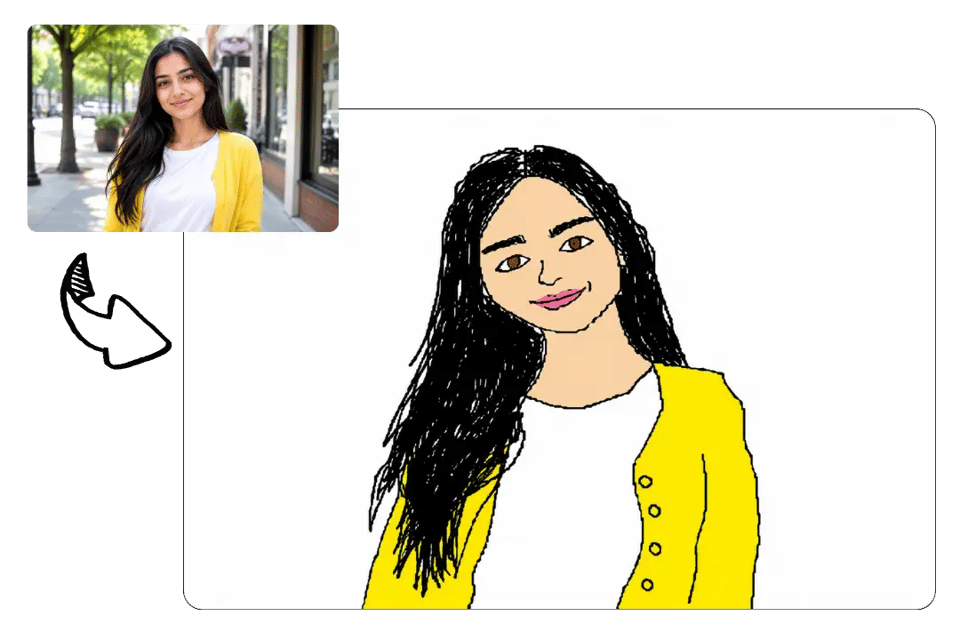
The best GPT MS Paint images look hilariously wrong without losing the original idea of the photo. Bylo.ai helps the MS Paint effect preserve the main subject, pose, and basic visual identity, so portraits, pets, and everyday images still feel recognizable while becoming much more scribbly and absurd.
Scribblification That Simplifies Shapes, Lines, and Color
Scribblification works best when the image is reduced to rough shapes and simple visual information. On Bylo.ai, this effect turns clean photos into loose doodle-like redraws by simplifying contours, flattening color blocks, and removing polished detail, which makes the final image feel more chaotic, playful, and trend-friendly.
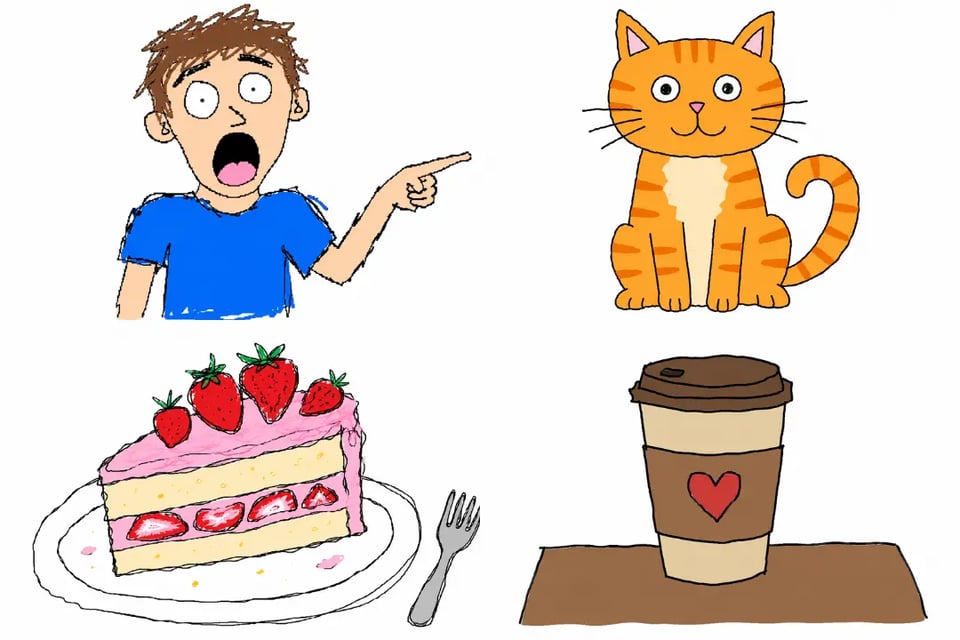
MsPaintify Any Photo for Quick Meme-Ready Sharing
Not every effect works across different image types, but MsPaintify is especially flexible. Bylo.ai makes it easy to apply this style to selfies, pet photos, couple images, reaction pictures, and meme content, turning them into funny low-effort-looking visuals that are easy to download, post, and share.
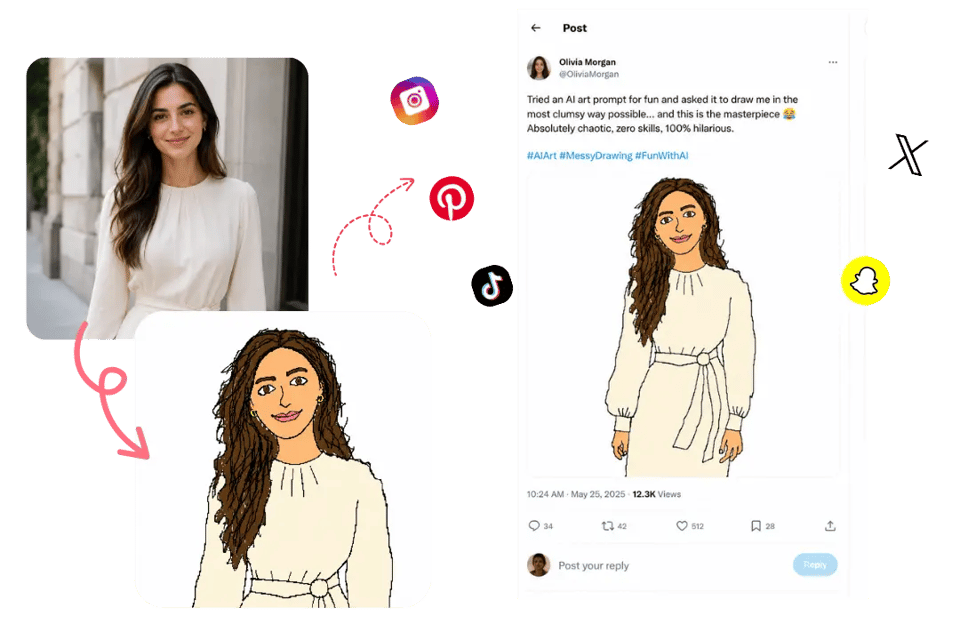
Viral MS Paint Image Ideas You Can Make with GPT Image 2 on Bylo.ai
Using GPT Image 2, Bylo.ai helps turn familiar photos into rough, funny redraws with shaky mouse-like lines, flat colors, and intentionally awkward details. From selfies and pet photos to memes, food shots, and product images, these ideas show how ordinary pictures can become recognizable but badly drawn MS Paint-style images that feel ready for X posts, group chats, and casual social sharing.
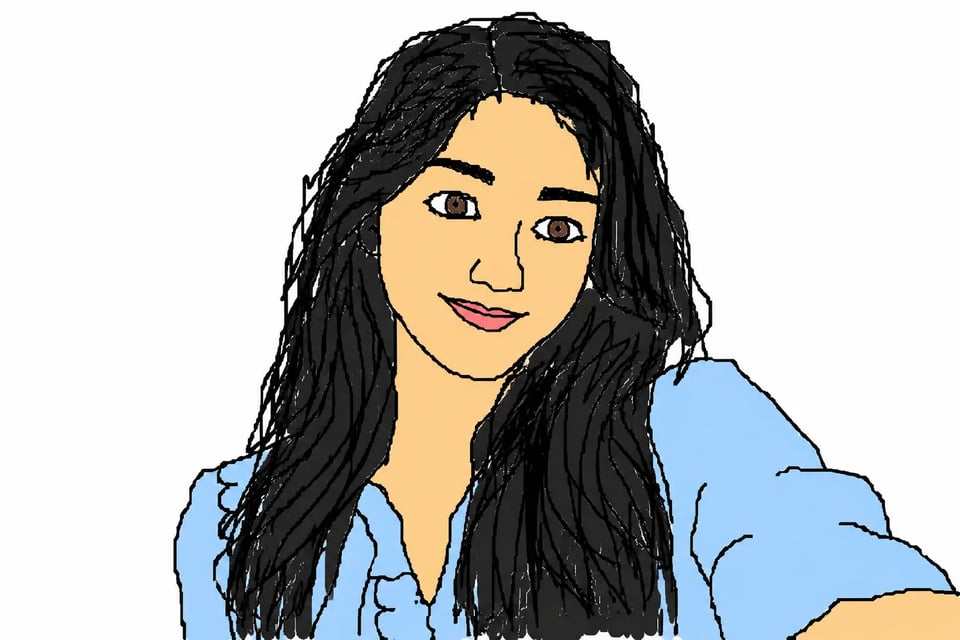
Turn a Selfie into a Clumsy MS Paint Portrait
A clear selfie can become a hilariously rough MS Paint portrait with uneven facial outlines, simple hair shapes, flat skin-tone fills, and a plain background. Bylo.ai uses GPT Image 2 to keep the person recognizable while giving the final image the awkward, mouse-drawn look that makes this effect so funny.
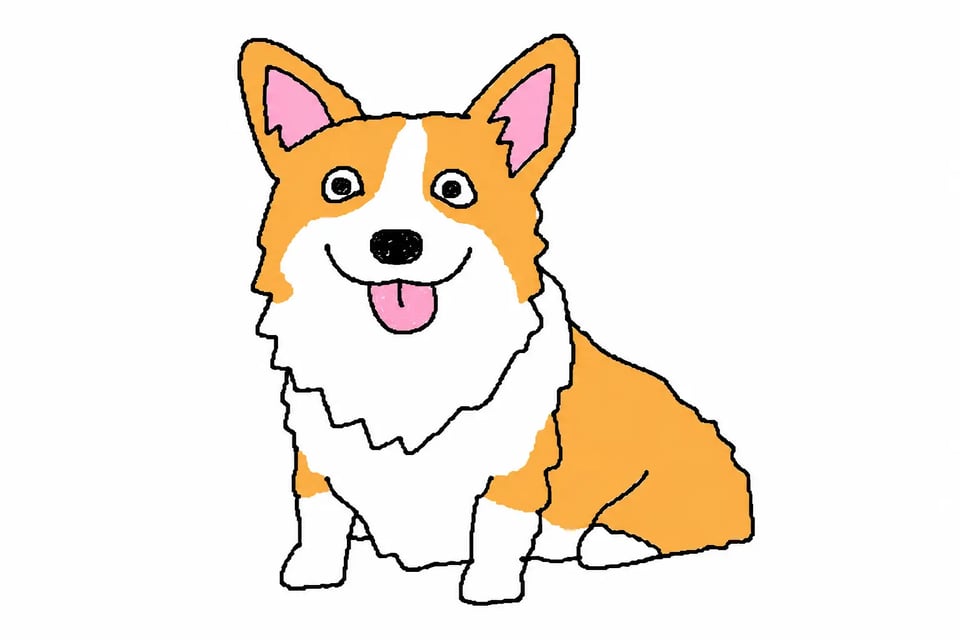
MsPaintify a Pet Photo into a Scribbly Doodle
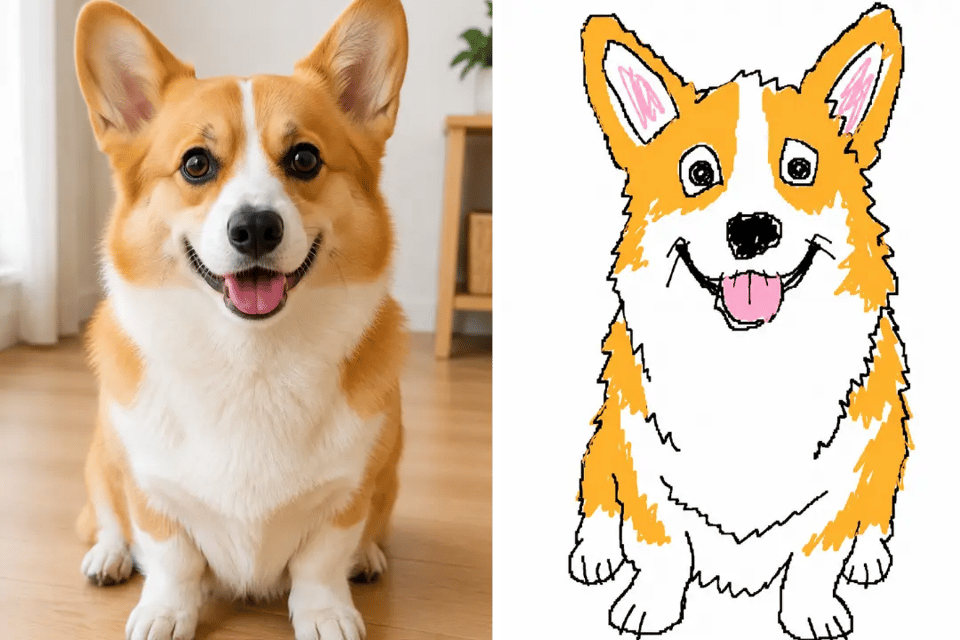
A dog, cat, rabbit, or other pet photo can work especially well as a MsPaintify result. Bylo.ai can preserve the pet’s expression, fur color, ears, and pose while turning the image into a messy doodle with crooked features, scribbly fur lines, and a charmingly bad MS Paint-style finish.
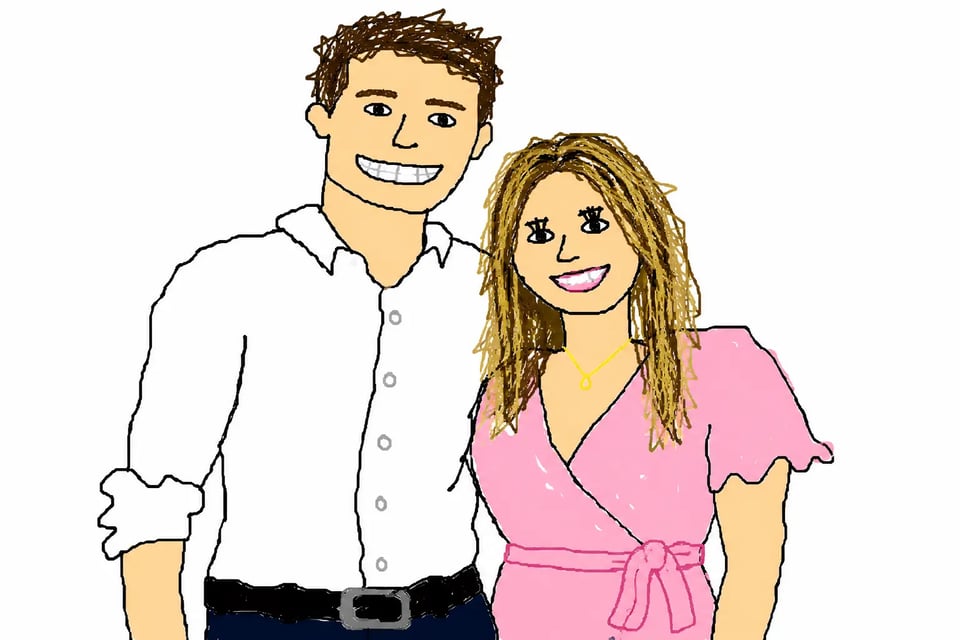
Create a GPT MS Paint Couple Redraw
A couple photo can be transformed into a funny GPT MS Paint redraw where the pose, outfits, and basic composition still remain visible, but the faces and body lines become much more awkward. This makes the final image feel personal, recognizable, and deliberately low-effort in a way that fits the social trend.
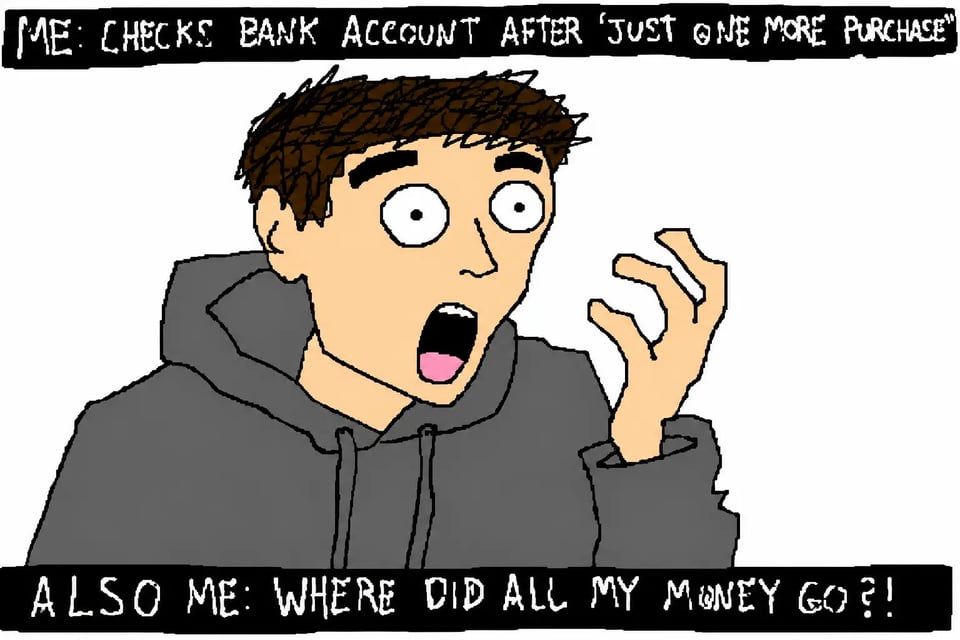
Use Scribblification on a Reaction Meme Screenshot
A reaction meme screenshot becomes even more absurd when treated with Scribblification. Bylo.ai can simplify expressive faces, dramatic gestures, captions, and visual context into rough lines and flat colors, making the meme feel like a chaotic desktop doodle that is easy to reuse in replies or reposts.
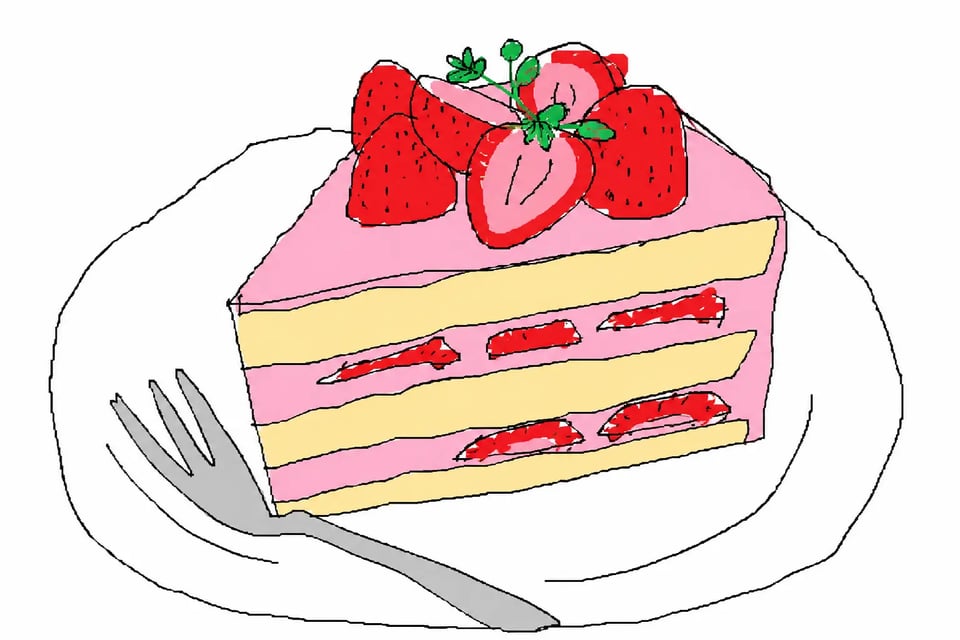
Redraw a Food Photo with AI MS Paint Generator Style
Food photos can become surprisingly funny when converted with an AI MS Paint Generator effect. A burger, cake, coffee cup, noodle bowl, or snack photo can be reduced into crude outlines, strange shapes, and simple color blocks while still staying easy to identify.
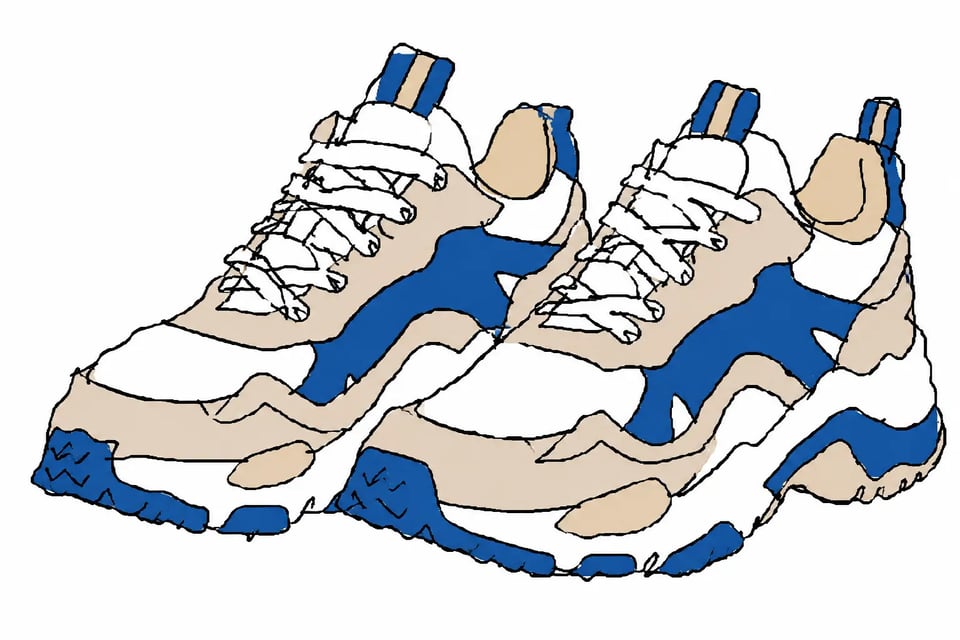
Transform a Product Shot into an MS Paint Doodle
A polished product photo can take on a much more playful personality when redrawn in MS Paint style. Bylo.ai can turn sneakers, headphones, perfume bottles, toys, gadgets, or everyday objects into messy doodles with simplified structure, awkward edges, and a casual meme-ready look.
Why Create Viral MS Paint Effects on Bylo.ai
Free AI MS Paint Generator Trial for First-Time Experiments
A free AI MS Paint Generator trial makes it easier to test the effect before creating more results. On Bylo.ai, users can upload portraits, pet photos, memes, or everyday images and see how they look as rough, scribbly, bad-on-purpose MS Paint-style redraws.
Simple Workflow for Fast MsPaintify Results
The MsPaintify process should feel quick and lightweight, not like manual editing. Bylo.ai lets users upload an image, apply the MS Paint-style effect, and generate a funny redraw in a straightforward workflow that works well for casual social posts, memes, and profile pictures.
Multiple AI Image Models Beyond GPT Image 2
Bylo.ai supports multiple AI image models, giving users more creative flexibility beyond one generation option. After using GPT Image 2 for MS Paint-style edits, users can explore other model choices for different image looks, detail levels, and creative directions.
More Image Effects After Scribblification
Bylo.ai offers more than one Scribblification workflow for users who want to keep exploring after a messy MS Paint-style doodle. After creating a rough, funny scribble effect, users can also try Flat Illustration to turn the same idea into a cleaner, more polished visual style. They can continue exploring other image effects for portraits, memes, stylized edits, social visuals, and broader creative transformations in one place.