
Select the model you want to generate your image with.
Emoji Combiner – Mix Emojis into One with AI
Create unique emoji mix results in Apple, Google, and Android styles. Free and easy to use online with Bylo AI.

Your Generated Images
Key Features of Bylo AI Emoji Combiner
AI Emoji Combiner for One-Click Emoji Mix
Bylo AI Emoji Combiner lets you pick two emojis and generate a new emoji mix in one click. This ai emoji combiner blends shapes and expressions into a fresh design, helping users create custom emojis faster with a smooth emoji combiner online experience.

Unlimited Emoji Mix for Creative Expression
With this emojis combiner, you can explore endless emoji mix results for chats, posts, and stickers. The emoji combiner free tool removes creative limits and encourages playful design, making every emoji combination unique and easy to share across platforms.

Cook Emoji Mix in Apple, Google, and Android Styles
Bylo AI supports apple emoji combiner, emoji combiner google, and android emoji combiner styles. You can switch styles to match your device or audience while keeping the same emoji mix logic, ensuring visual consistency and wider compatibility.

Free Emoji Combiner Online with No Design Skills
This free Emoji Combiner works fully online and requires no design skills. Just choose emojis and let the ai emoji combiner do the work. Bylo AI delivers a simple emoji combiner online flow for users who want fast, fun, and reliable emoji mixing.

Emoji Combiner Styles You Can Choose
Google Emoji Combiner Style
Emoji combiner google style uses bright colors and friendly shapes from Google emoji design. This emojis combiner keeps expressive details, so each emoji mix fits well on Android devices and web platforms that follow Google emoji standards.
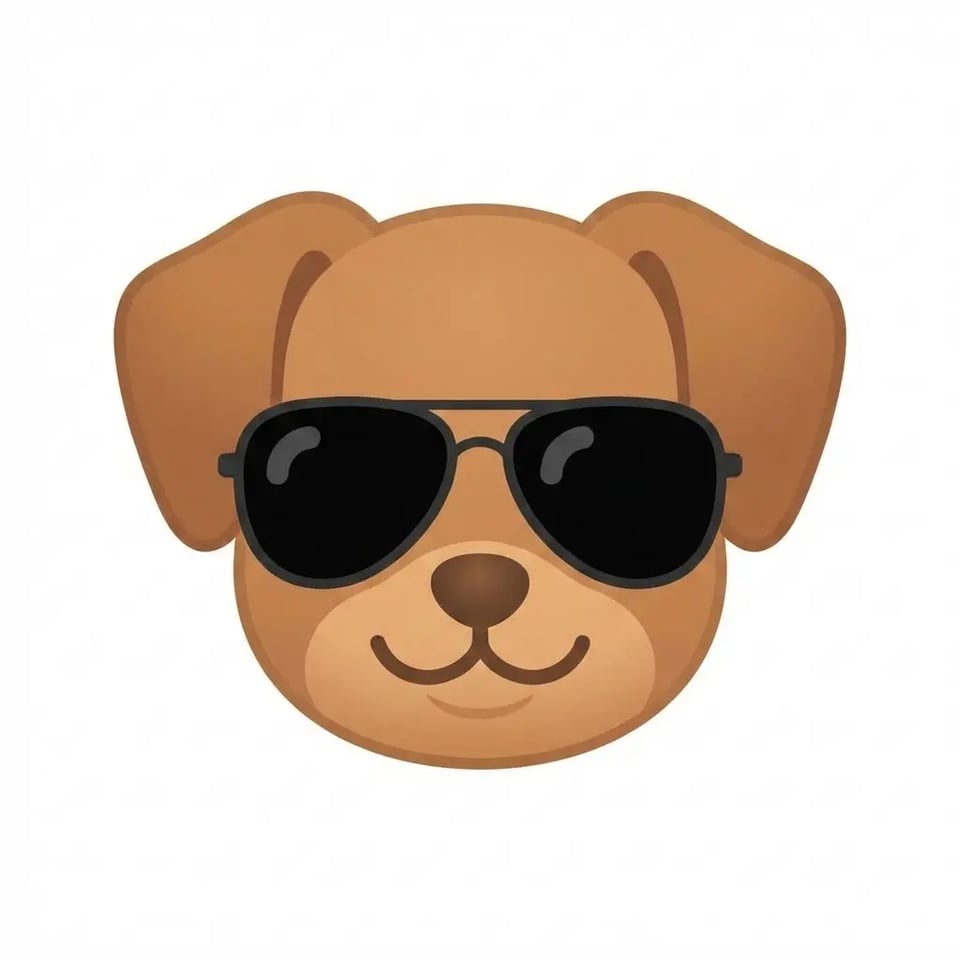
Apple Emoji Combiner Style
Apple emoji combiner style follows smooth gradients and clean outlines used in iOS emojis. With Bylo AI Emoji Combiner, you can generate emoji mix results that match Apple’s visual language, making combined emojis look natural in iMessage and other iOS chat apps.
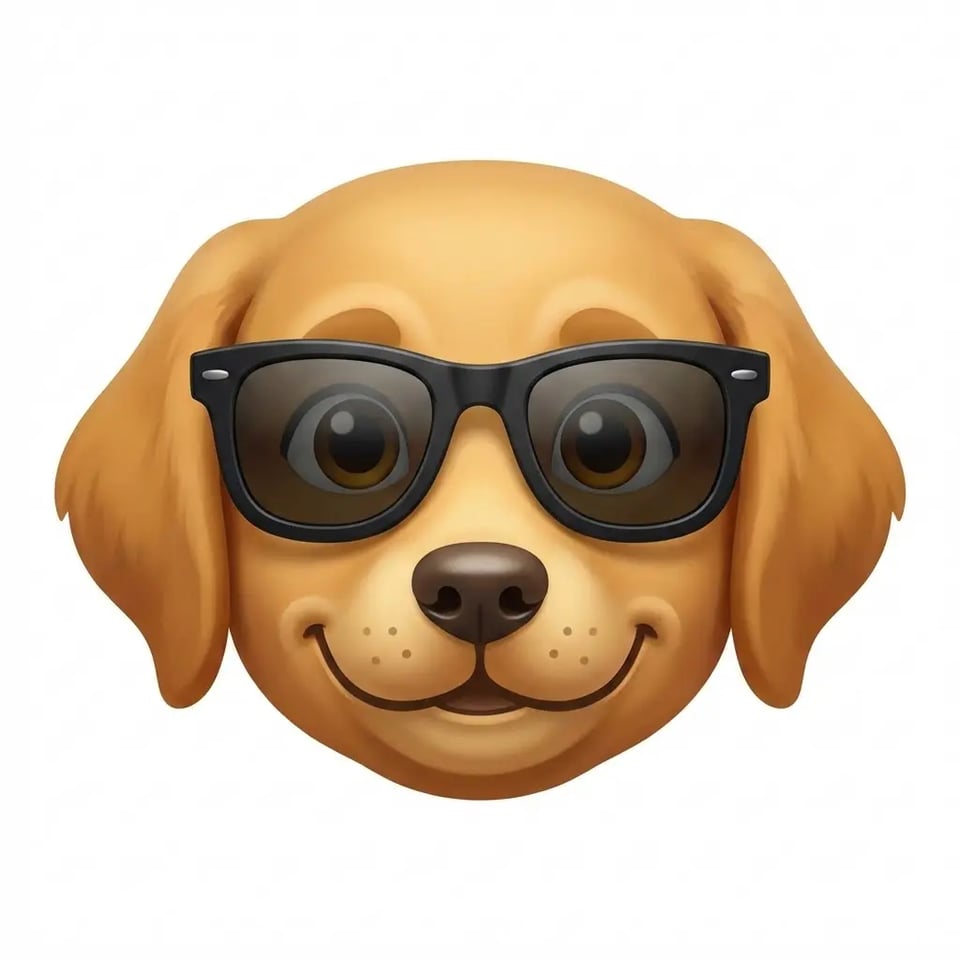
Android Emoji Combiner Style
Android emoji combiner style focuses on sharp edges and vivid tones used in Android systems. Bylo AI Emoji Combiner helps you create emoji mix results that stay consistent with Android emoji sets, so combined emojis feel native across different devices.

How to Use Emoji Combiner Online with Bylo AI
Step 1 – Choose Two Emojis to Combine
Start with emoji combiner online by typing or pasting two emojis you want to mix. Bylo AI Emoji Combiner works with common emoji inputs, so users can quickly enter symbols that match mood or idea before creating an emoji mix with no setup or learning cost.
Step 2 – Let AI Mix Emojis into a New Emoji
After selection, ai emoji combiner blends shapes and expressions into a new emoji mix. Bylo AI analyzes both emojis and generates a balanced result that keeps key visual features, making emoji combinations clear, playful, and easy to recognize.
Step 3 – Download or Share Your Combined Emoji
With free Emoji Combiner, users can instantly download results or share them in chats and social posts. Emoji combiner free workflow keeps files ready for reuse, helping users enjoy custom emojis across platforms without extra tools or design steps.
Why Choose Bylo AI Emoji Combiner
Create Unique Emojis to Express Emotions More Clearly
Bylo AI Emoji Combiner helps users create original emoji mix results that go beyond standard icons. This emojis combiner blends two emojis into one visual idea, making feelings, reactions, and jokes easier to show in chats, comments, and social posts with more personality.
No Design Skills Needed to Combine Emojis with AI
With ai emoji combiner technology, anyone can mix emojis without editing tools or graphic skills. Bylo AI handles shape fusion and style balance automatically, so users only need to enter emojis and receive a clean emoji mix that looks natural and easy to use.
All-in-One Fun Image Tools in One Place
Bylo AI offers emoji combiner online along with other creative image tools in one platform, including Photo to Emoji Converter. Free Emoji Combiner works smoothly with other features, helping users create, edit, and enjoy playful visuals without switching sites or installing extra software.