
Select the model you want to generate your image with.
Free AI Christmas Card Generator Online
Create festive, personalized Christmas cards from prompts or photos using AI—simple, flexible, and fully online.

Your Generated Images
Key Features of Bylo AI Christmas Card Generator
Create Christmas Cards Instantly from Simple Prompts
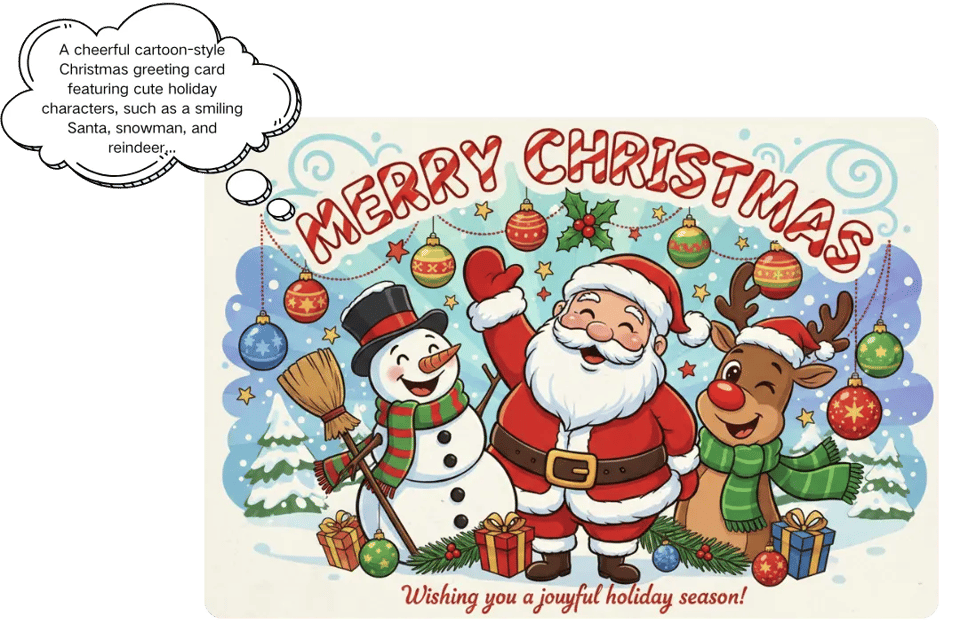
Bylo.ai’s AI Christmas Card Generator lets you create festive Christmas cards just by describing your idea. Instead of picking templates, the AI understands your prompt and generates a complete holiday card with balanced layout, seasonal visuals, and a clear Christmas greeting in seconds.
Turn Your Photos into Personalized AI Christmas Cards
With Bylo.ai, the AI Christmas Card Generator can transform family photos, pet pictures, or selfies into warm and festive Christmas greeting cards. The AI keeps faces natural while adding holiday atmosphere, making each card personal and meaningful.

Design Christmas Cards in Any Artistic Style You Like
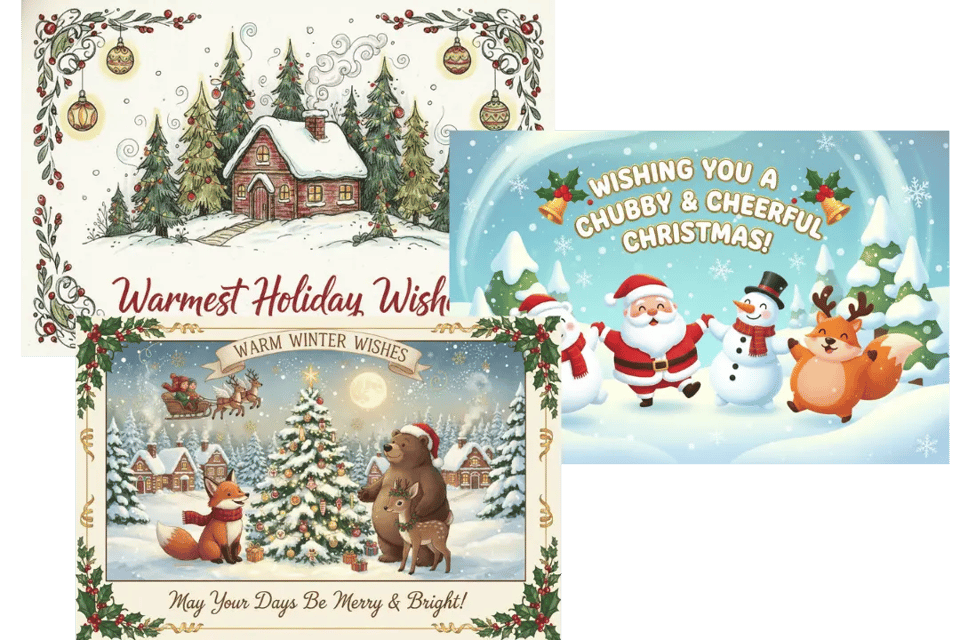
The AI Christmas Card Generator on Bylo.ai supports a wide range of artistic styles, from watercolor and cartoon to minimalist and elegant designs. By adjusting your prompt, you can control the overall tone and visual direction, while the AI keeps layouts balanced, text readable, and holiday elements cohesive. The same creative workflow can also be used with the AI Invitation Maker , making it easy to design festive invitations that feel polished, welcoming, and ready to share.
Use a Free AI Christmas Card Generator Anywhere
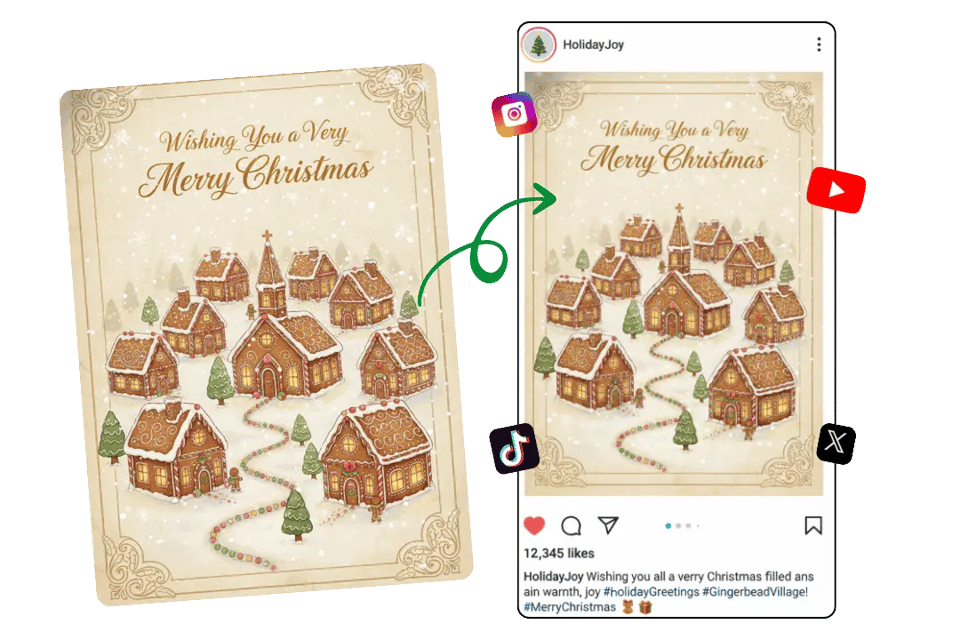
Bylo.ai provides a free online AI Christmas Card Generator that works directly in your browser. Create, download, and share Christmas cards on desktop or mobile without installing apps, making holiday card creation easy wherever you are.
How to Create a Christmas Card Free Online with Bylo.ai
Follow these simple steps to get started with our platform.
Step 1: Describe Your Christmas Card Idea with AI
Open Bylo.ai’s AI Christmas Card Generator and enter a short description or upload a photo. You can mention the greeting tone, holiday atmosphere, colors, or scene, and the AI will understand your intent without requiring any design setup.
Step 2: Generate an AI Christmas Greeting Card Online
The AI Christmas Card Generator on Bylo.ai quickly turns your input into festive Christmas card designs. Each result is automatically arranged with seasonal elements and clean layout, ready to use as a digital or printable Christmas greeting card.
Step 3: Download and Share Your Digital Christmas Card
After choosing your favorite result, download the Christmas card directly from Bylo.ai. The free online AI Christmas Card Generator provides high-quality digital cards suitable for sharing, printing, or sending as holiday greetings.
Copy & Paste AI Christmas Card Generator Prompt Examples Without Templates
Instead of choosing fixed templates, Bylo.ai lets you create Christmas cards by copying and pasting clear AI Christmas Card Generator prompts. Each example below can be copied directly into Bylo.ai to generate a unique digital Christmas card, showing how different prompt descriptions guide the AI to create festive designs without relying on predefined layouts.
Classic Family AI Christmas Card Generator Prompt
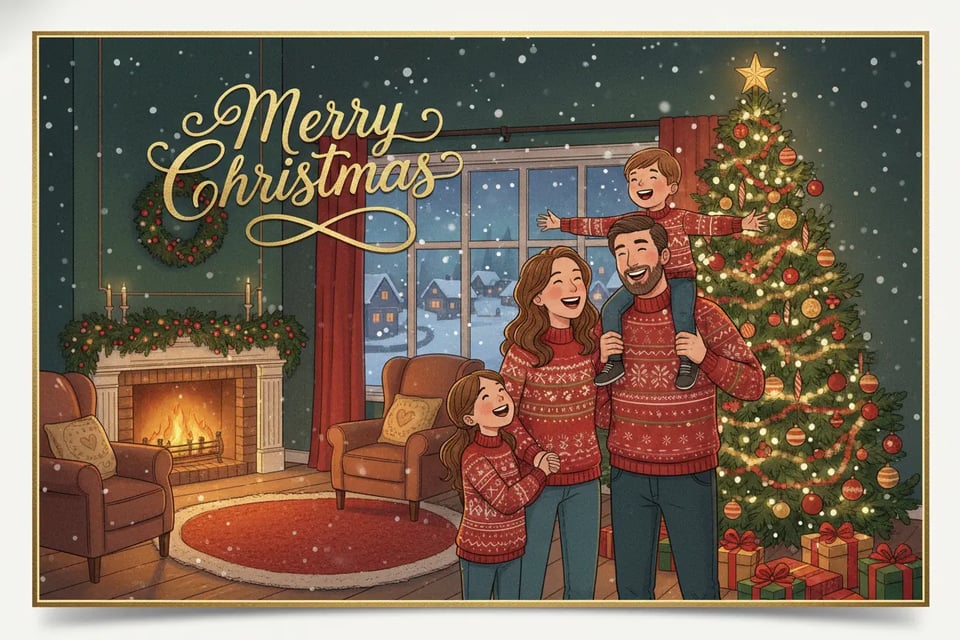
This prompt focuses on warmth, tradition, and family togetherness. It’s well suited for creating heartfelt Christmas greeting cards that feel cozy and timeless. Prompt: A classic Christmas greeting card featuring a happy family gathered around a decorated Christmas tree, warm indoor lighting, red and green color palette, soft snowfall outside the window, cozy holiday atmosphere, elegant typography saying “Merry Christmas”, high-quality festive illustration.

Cute Pet AI Christmas Greeting Card Generator Prompt
Designed for pet lovers, this prompt highlights playful details and joyful expressions. The AI generates a lighthearted Christmas card that feels fun and personal. Prompt : A cute Christmas card featuring a dog wearing a Santa hat, surrounded by Christmas ornaments and gift boxes, bright festive colors, playful cartoon style, clean background, joyful holiday mood, text saying “Happy Holidays”.
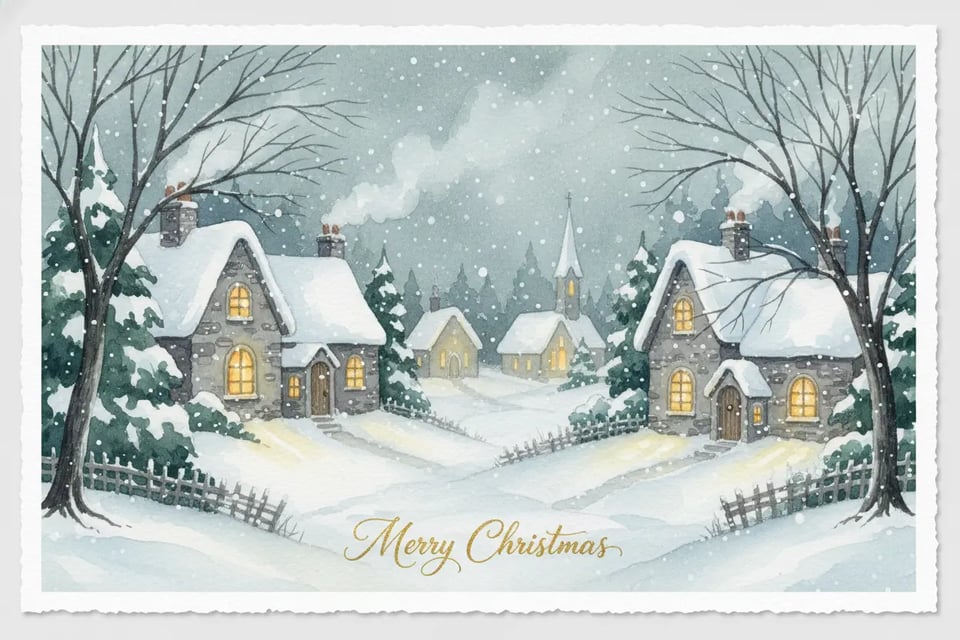
Watercolor Style AI Christmas Card Generator Prompt
This prompt creates a soft, artistic Christmas card with a hand-painted feel. It works well for elegant or calm holiday greetings. Prompt : A watercolor-style Christmas card illustration of a snowy village at night, warm glowing windows, gentle snowfall, soft brush textures, muted winter colors, peaceful and elegant holiday atmosphere, handwritten “Merry Christmas” text.

Funny AI Christmas Card Generator Prompt
This prompt is ideal for casual or humorous greetings. The AI focuses on exaggerated expressions and playful scenes to create a fun Christmas card. Prompt : A funny Christmas card showing a clumsy Santa slipping on ice, exaggerated expressions, bright colors, humorous cartoon style, dynamic composition, festive background, playful holiday mood, bold “Merry Christmas” text.
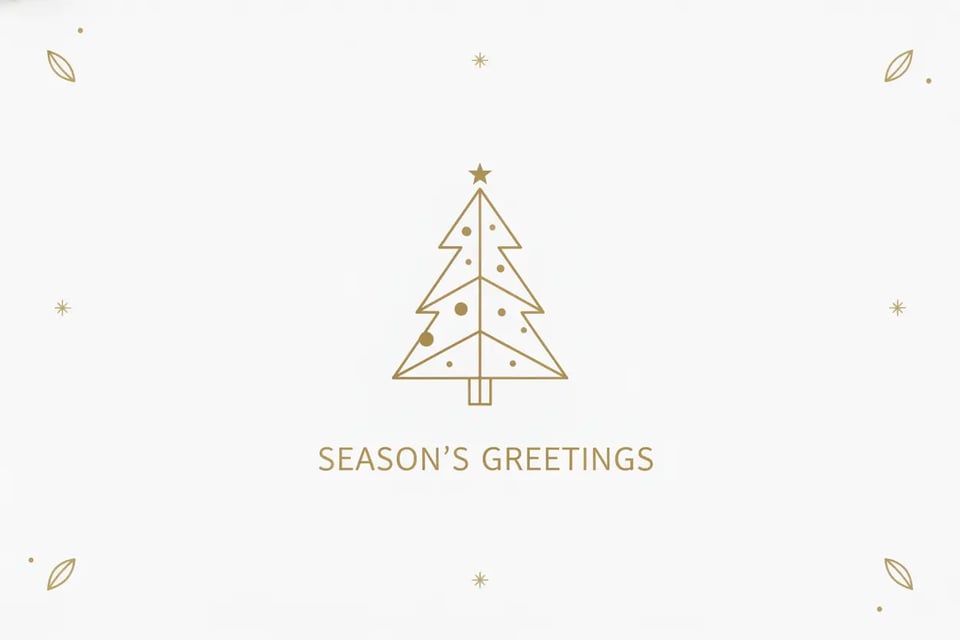
Minimalist AI Christmas Card Generator Prompt
Created for modern tastes, this prompt keeps the design clean while still feeling festive. It’s suitable for simple, stylish Christmas greetings. Prompt : A minimalist Christmas card with a simple Christmas tree icon, clean white background, subtle gold accents, modern flat design, balanced layout, elegant typography saying “Season’s Greetings”, calm and refined holiday style.
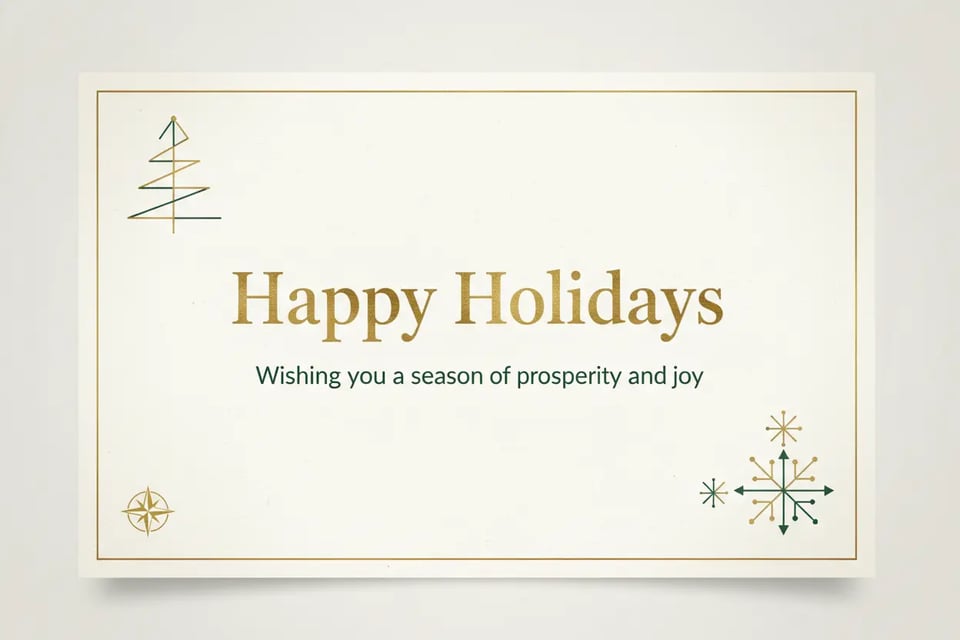
Business AI Christmas Card Generator Prompt
This prompt helps generate professional Christmas cards for clients, partners, or teams. The AI produces a polished and neutral festive design. Prompt: A professional Christmas greeting card for business use, clean layout, subtle holiday decorations, neutral color palette with gold and dark green accents, modern design style, elegant typography saying “Happy Holidays”, corporate-friendly festive atmosphere.
How to Write a Great AI Christmas Card Prompt
A clear prompt is the key to creating a Christmas card that feels special and intentional. With Bylo.ai’s AI Christmas Card Generator, you don’t need design skills or technical knowledge—just describe what you want. The tips below help you write prompts that guide the AI to generate festive, stylish, and personal Christmas cards without relying on templates.
Start with the Card’s Theme and Greeting
Begin by deciding what kind of Christmas card you want to create. Think about the overall theme—classic, cute, minimalist, elegant, playful, or artistic—and the tone of your message, such as warm, joyful, heartfelt, or humorous. This gives the AI a clear direction for the card’s mood and purpose.
Explain How You Want the Card to Look
Instead of focusing on tools or editing steps, describe the visual direction of the card. You can mention whether it should feel illustrated, watercolor-style, realistic, cartoon-like, or clean and modern. This helps the AI Christmas Card Generator produce a consistent and well-balanced design.
Describe the Christmas Scene
Adding a setting makes the card feel more vivid and seasonal. You might describe a snowy village, a cozy living room, a winter forest, a festive market, or a warm holiday night. Clear scene descriptions help the AI create a richer and more immersive Christmas card.
Guide the Colors and Overall Mood
Colors and lighting strongly affect the holiday atmosphere. You can suggest traditional Christmas colors, soft winter tones, elegant gold accents, or muted vintage shades. Mentioning the mood—such as warm lighting, gentle snowfall, or a cozy glow—helps shape the final look of the card.
Include Personal or Creative Details
To make your Christmas card feel unique, add personal touches like names, family members, pets, symbols, or a short custom greeting. These details help the AI generate a card that feels meaningful rather than generic.