
Select the model you want to generate your image with.
Free AI Brochure Maker for Fast Brochure Design Ideas
Create polished brochure-style visuals from a simple prompt with Bylo.ai’s Free AI Brochure Generator.
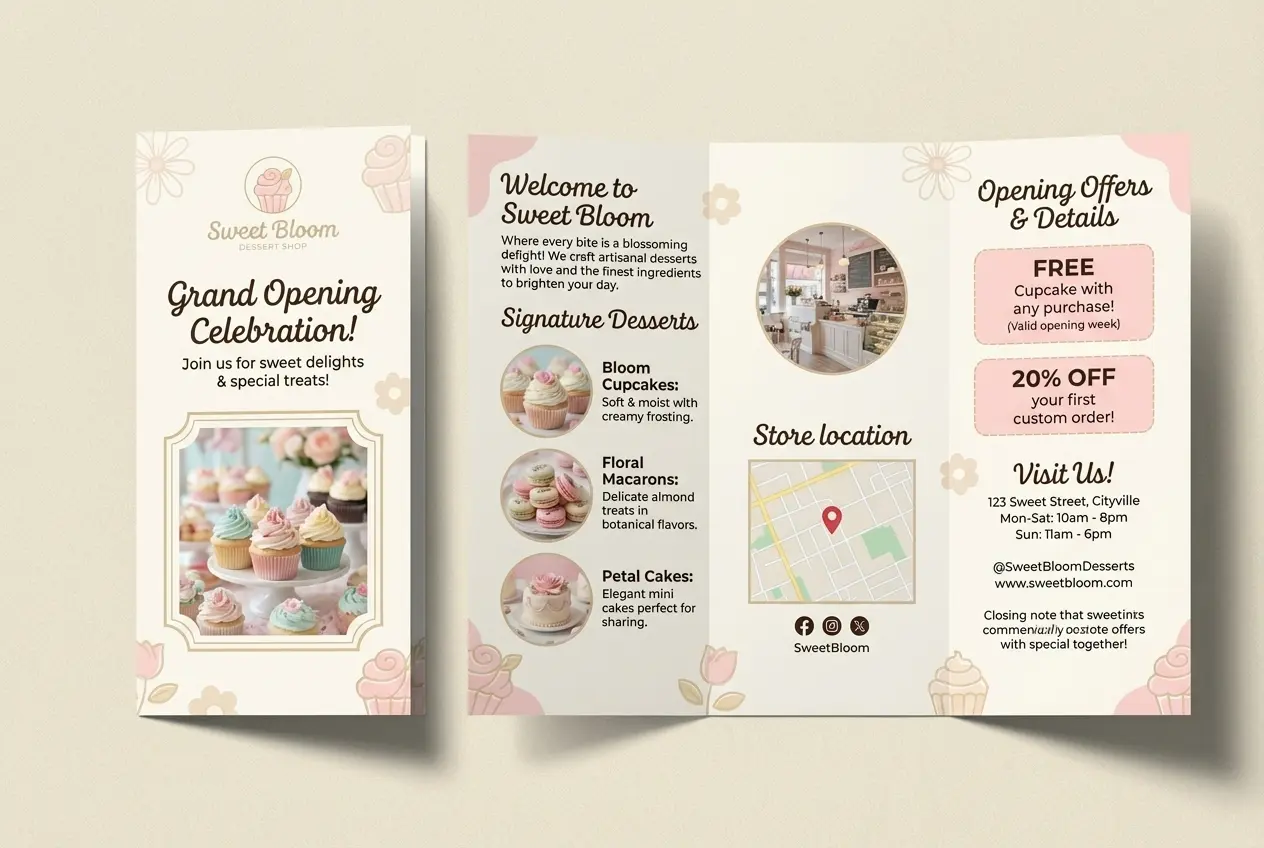
Your Generated Images
How to Make a Brochure Free with Bylo.ai
Follow these simple steps to get started with our platform.
Enter Your Brochure Prompt
Start by describing your brochure idea in the input box. You can include the topic, audience, visual style, color direction, content focus, and overall mood you want the brochure to present. A more detailed prompt helps Bylo.ai’s AI Brochure Maker generate a brochure-style visual that feels more aligned with your business, event, or promotional goal.
Input Design Details Directly
Instead of relying on fixed brochure templates, you can directly input the design details you want to show. Mention elements such as layout feel, headline style, section structure, branding tone, product focus, or promotional message, so AI Brochure Maker can produce a result that better matches your intended brochure direction.
Generate and Download Your Brochure
Click generate and let our AI Brochure Maker turn your text input into a polished brochure-style image in seconds. After the result appears, you can review it, refine your prompt for another direction, and download the brochure visual once it matches your desired look and message.
Key Features of Bylo.ai’s AI Brochure Maker
From Text Input to Visual Layouts with AI Brochure Generator
Written ideas can feel abstract at first, but AI Brochure Generator helps turn them into brochure-style visuals with a more complete and structured look. Users can input audience focus, content direction, color mood, promotional messaging, and design tone, then let AI Brochure Generator create a brochure concept that feels clearer, more engaging, and easier to use for business or creative presentation.
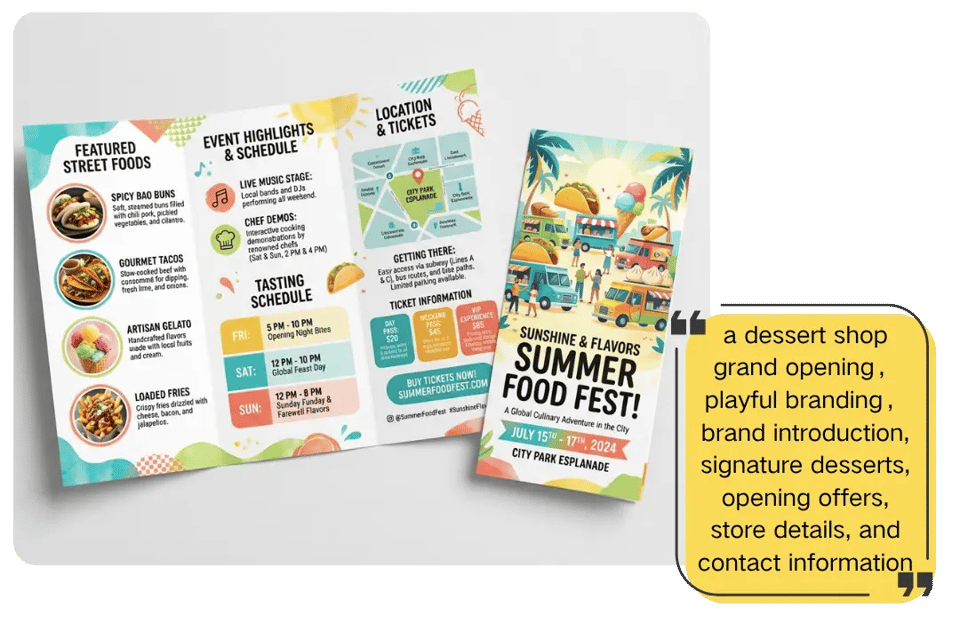
AI Brochure Maker for More Polished Marketing Visuals
Bylo.ai’s AI Brochure Maker helps transform simple ideas into brochure-style visuals that look cleaner, more organized, and more presentation-ready. Instead of spending extra time arranging every section manually, users can describe a business, campaign, event, or product and let Bylo.ai’s AI Brochure Maker generate a stronger visual direction for promotional materials, branded content, and marketing concepts.
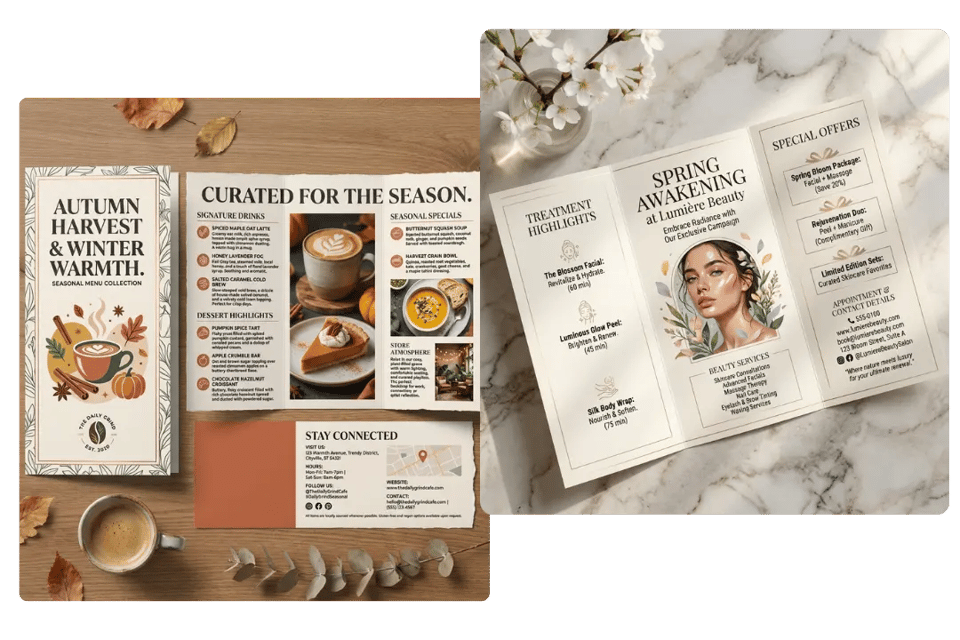
More Creative Style Possibilities with AI Brochure Generator
Different brochure ideas often call for different visual directions, and AI Brochure Generator on Bylo.ai makes that exploration easier. From clean corporate layouts to bold promotional designs and more expressive brochure concepts, our AI Brochure Generator helps users test a wider range of aesthetics without being limited by a rigid design workflow.
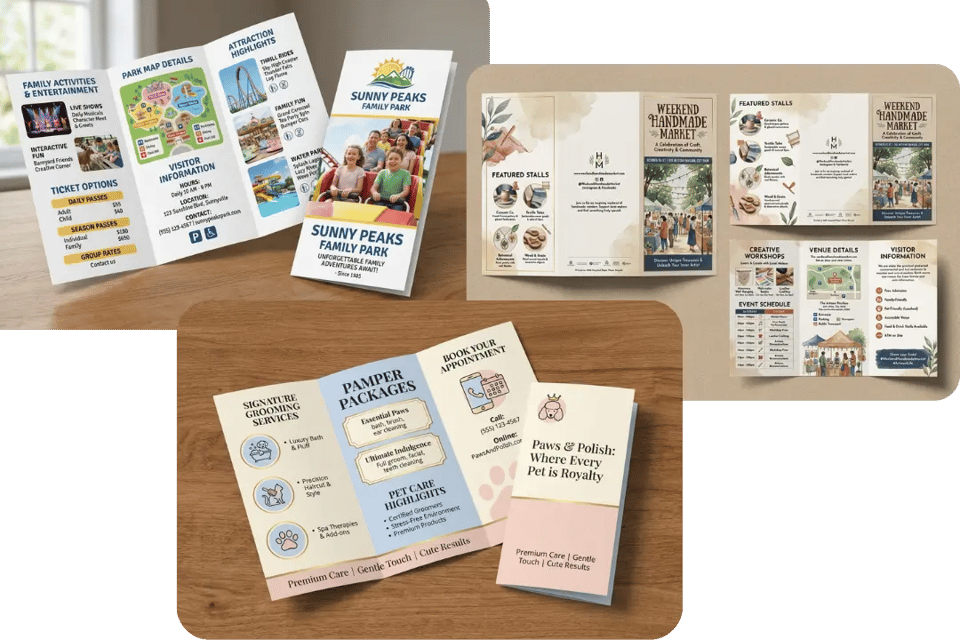
Faster Branded Concepts with AI Brochure Maker Free Online
When speed matters, AI Brochure Maker free on Bylo.ai gives users a quicker way to explore brochure ideas for launches, promotions, services, and campaigns. By entering content and design details directly, users can test different brochure directions, messaging structures, and visual moods in less time while still keeping the result aligned with brand presentation goals.
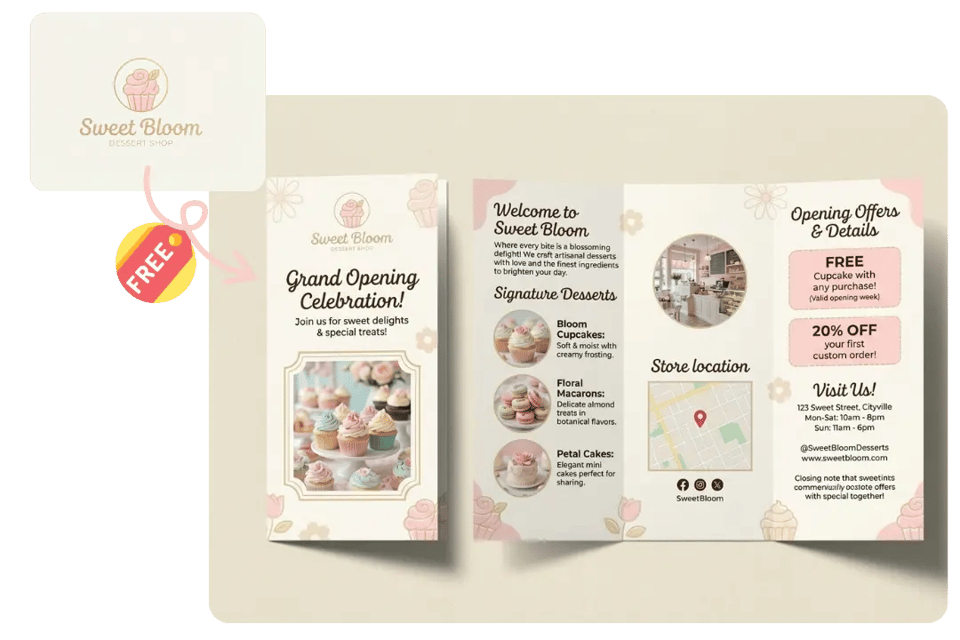
Business and Event Promotion Made Easier with AI Brochure Maker
AI Brochure Maker on Bylo.ai works well across many different creative needs, making brochure creation feel faster, simpler, and more accessible. Whether the goal is a company introduction, seminar handout, restaurant promotion, school program overview, or product showcase, users can generate brochure-style visuals with more flexibility in one place. For projects that need a more story-driven and sequential visual format, Bylo.ai also offers AI Comic Stripe Generator to turn ideas into expressive comic-style panels and mini visual narratives.
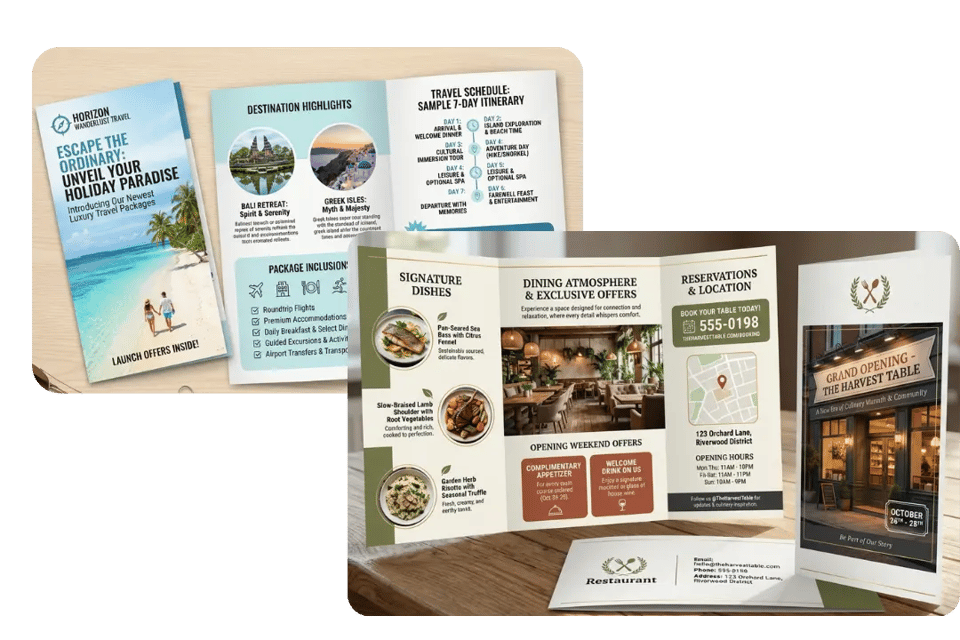
Brochure Ideas You Can Create with Bylo.ai’s AI Brochure Generator
From business promotion to event marketing and branded presentations, Bylo.ai’s AI Brochure Generator makes it easier to explore different brochure styles for different goals. Whether you want something clean and professional, bold and promotional, or more elegant and creative, these examples can help show how AI Brochure Generator can be used across a wide range of brochure design scenarios.
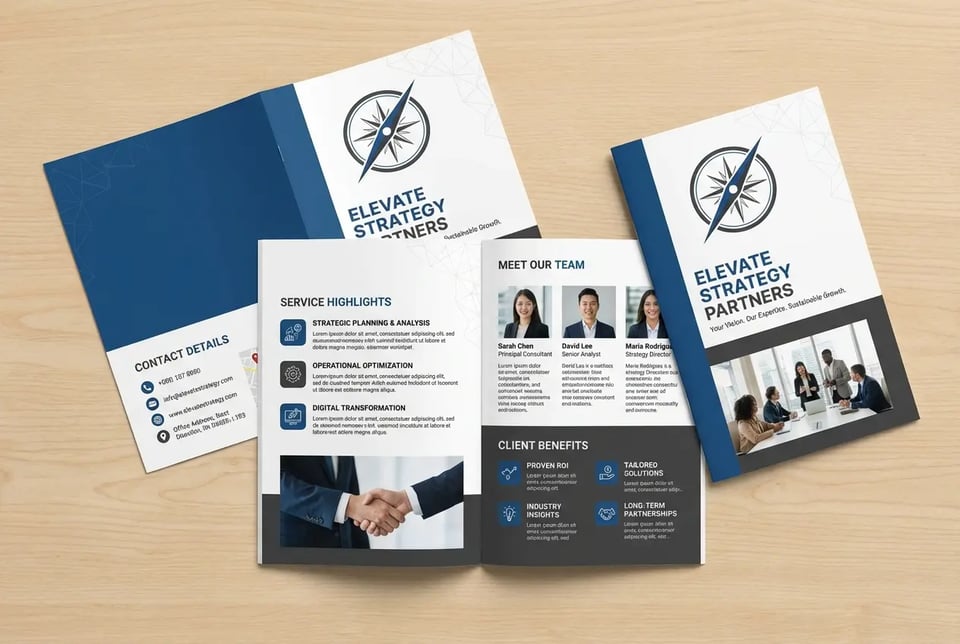
Business Consulting Brochure
Create a clean and professional business consulting brochure for a modern agency, featuring blue and white color tones, service highlights, team introduction, client benefits, and contact details, with a polished corporate layout and clear information hierarchy.
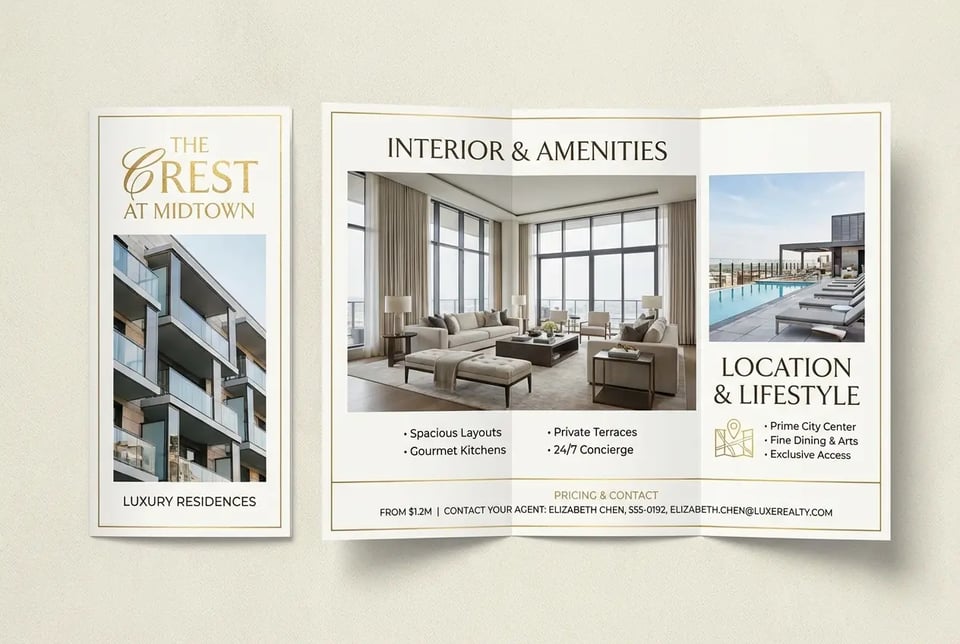
Real Estate Property Brochure
Generate a modern real estate brochure for a luxury apartment listing, featuring elegant layout structure, property highlights, interior image areas, pricing information, location advantages, and agent contact details, with a refined and high-end visual style.
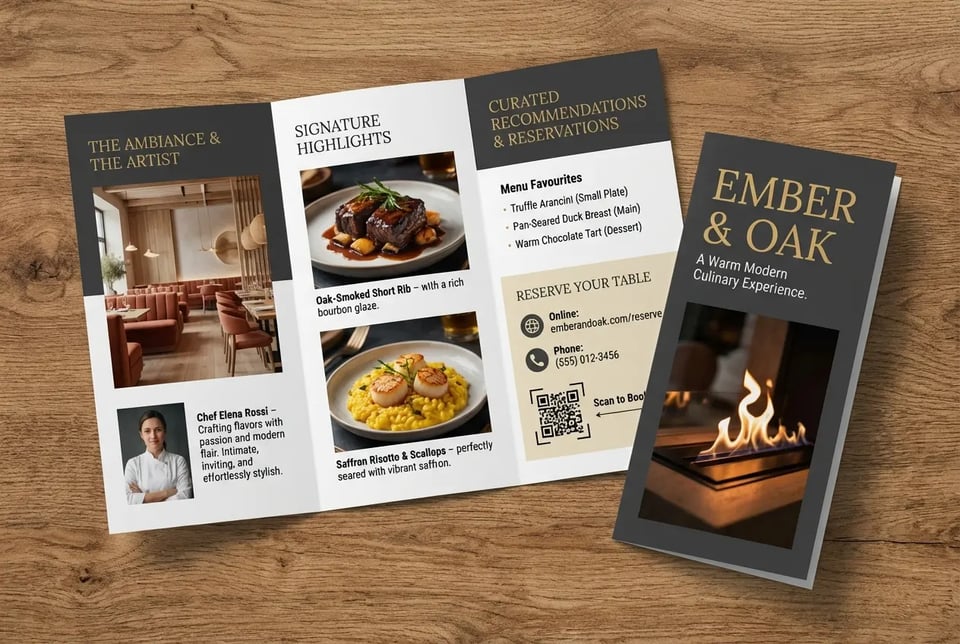
Restaurant Promotion Brochure
Design a stylish restaurant brochure with warm colors, signature dish highlights, menu recommendations, dining atmosphere, chef introduction, and reservation details, using an inviting layout that feels modern, appetizing, and easy to read.
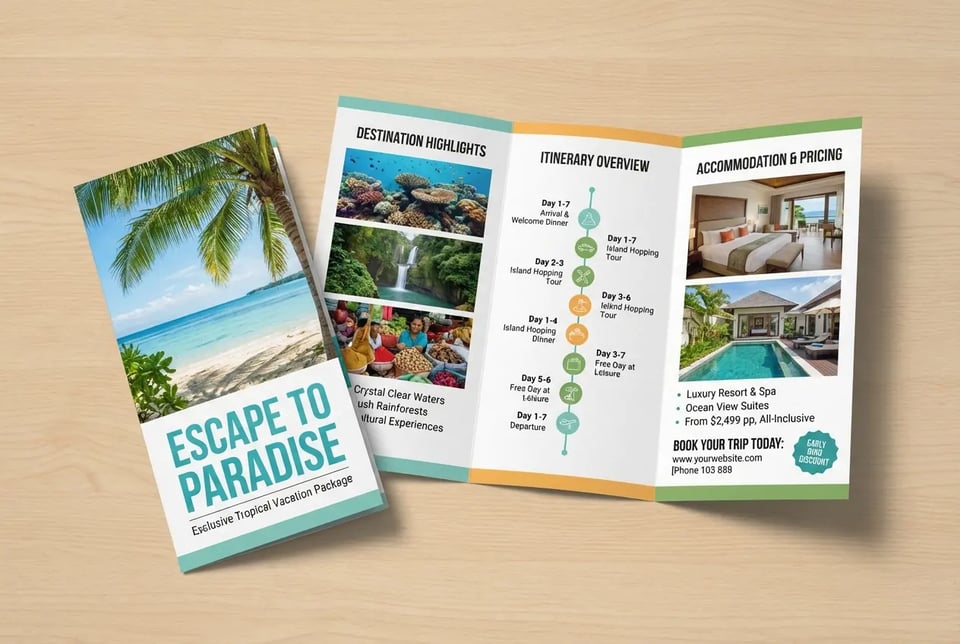
Travel Agency Brochure
Create a vibrant travel agency brochure promoting a tropical vacation package, featuring destination highlights, itinerary overview, pricing, accommodation details, and booking information, with fresh colors and an inspiring holiday-focused layout.
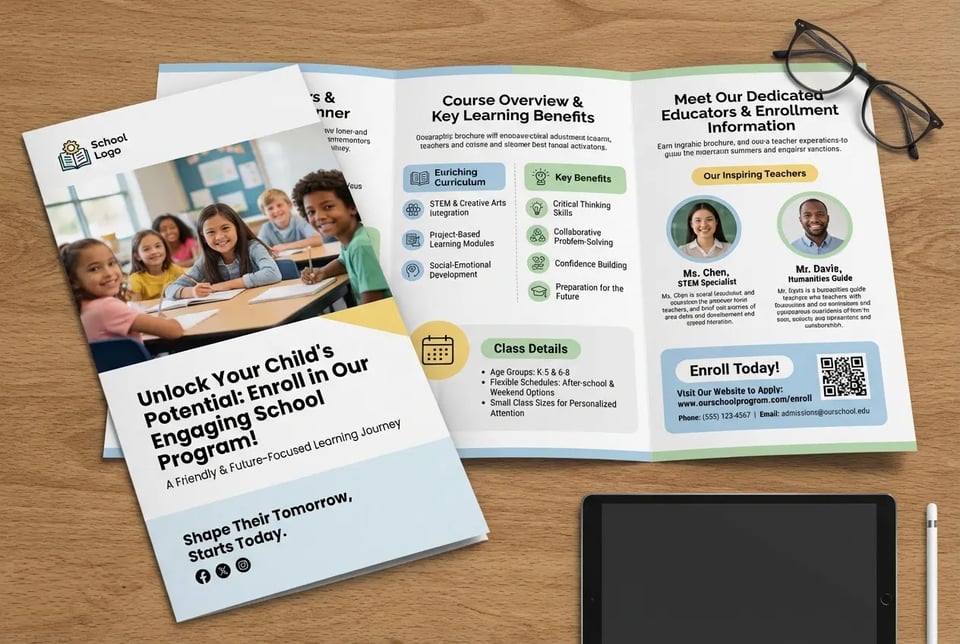
School Program Brochure
Generate an educational brochure for a school program, featuring course overview, key learning benefits, class details, teacher introduction, and enrollment information, with a friendly and organized layout that feels informative and approachable.
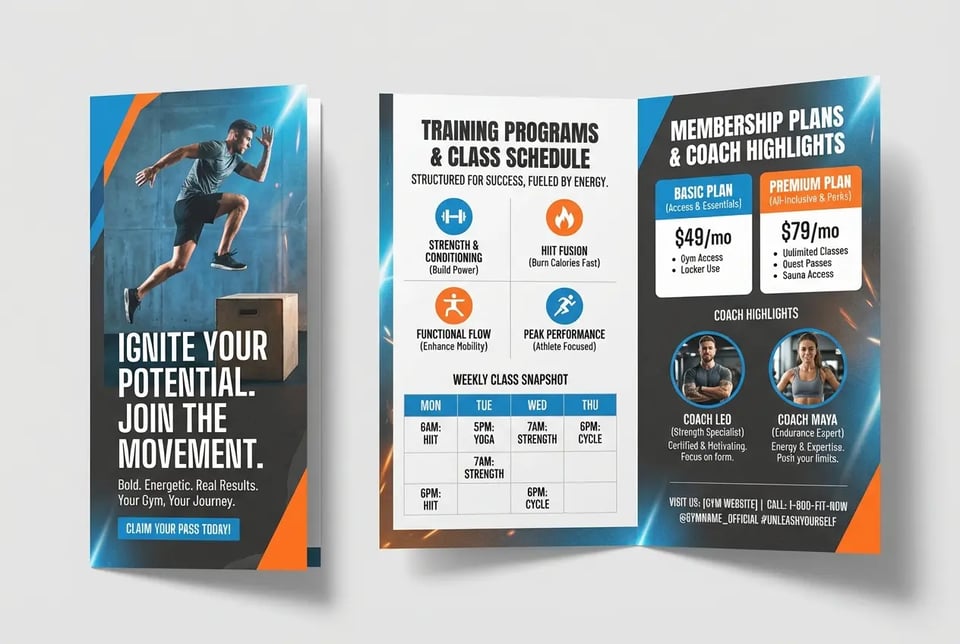
Fitness Gym Brochure
Design a bold fitness brochure for a gym membership campaign, featuring training programs, membership plans, class schedule, coach highlights, and motivational messaging, with an energetic layout and strong sports branding feel.
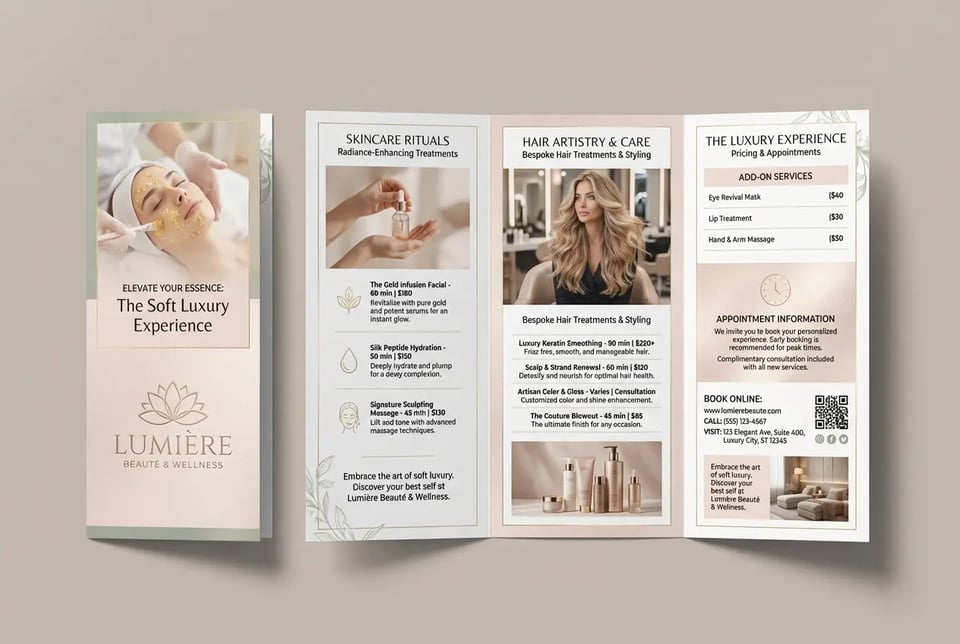
Beauty Salon Brochure
Create an elegant beauty salon brochure featuring service categories, skincare or hair treatment highlights, pricing details, appointment information, and soft luxury visuals, with a clean and feminine layout style.
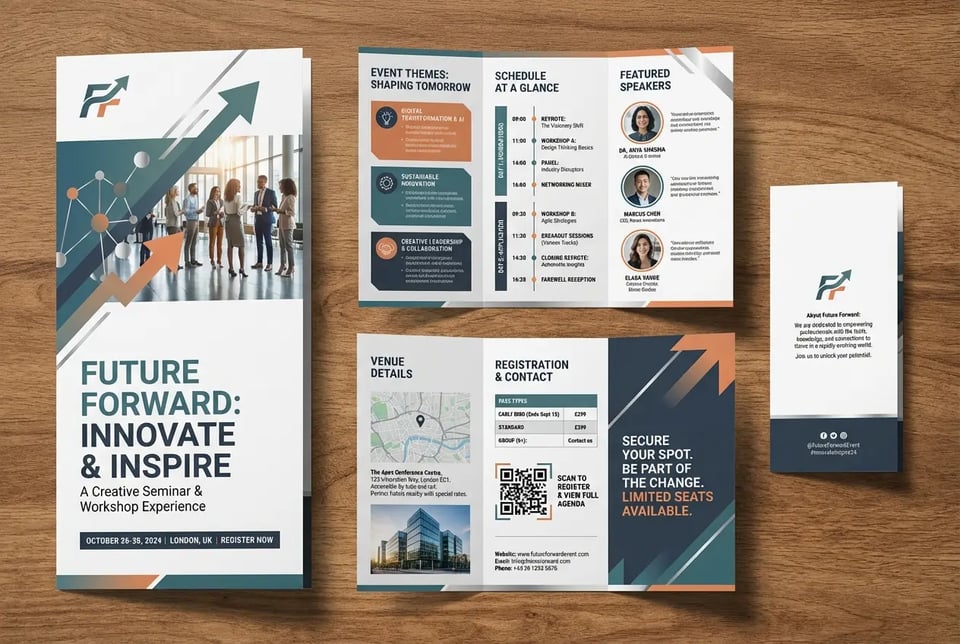
Event Promotion Brochure
Generate a creative event brochure for a seminar, workshop, or conference, featuring schedule sections, speaker introduction, event themes, venue details, and registration information, with a visually engaging and modern promotional design.
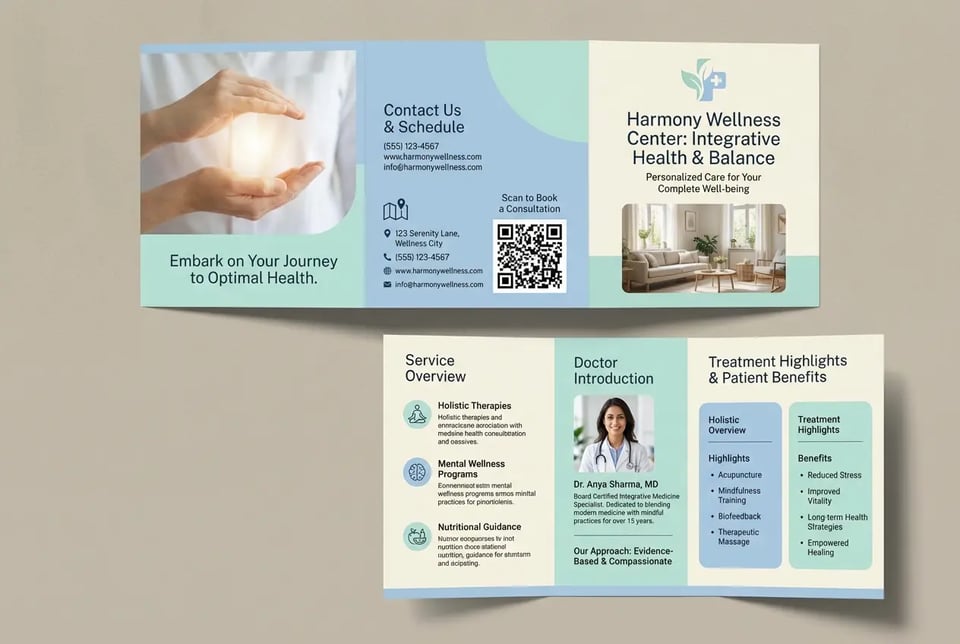
Healthcare Service Brochure
Design a professional healthcare brochure for a clinic or wellness center, featuring service overview, doctor introduction, treatment highlights, patient benefits, and contact information, with a trustworthy layout and calm medical-style visual direction.
Prompt Tips for Better AI Brochure Designs with Bylo.ai
A clearer prompt usually leads to a brochure visual that feels more organized, more relevant, and closer to your intended style. When using Bylo.ai’s AI Brochure Maker, a few simple prompt habits can make it easier to generate brochure designs that look more polished and more useful for business, event, and promotional needs.
Start with a Clear Goal in AI Brochure Maker
Begin by stating what the brochure is for, such as a business introduction, restaurant promotion, school program, travel package, or event handout. A more specific purpose helps Bylo.ai’s AI Brochure Maker generate a brochure-style visual with content structure and design direction that feels more relevant to your intended use.
Add Strong Style Direction for AI Brochure Generator
Include visual words that describe how you want the brochure to look, such as modern, minimal, elegant, bold, luxury, clean, colorful, or corporate. Giving AI Brochure Generator a clearer style direction helps the final brochure feel more aligned with your brand tone, campaign message, or presentation goal.
Improve Layout Clarity with AI Brochure Maker
If you already know what information should appear, include it directly in your prompt. You can mention items like headline, service overview, pricing, schedule, product highlights, contact details, or call-to-action, helping AI Brochure Maker free workflows produce brochure concepts that look more complete and more organized.
Use Better Color Prompts for Brochure Design
Color direction can strongly shape the overall feel of a brochure. You can describe palettes like blue and white for a corporate layout, warm red and gold for a restaurant brochure, or soft pastel tones for beauty and lifestyle promotions, giving Bylo.ai’s AI Brochure Maker a stronger visual cue for the final brochure design.
Refine Your Prompt for Better AI Brochure Generator Results
If the first result does not fully match your idea, adjust the wording and regenerate with more detail. You can refine the audience, tone, layout mood, content focus, or branding direction so AI Brochure Generator can produce a brochure visual that feels closer to your expectations.