
Select the model you want to generate your image with.
Free AI Banner Generator Online
Describe your idea, select a size, and let Bylo.ai build a finished banner that fits your style—whether it’s for social profiles, channel art, web headers, or promo campaigns.
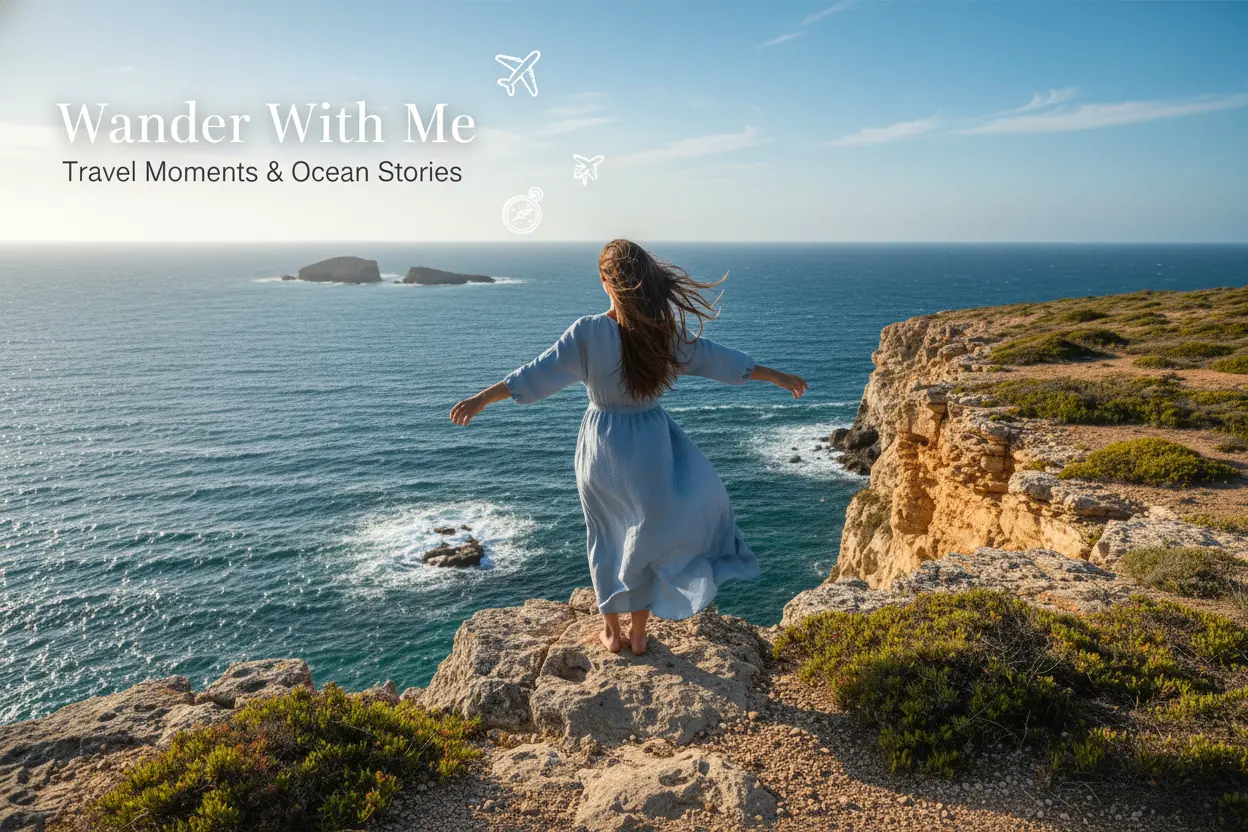
Your Generated Images
Key Features Of Bylo AI Banner Generator
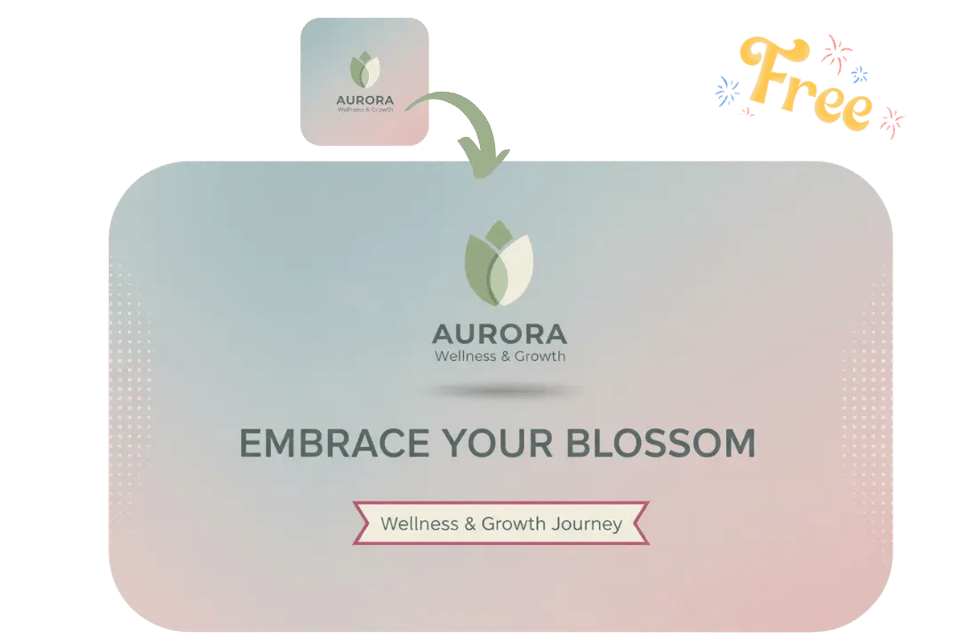
One-Click Branded Banners with AI Banner Maker
Your banner works as a digital business card when you use social media for business or launch a website. With Bylo.ai’s AI Banner Maker, you can create branded banners that clearly display your logo, wordmark, or brand message, helping your audience recognize and remember your business. Simply describe your branding needs, and the AI Banner Generator generates banners suitable for websites, social media channels, and banner ads without manual design steps.
Generate Full Banner Layouts Automatically with Text to Banner AI
Still creating banners step by step? Bylo.ai’s text to banner AI generator lets you generate banners directly from text descriptions. Just tell the AI what kind of banner you want, and the AI Banner Generator automatically interprets your instructions to produce a finished banner image. No professional skills or complicated operations are required to create AI banner designs online.

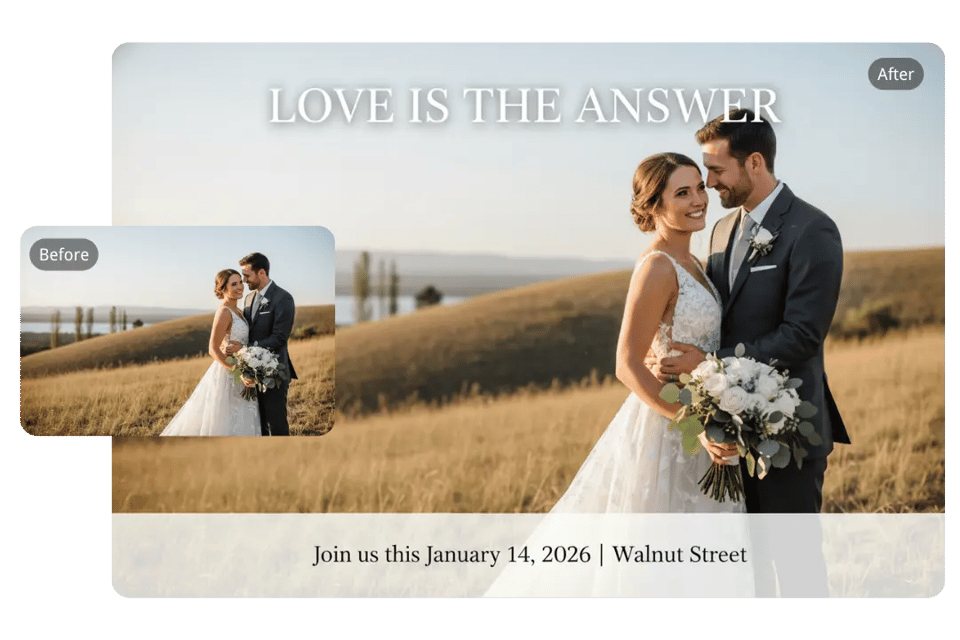
Transform Photos into Ready-to-Use Banners with the Free AI Banner Generator
Bylo.ai’s AI Banner Maker allows you to upload a photo and convert it into a banner with simple prompts. You can also combine a photo with text instructions, and the AI will seamlessly adapt the image into a banner layout. This workflow makes it easy to explore multiple banner styles while keeping the original image structure intact, all within a free AI Banner Generator online.
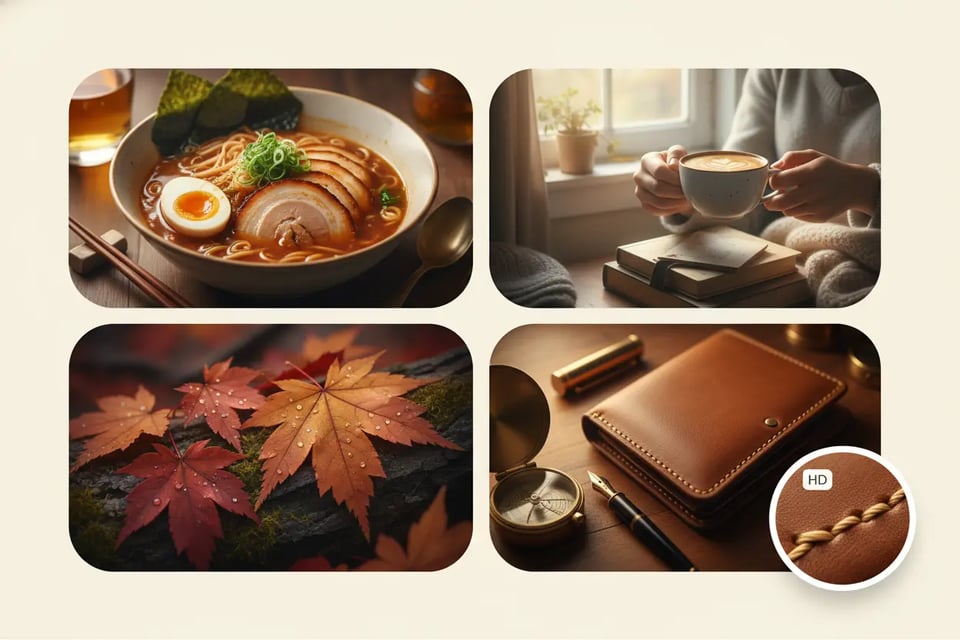
Produce High-Quality AI Banner Design with Advanced AI Models
Bylo.ai’s AI Banner Generator focuses on generating high-quality banner images by accurately understanding text and image inputs. Powered by advanced models such as Nano Banana, Nano Banana Pro, and Seedream, the AI evaluates layout, spacing, and visual balance to create clean and reliable AI banner designs suitable for real platforms, ensuring consistent quality across different creative scenarios.
Create Platform-Optimized Banner Sizes with the AI Banner Generator Online
Different platforms require different banner sizes, and Bylo.ai’s AI Banner Generator supports multiple aspect ratios including square, vertical, and horizontal formats. Whether you need banners for social media, online stores, or website homepages, the AI automatically generates banners that match platform proportions without manual resizing.
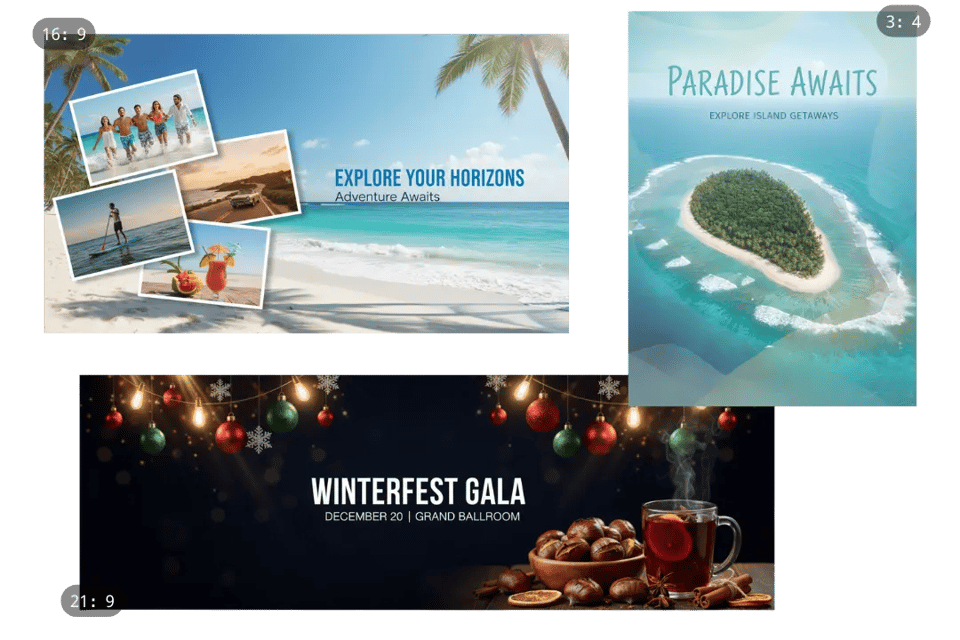
How to Create a Banner with Free AI Banner Generator Online
Follow these simple steps to get started with our platform.
Step 1: Describe the Banner You Want
Enter your prompt to tell Bylo.ai what kind of banner you want to create. You can describe the content, colors, layout, mood, or platform, and the AI interprets your instructions just like a text-to-banner workflow.
Step 2: Choose Your Banner Size or Aspect Ratio
Select the banner size that fits your use case—whether it’s for YouTube, a website header, social platforms, or an online store. Bylo.ai supports multiple aspect ratios and automatically adapts the layout to match your selection.
Step 3: Generate and Download Your Banner Instantly
Click generate and let Bylo.ai produce a polished banner based on your description. Download the high-quality result immediately and use it across websites, social media, and promotional campaigns.
Explore the Wide Range of Banner Styles You Can Generate with Bylo AI Banner Maker

YouTube Banner Maker
Create YouTube banners that match your channel’s identity—whether it’s travel, gaming, education, lifestyle, or tech. Bylo.ai generates clean, platform-ready layouts with correct spacing and visual balance for YouTube’s header format.
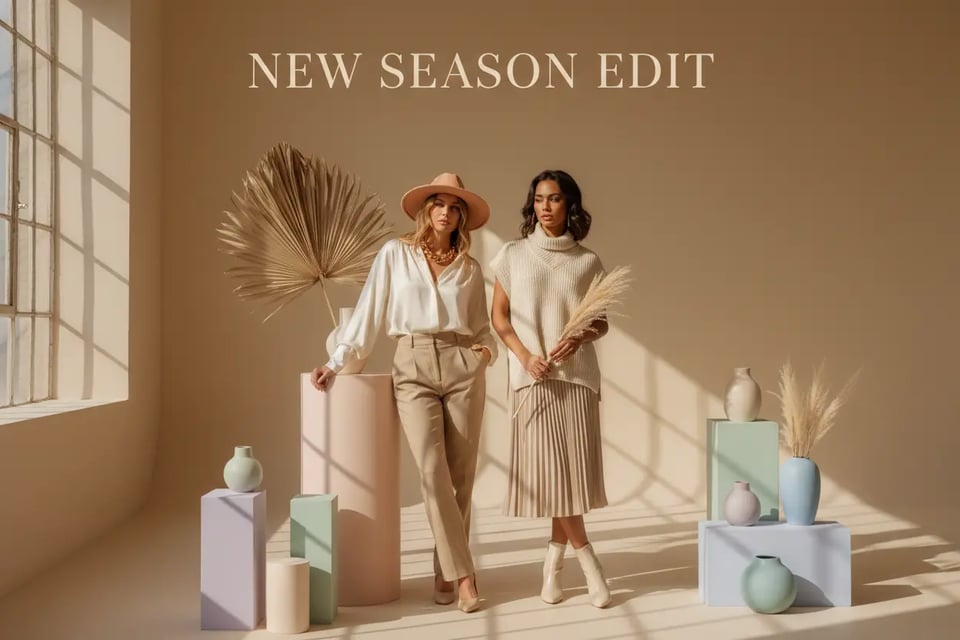
Instagram Banner Maker
Generate eye-catching Instagram banners for highlights, promotions, or personal branding. Bylo.ai adapts your prompts into bold or aesthetic visuals suitable for posts, profiles, or Reels covers.
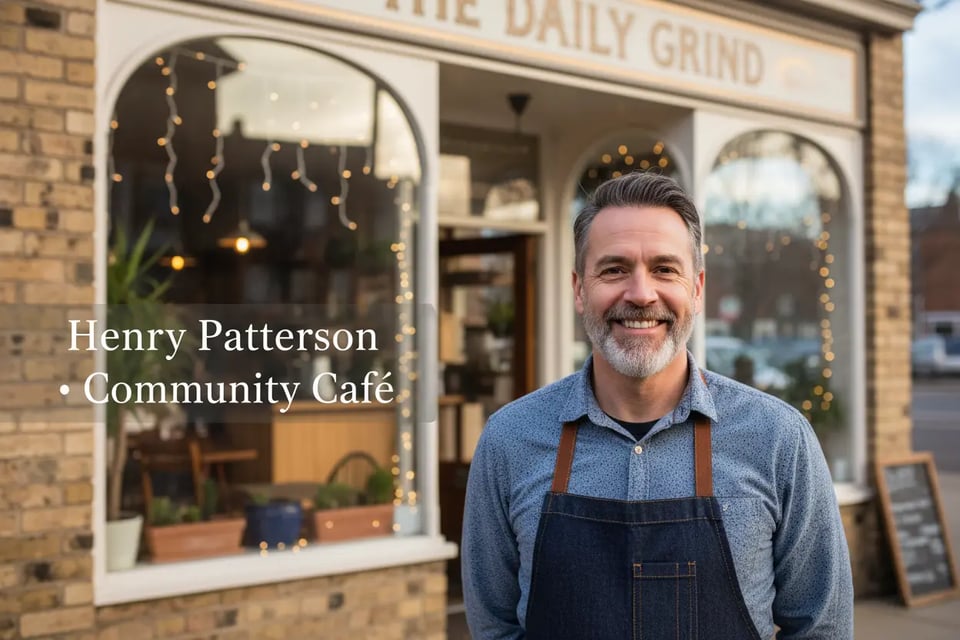
Facebook Banner Maker
Design Facebook cover banners that communicate your theme clearly, whether you’re promoting a page, event, or community. Bylo.ai creates polished visuals that fit Facebook’s horizontal header layout.
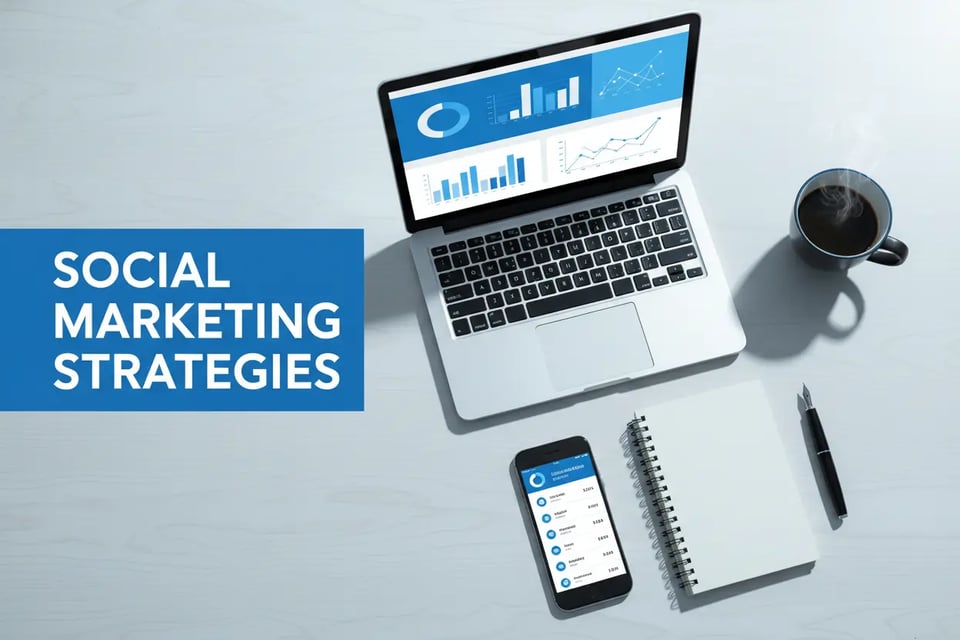
Twitter / X Banner Maker
Create modern header banners for X / Twitter profiles with clean spacing and a readable visual hierarchy. Bylo.ai delivers simple and impactful layouts for creators, brands, and personal pages.
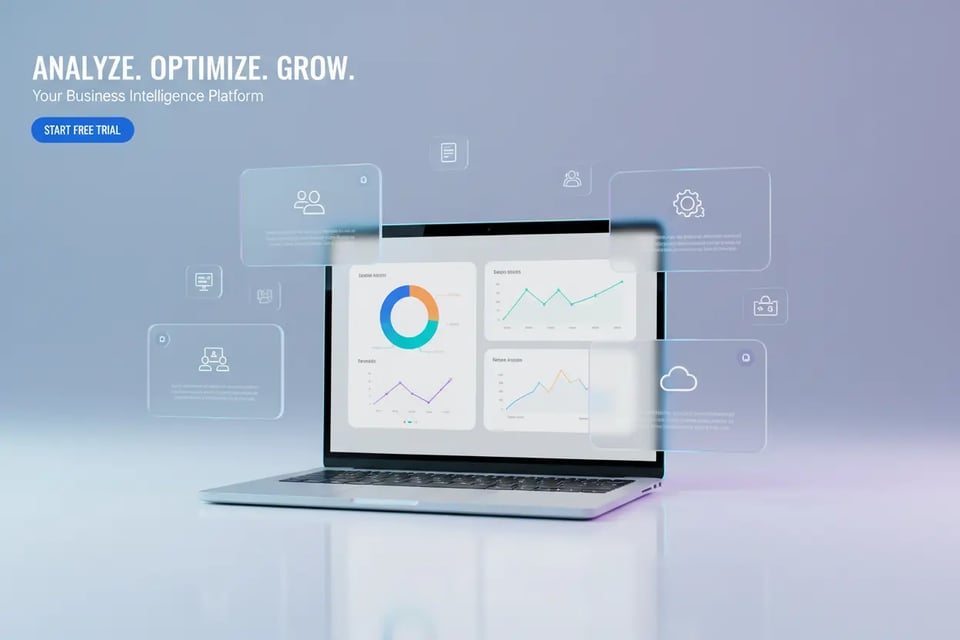
Website Banner Maker
Generate professional website banners for homepages, landing sections, portfolios, or SaaS product pages. Bylo.ai interprets your prompt into web-friendly visuals that align with your brand look.
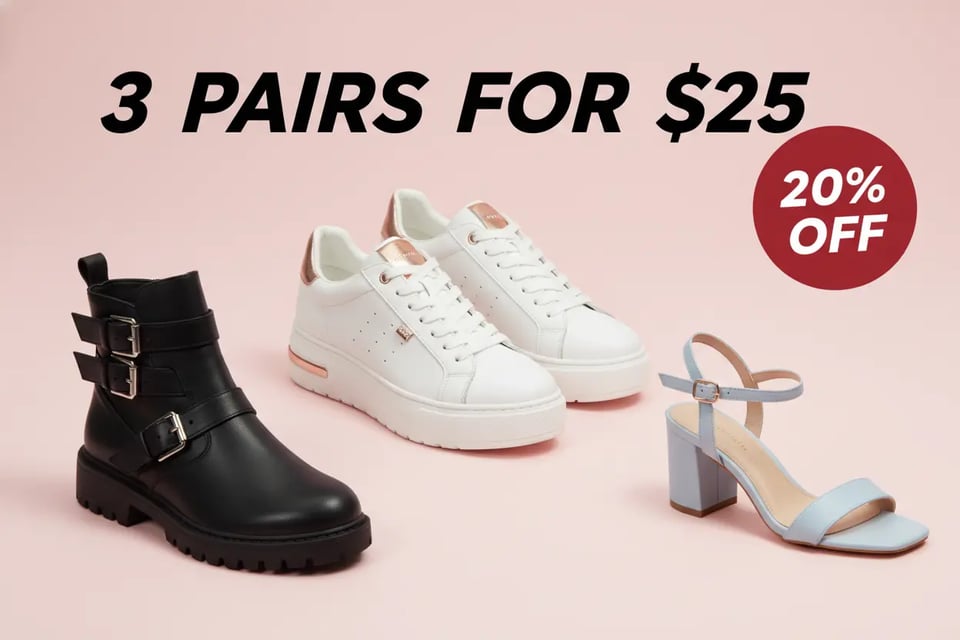
E-commerce Banner Maker
Design store banners for promotions, new arrivals, seasonal campaigns, or product highlights. Bylo.ai automatically arranges elements to fit common e-commerce storefront layouts.
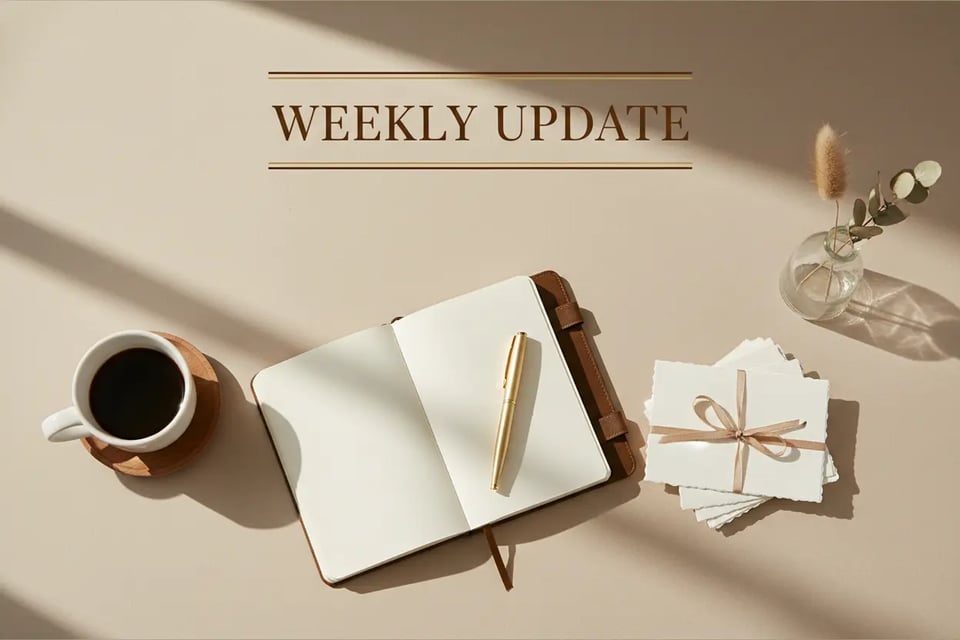
Email Banner Maker
Create refined email header banners for newsletters, announcements, product updates, or marketing sequences. Bylo.ai outputs clean, mobile-friendly designs compatible with major email platforms.
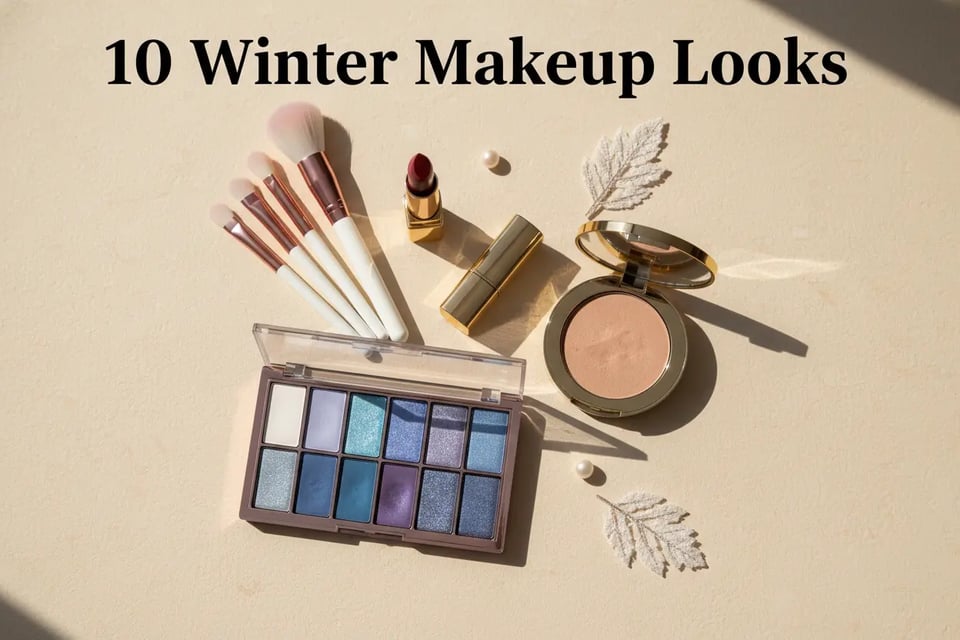
Blog Banner Maker
Produce article cover banners that instantly reflect your topic—reviews, guides, tutorials, or storytelling posts. Bylo.ai gives your content a more engaging editorial style.
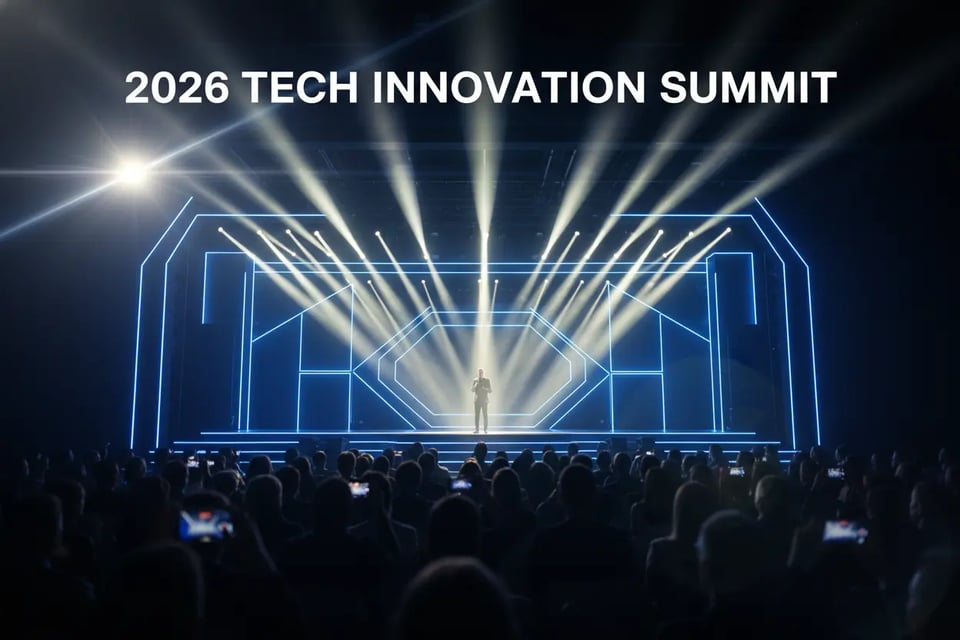
Event Promotion Banner Maker
Generate event-focused banners for webinars, launches, sales, holiday campaigns, or in-person activities. Bylo.ai emphasizes clarity and visual impact to help your message stand out.
Size Reference for Platform-Specific Banner Design with Bylo AI Banner Generator
Different platforms require different banner sizes, and choosing the correct dimensions helps your visuals display clearly across devices. While our AI Banner Generator supports a wide range of aspect ratios, each AI image model may optimize different output sizes. For this reason, some dimensions below serve as standard reference values rather than guaranteed outputs for every model. Select the closest ratio that fits your banner needs, and our system will adapt the composition accordingly.
| Banner Type | Recommended Size | Aspect Ratio |
|---|---|---|
| YouTube | 2560 × 1440 px | 16:9 |
| Instagram Post | 1080 × 1080 px | 1:1 |
| Twitter / X | 1500 × 500 px | 3:1 |
| Facebook Cover | 820 × 312 px | ~2.63:1 |
| Twitch Banner | 1200 × 480 px | 5:2 |
| Discord Banner | 960 × 540 px | 16:9 |
| LinkedIn Cover | 1584 × 396 px | 4:1 |
| TikTok / Vertical Banner | 1080 × 1920 px | 9:16 |
| Pinterest Banner | 1000 × 1500 px | 2:3 |
| Website Hero Banner | 1920 × 600 px | 16:5 |
| Shop / eCommerce Banner | 1600 × 400 px | 4:1 |
| Email / Newsletter Banner | 600 × 200 px | 3:1 |
| Web Ads / Display Ads | 728 × 90 / 300 × 250 / 160 × 600 px | Various |
| Event / Promo Banner | 1200 × 400 px | 3:1 or 4:1 |
| App / In-App Banner | 1024 × 500 px | ~2:1 |
| Video / Social Video Cover | 1920 × 1080 px | 16:9 |
How Different Teams Benefit from AI Banner Design on Bylo.ai
Branding & Business Visuals with AI Banner Maker
Create branded banners for websites, product launches, campaigns, and identity materials using Bylo.ai’s AI Banner Maker. The AI helps produce clean, consistent layouts that align with brand colors, typography, and messaging—ideal for marketing teams or small businesses building a cohesive visual identity.
Social Media Designs with AI Banner Generator Online
Generate platform-ready visuals for YouTube, Instagram, Facebook, TikTok, X/Twitter, and Twitch using Bylo.ai’s AI Banner Generator online. Creators, influencers, and social managers can produce banners that match each platform’s visual style, improving recognition and engagement.
Marketing & E-commerce Graphics with AI Banner Design
Design promotional banners for online stores, seasonal sales, product highlights, and ad campaigns. Bylo.ai’s AI banner design capabilities help e-commerce teams quickly generate conversion-focused visuals that present products clearly and professionally.
Content Covers for Blogs & Educational Posts with AI Banner Maker
Produce thematic banners for blogs, editorial articles, tutorials, and course materials. Writers, educators, and content teams can instantly generate visuals that reflect the topic and add polished editorial flair without manual design effort.