
Select the model you want to generate your image with.
Free AI Signature Maker - Craft Your Perfect Signature
Transform your name into a stunning, custom signature with AI-powered creativity and style in just a few clicks.
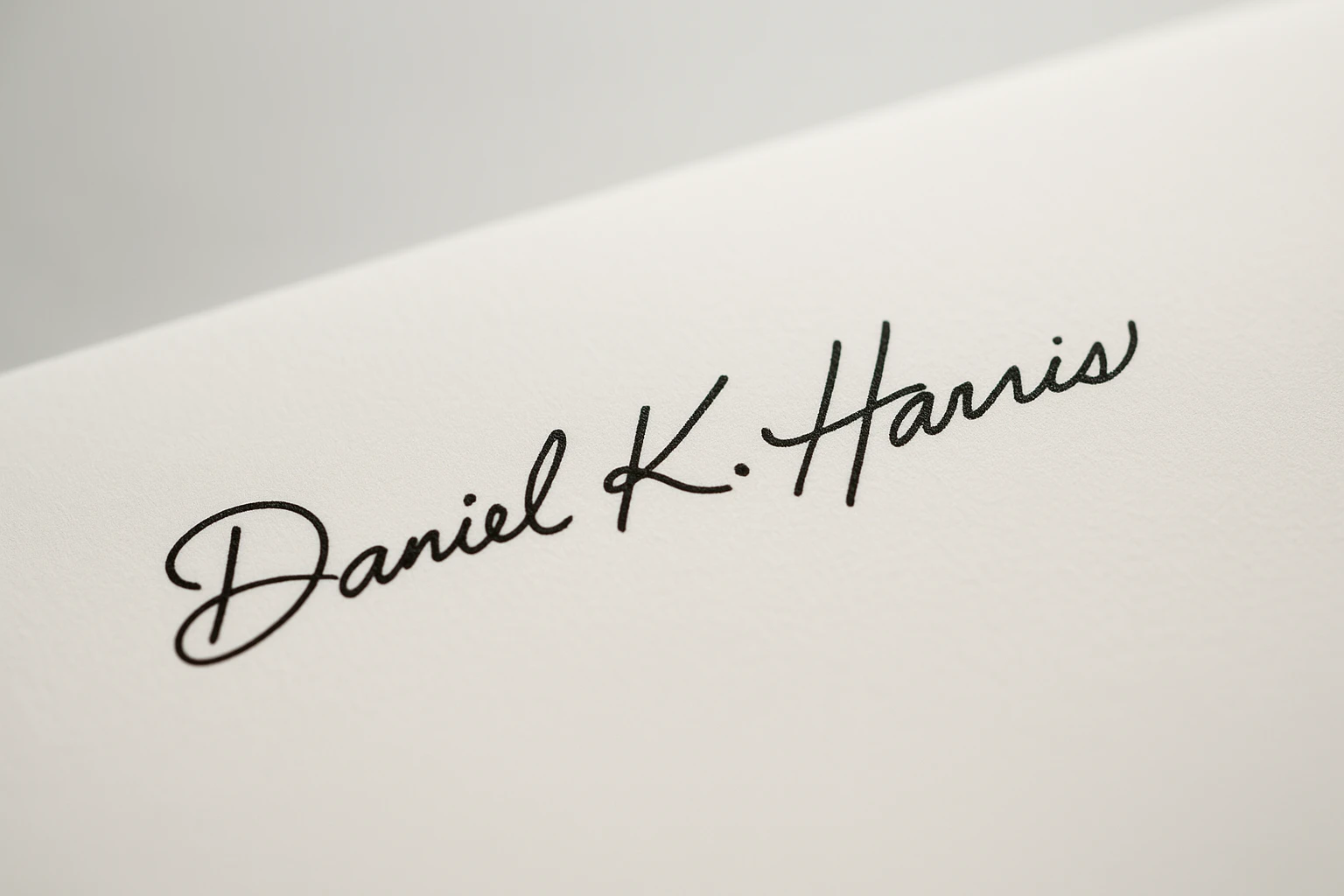
Your Generated Images
Key Features of AI Signature Maker
Personalized Design Flexibility
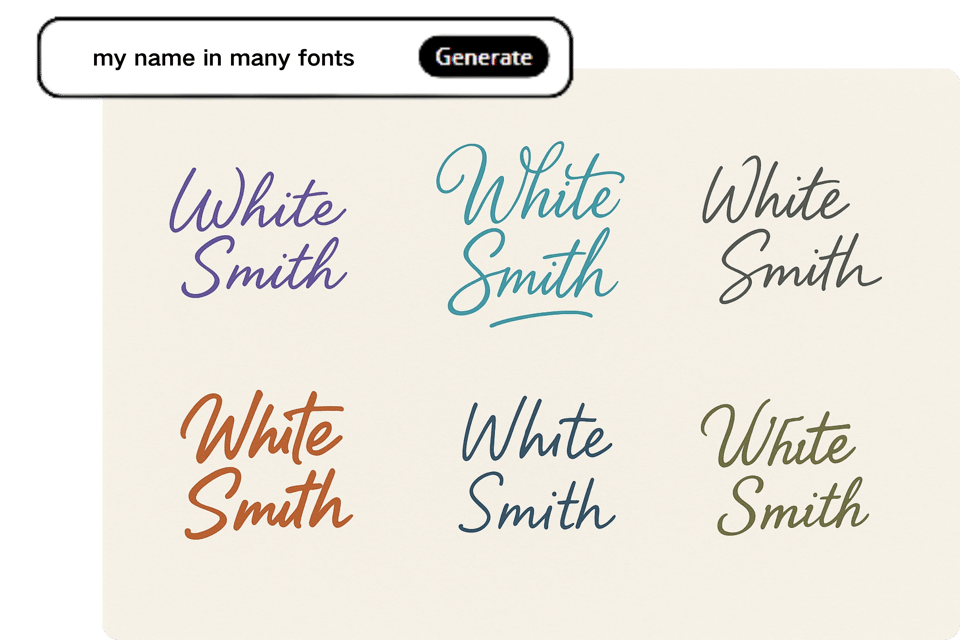
Our AI signature maker enables users to customize fonts, sizes, tilt angles, and colors, mimicking authentic handwriting. Upload images or input prompts to create a signature that reflects your unique style, perfect for personal or professional branding.
Electronic Signature Generation
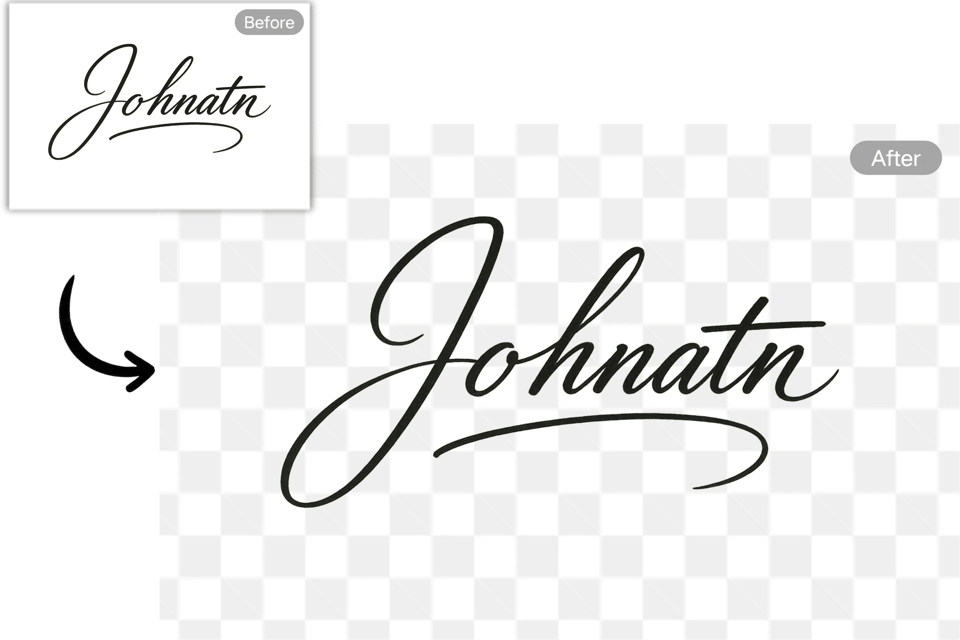
The AI signature maker quickly produces handwritten-style digital signatures for emails, contracts, or documents. Generate high-resolution signatures in seconds, downloadable in formats like PNG, ensuring seamless integration into digital workflows with legal compliance.
Multi-Language Support
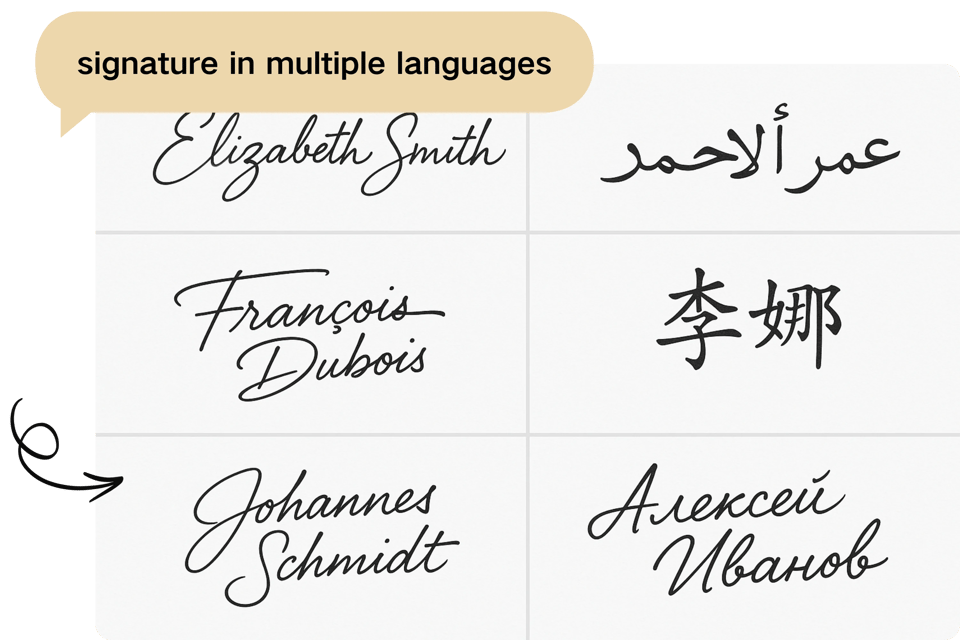
Create signatures in diverse languages like Chinese, Arabic, and more with our AI signature maker. Specialized fonts ensure culturally authentic designs, allowing users to craft signatures that resonate globally while maintaining clarity and professionalism.
Artistic Signature Styles
With the AI signature maker, users can design cursive, calligraphic, or graphically creative signatures.You can also generate artistic fonts for your own movie poster,ideal for adding a touch of elegance to invitations, logos, or formal documents.
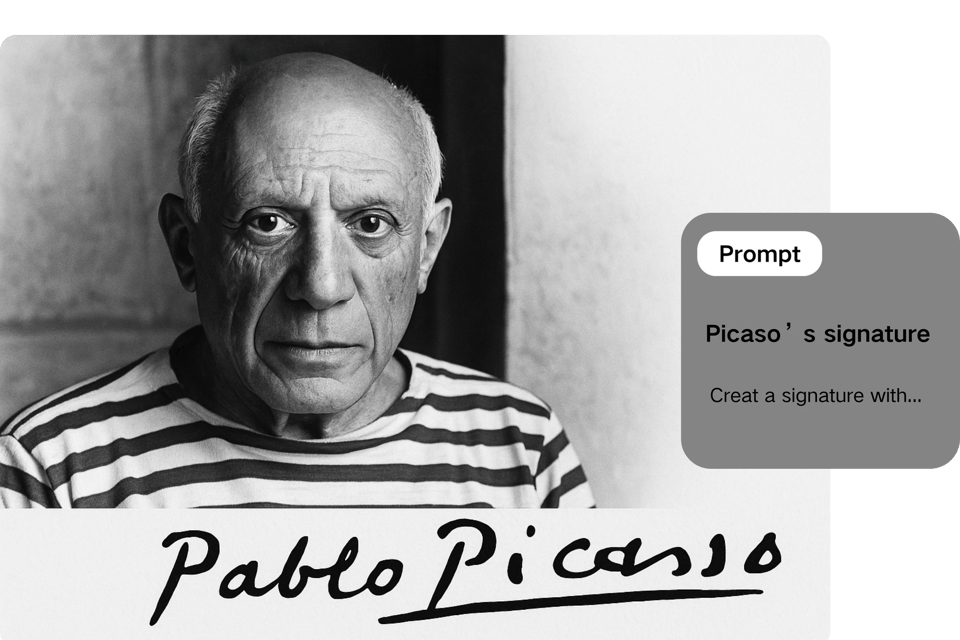
What Can You Do with Our AI Signature Maker
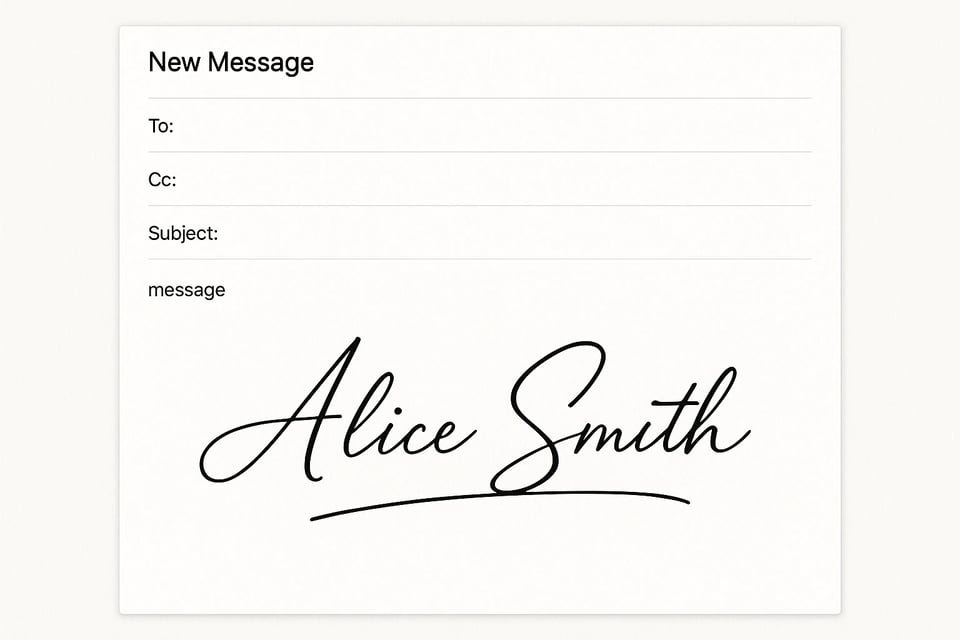
Professional Email Signatures
The AI signature maker creates personalized, handwritten-style signatures for Gmail, Outlook, and other platforms. Enhance your professional image with unique, polished e-signatures that add a touch of sophistication to every email.
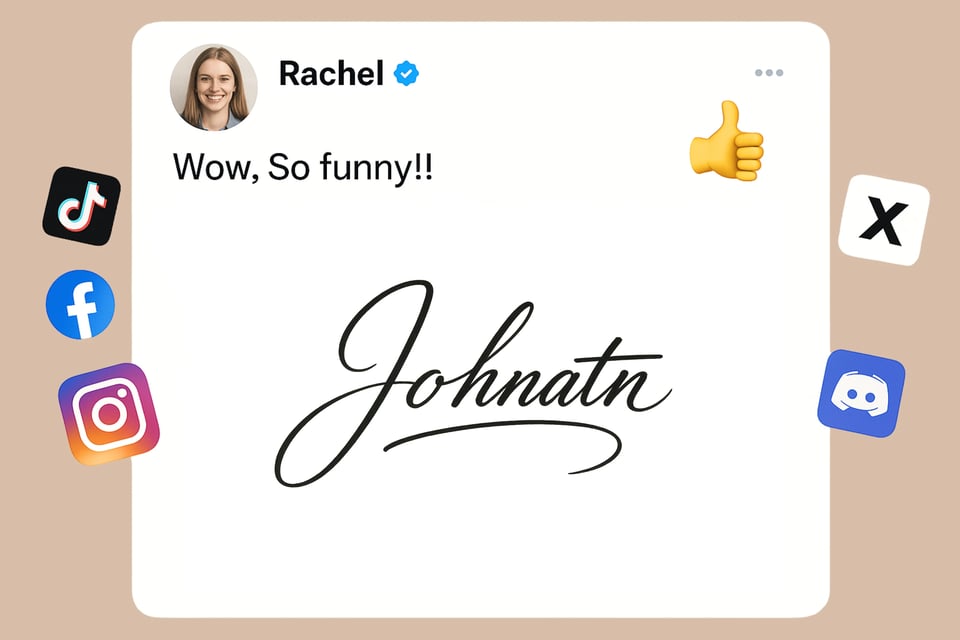
Social Media Profile Enhancement
Use the AI signature maker to generate artistic signatures for Twitter/X or Instagram bios. These visually appealing designs elevate your online presence, making your profile stand out with a creative, personalized touch.
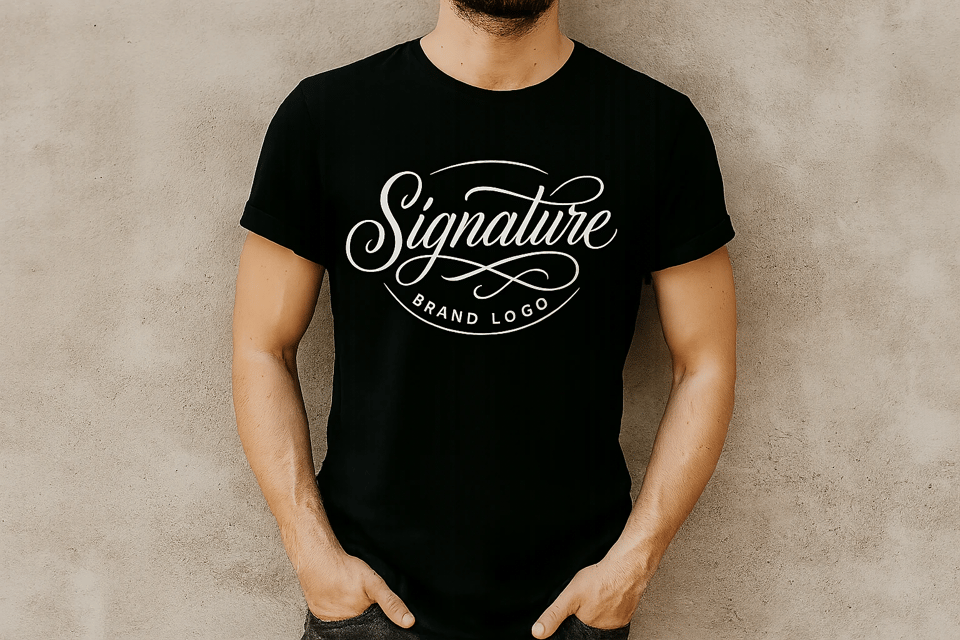
Branding and Creative Design
The AI signature maker crafts unique signatures for logos, T-shirts, or posters. Transform your personal or business brand with custom, artistic signatures that add flair to marketing materials and merchandise.
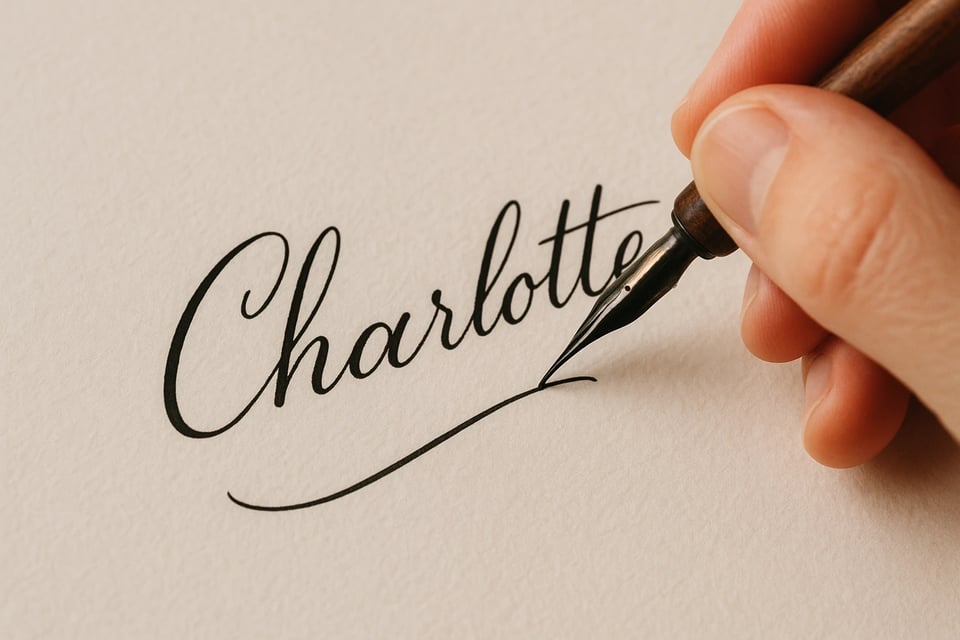
Calligraphy Practice Tool
The AI signature maker generates diverse signature styles for users to trace and practice. Improve calligraphy or cursive writing skills by mimicking AI-created signatures, perfect for learning elegant handwriting techniques.
How to Use the AI Signature Maker
Step1:Enter Text and Choose Font
Input the text for your signature into the AI signature maker. Type your preferred font style, size, or color to customize the design, ensuring it matches your personal or professional branding needs.
Step2:Let AI Work Its Magic
After inputting details, the AI signature maker processes your request instantly. It generates a unique, handwritten-style signature, applying advanced algorithms to create a polished and authentic look in seconds.
Step3:Download and Share
Download your signature as a high-quality image file from the AI signature maker. Upload it to social media, emails, or documents to showcase your personalized, professional e-signature effortlessly.
What Users Say about AI Signature Maker
The AI signature maker transformed my email signatures! It’s quick, customizable, and produces professional results. I love the variety of fonts and styles.
Emily Carter
Marketing Manager
This AI signature maker is a game-changer for my social media profiles. The artistic designs are unique and eye-catching, perfect for branding.
James Patel
Freelance Graphic Designer
I used the AI signature maker for my business contracts. It’s fast, secure, and the signatures look authentic. Highly recommend for professionals!
Sophia Nguyen
Lawyer
The AI signature maker helped me practice calligraphy with its diverse styles. It’s an amazing tool for learning and creating stunning signatures.
Liam Brooks
Art Student
Creating logos with the AI signature maker was so easy! The creative designs elevated my brand’s identity on merchandise and posters.
Ava Thompson
Small Business Owner
The AI signature maker’s multi-language support is fantastic. I crafted a Chinese signature that looks authentic and professional for my documents.
Ethan Zhang
International Consultant
Frequently Asked Questions about Our AI Signature Maker
How do I customize my signature?
The AI signature maker lets you input text and choose fonts, sizes, colors, and tilt angles. Upload an image or prompt to create a unique, handwritten-style signature tailored to your personal or professional needs.
Is the AI signature maker secure?
Yes, the AI signature maker prioritizes privacy. No user data or signatures are stored on our servers. Your inputs are processed in real-time, ensuring secure, confidential signature creation every time.
Can I use signatures in documents?
Absolutely! The AI signature maker generates high-quality PNG compatible with PDFs, Word, and email platforms, making it easy to add professional e-signatures to contracts or letters.
Does AI signature maker support multiple languages?
The AI signature maker supports languages like Chinese, Arabic, and more. Create authentic signatures with specialized fonts, ensuring cultural accuracy for global business or personal use.
How fast is the signature generation?
The AI signature maker creates signatures in tens of seconds. Enter your text or upload an image, select your style, and download a polished, professional signature instantly for immediate use.
Can I create artistic signatures with AI signature maker?
Yes, the AI signature maker offers cursive, calligraphy, and graphic styles. Design creative signatures for logos, social media, or merchandise, adding a unique flair to your branding.