
Select the model you want to generate your image with.
AI Blur Remover - Clear Your Photos Instantly with Bylo.ai
Fix blurry photos and sharpen images effortlessly with our free AI unblur image tool.
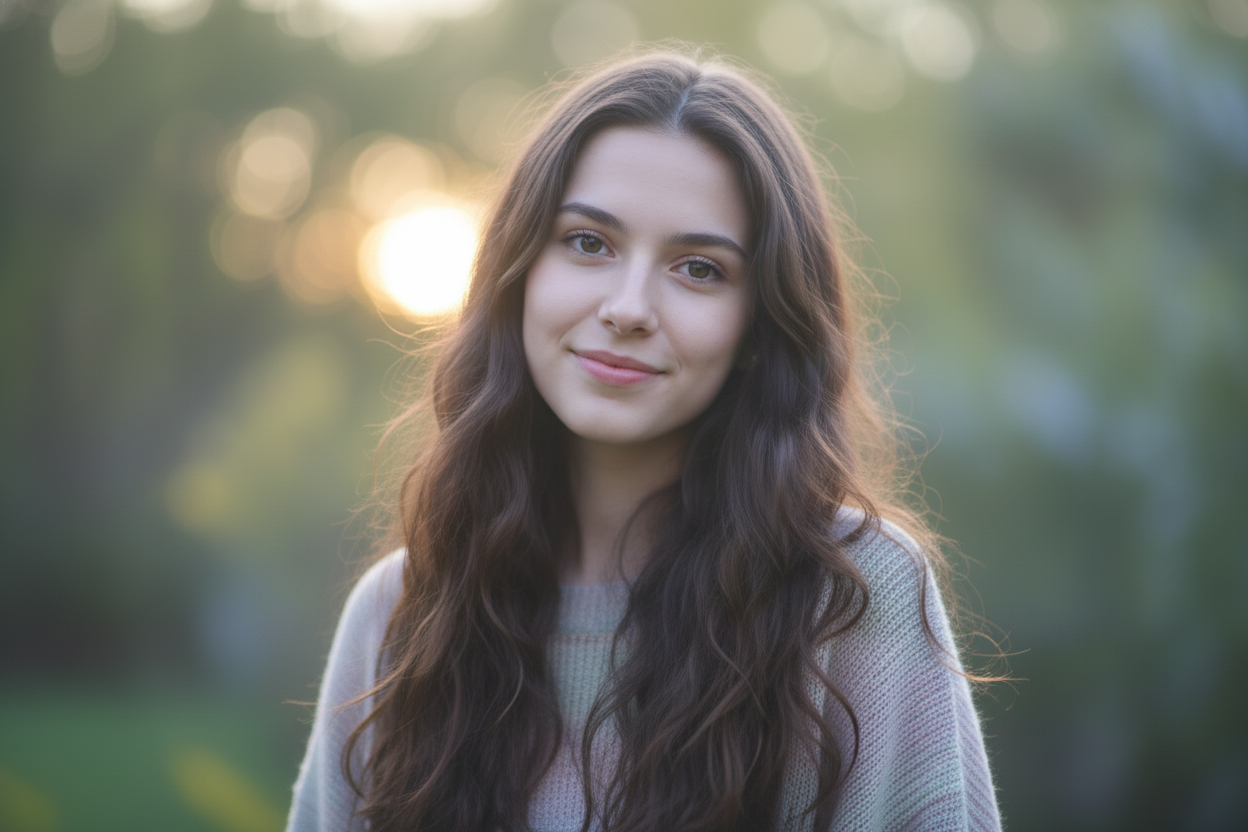
Your Generated Images
Key Features of Bylo.ai AI Blur Remover
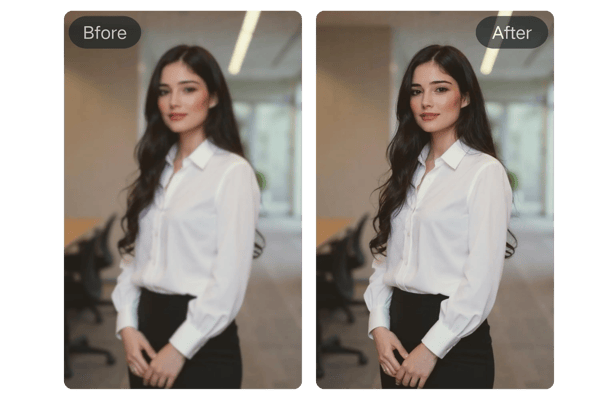
One-Click AI Unblur Image Online
Our advanced AI automatically detects and removes blur with a single click. No complex settings or manual adjustments required, just clear images in seconds.
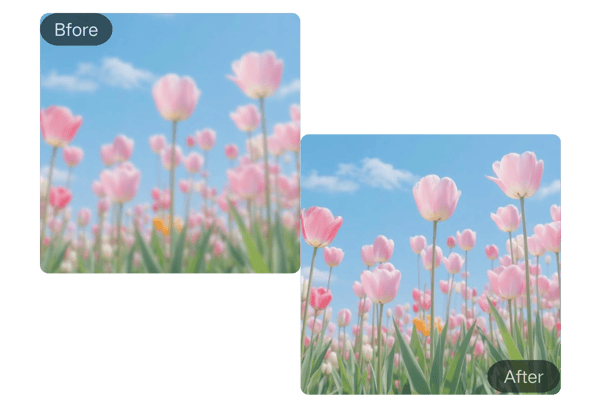
AI Blur Remover Supports Popular Image Formats
Whether you have JPG, PNG, WEBP, or other popular formats, our tool can handle them all. Unblur any image you need, no matter the format.
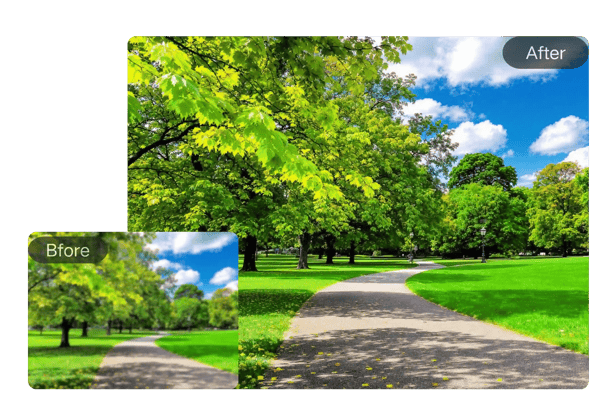
AI Image Sharpener with Noise Reduction
Blurred images often come with annoying noise. Our ai image clearer wipes away grain, compression artifacts, and unwanted fuzz, delivering natural-looking clarity every time.
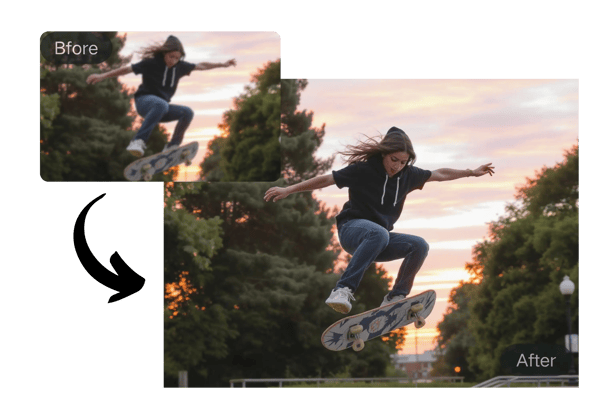
Unblur Image Free Online, No Login Required
Experience the power of unblur image ai free online—no subscription, no strings attached. Our free online service lets you fix unblur image instantly, anytime, anywhere.
How to Use Bylo.ai’s AI Unblur Image Tool
Upload Your Image
Simply upload your image in JPG, PNG, WEBP, or other supported formats. No need to worry about compatibility — we support all major image formats.
Click 'Unblur Image'
Once your image is uploaded, click on the 'Unblur Image' button. Our AI will analyze and fix the blur instantly, improving the quality and sharpness.
Download Your Sharp Image
Once the image is processed, you can download it right away. No sign-up, no delay — just clear, high-quality photos in seconds.
Real Use Cases for Bylo AI Blur Remover
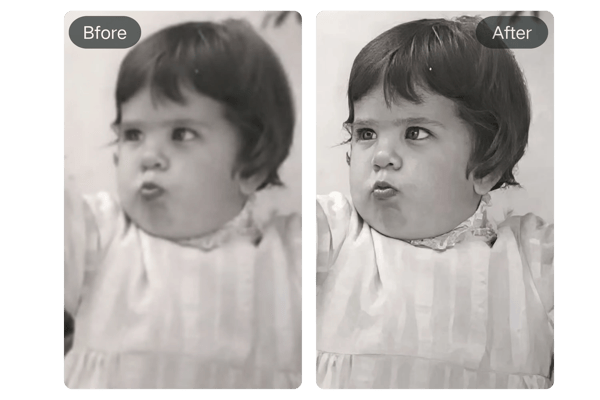
AI Unblur Image to Restore Old Blurry Photos
Bring your old, faded, or blurry family photos back to life. Our AI blur remover can recover lost details and restore clarity, helping you preserve precious memories with sharp, vivid results.
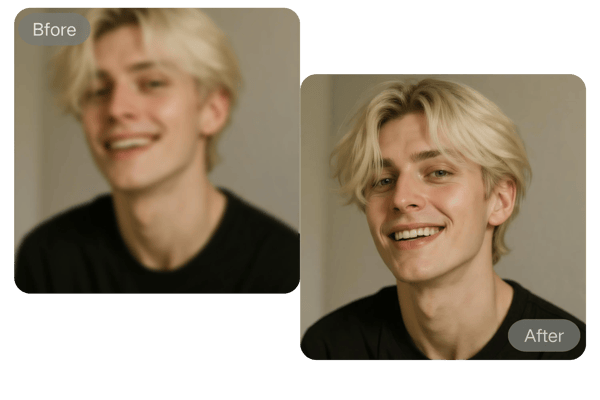
Remove Face Blur from Photo Online
Whether it’s a casual selfie or an important portrait, you can now easily fix unblur images of people. Our AI image sharpener focuses on faces, enhancing fine details like eyes, hair, and skin texture for a natural, crisp look.
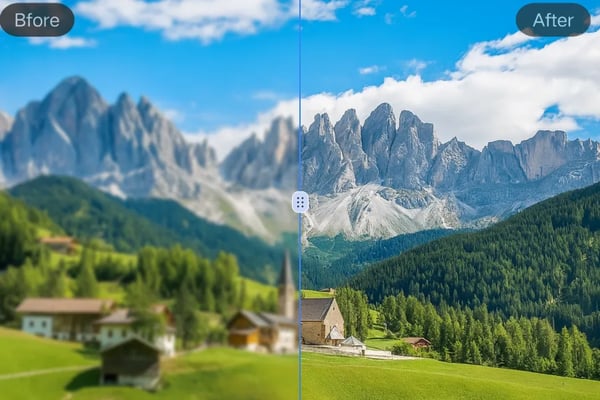
Sharpen Blurry Landscape Photos
Capture the beauty of every scene. If your travel shots or landscape photos came out soft or out of focus, our AI image clearer can instantly restore the depth, contrast, and sharp edges you intended to capture.
Fix Blurry Product Photos and Improve Sales
Blurry product photos can make your listings look unprofessional and reduce customer trust. With our AI blur remover, you can quickly sharpen product images, fix pixelated edges, and showcase your products in clear, high-resolution detail.
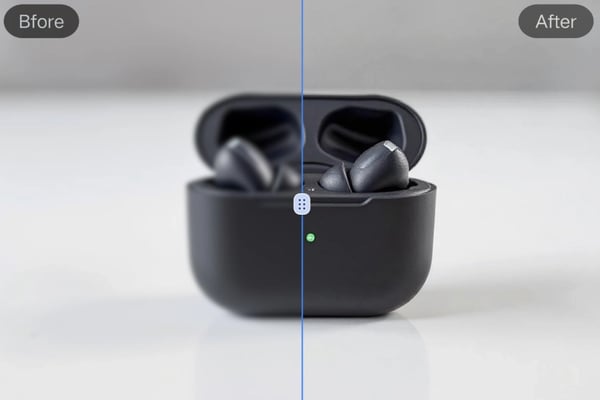
What Users Are Saying About Bylo.ai’s AI Unblur Image Tool
I had hundreds of old, low-quality family photos. This AI image clearer saved them! It’s incredibly easy to use and the results are amazing.
Emily R.
Photographer
I fixed product images that would have taken me hours in Photoshop — this AI blur remover did it in seconds. Can’t recommend it enough!
Jason L.
Online Seller
I often take screenshots for my class notes but some came out blurry. This AI unblur image free tool made them perfectly clear. Total lifesaver!
Sophia M.
Student
I used the tool for some blurry assets I needed to work with in my design project. The results were excellent, and it saved me so much time!
David S.
Designer
Frequently Asked Questions about AI Unblur Image
How to Clear Blur Image Free Online?
You can clear blurry images quickly using Bylo.ai’s AI unblur image free online trial. Simply upload your image, and our AI blur remover will process it for you. Bylo.ai offers a free trial with no sign-up required, so you can try the tool instantly.
Is it really free to use?
Bylo.ai provides a free trial for the AI unblur image tool. You can unblur images online without registration and experience the core features at no cost during the trial period.
Which image formats are supported?
We support all major image formats, including JPG, PNG, and WEBP.
How long does it take to unblur an image?
The tool processes your image in seconds, delivering clear, sharp results almost instantly.
Do I need to download any software?
No, everything is done online in your browser. No downloads or installations needed.
Will the AI remove noise and grain from my images?
Yes, our AI not only sharpens the image but also reduces noise and grain, leaving your image looking clean and crisp.
Does AI Image Sharpener Work for Portraits and Landscapes?
The AI image sharpener works well on portraits, landscapes, old photos, motion-blurred images. It helps restore sharpness and detail across different types of images.