
Select the model you want to generate your image with.
AI Image-to-Image Generator: Unleash Photo Magic with Creative AI
Turn Your Photos into Art in Seconds with AI-Powered Image-to-Image Magic
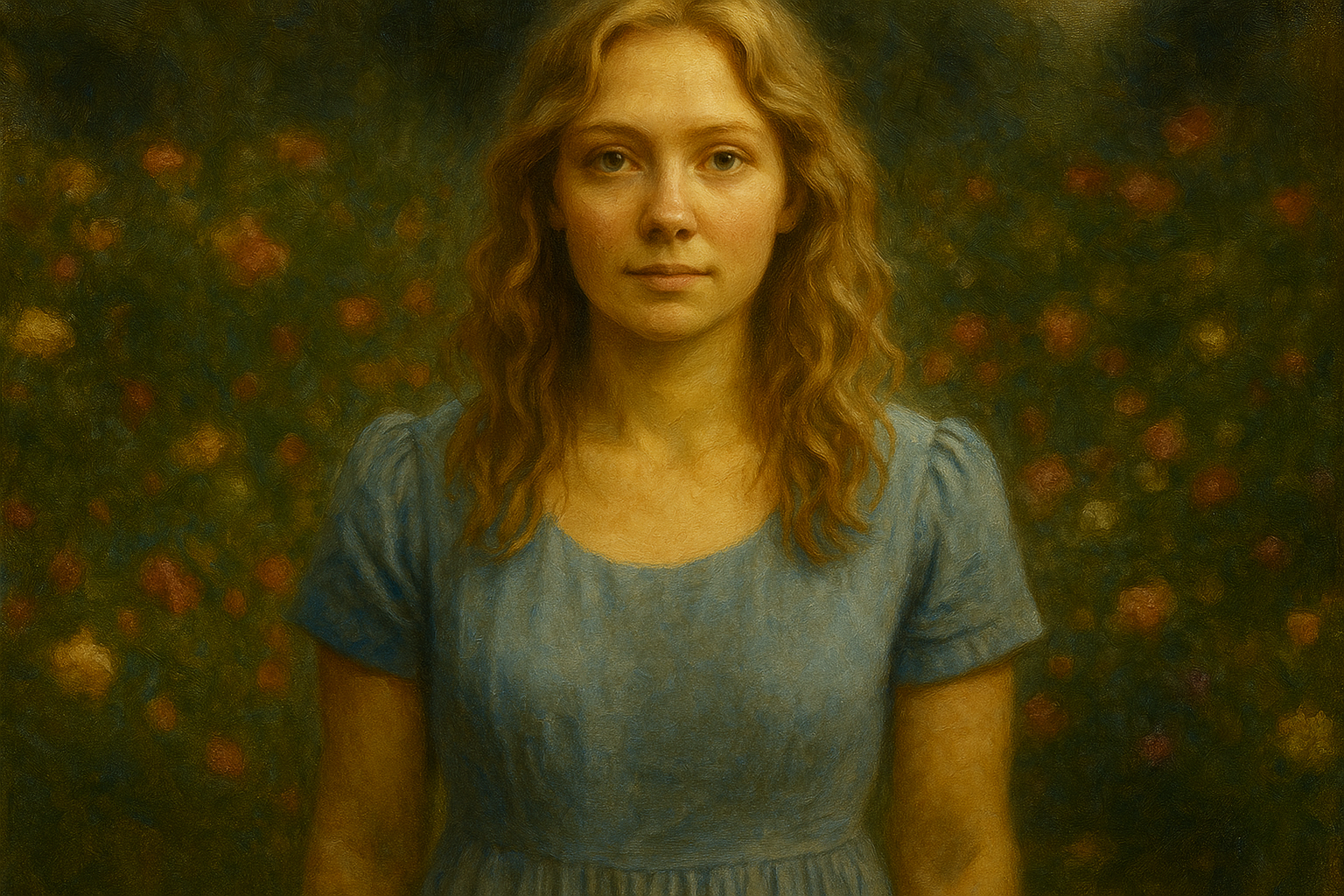
Your Generated Images
Key Features of the Image to Image AI Generator by Bylo.ai

🎨 One-Click Artistic Transformations
With Bylo.ai’s image to image AI generator, you can transform your photos into stunning art styles like Ghibli, Pixar, Chibi, and more—instantly. Whether you want an oil painting or a cyberpunk look, the AI brings your vision to life with precision.
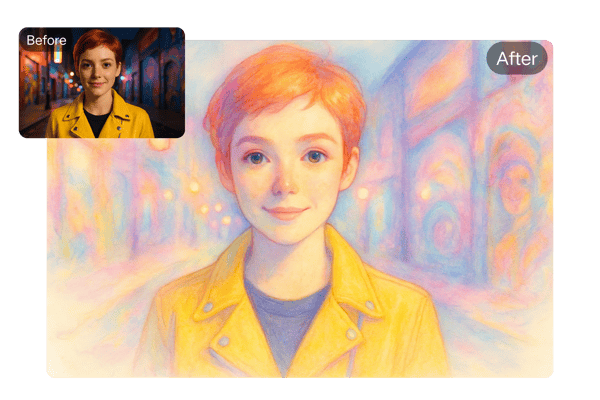
🛠️ Highly Customizable Outputs
Fine-tune your results using text prompts to adjust hairstyles, outfits, backgrounds, or even cosplay themes. The image to image AI system empowers users to control every visual detail with ease.

⚡ Fast, High-Quality Generation
Upload your photo in JPG, PNG, or WEBP formats and let the AI image to image generator convert it into high-resolution art in less than a minute. Real-time previews make tweaking and refining quick andImage to Image AI easy.
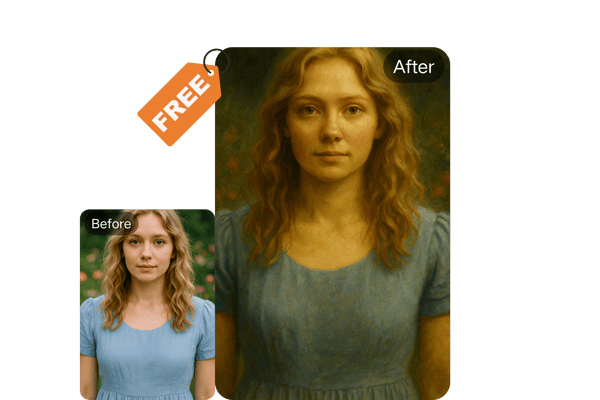
🆓 Instant Access and Free Use
TryImage to Image AI There is no need to pay or log in to use the image-to-image AI generator. More picture production, better speeds, and watermark-free downloads are made possible by premium solutions.
How to Use the Image to Image AI Generator by Bylo.ai
📸 Upload Your Photo
Choose a photo from your device (JPG, PNG, or WEBP format) and upload it to the image to image AI generator interface.
🎭 Select Style or Customize
Pick from preset artistic styles or enter text prompts to customize your image’s mood, setting, or details.
🚀 Generate and Download
Click ‘Generate’ and let Bylo.ai’s image to image AI engine create your masterpiece. Download your art or generate again for different versions.
Use Case of Image-to-Image AI Generator
📱A Showstopper on Social Media
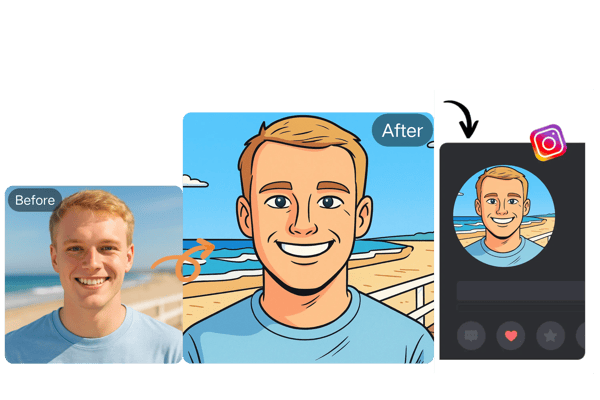
By turning selfies into creative avatars or popular memes, you may elevate your profile. Use distinctive, captivating images to stand out on sites like X, TikTok, or Instagram.
🖌️Games and Design Inspiration
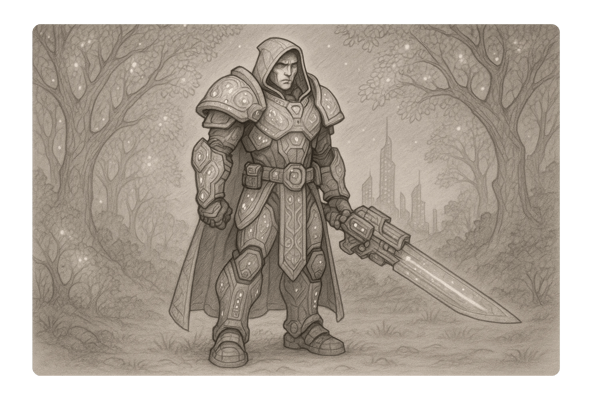
The creative process is streamlined for game developers and designers by their ability to produce character concept drawings, scene sketches, or prop designs rapidly. “I saved weeks of sketching thanks to the fantasy-style character prototypes,” one independent game developer noted.
📺 The Secret Weapon of Content Creators
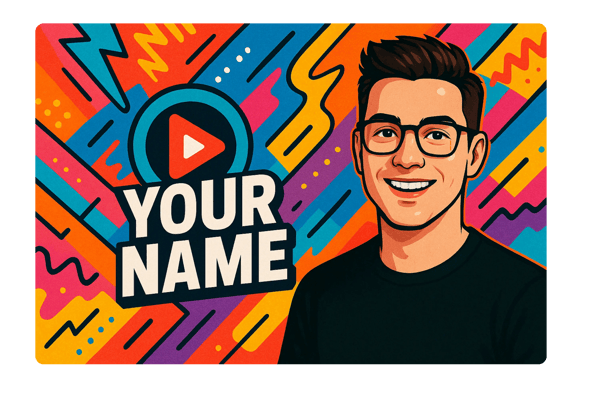
In order to stand out and attract attention in a congested digital arena, YouTubers, bloggers, and streamers may utilise Bylo.ai to create channel banners, video thumbnails, and avatars.
🎬 Innovative Resources for Learning
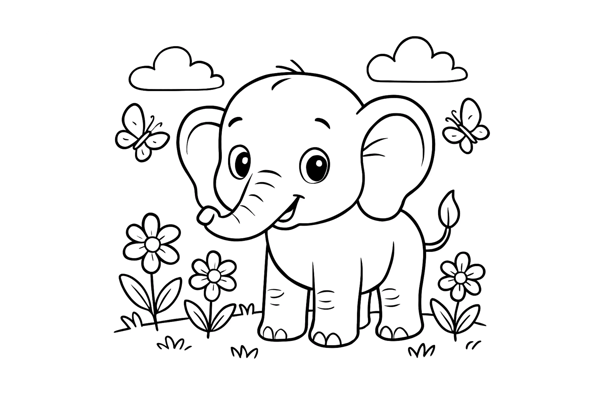
AI colouring pages that convert images into black-and-white line art are perfect for creative workshops, stress-relieving adult doodling, and children's art lessons. To make learning enjoyable, educators might create original teaching resources.
What Users Say About the Image to Image AI Generator
Bylo.ai’s image to image AI generator helped me bring my fantasy sketches to life in minutes. It's like having a virtual studio assistant!
Sophia L.
Digital Artist
I transformed a selfie into a Chibi-style avatar, and my audience engagement skyrocketed. Bylo.ai is now my go-to for quick, unique content.
Marcus R.
Social Media Manager
The coloring page feature is a hit in my classroom! I turn students’ photos into educational material they love.
Elena G.
Teacher
This image to image AI tool saved me weeks in designing character concepts. The variety of styles is fantastic.
Brian T.
Indie Game Developer
I used the cartoon-style transformation for product shots, and my conversion rate increased noticeably. Super effective for visual marketing.
Lisa M.
E-Commerce Store Owner
My Pixar-style avatar made my channel instantly recognizable. Viewers love the unique style, and it boosted my subscribers!
Kenji Y.
YouTuber
Frequently Asked Questions about the Image to Image AI Generator
How do I start using the image to image AI generator?
Just upload your photo, choose a style or enter a text prompt, and click generate. Your art will be ready in minutes!
Is the image to image AI generator free to use?
Bylo.ai offers a free trial—no login or payment required to try your first image.
Can I use my AI-generated image for commercial purposes?
Yes, but commercial usage requires a subscription. Please check our terms of service for details.
Do I need to install any software?
No installation needed. Bylo.ai works online across all devices with a web browser.
How long does it take to generate a portrait?
Typically under a minute. The AI quickly analyzes and renders high-resolution results.
Is my data and image privacy protected?
Absolutely. Bylo.ai ensures secure data handling and never stores your images without your consent.
Can I edit the image after it’s generated?
The results are final, but you can re-upload your photo and modify your inputs to create a new version.
What file formats are supported?
JPG, PNG, and WEBP formats are supported for uploads. Output files are high-resolution and download-ready.