
Select the model you want to generate your image with.
Blur Image Free Online– Fast, Free & Easy
AI-powered image blurring to instantly highlight your subject and elevate your photos.
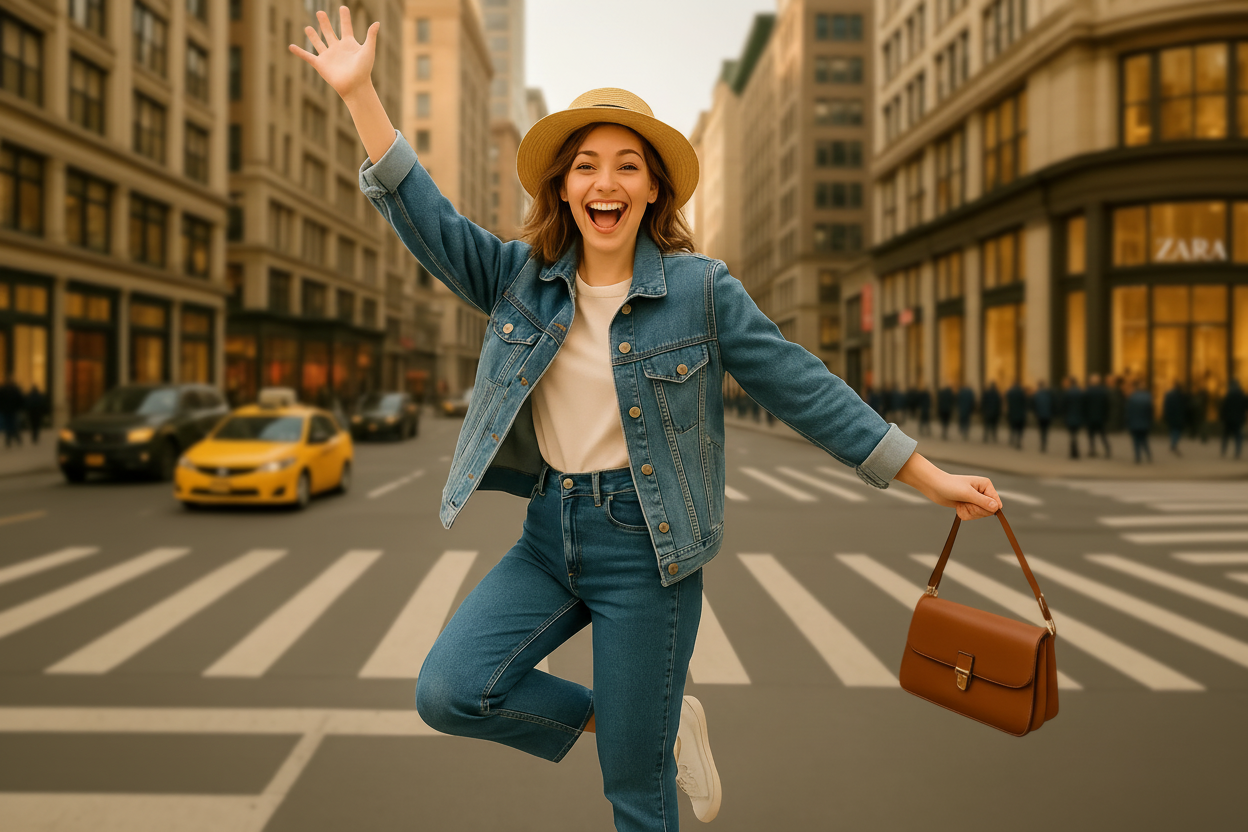
Your Generated Images
Perfect for Product Shots & Posters
Whether you're showcasing items for an online store or designing eye-catching posters, a clean, blurred background makes all the difference. Bylo.ai helps you instantly highlight your product by removing distractions and focusing viewer attention where it matters most. Give your visuals a professional edge—try it now and elevate your brand presentation effortlessly.
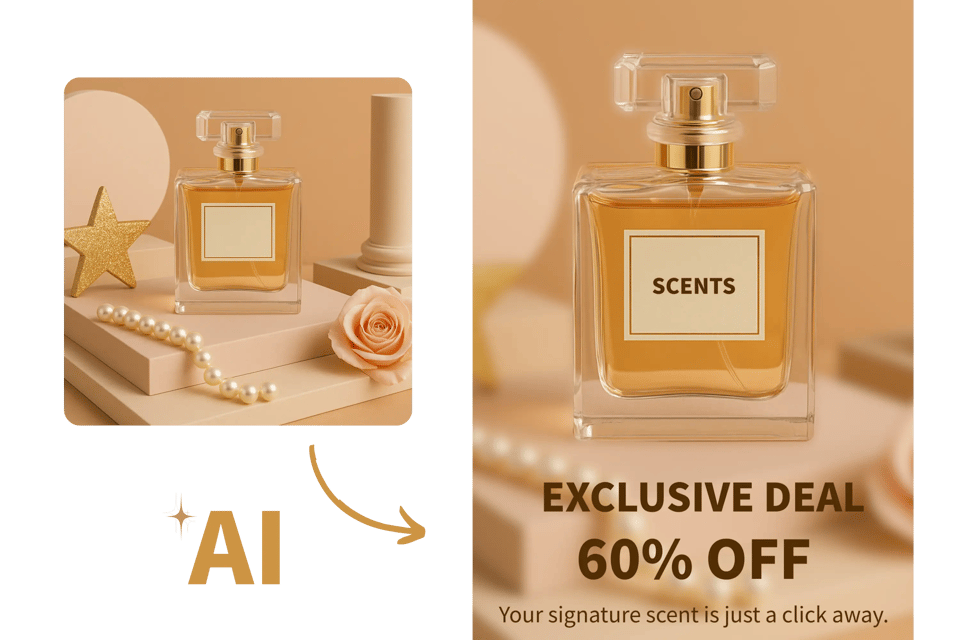
Powerful AI Blur Image Tool by Bylo.ai
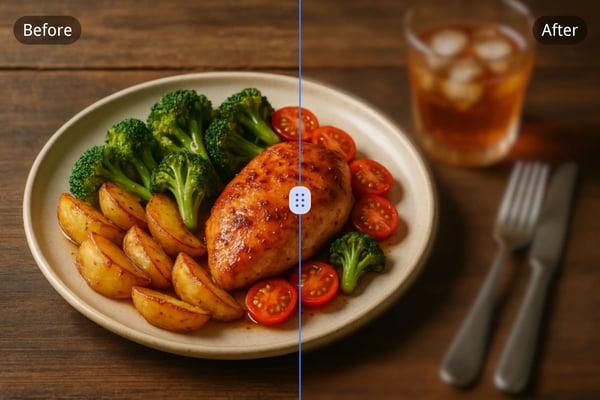
Instant Results with One Click
No complicated steps or layered edits are needed. With Bylo.ai, enhancing an image is simple and intuitive—just upload and let the AI handle the rest. In seconds, the system refines clarity, depth, and background softness, delivering a cleaner, more polished result with the help of the AI Image Enhancer .
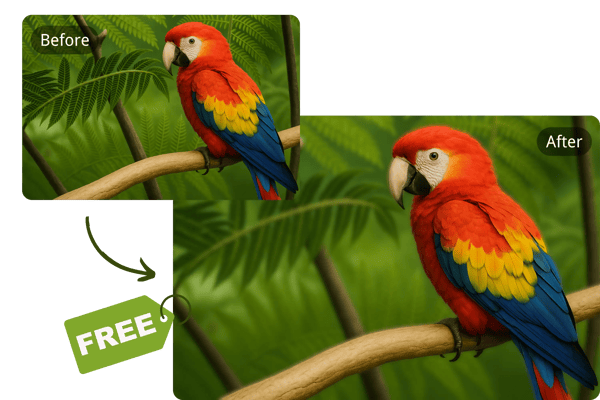
Free Online Blur Image Tool
Blur image backgrounds online for free, without installing any software. Bylo.ai runs entirely in your browser, making it easy and accessible from any device, anywhere.
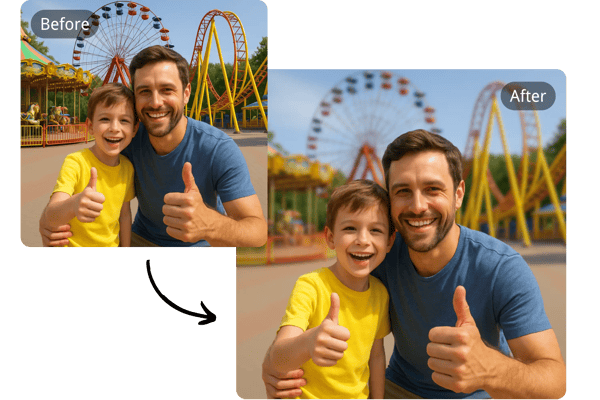
AI-Powered Subject & Background Detection
Our AI doesn’t just blur—it understands your image. By precisely detecting and separating the subject from the background, Bylo.ai ensures your main focus stays sharp while the background is smoothly blurred. No guesswork—just smart, seamless results every time.
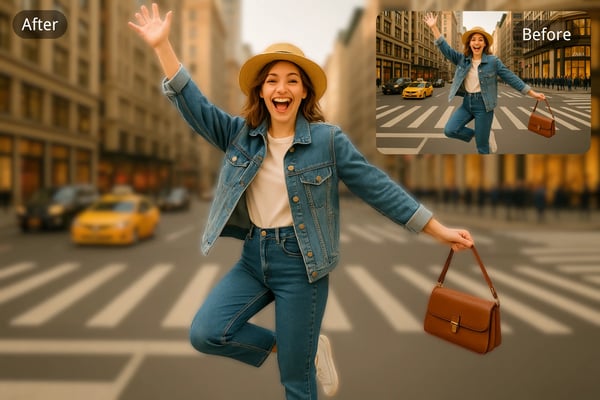
Secure and Private AI Blur Image Processing
Your privacy matters. Bylo.ai uses secureBlur Image Feature Content, encrypted processing so you can safely blur images online without worry. All edits are performed in a secure environment, with no image data stored.
How to Blur Images Free Online
Upload Your Image
Go to bylo.ai/features/blur-image and upload the photo you want to blur. The tool supports most common image formats including JPG and PNG.
Let AI Do the Work
Once uploaded, our advanced AI automatically detects the background and applies a smart blur effect based on the image content.
Download Your Blurred Image
After reviewing the result, simply download the high-quality blurred image to your device – it’s that easy!
What Users Say About the Blur Image Tool
Bylo.ai saved me hours of editing time! The blur image tool is incredibly fast and accurate – it makes my portraits look studio-quality in one click.
Lena Hoffman
Portrait Photographer
I use Bylo.ai daily to enhance product images. The blurred backgrounds make my listings look clean and professional, which helps boost conversions.
Jason Lee
E-commerce Manager
The AI blur image tool is my go-to for designing creative content. It’s quick, free, and gives me stunning background blur effects for any campaign.
Maya Gomez
Digital Marketing Specialist
We use Bylo.ai to blur sensitive content in news images. It’s reliable, privacy-conscious, and ensures we meet ethical publishing standards easily.
Daniel Wu
News Editor
Bylo.ai’s blur image tool has become my go-to for creating stunning visuals! It’s super intuitive, and the variety of blur styles helps me craft unique designs for my clients in minutes.
Aiden Carter
Graphic Designer
Bylo.ai helps me create gorgeous, dreamy backgrounds for my Instagram posts! The blur tool is so easy to use, and it makes my photos look polished and professional every time.
Sophie Nguyen
Social Media Influencer
Frequently Asked Questions About the Blur Image Tool
What is the Bylo.ai Blur Image tool?
It's an AI-powered tool that automatically separates the subject from the background, allowing you to apply various blur or mosaic effects to the background — no technical skills required.
Is the Bylo.ai Blur Image tool really free?
Yes, you can use the Blur Image tool online for free. Subscribing gives you access to more credits and advanced features.
Do I need to download software to use the tool?
No. The blur image tool works entirely in your web browser – no downloads or installations needed.
Can I blur only the background and keep the subject sharp?
Absolutely. The AI is designed to detect and isolate subjects, blurring only the background for a professional finish.
Is my image data stored or shared?
No. Bylo.ai ensures all image processing is secure and temporary. We don’t store or share any user data.
What image formats are supported?
The tool supports common image types like JPG, PNG, and WEBP.
Can I use this tool on my phone or tablet?
Yes! Bylo.ai’s blur image tool is fully optimized for all devices – desktop, mobile, or tablet.
Can I edit my blurred image further?
Absolutely. You can continue editing with our other tools, or simply type your additional ideas into the input box and let AI handle the rest.