
Select the model you want to generate your image with.
免费在线去除Logo背景
轻松在线去除Logo背景——快速、免费、专业精准。
Your Generated Images
Bylo AI Logo背景移除工具的功能特色
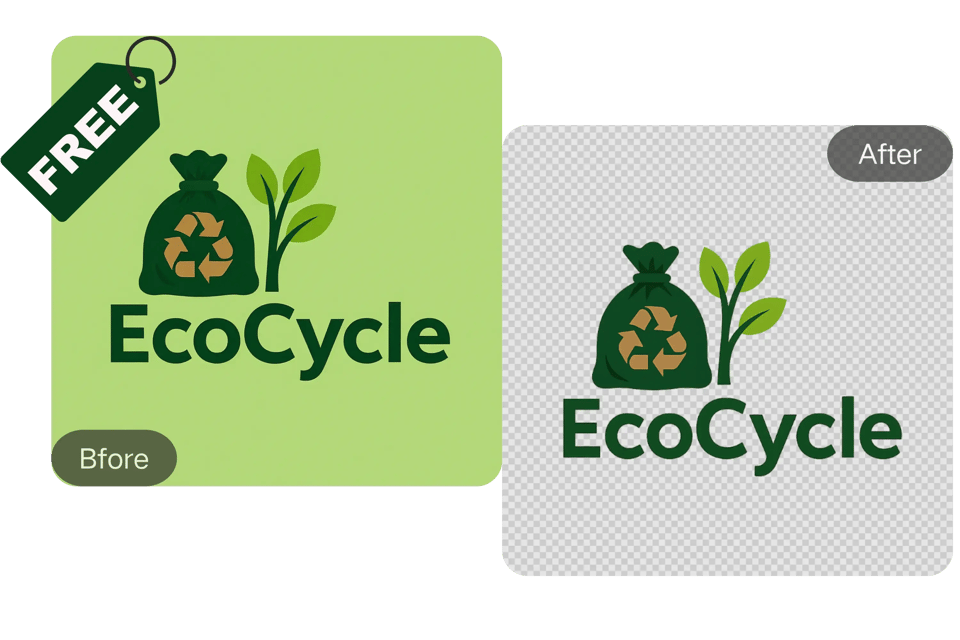
一键移除Logo背景
Bylo.ai 使用前沿AI技术,可快速识别并移除Logo背景。此Logo背景移除工具简化您的工作流程,一键生成高质量透明PNG图像,无需手动编辑。
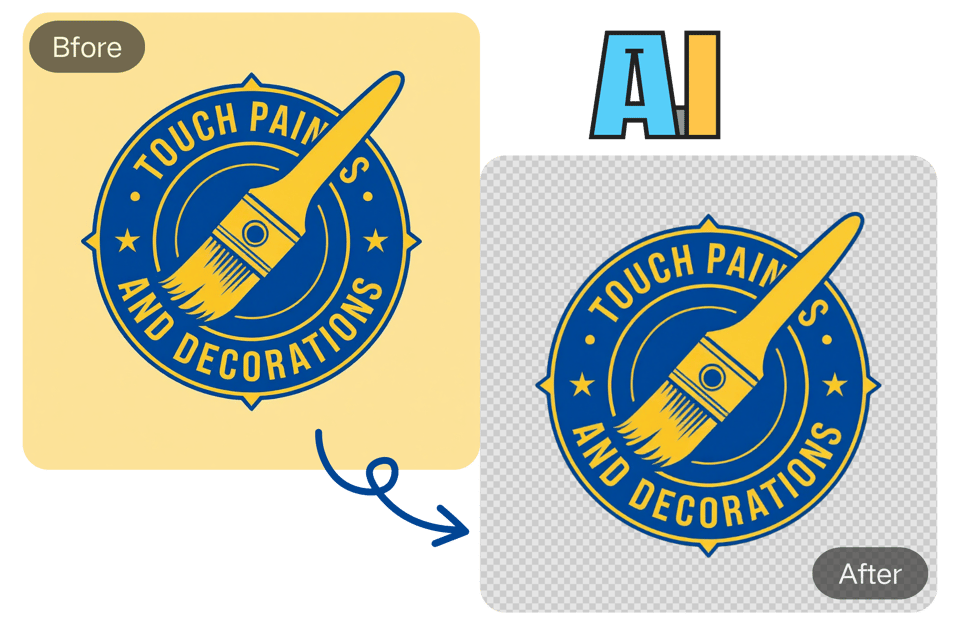
AI智能去除Logo背景
我们的Logo背景移除工具采用先进AI技术,精准识别细文字、细线条和渐变等复杂细节。自动提升清晰度,确保Logo始终清晰专业,每次都能生成边缘完美的高质量PNG图像。
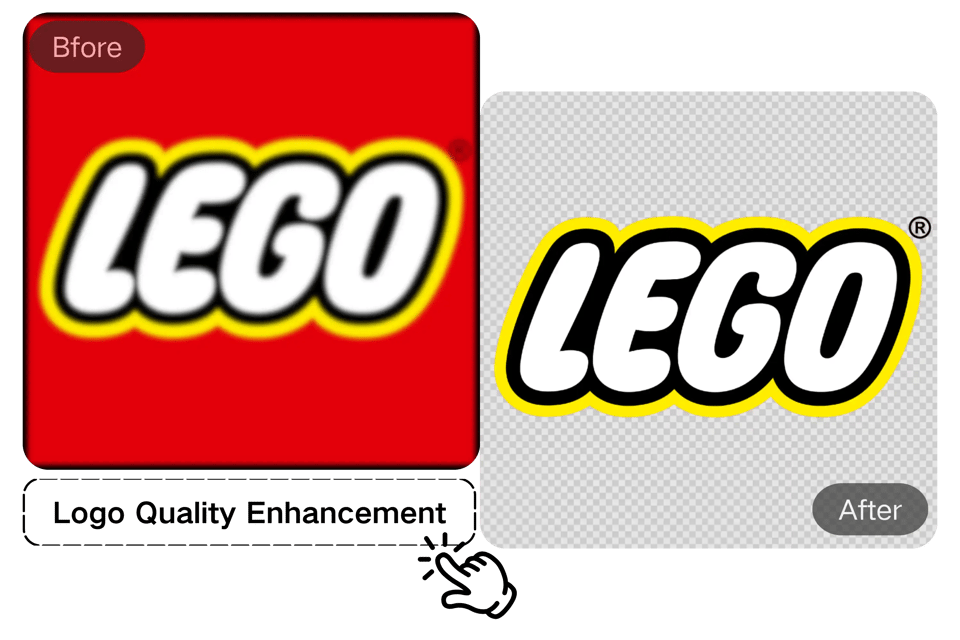
AI智能更换Logo背景
除了强大的Logo背景移除功能,我们的AI工具还能将背景替换为AI生成的设计。你可以将Logo应用在T恤、马克杯或名片上,确保所有品牌物料风格统一、专业美观。这一在线背景移除功能让Logo更具视觉吸引力,适用于各种用途。

背景移除后自定义Logo编辑
使用我们的工具去除Logo背景后,你的设计创作才刚刚开始。我们直观的编辑器为你提供更多创作自由,让你可以自定义和优化Logo。轻松更改颜色、调整元素或添加独特设计。此功能不仅让你的Logo变得透明,更能确保最终效果完全符合你的品牌愿景。
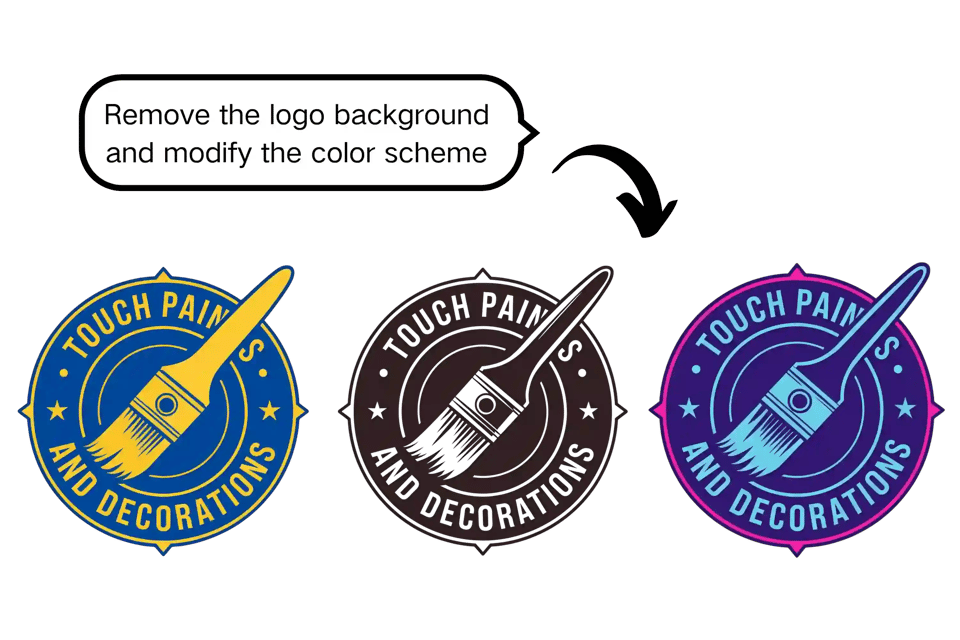
免费在线Logo背景移除工具 – 无需注册
Bylo.ai的Logo背景移除工具完全免费,无需注册账户。只需上传Logo,即可轻松去除背景——无需任何承诺,操作简单便捷。
不只是Logo:免费在线背景移除工具
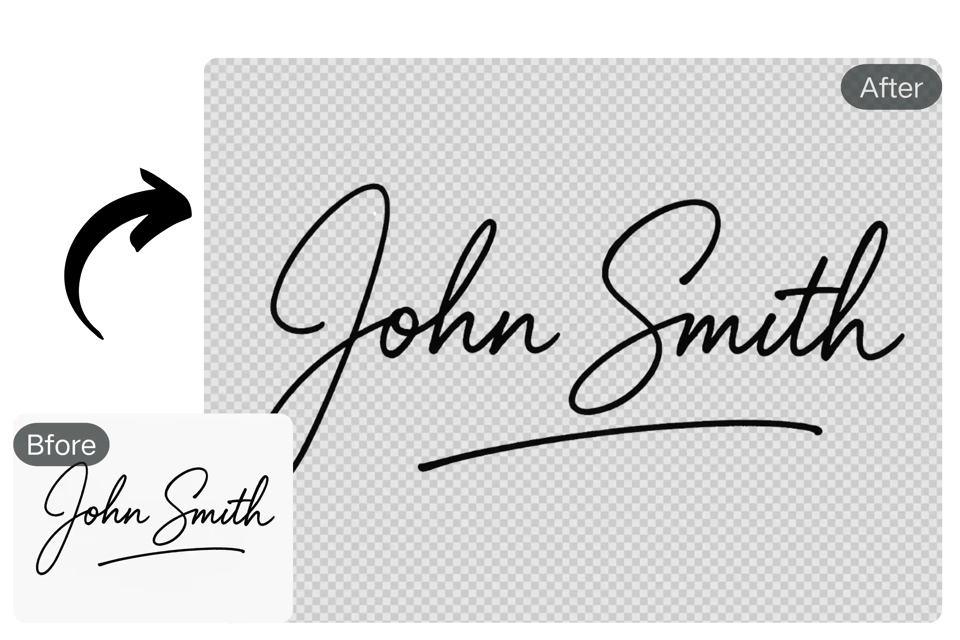
在线免费移除签名背景
我们的强大背景移除技术不仅适用于品牌标识,也可用于签名背景清除。轻松为您的数字签名创建透明背景,适用于专业文档、电子邮件或个人品牌展示。
用Bylo.ai怎么快速去除Logo背景?
上传Logo,自动去除背景
Drag and drop or upload your logo file (JPG, PNG, WebP, etc.) directly into the Bylo.ai logo background remover interface.
AI智能快速去除Logo背景
Our AI processes your logo in seconds, automatically detecting and removing the background with precision and clarity. You can also add other details in Other Ideas, such as adding or removing elements, changing colors, or replacing backgrounds.
下载你的透明背景Logo
Once the background is removed, simply download your high-quality transparent PNG or customize it with an AI-generated background.
谁适合使用Bylo.ai的Logo背景移除工具
电商店主
Make your product branding pop on Shopify, Amazon, or Etsy by using our remove background from logo tool to generate clean and appealing logos for your listings. You can remove watermarks from your product images with our AI Watermark Remover to ensure your images are clear and professional.
设计师
Save hours of tedious manual editing. With our bg remove logo tool, designers can quickly clean up logos and create mockups or final assets faster.
社交媒体运营者
Create visually consistent and professional-looking brand assets by removing logo backgrounds for use in posts, stories, and ads across Instagram, Facebook, and LinkedIn.
网站与App开发人员
Easily integrate logos into web and mobile interfaces without background distractions. The transparent PNG output works flawlessly across all digital platforms.
用户对我们的Logo背景移除器怎么说
我经营一家小型网店,需要快速更新Logo的便捷方式。这个工具简直是改变游戏规则的神器——背景去除效果完美又迅速!
Emily Johnson
电商店主
Bylo.ai的Logo背景移除工具准确率很高。我对它处理复杂边缘的能力感到惊讶——完全不需要手动清理!
Mark Thomas
设计师
这个工具能让我在几秒钟内创建专业的品牌视觉效果。非常适合需要干净透明Logo的宣传活动!
Sophia Lee
社交媒体运营者
快速、便捷、高效。我用它为移动应用和网站准备图标,从未失手。而且完全免费!
Alex Rivera
网页开发者
我用它制作YouTube缩略图和视频品牌素材。操作流畅,让我的视觉效果更加专业、突出。
Natalie Perez
内容创作者
能够快速去除Logo背景,并生成匹配的AI背景,这真是个大惊喜。大大简化了我的工作流程。
James Carter
自由职业UI/UX设计师
常见问题解答
如何去除Logo背景?
只需上传您的标识至Bylo.ai的背景移除工具,我们的AI将自动识别并去除背景,为您生成透明PNG文件。
背景移除工具支持哪些文件格式?
您可以上传JPG、PNG、WebP等常见图片格式进行处理。
我可以免费去除标识的白色背景吗?
当然可以!通过Bylo.ai免费的背景移除工具,您可以轻松去除标识的白色背景,无需付费或注册。
去除背景后是否可以编辑或自定义标识?
可以,您可以在去除背景后添加AI生成的背景,或进一步编辑图像。
去除标识背景时是否会损失画质?
不会的,Bylo.ai的AI背景移除工具能确保标识画质完整保留,输出清晰专业的结果,无细节丢失。
我可以去除签名图的背景吗?
当然可以!您也可以轻松去除签名图或其他图形元素的背景。
Bylo.ai的背景移除工具真的免费使用吗?
是的!我们的背景移除工具完全免费使用,无需注册或订阅。