
Select the model you want to generate your image with.
免费AI下颌线编辑器 – 自然可控地重塑面部轮廓
定义轮廓,柔化线条。精准重塑下颌线——自然又轻松。

Your Generated Images
如何使用Bylo.ai免费AI下颌线编辑器快速调整下颌线条
只需几步操作,即可开始使用我们的平台。
第一步:上传照片,开启AI下颌线重塑
上传照片至Bylo.ai免费AI下颌线编辑器。系统会自动识别下颌线和面部轮廓,实现精准局部调整,不影响其余面部特征。
自动优化下颌线和调整双下巴
我们的AI通过智能面部建模,自动完成下颌线优化与双下巴调整。可以对下颌线条进行锐化、柔化或圆润处理,同时保留您的个人特征、妆容及自然比例。
下载高清下颌线优化照片
预览优化后的效果并下载高清下颌线编辑图片。最终输出保持真实的肌肤纹理和自然的轮廓融合,适用于头像、证件照或社交媒体图片。
Bylo AI 下颌线编辑器的实用功能
一键AI下颌线调整工具:快速优化下颌线条
Bylo.ai的AI下颌线编辑器支持一键式下颌线重塑,无需手动调节或复杂操作,即可快速优化下颌线。通过面部分析精准识别下颌线与颈下区域,实现轮廓重塑的同时保留个人特征、妆容细节及光影一致性。整个流程高效流畅,可在数秒内完成专业级下颌线美化。
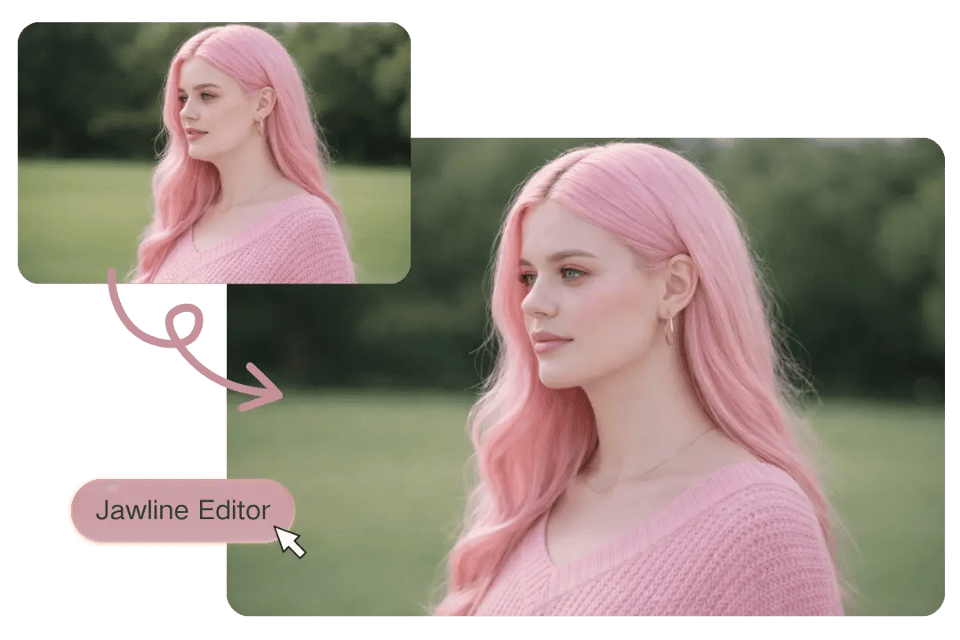
免费AI下颌线编辑器:去除双下巴,柔化轮廓调整
Bylo.ai提供免费的AI下颌线编辑工具,支持自然去除双下巴并柔和调整下颌轮廓。通过重新分布下颌区域软组织体积,在保持上半脸比例不变的前提下,使脸部至颈部的过渡更自然平滑。结果结构清晰、真实可信、符合人体解剖学平衡。
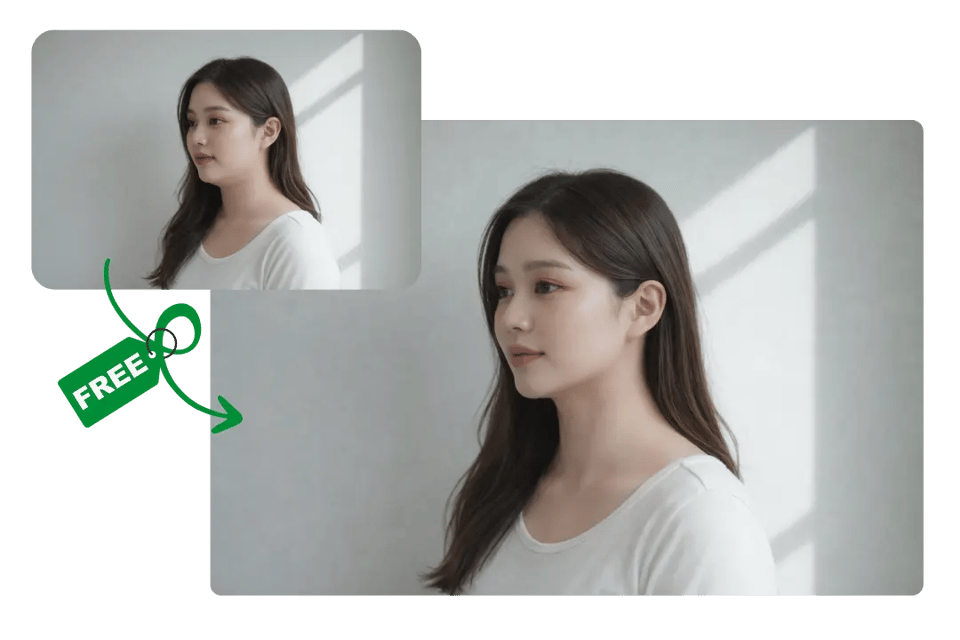
AI下颌线编辑器:塑造清晰或圆润的下颌线条
Bylo.ai 的下颌线编辑器能够适应不同的美学方向,从清晰的下颌线条到柔和的面部轮廓皆可实现。在保持肌肤质感、面部对称性与比例一致的同时,通过微调结构来优化下颌线条,使整体效果自然协调,避免显得过于刻意。面部的和谐并不只取决于单一特征,因此对眼部区域的修饰同样重要。去眼袋与黑眼圈修复功能能有效减轻眼部浮肿和暗影,使眼周状态更加均衡,让焕新后的下颌线与更明亮、更有神的整体气质相得益彰。

专为头像与职业人像设计的高清下颌线编辑器
专为个人资料页和商务肖像设计,Bylo.ai 在增强下颌线后仍保持高分辨率清晰度。面部结构与光影逻辑保持一致,确保优化后的图像在专业平台和社交媒体上看起来更专业。
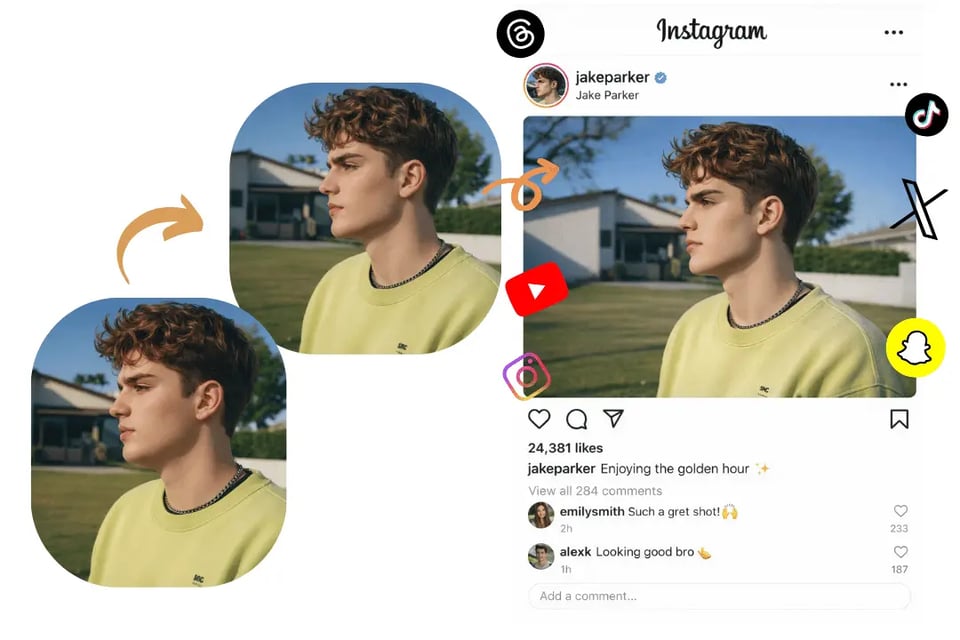
Bylo.ai 下颌线编辑器的实用场景
用柔化下颌线工具让下颌线更柔和
Harsh lighting, contour makeup, or camera angles can exaggerate mandibular edges and create an overly chiseled look. Bylo.ai’s AI Jawline Editor allows soft jawline editing that smooths angular contours and blends the cheek-to-neck transition naturally. This is ideal when a portrait appears too severe and needs a more balanced, rounded lower-face silhouette.
通过 AI 下巴轮廓调整优化双下巴
Submental fullness often becomes more noticeable in side or three-quarter portraits, where lighting and perspective can emphasize the chin-to-neck area. Bylo.ai’s Double Chin Remover helps refine this region by using AI-based facial analysis to adjust lower-face volume and reduce visible fullness. The enhancement focuses only on the jawline and submental area, keeping upper facial features, identity, and overall proportions consistent while creating a cleaner and more balanced profile.
让职业人像更协调——AI 下颌线优化功能
Uneven jaw definition can subtly affect facial symmetry in business portraits. AI jawline refinement helps create a more proportionate lower-face contour while preserving skin texture and lighting consistency. This is especially useful for resumes, portfolio photos, and corporate headshots where subtle structural balance matters.
体验不同脸型风格——AI 下颌线重塑工具
When deciding between a defined jawline and a softer rounded face shape, AI jawline reshaping allows controlled aesthetic experimentation. Compare a chiseled contour with a smoother, fuller silhouette before publishing a profile photo or branding image, all while maintaining natural realism and facial identity.
Bylo.ai AI 下颌线编辑器的用户真实反馈
我在一张人像照片中需要柔化太硬朗的下颌线,而不想改变其他面部特征。Bylo.ai 的 AI 下颌线编辑器轻松搞定这一操作。下颌区域看起来更柔和,但我的五官和妆容完全保持不变。
Emily R.
社交媒体内容创作者
For professional headshots, subtle changes matter. I used the AI Jawline Editor to refine my jaw contour and slightly reduce shadow under my chin. The result looked realistic and polished, not over-edited.
企业顾问
对于专业人像摄影来说,细微的调整非常重要。我使用了 AI 下颌线编辑器来优化我的下颌轮廓,并轻微减少了下巴下方的阴影。最终效果真实自然,看起来更精致。
I tested both sharp and round face options before posting a campaign photo. The ability to reshape just the jawline while keeping skin texture and lighting consistent made a huge difference.
Sophia L.
Daniel M.
美妆达人
Marcus T.
Photographer
我稍微调整了一下下颌线来更换头像。这次编辑保留了我的原有特征,同时改善了下颌区域的平衡感,看起来是一张更自然的照片,而不是滤镜过度处理的效果。
Olivia K.
LinkedIn 职业发展导师
I experimented with a more defined jaw and then tried a softer look. Both versions stayed realistic, and the double chin adjustment blended smoothly into the neck area. The control felt precise and reliable.
Ethan W.
健身达人