
Select the model you want to generate your image with.
Free AI Eye Bag Remover & Dark Circle Remover Online
Reduce eye bags and dark circles instantly with natural, structure-aware AI correction that preserves real skin texture.
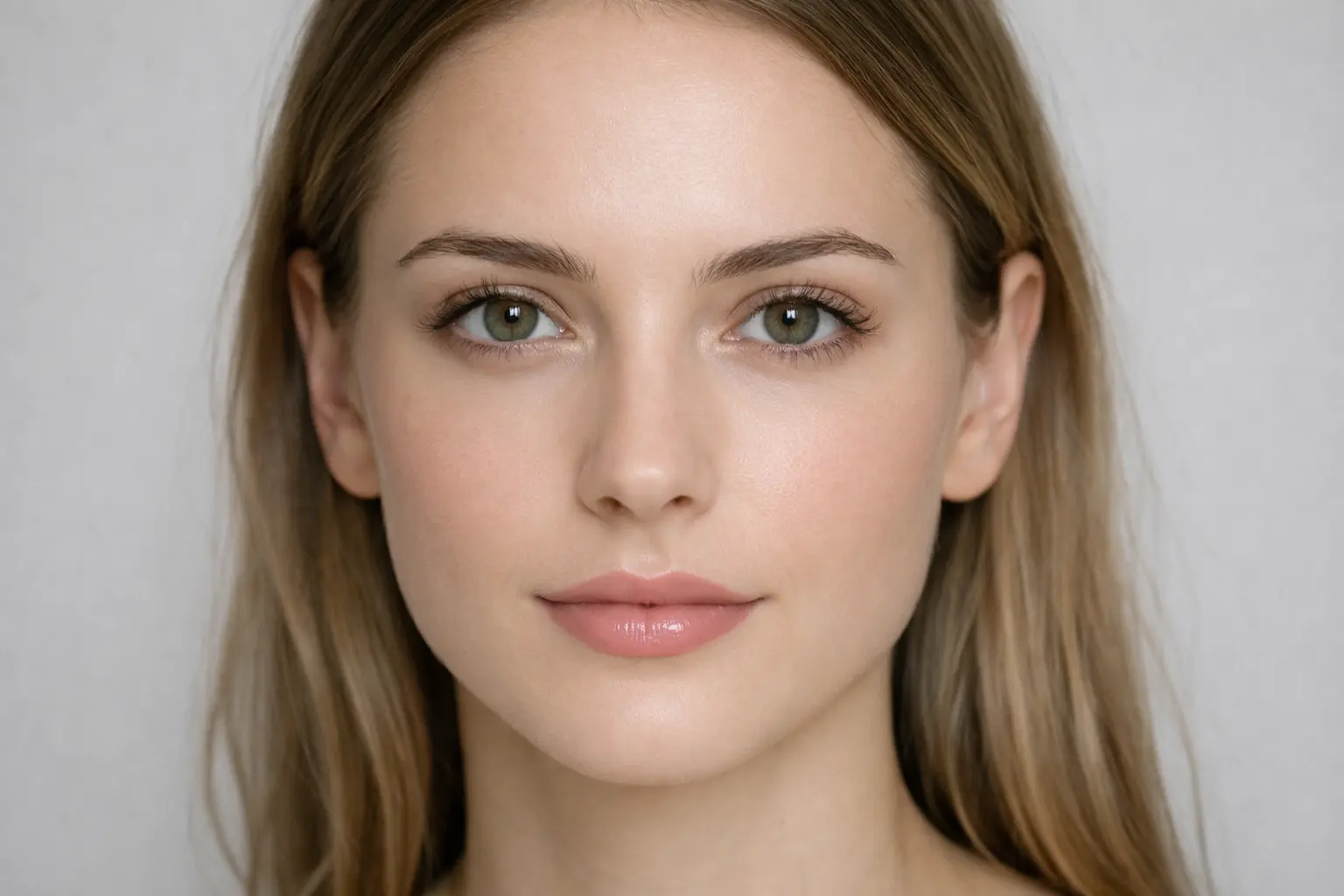
Your Generated Images
How to Remove Eye Bag & Dark Circles with Bylo.ai's Free AI Eye Bag Remover
Follow these simple steps to get started with our platform.
Upload Your Portrait
Start by uploading a clear selfie or headshot where the under-eye area is visible. Once the image is loaded, Bylo.ai’s Free AI Eye Bag Remover immediately begins analyzing facial structure and under-eye regions.
AI Automatically Detects Eye Bags and Dark Circles
No manual selection or prompts are required. Our AI Eye Bag Remover intelligently identifies puffiness, shadow depth, and pigmentation under the eyes. It distinguishes between natural facial contours and unwanted eye bags to ensure precise correction without affecting surrounding features.
Generate and Download Your Refreshed Portrait
Within seconds, the Dark Circle Remover smooths under-eye puffiness and brightens shadowed areas while preserving natural skin texture. Preview the realistic before-and-after improvement, then download your refreshed portrait for professional profiles, social media, or personal use.
Key Features of Bylo AI Eye Bag Remover & Dark Circle Remover
AI Eye Bag Remover with Automatic Under-Eye Detection
Bylo.ai’s AI Eye Bag Remover automatically detects puffiness and depth variations under the eyes as soon as a portrait is uploaded. Facial contours and lighting balance are analyzed to refine only unwanted eye bag areas while preserving natural expression and structure. Our AI correction eliminates manual brushing and delivers precise, clean results within seconds.
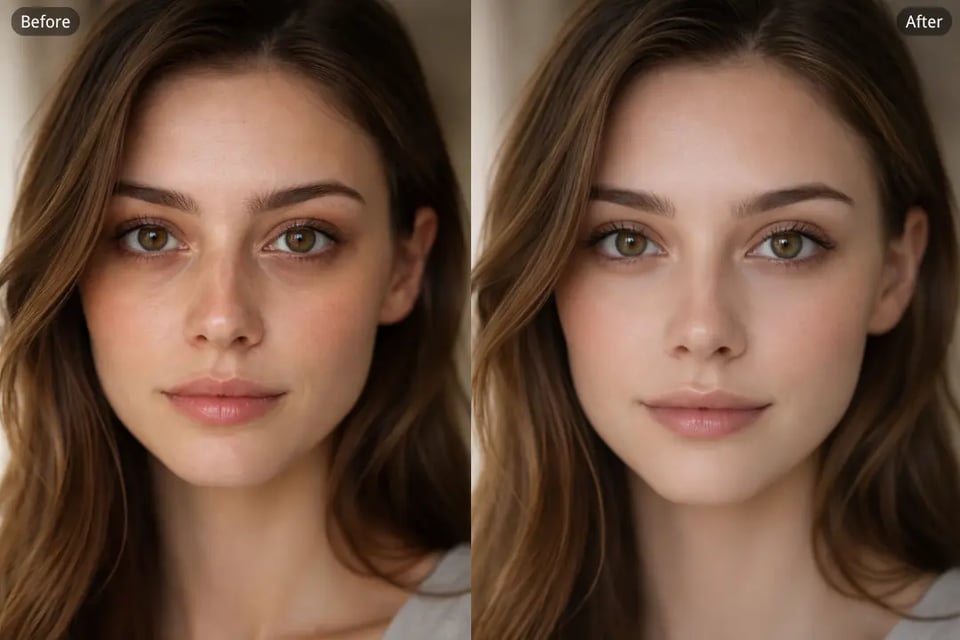
Dark Circle Remover Free Online with Natural Skin Texture Preservation
Our Dark Circle Remover free online reduces under-eye discoloration and fatigue shadows while maintaining pores, fine lines, and realistic skin gradients. Brightness is rebalanced gradually to match surrounding tones, avoiding artificial whitening or flat under-eye effects. Edits remain subtle and suitable for both casual and professional portraits.
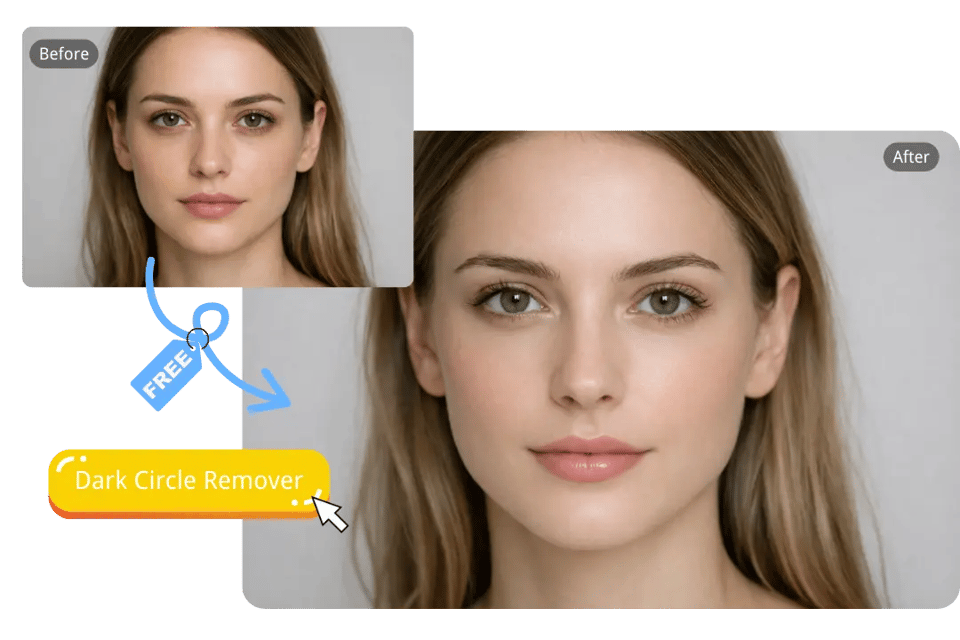
Remove Eye Bag from Photo Without Over-Smoothing Effects
Remove eye bag from photo using structure-aware AI correction that softens puffiness without blur artifacts or plastic skin texture. Under-eye curvature and facial depth remain intact, allowing seamless blending between edited and untouched areas. Bylo.ai prioritizes natural realism so improvements look refreshed rather than filtered.
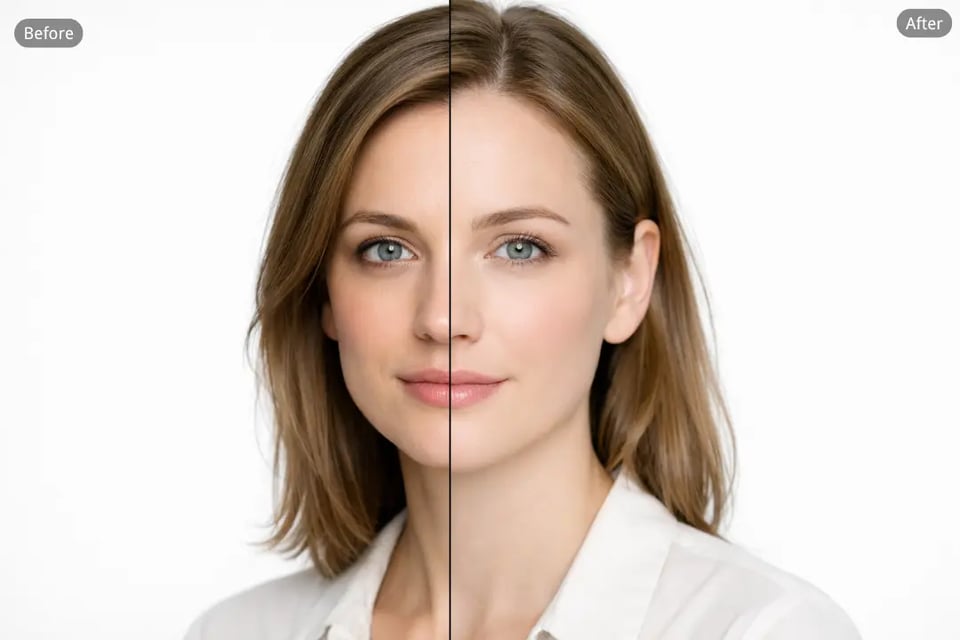
AI Dark Circle Remover for All Skin Tones and Complexions
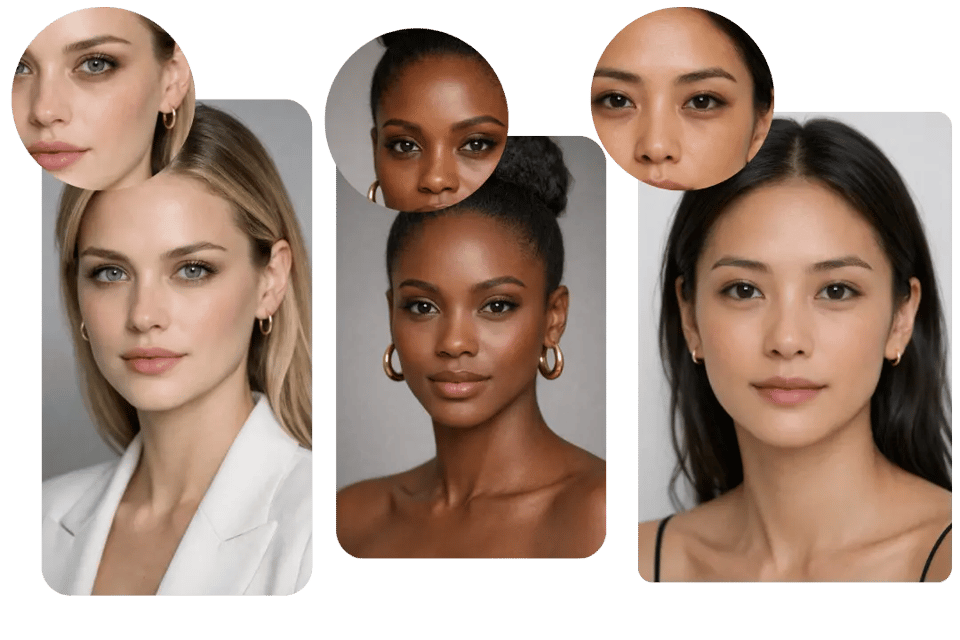
Our AI Dark Circle Remover adapts to a wide range of skin tones, from fair to deep complexions, without creating unnatural whitening or uneven color shifts. Under-eye darkness is removed while preserving natural melanin balance, skin undertones, and tonal transitions. The result maintains realistic texture and depth, ensuring corrections look authentic across diverse facial features and lighting conditions.
Where AI Eye Bag & Dark Circle Removal Makes a Visible Difference With Bylo AI
High-End Portrait Retouching with AI Eye Bag Remover for Commercial Photography
In editorial and commercial portrait workflows, separating eye bags from natural tear trough structure requires careful Dodge & Burn work that can take significant time per image. Bylo.ai’s AI Eye Bag Remover streamlines this process by targeting under-eye puffiness and excess shadow while preserving pores, fine texture, and contour depth. Professional photographers and retouchers can achieve high-end skin realism with consistent precision, without sacrificing efficiency.
Dark Circle Remover Free Online for Low-Light and Harsh Lighting Recovery
Event lighting, overhead office lights, or dim travel environments often exaggerate under-eye shadows that do not match real-life appearance. Bylo.ai’s Dark Circle Remover free online recalibrates tonal balance around the eye area, reducing structural darkness while maintaining natural facial contrast. Difficult lighting conditions become manageable without flattening depth or introducing artificial brightness.
Remove Eye Bag from Photo at Scale for Bulk Brand Asset Optimization
Large campaigns and portfolio shoots generate extensive image sets that require uniform refinement. Manually adjusting under-eye areas across dozens or hundreds of photos increases production time and cost. With Bylo.ai, teams can remove eye bag from photo consistently across batches, maintaining a standardized visual look throughout brand libraries, lookbooks, and social media assets.
AI Dark Circle Remover for LinkedIn Headshots and Corporate Profile Photos
High-resolution cameras often highlight subtle fatigue in resume portraits and professional headshots. Over-editing can reduce credibility, especially in corporate contexts. Bylo.ai’s AI Dark Circle Remover softens discoloration and puffiness while preserving authentic skin texture and facial identity, resulting in a polished yet natural professional image suitable for LinkedIn and career platforms.
Why Bylo.ai Is the Better Choice for Eye Bag & Dark Circle Removal
AI Eye Bag Remover Free Online Trial
At Bylo.ai, we make it easy to experience eye bag and dark circle correction through a free online trial. You can upload a portrait and instantly see how under-eye puffiness is reduced while skin texture remains intact. No complicated setup, no advanced retouch skills—just direct, visible improvement that speaks for itself.
More Than Just an Eye Bag Remover
Eye bag removal is only one part of what we offer. Bylo.ai is built as a complete AI face editor, allowing you to refine wrinkles, smooth skin, reduce blemishes, and adjust overall facial balance within the same environment. Under-eye correction works naturally alongside other enhancements, helping you achieve a cohesive and polished result instead of isolated edits.
Natural Results That Preserve Real Skin Texture
We focus on realism. Instead of blurring away detail, our AI reduces puffiness and dark circles while maintaining pores, fine lines, and natural facial depth. The outcome looks refreshed—not filtered, not artificial, and never over-smoothed.
Simple and Automatic Editing Workflow
Bylo.ai removes the complexity from portrait retouching. Upload your image and the under-eye area is detected automatically. No brushes, no masking, no layered adjustments. The process is streamlined so both professionals and casual users can achieve refined results without friction.