
Select the model you want to generate your image with.
Free Sketch to Photo Converter
Turn your hand-drawn sketches into stunning digital art instantly — fast, free, and powered by AI.
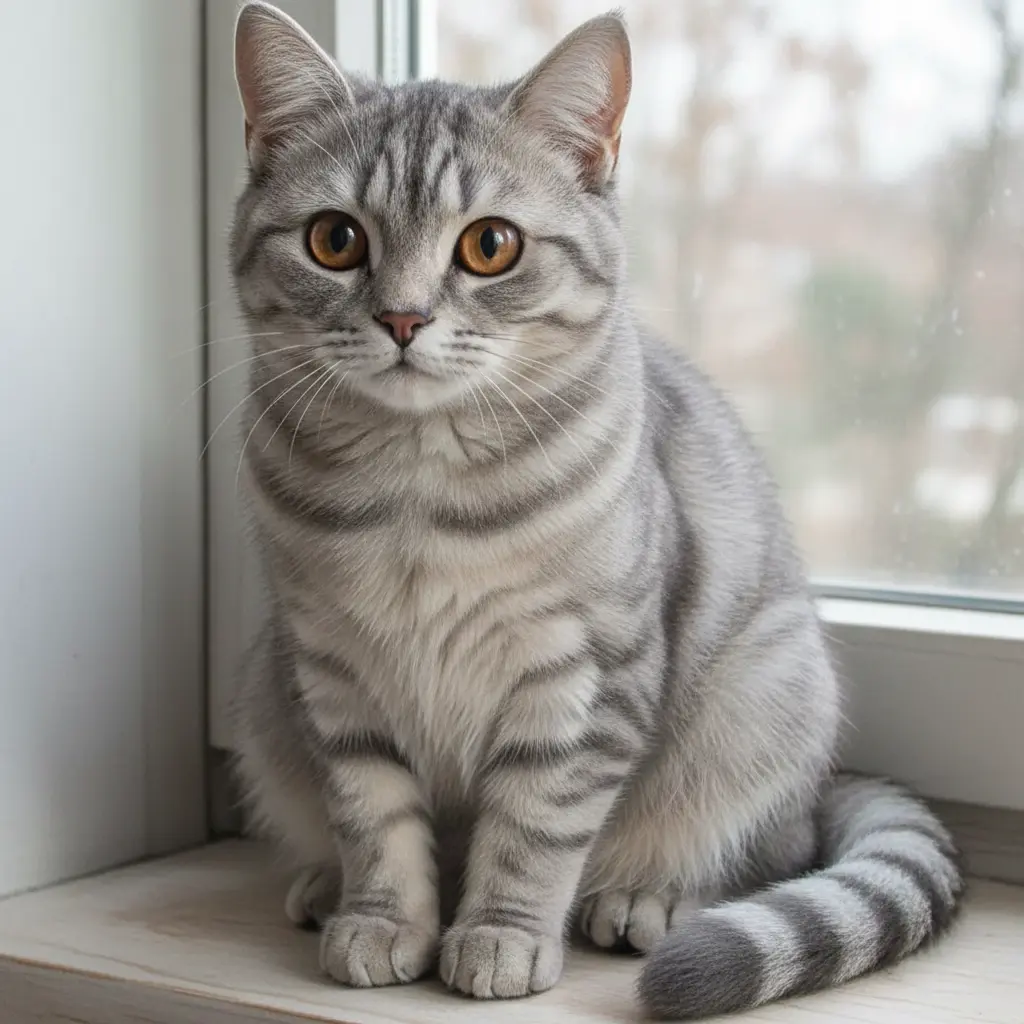
Your Generated Images
Key Features of Bylo.ai Sketch to Photo Converter
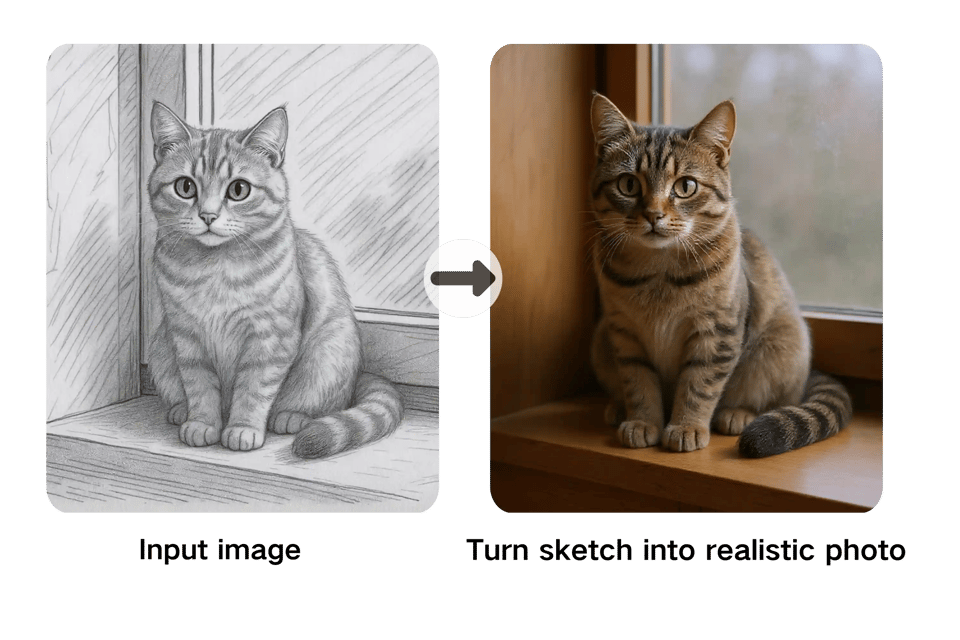
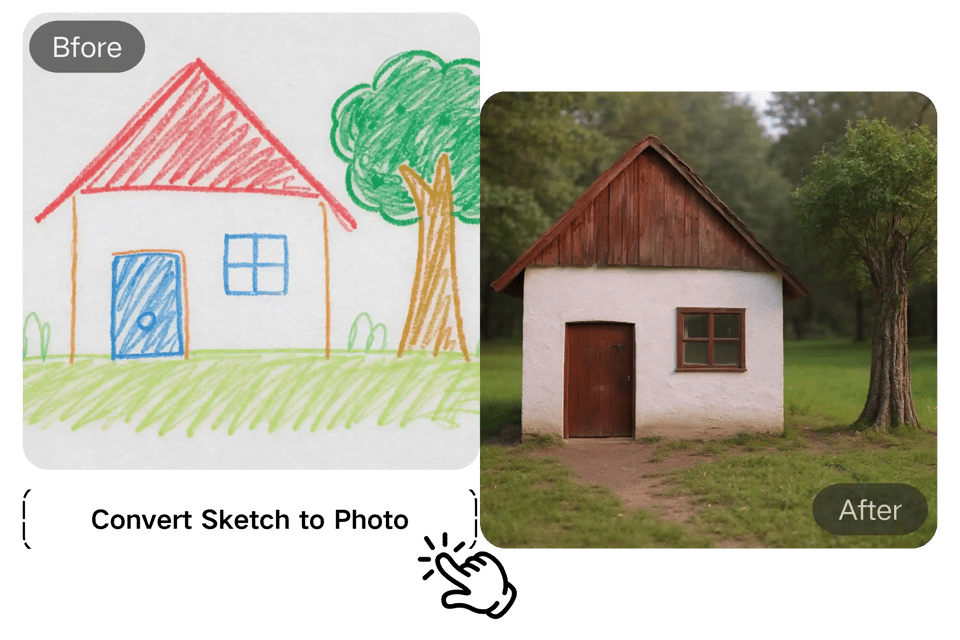
One-Click Convert Sketch to Photo Online
Bylo.ai makes it effortless to convert sketch to photo. Upload your drawing and our AI instantly turns it into a clean, professional image. Add a short text prompt if you want more control. With the Bylo.ai sketch to photo converter, you get results in seconds — no design skills required.
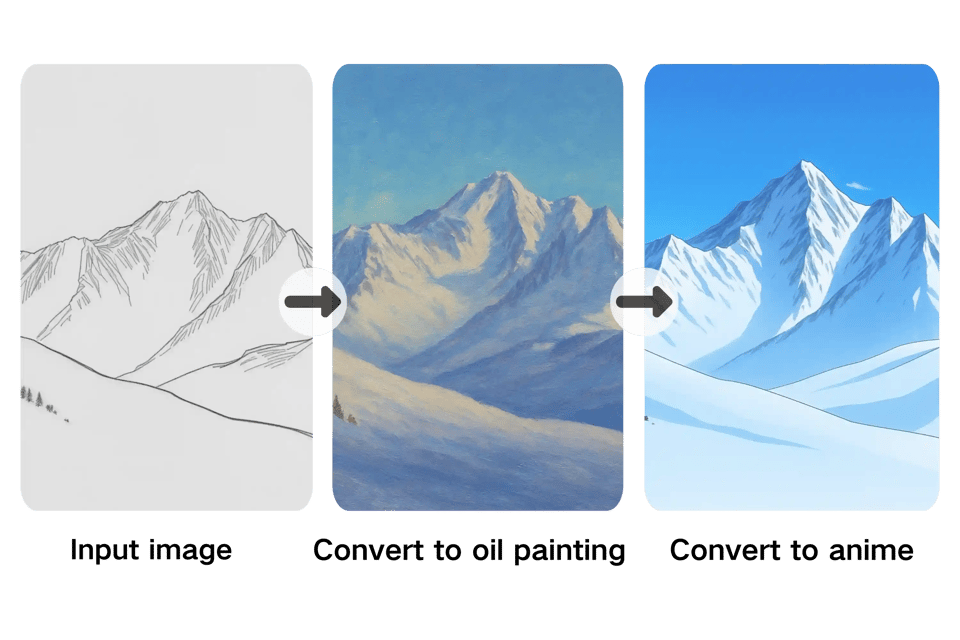
Multiple Styles and Filters for Sketch to Image AI
Choose how your sketch comes to life. The Bylo.ai sketch to image AI can create realistic photos, 3D renders, anime scenes, or oil painting effects. Apply filters, switch between styles, and refine the final look until it matches your vision. Every sketch to photo conversion feels unique and creative.
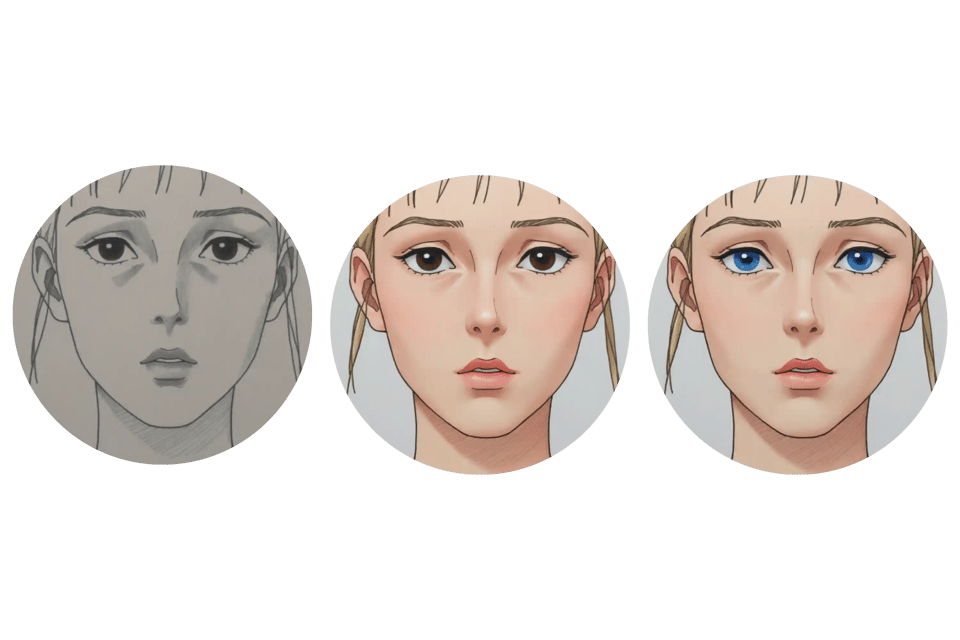
Customize Your Sketch to Photo with AI Prompts
Fine-tune your results with simple prompts. Adjust colors, textures, or lighting by typing a few words. The sketch to photo converter interprets your request and updates the image instantly. It’s an easy way to keep full creative control without complex editing tools.
Sketch to Photo Converter Online Free – No Login Required
Try Bylo.ai free online without creating an account. Upload a sketch and watch it transform into a photo-ready image right in your browser. The free, no-login trial lets you test the sketch to image AI before upgrading.
How Do You Digitize a Drawing with Bylo.ai?
Step 1 – Choose Bylo.ai Sketch to Photo Converter
Go to Bylo.ai in your browser. There’s no need to download software or sign up to get started. Our online sketch to image AI is free to try and works instantly.
Step 2 – Enter Your Prompt and Upload Your Sketch
Upload a drawing, pencil sketch, or doodle. Then enter a short description of what you want. The AI uses both your sketch and your text prompt to convert drawing to digital image with precision and style.
Step 3 – Generate and Download Your Digital Image
Click generate and watch as Bylo.ai turns your sketch into a polished digital photo. You can download your result in high-resolution formats, ready to share, print, or edit further.
Turn Sketch to Image AI Free Across Styles
Convert Sketch to Photo Realistic Style
Turn drawing into digital image that looks true-to-life. Perfect for users who want their sketches transformed into polished visuals, whether portraits, product concepts, or creative projects.
Sketch to Image AI Free in Anime & Cartoon Style
Use Bylo.ai to bring doodles to life as anime or cartoon art. The online sketch to image AI free option makes it easy to turn children’s drawings or casual sketches into fun, shareable avatars.
Convert Drawing to Digital Art with Oil Painting Effects
Transform your sketches into artistic masterpieces. Bylo.ai sketch to photo converter applies oil painting filters that add depth, mood, and texture — ideal for users who want to turn drawing into digital art without advanced tools.
Explore More with Bylo AI Photo to Sketch Converter
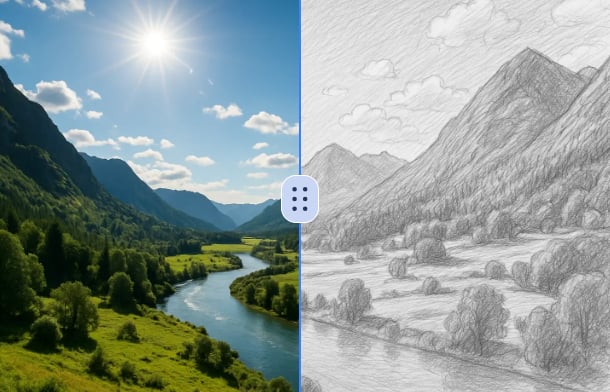
Convert Photo to Sketch Online Free
Bylo.ai doesn’t just convert sketch to photo — you can also transform photos into hand-drawn style sketches. The Convert Photo to Sketch Free tool makes it easy to generate pencil-style artwork, line drawings, or digital sketches directly from your images. Perfect for creating custom portraits, social media visuals, or creative design references.
Frequently Asked Questions
Is the Bylo.ai sketch to photo converter free to use?
Yes. You can convert sketch to photo online free with Bylo.ai and test the results instantly. The free trial lets you see how it works, while upgrading gives you more conversions and access to advanced features.
Can I turn a hand drawing into a digital image?
Absolutely. Upload your drawing and our AI will convert drawing to digital image instantly. Bylo.ai makes it simple to turn sketches into high-quality visuals.
What styles are supported when I convert sketch to photo?
Bylo.ai offers multiple options, including realistic photos, anime art, and oil painting effects. The sketch to photo converter adapts your drawing to the style you choose.
Do I need design skills to use the sketch to photo converter?
No. The online sketch to image AI is beginner-friendly. Just upload a sketch or enter a text prompt, and Bylo.ai will handle the rest.
Can I use Bylo.ai to turn drawing into digital art for social media?
Yes. Many users convert sketch to photo for avatars, posts, or creative projects. The tool makes it easy to create professional-looking content from simple sketches.
Does Bylo.ai allow me to transform photo into a colored pencil drawing?
Yes. In addition to sketches, you can upload photos and apply a colored pencil effect. This gives your digital images an artistic, hand-drawn look.