
Select the model you want to generate your image with.
Remove Background from Logo Free Online
Easily remove backgrounds from your logos online — fast, free, and with professional precision.
Your Generated Images
Features of the Bylo AI Logo Background Remover
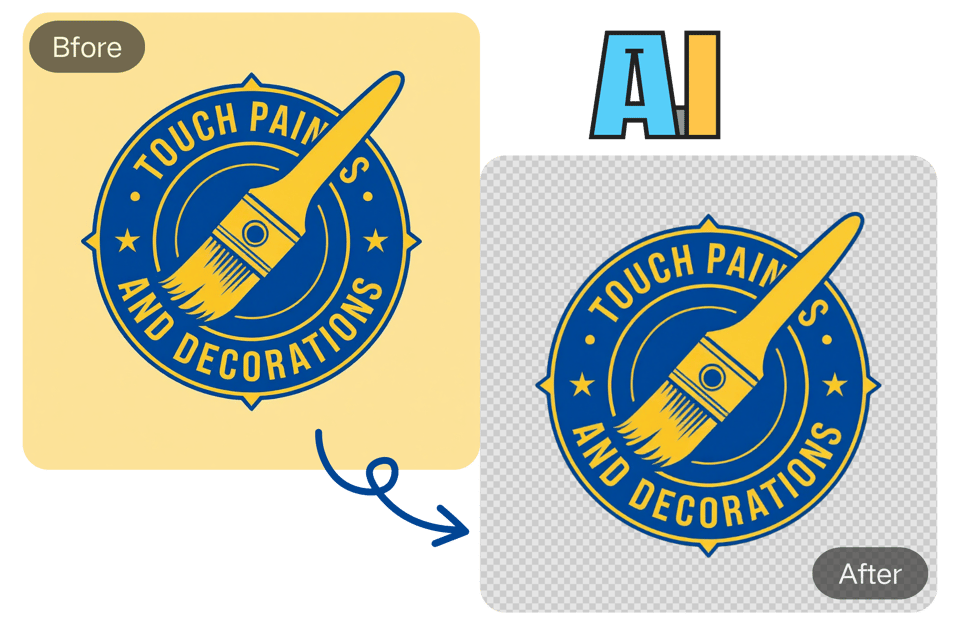
One-Click Remove White Background from Logo
Bylo.ai uses cutting-edge AI to detect and remove the background from your logo instantly. This logo background remover simplifies your workflow by delivering a high-quality transparent PNG without any manual editing.
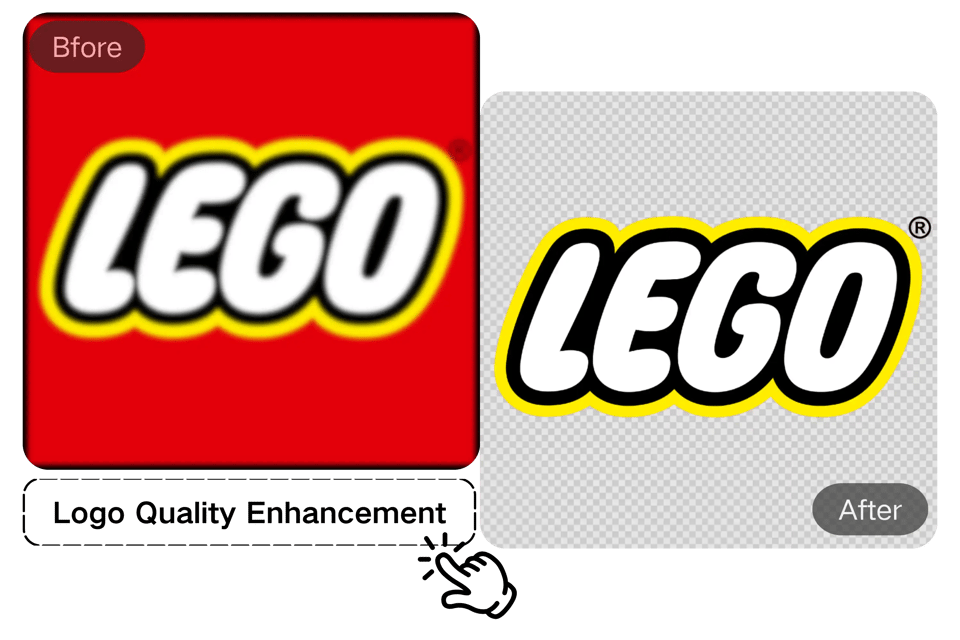
AI-Enhanced Logo PNG Background Removal
Our logo background remover uses advanced AI to handle intricate details like fine text, thin lines, and subtle gradients. It ensures your logo remains sharp and professional with automatic clarity enhancement, delivering a high-quality PNG logo with perfect edges every time.
Remove & Replace Logo Backgrounds with AI
Beyond just being a powerful logo background remover, our AI tool lets you remove and replace the background with AI-generated designs. Visualize your logo on T-shirts, coffee mugs, or business cards, ensuring a professional, cohesive look across all your branding. This online background remover feature enhances your logo's visual appeal for any use.

Custom Logo Editing After Background Removal
After you remove background from logo with our tool, your design journey doesn't have to end. Our intuitive editor allows for further creative freedom, letting you customize and edit your logo to perfection. Easily change colors, fine-tune elements, or add unique touches. This feature empowers you to go beyond just making your logo transparent, ensuring your final design perfectly matches your vision for any brand application.

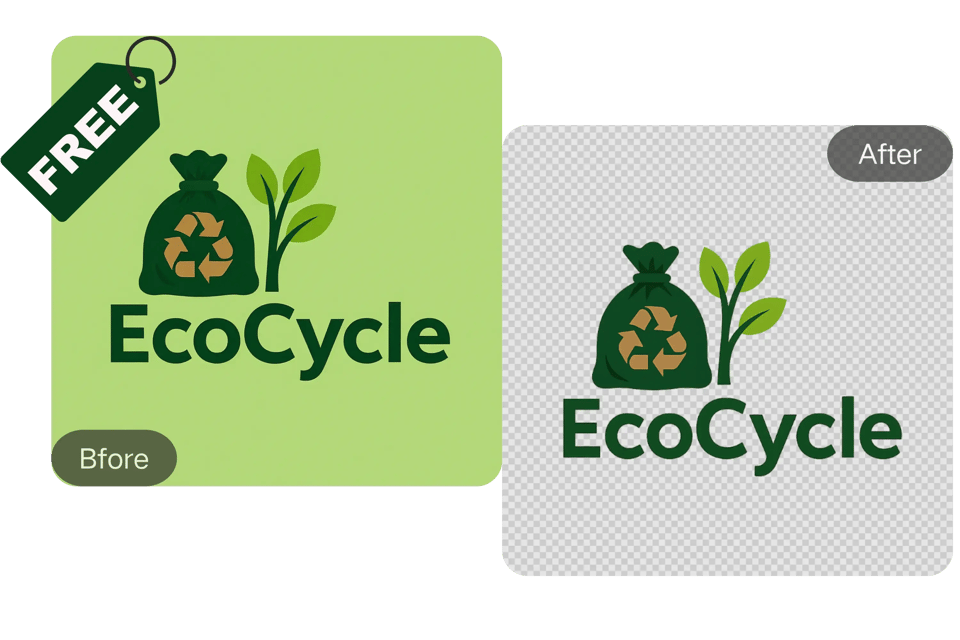
Free Online Logo BG Remover – No Signup Needed
Bylo.ai’s logo background remover is completely free and requires no account creation. Just upload your logo and remove its background with ease—no commitments, no hassle.
Beyond Logos: Free Signature Background Removal Online
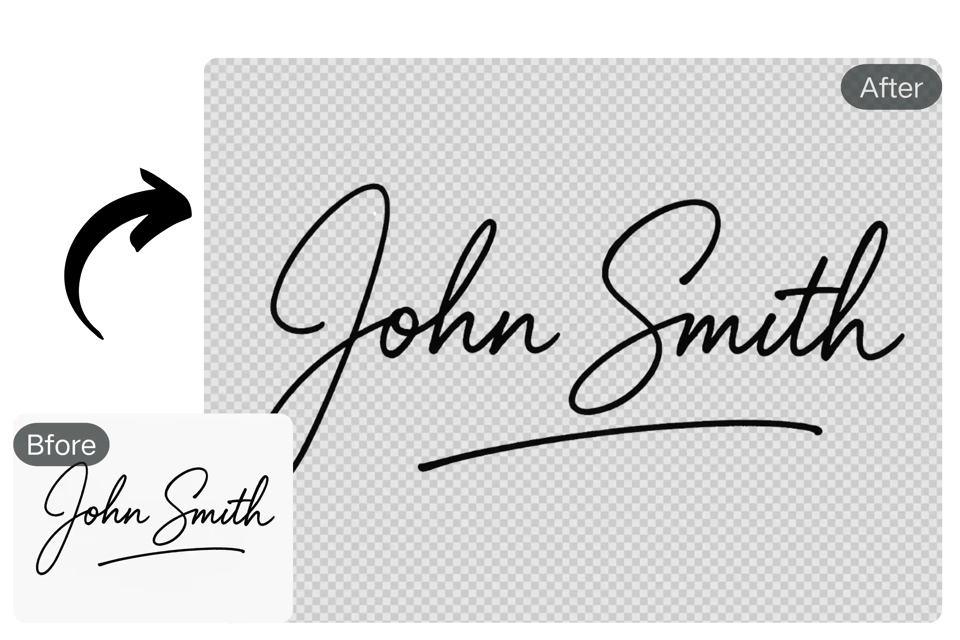
Remove Background from Signature Free Online
Our powerful bg remover technology isn't limited to just brand marks. You can also use it as a Signature BG Remover. Easily create a transparent background for your digital signature, perfect for professional documents, emails, or personal branding.
How to Remove Background from Logo with Bylo.ai
Upload Your Logo to Remove Background
Drag and drop or upload your logo file (JPG, PNG, WebP, etc.) directly into the Bylo.ai logo background remover interface.
Instant Logo Background Removal with AI
Our AI processes your logo in seconds, automatically detecting and removing the background with precision and clarity. You can also add other details in Other Ideas, such as adding or removing elements, changing colors, or replacing backgrounds.
Download Your Transparent Logo
Once the background is removed, simply download your high-quality transparent PNG or customize it with an AI-generated background.
Who Can Benefit from Bylo.ai's Logo BG Remover
E-commerce Store Owners
Make your product branding pop on Shopify, Amazon, or Etsy by using our remove background from logo tool to generate clean and appealing logos for your listings. You can remove watermarks from your product images with our AI Watermark Remover to ensure your images are clear and professional.
Graphic Designers
Save hours of tedious manual editing. With our bg remove logo tool, designers can quickly clean up logos and create mockups or final assets faster.
Social Media Marketers
Create visually consistent and professional-looking brand assets by removing logo backgrounds for use in posts, stories, and ads across Instagram, Facebook, and LinkedIn.
Website and App Developers
Easily integrate logos into web and mobile interfaces without background distractions. The transparent PNG output works flawlessly across all digital platforms.
What Users Are Saying About Our Logo Background Remover
I run a small online shop and needed a fast way to update my logos. This tool is a game-changer — the background removal is flawless and super quick!
Emily Johnson
E-commerce Store Owner
Bylo.ai’s logo background remover is incredibly accurate. I was amazed at how well it handled complex edges — no manual clean-up needed!
Mark Thomas
Graphic Designer
This tool helps me create professional brand visuals in seconds. It’s perfect for campaigns where I need clean, transparent logos that pop!
Sophia Lee
Social Media Marketer
Fast, user-friendly, and efficient. I use it to prepare logos for mobile apps and websites, and it never fails. Plus, it’s completely free!
Alex Rivera
Web Developer
I use this for my YouTube thumbnails and video branding. It’s seamless and gives my visuals a much more polished, standout look.
Natalie Perez
Content Creator
Being able to remove logo backgrounds and also create matching AI-generated backgrounds is a huge bonus. It helps streamline my workflow.
James Carter
Freelance UI/UX Designer
Frequently Asked Questions
How do I remove the background from my logo?
Simply upload your logo to Bylo.ai’s logo background remover, and our AI will automatically detect and remove the background, providing you with a transparent PNG file.
What file types does the logo background remover support?
You can upload JPG, PNG, WebP, and other common image formats for processing.
Can I remove the white background from my logo for free?
Yes! With Bylo.ai’s free logo background remover, you can easily remove the white background from your logo at no cost or requirement for signup.
Can I edit or customize the logo after background removal?
Yes, you can apply AI-generated backgrounds or further edit your image after background removal.
Can I remove the background from a logo without losing quality?
Yes, Bylo.ai’s AI logo background remover ensures that your logo’s quality is preserved, delivering sharp, professional results without any loss of detail.
Can I remove the background from a signature?
Yes! You can also remove backgrounds from signatures or other graphic elements with ease.
Is Bylo.ai's logo background remover really free?
Yes! Our logo background remover is 100% free to try and doesn’t require any sign-up or subscription.