
Select the model you want to generate your image with.
AI Photo to Art Generator by Bylo.ai: Transform Your Photos into Stunning Art
Turn your cherished photos into beautiful AI-generated artworks with Bylo.ai's free online AI photo to art generator.
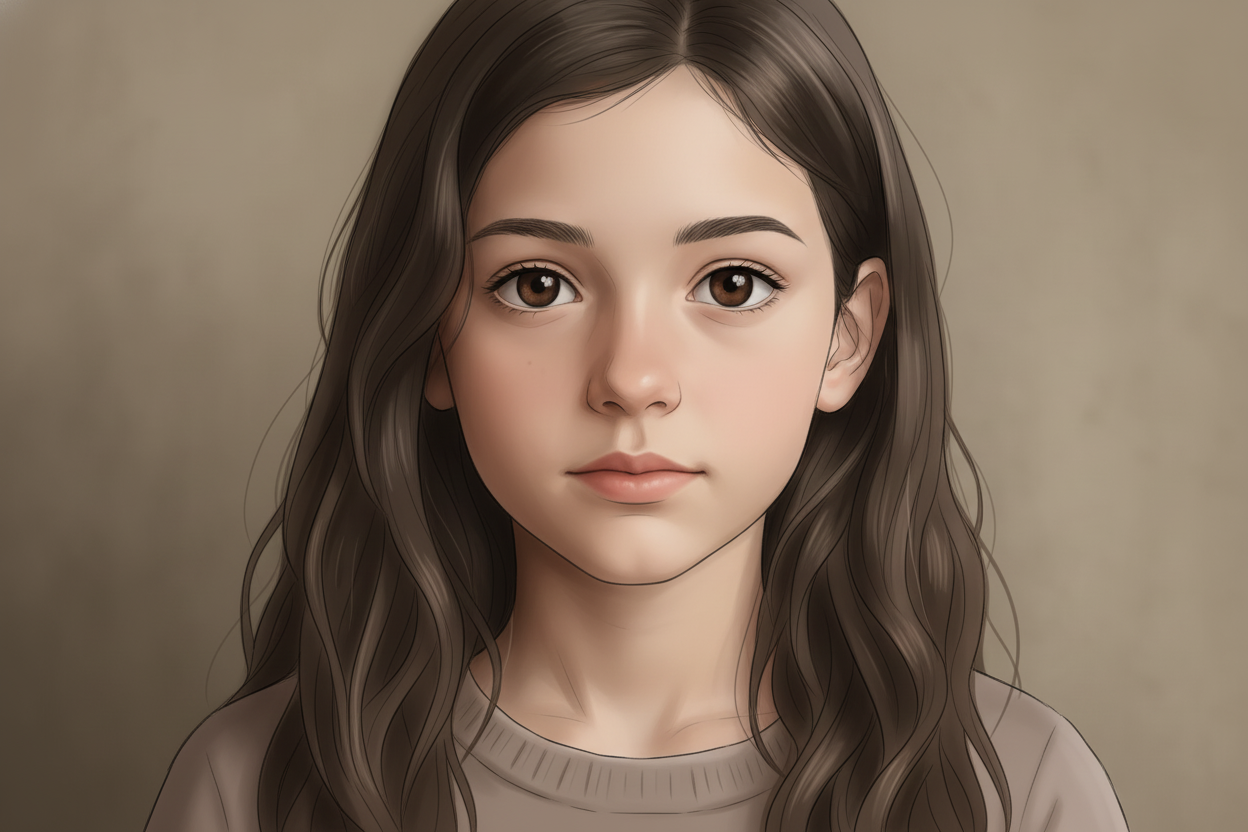
Your Generated Images
Key Features of Bylo.ai's AI Photo to Art Generator
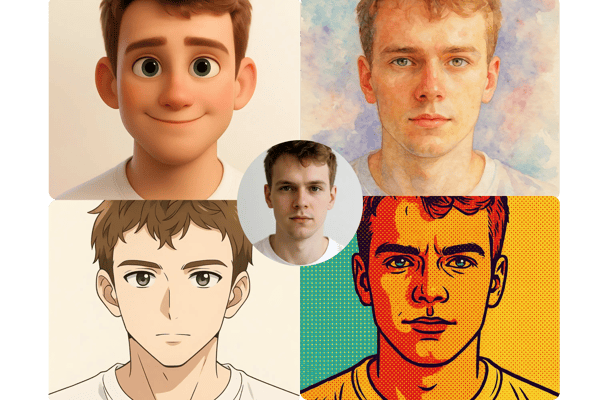
Create Multiple Variants From an Existing Image
You can use state-of-the-art AI to apply a wide range of artistic styles to a single image. To apply the distinctive Yishu aesthetic to your photo while retaining its essential elements, our image-to-image AI model conducts a thorough analysis. And what was the outcome? An individualised portfolio of high-caliber, artificial intelligence-generated artwork that has a familiar yet fresh vibe.
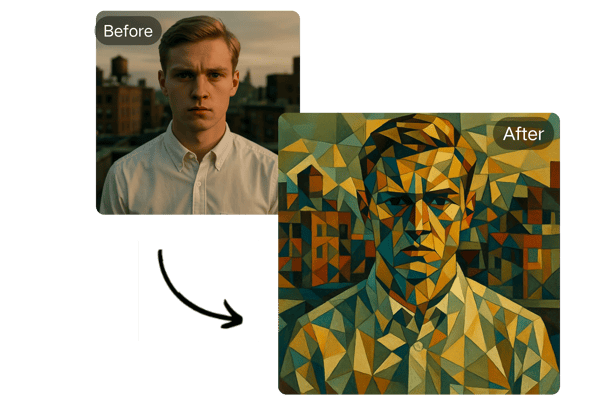
Diverse Art Styles Like Ghibili Art
Bylo.ai offers a broad selection of art styles including Ghibili, Pixar, Pop Art, Cubism, and more. No matter your preference, there's a style for every taste, allowing you to personalize your artwork.
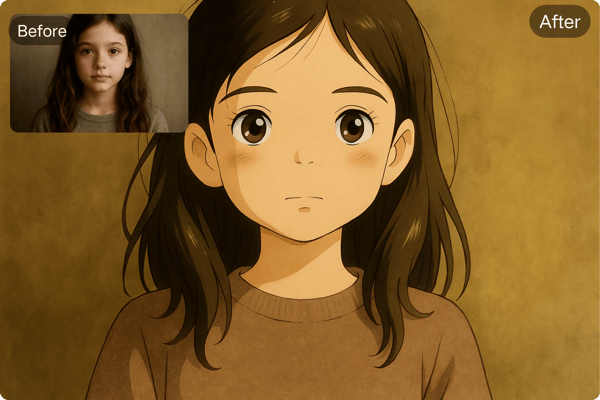
Reimagine Images in Infinite Ways
No design experience? No problem. Our user-friendly platform is built for everyone — from seasoned creators to complete beginners. With just a few simple clicks, you can upload your photo and generate professional-looking images in minutes. The intuitive workflow makes it easy to visualize your creative ideas without any technical skills or complicated steps.
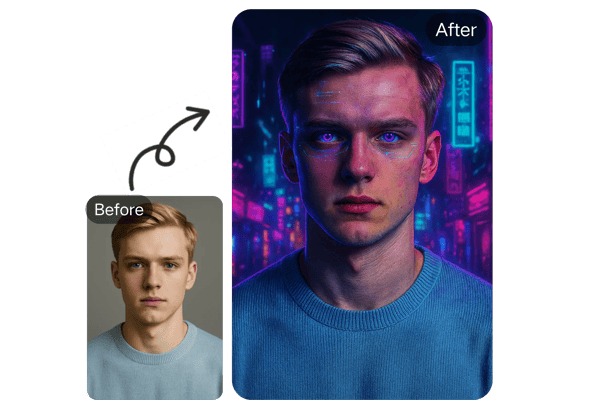
Flexible AI Art Customization
Add your own personal touch by describing your creative ideas, adjusting poses, and even changing your appearance. Bylo.ai allows you to fully customize your artwork, from hairstyles to backgrounds.
How to Use Bylo.ai Photo to Art Generator
Step 1: Upload Your Photo
Choose an image in JPG, PNG, WEBP format from your device and upload it directly to the AI art tool on Bylo.ai.
Step 2: Let AI Work Its Magic
Once your photo is uploaded, the AI works quickly to analyze your image and convert it into an art. This process only takes within a minute.
Step 3: Download and Share Your Creation
After the transformation, review your art image. If you’re satisfied with the result, download it and share it with your friends and followers on social media.
Use Case of the AI Photo to Art Generator
Game Material Development
The high-quality, detailed output serves as a prototype for in-game NPCs, saving time and costs compared to traditional illustration. The tool’s AI model ensures hyper-detailed results suitable for professional use.
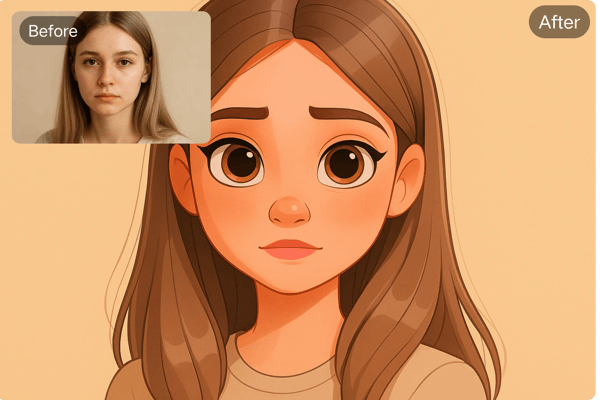
Create a Personalized Avatar
Influencers who want to stand out on platforms like Instagram can create one-of-a-kind profile pictures, cover photos, and posts, enhancing their online presence with personalized AI-generated art.
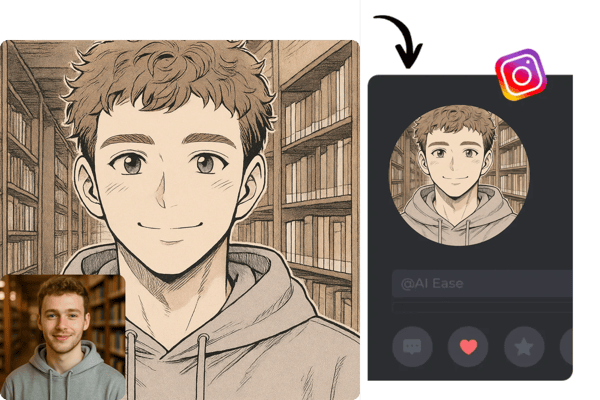
Prepare a Surprise
Anyone looking for a memorable gift can turn photos into stunning artworks. Whether for a birthday, anniversary, or special occasion, an AI-generated piece of art makes a thoughtful and personalized present.
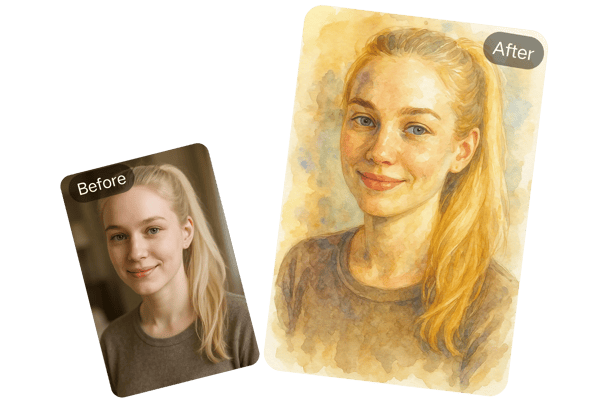
Create Viral Content
Streamers and YouTubers can use the AI photo to art generator to create unique avatars, channel artwork, or promotional materials that grab attention and express their personal brand.
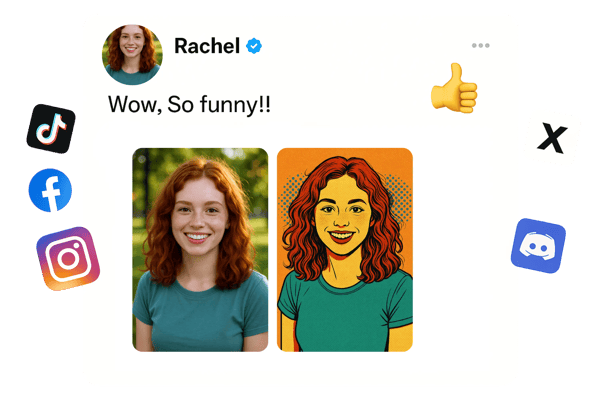
What Users Are Saying About Bylo.ai's AI Photo to Art Generator
Bylo.ai’s AI photo to art generator is incredible! I used it to create custom artwork for my Instagram and it’s been a huge hit with my followers.
Jessica Taylor
Social Media Influencer
As a YouTuber, I’m always looking for ways to stand out. Using Bylo.ai’s AI art generator, I created an amazing avatar that reflects my unique style.
Mark Robinson
Content Creator
I love experimenting with new art forms. Bylo.ai’s AI photo to art generator lets me explore different styles, and I’ve already created some of my best works using it.
Liam Hughes
Artist
I turned my family photos into beautiful artworks as gifts. The recipients were blown away – it’s such a thoughtful and unique idea!
Samantha Lee
Gift Shopper
As a game dev, I’m always looking for quick ways to prototype character designs. Bylo.ai’s fantasy elven style is incredible—my team used it to create ethereal NPC portraits that fit our game’s aesthetic perfectly.
Sofia Alvarez
Game Developer
Bylo.ai is a lifesaver for my art projects. The black-and-white photography style gave my portrait assignments a dramatic, professional edge that impressed my professors.
James Patel
Art Student
Frequently Asked Questions about the AI Photo to Art Generator
How do I start using the AI photo to art generator?
Simply upload your photos and press generate. Once the AI has learned your features, you can start generating art.
Can I use my AI art as a profile picture?
Absolutely! The AI-generated art is high-quality and perfect for use as a profile picture on social media or even as a gaming avatar.
Is the Photo to Art Generator free to use?
Bylo.ai's Photo to Art Generator is free to try — no login, no payment, no strings attached. Just upload your image and generate instantly.
Which photo formats can I upload?
You can upload photos in JPG, JPEG, PNG, WEBP formats.
What if I’m not happy with the result?
You can try generating new art using different prompts or settings. Bylo.ai provides a wide range of customization options to help you get the perfect result.
Is my privacy protected when using the AI photo to art generator?
Yes! We take your privacy seriously. Your photos are only used to generate your art and are not shared or used for any other purpose.