
Select the model you want to generate your image with.
Bing Image Generator by Bylo.ai: Create Stunning Images from Text Prompts
Transform your text into beautiful, high-quality images in seconds with Bing Image Generator.
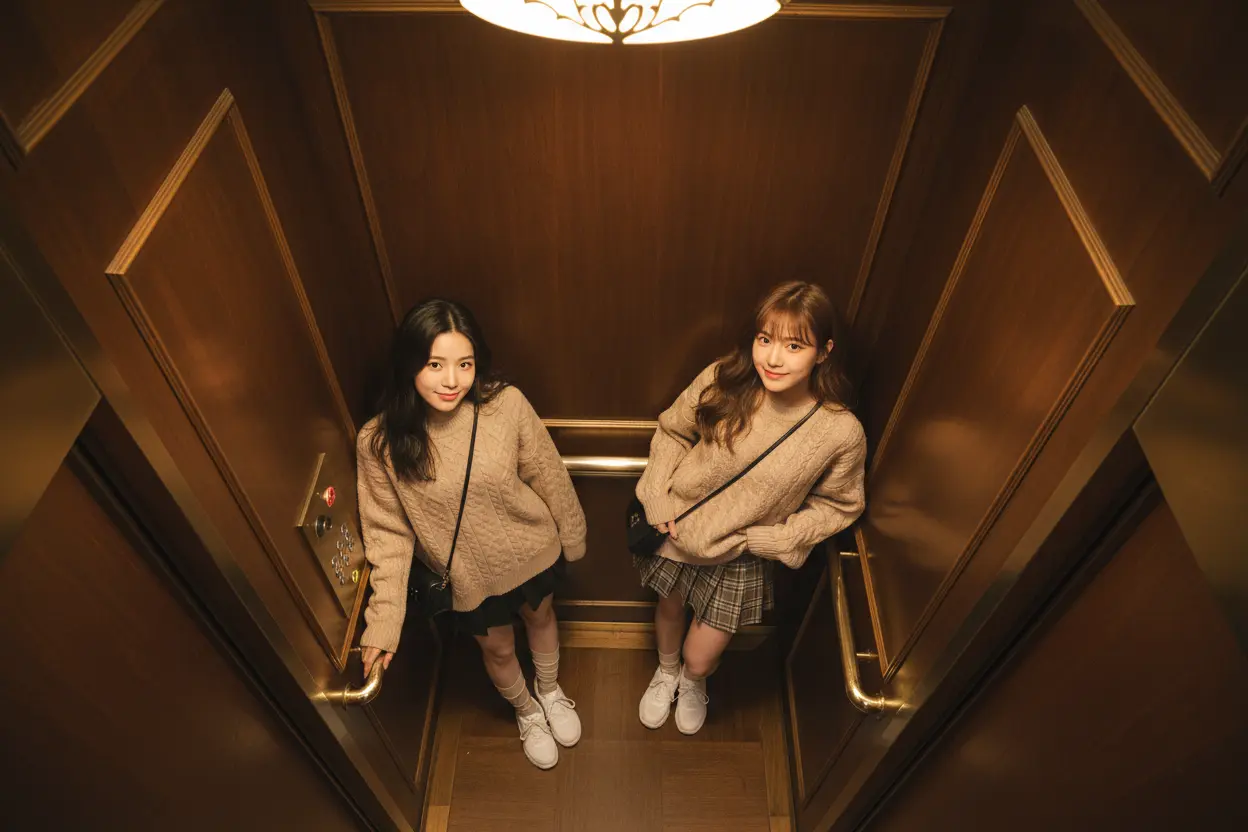
Your Generated Images
Bing Image Generator Features
Text-to-Image Generation
Bing Image Generator lets you create high-quality images from detailed textual descriptions, ideal for creative projects, marketing materials, and visual content creation.
Realistic & Stylized Outputs
Choose from realistic or stylized outputs. Whether you need photorealistic imagery or abstract, artistic styles, the Bing Image Generator can bring your vision to life.
AI-Driven Creativity
Powered by advanced AI algorithms, Bing Image Generator understands your prompts and produces images that reflect the nuances of your input, maintaining high quality and coherence.
Fast and Efficient Generation
Bing Image Generator is optimized for speed, delivering high-quality images in seconds, making it perfect for rapid prototyping, design, and exploration.
User-Friendly Interface
Designed for all skill levels, the platform features an intuitive interface, making it easy for everyone, from beginners to professionals, to create stunning images.
How to Use Bing Image Generator
Enter Your Text Description
Start by entering a detailed text description of the image you want to create. Be specific to get the best results.
Choose Your Style
Select whether you want a realistic or stylized image. You can adjust the level of abstraction depending on your creative vision.
Generate and Download
Click 'Generate' to create your image. Once it's ready, you can download it instantly or make further adjustments.
Who Can Benefit from Bing Image Generator
Professional Designers
Designers can use Bing Image Generator to quickly prototype concepts, visualize ideas, and create custom graphics without needing complex tools.
Content Creators
Content creators can generate unique images for blogs, videos, and social media content, enhancing engagement and visual appeal.
Marketing Teams
Marketing teams can create custom images for advertisements, campaigns, and branding materials, saving time and resources on visuals.
Casual Users
Even casual users can benefit by experimenting with AI-driven creativity, creating personalized images for projects, gifts, or just for fun.
Bing Image Generator Feedback
Bing Image Generator has revolutionized my design process! I can now generate high-quality images in seconds, making my workflow so much faster.
Sarah Lee
Graphic Designer
This tool is a game-changer! I can create unique images for my blog posts and social media with ease. It's quick, intuitive, and the results are amazing.
John Doe
Content Creator
Bing Image Generator has helped us create eye-catching visuals for our marketing campaigns without the need for a dedicated designer. It's incredibly efficient.
Maria Gonzalez
Marketing Manager
I never thought creating images could be this easy. The AI understands my prompts, and the results are always spot on. I love it!
James Smith
Casual User
Frequently Asked Questions
What is Bing Image Generator?
Bing Image Generator is an AI-powered tool that allows you to create high-quality images from detailed text descriptions.
How fast can I generate an image?
Bing Image Generator produces images in just a few seconds, allowing for fast prototyping and design.
Do I need any design skills to use it?
No, the platform is designed to be user-friendly, requiring no prior design experience. Anyone can use it to create images.
Can I create both realistic and artistic images?
Yes, Bing Image Generator supports both realistic and stylized image outputs, so you can choose the style that fits your needs.
Is Bing Image Generator free to use?
Yes, Bing Image Generator is free to use, and no login is required.
Can I download the images I generate?
Absolutely! Once your image is generated, you can download it instantly for your personal or professional use.