
Select the model you want to generate your image with.
Convert Image to Black and White with Bylo.ai’s B&W Filter
Transform your photos into timeless black and white art — free, fast, and login-free.
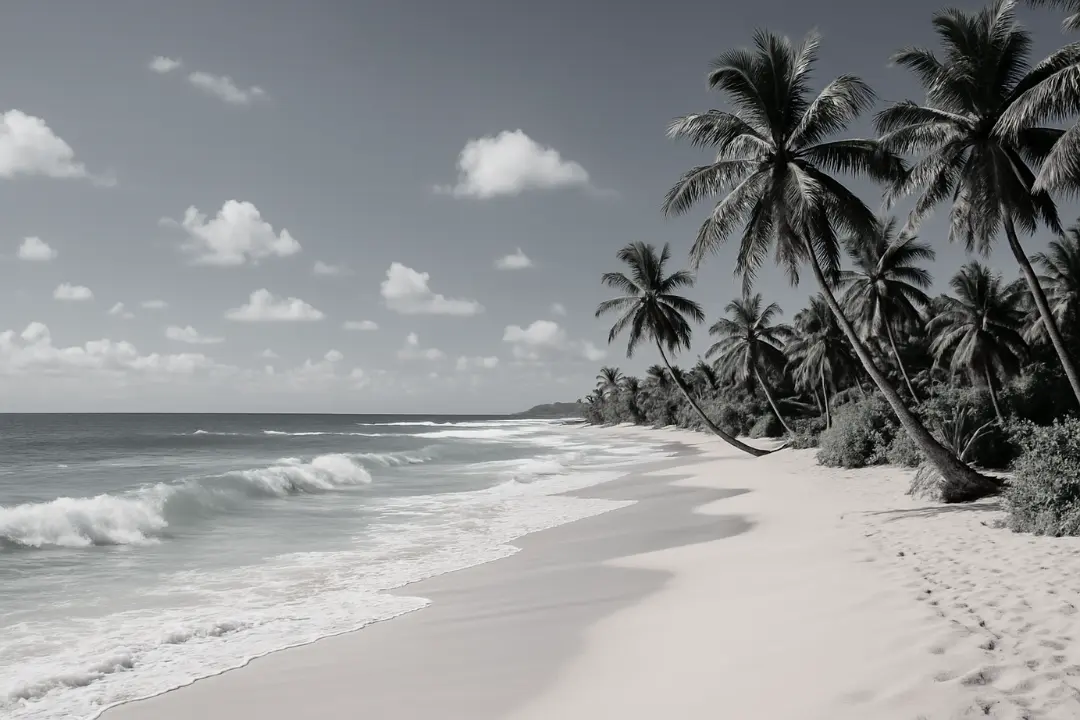
Your Generated Images
Key Features of Bylo.ai's Black and White Filter
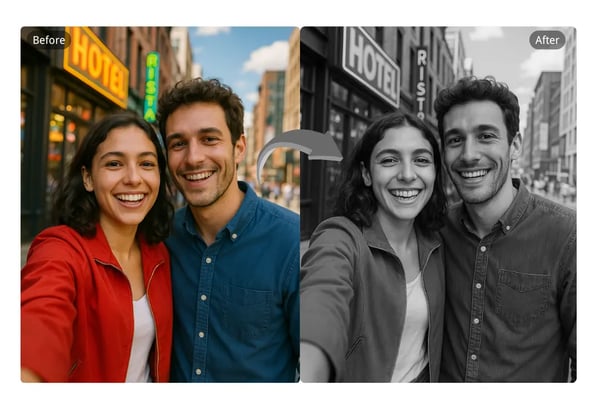
Free and No login
Bylo.ai's black and white filter is 100% free to use with no subscriptions or login required. Instantly convert your image to black and white without any paywalls.
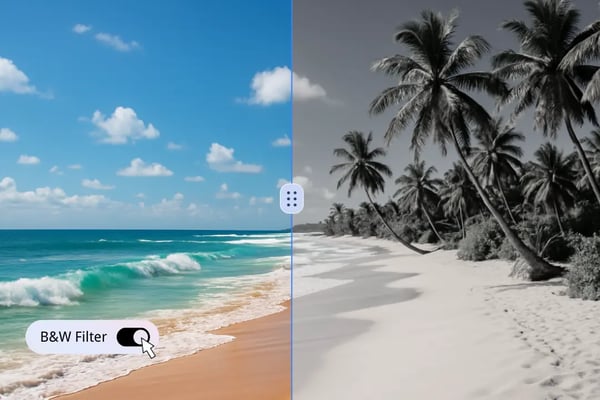
One-Click Simplicity
Apply a professional-grade black and white filter in just one click. You don’t need editing skills to turn your photos into monochrome masterpieces.
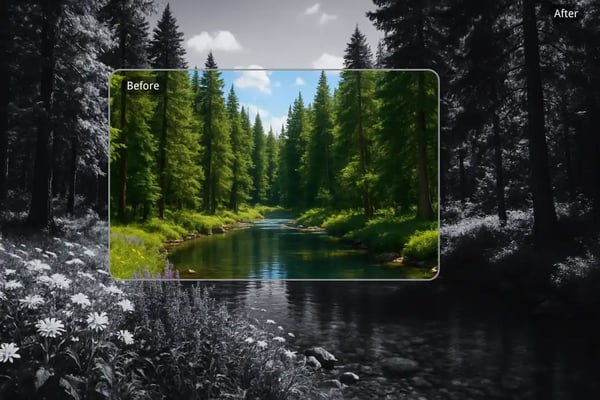
High-Quality AI-Powered Results
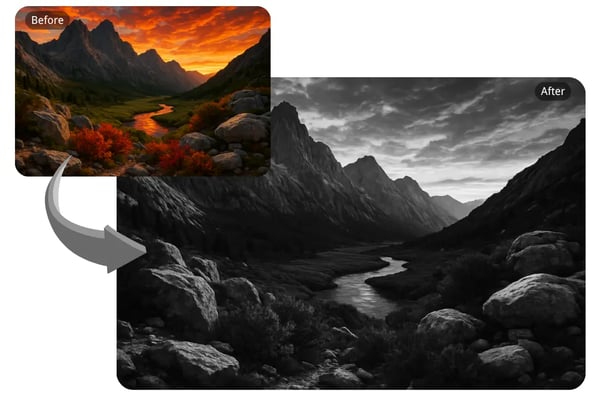
Our AI ensures that when you convert an image to black and white, all the details and resolution are preserved for a crisp, professional finish.
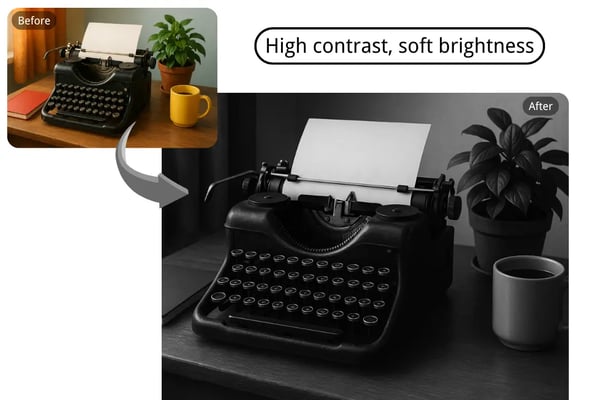
Customizable Black and White Filters
Fine-tune your black and white conversions with text-based input options. Adjust brightness, contrast, shadows, and more to get the look you want.
How to Convert Image to Black with Bylo.ai
Upload Your Photo
Drag and drop or select your image (JPG, PNG, etc.) to begin the black and white conversion process.
Apply Black and White Filter
Use our one-click feature or enter text instructions to apply and customize the black and white effect.
Download and Share
Preview your transformed image, then download the high-resolution black and white version to share or use professionally.
Explore Bylo.ai’s Black & White Filter
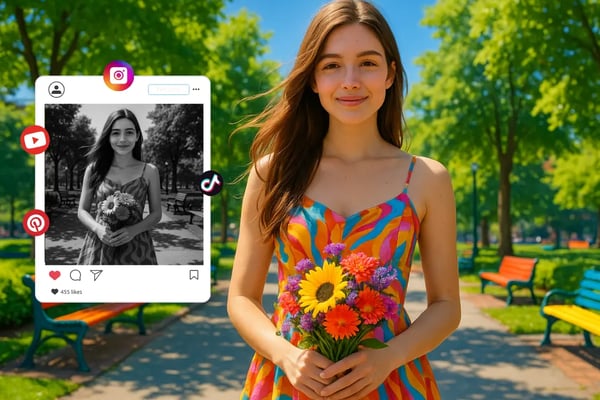
Boost Social Media with Monochrome Charm
Enhance your social media with Bylo.ai’s black and white filter. Turn photos into vintage monochrome posts with one free click. Capture candid moments or scenes that grab attention and evoke timeless emotions.
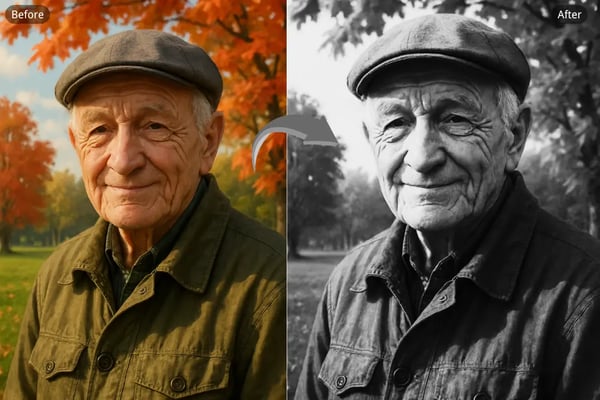
Create Stunning Black & White Portraits
Highlight emotions with Bylo.ai’s black and white filter. This free tool creates high-contrast portraits with vivid details, offering professional results instantly, no login needed.
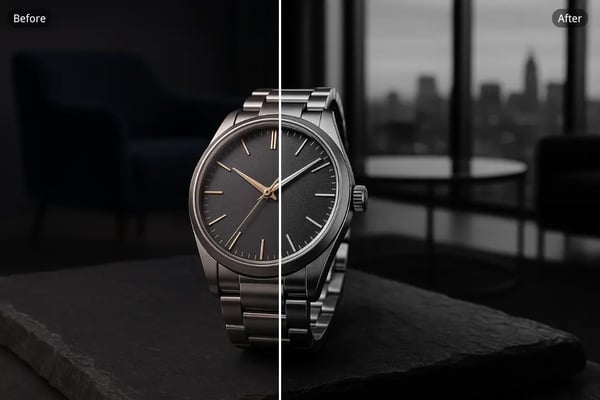
Elevate Products with Elegant Monochrome
Showcase luxury products with Bylo.ai’s black and white filter. Preserve details in jewelry or fashion with a refined look. Fine-tune contrast via text inputs for stunning, distraction-free visuals.
Transform Landscapes with Timeless Beauty
Convert landscapes into monochrome art with Bylo.ai’s free filter. Emphasize textures in mountains or forests with one click, delivering crisp, high-resolution images with classic allure.
What Users Say About Bylo.ai’s Black and White Filter
Bylo.ai’s black and white converter is a game-changer! It’s so easy to use, and my photos look professional instantly.
Sarah
Portrait Photographer
I love how quick and free this tool is. The filters make my social media posts stand out!
James
Social Media Content Creator
Perfect for my product photography. The high-quality results are exactly what my brand needed.
Emma
E-commerce Business Owner
The customizable filters let me create exactly the vibe I want for my portraits.
Liam
Freelance Artist
No login, no hassle, and amazing results. Bylo.ai is my go-to for black and white edits!
Olivia
Digital Nomad
Transformed my old photos into stunning monochrome art. Highly recommend!
Noah
Vintage Photo Collector
Frequently Asked Questions About Bylo.ai's Black and White Converter
How do I convert an image to black and white using Bylo.ai?
Simply upload your image, use our AI tool or enter text instructions to apply the black and white filter, and download your high-resolution result.
Is Bylo.ai’s black and white converter really free?
Yes, it is completely free to use with no sign-ups, subscriptions, or hidden charges.
Can I customize the black and white effect?
Absolutely. Use text commands to fine-tune contrast, brightness, shadows, and more for a tailored look.
Does the converter maintain image quality?
Yes, our AI ensures that all image details and resolution are preserved during the conversion.
What image formats are supported?
You can upload and convert JPG, PNG, and other common image formats effortlessly.
Can I use Bylo.ai for professional photography?
Yes, it's ideal for professionals needing high-quality black and white edits for portraits, products, or marketing.
Do I need to sign up or create an account?
No login is required. Start converting your images instantly without any registration.
Why should I use a black and white filter?
Black and white filters enhance emotional impact, texture, and form by eliminating color distractions, creating timeless visual appeal.