
Select the model you want to generate your image with.
Turn Any Photo into a Winter Wonderland with AI Snow Filter
Turn any photo into a winter scene with realistic AI Snow Photo Effects.
Your Generated Images
Key Features of Bylo AI Snow Filter
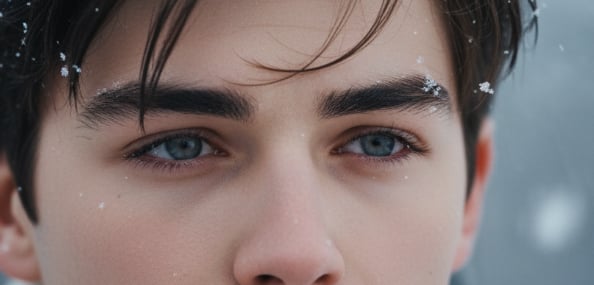
Turn Any Photo Into a Realistic AI Winter Snow Photo
Our AI snow filter transforms any image into a natural winter scene in seconds. It adds depth-aware snow, soft lighting, and clean winter tones for a realistic finish. Create AI snow photos for portraits, landscapes, or product shots with ease.
Cinematic 3-Part Snow Exposure With AI Snow Photo Effects
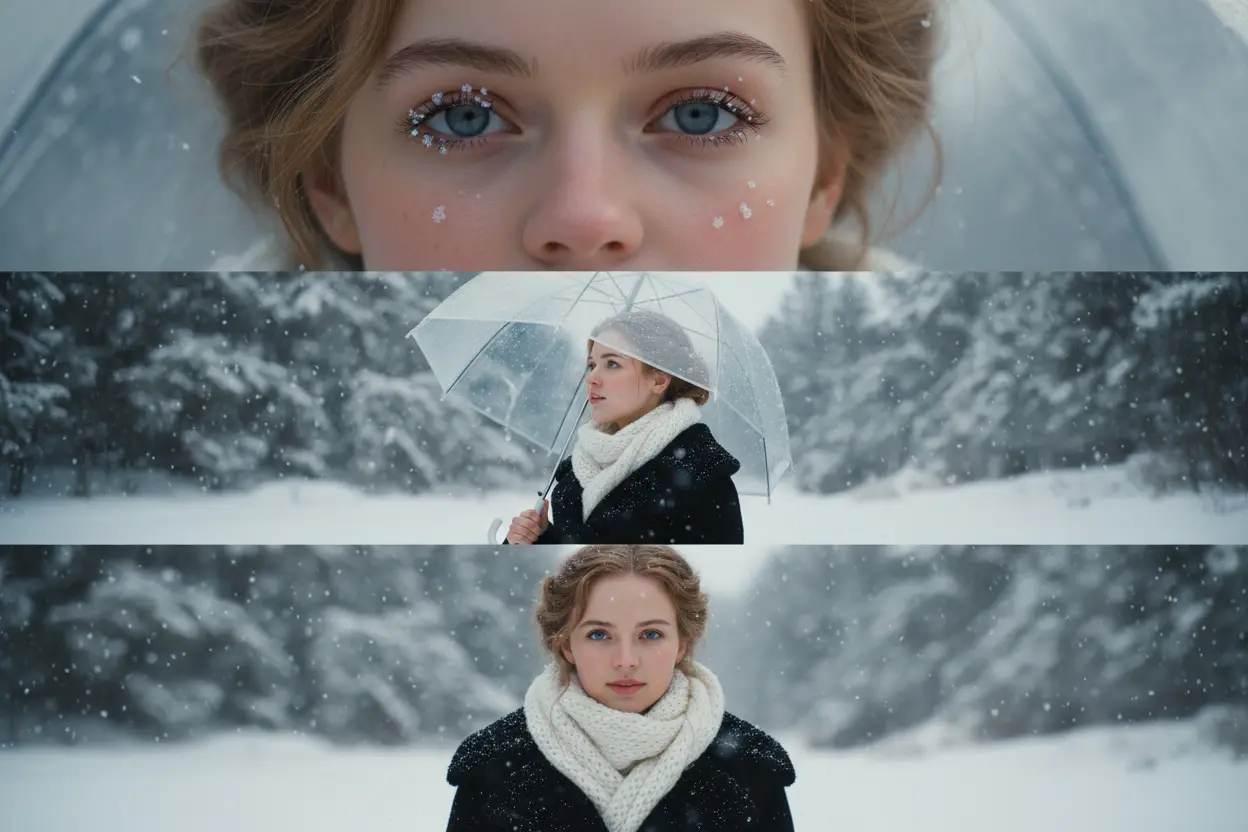
Create cinematic 3-part snow exposure photos in one click. Bylo AI blends motion, depth, and layered snowfall to produce dramatic winter effects, perfect for storytelling posts or epic seasonal edits. With support from our AI Social Media Post Generator , your snow-themed visuals are instantly shaped into polished, platform-ready Social Media Posts that stand out across Instagram, TikTok, and beyond.
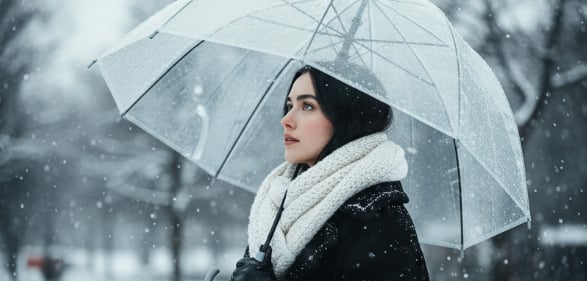
Gemini AI Winter Snow Effects Powered by NanoBanana
Bylo AI uses Gemini NanoBanana to enhance winter details with sharper edges, richer tones, and more natural snow patterns. The AI snow filter adapts to your scene, producing clean AI winter snow photo results with strong depth and visual clarity.
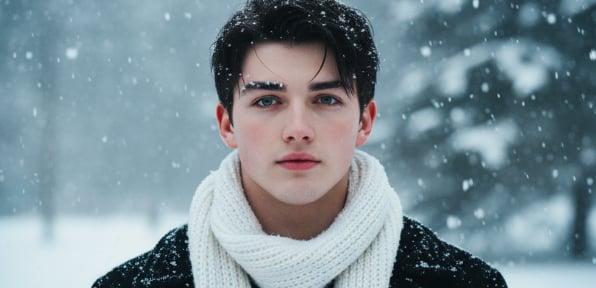
Add Snow to Your Photos for Free Online
Use Bylo AI’s free AI winter filter to instantly add snow to your photos online—no signup required. Get fast, high-quality snow effects with strong realism. A perfect way to create AI snow photos and enhance your images for social media or holiday designs.
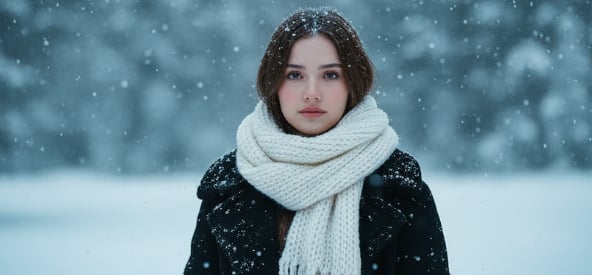
How to Create AI Snow Photos for Free Online
Step 1 — Upload Your Image to Start Creating AI Snow Photos
Choose any portrait, landscape, or product photo and upload it to Bylo AI. Our ai snow filter online supports all major formats and begins analyzing your image instantly.
Step 2 — Select Your AI Snow Photo Effects and Style
Tell the ai snow filter the style you want—lighter snowfall, heavy snowstorm, softer flakes, or a cinematic winter mood. The AI interprets your instructions and applies AI Snow Photo Effects that match your scene, producing a clean, natural AI Winter Snow Photo every time.
Step 3 — Generate and Download Your Free AI Winter Filter Result
Click “Generate” to create AI snow photos in seconds. Download your winter-ready image in high quality and use it for social posts, holiday cards, or creative edits.
Why Choose Bylo AI Snow Filter Online
Free AI Winter Filter You Can Use Online with No Login
Bylo AI lets you use the ai snow filter online — no sign-up, no downloads. Create AI Snow Photos instantly from any device with fast processing and clean AI Snow Photo Effects.
Create AI Snow Photos Easily with One-Click AI Snow Photo Effects
You don’t need design skills or editing experience. The AI Winter Snow Photo engine analyzes your image automatically and generates natural snow textures, clean lighting, and winter-ready effects in one click.
More Free Filters in One Place, Beyond Just AI Snow Photo Effects
Bylo AI offers more than the Free AI Winter Filter. You can access other creative tools—like our sepia filter, vintage effects, and more—all in one place, making it easy to switch styles and create unique edits.
AI Winter Snow Prompts (Copy & Paste) for Bylo AI Snow Filter
Create a 3-Frame Cinematic Winter Portrait with AI Snow Effects
Use the ai snow filter online to turn a single photo into a cinematic 3-part snow exposure sequence. Perfect for storytelling posts or dynamic winter visuals with layered snowfall and depth. ❄️ Prompt: “Create a vertical 9:16 cinematic composite of me in winter snow, split into three stacked frames. Top: close-up of my eye and cheek with snowflakes on lashes and rosy skin. Middle: ¾ profile gazing upward, holding a clear umbrella as snow falls. Bottom: chest-up portrait facing camera with quiet melancholy. Lighting: soft daylight, HDR tone, shallow depth (85 mm f/1.2). Outfit: black wool coat, thick white scarf. Mood: emotional, calm winter romance.”
Enhance Landscape Shots with AI Winter Snow Photo Effects
Transform mountain views, forests, lakes, and city streets using AI Snow Photo Effects that adapt to lighting, depth, and perspective. Ideal for travel edits and artistic winter scenes. ❄️ Prompt: “Wide mountain landscape covered in fresh snowfall, soft natural light, gentle drifting snowflakes, peaceful winter atmosphere.”
Create Holiday-Themed AI Winter Snow Photos for Christmas & New Year
Generate warm holiday visuals for cards, banners, and social posts. The Free AI Winter Filter adds cozy lighting, seasonal charm, and natural snow for Christmas and New Year content. ❄️ Prompt: “Cozy Christmas street with warm lights, gentle snowfall, festive decorations, warm glow, peaceful holiday winter scene.”
Add AI Snow Photo Effects to Product Photos for Seasonal Campaigns
Give product images a clean winter look using ai snow filter online. Perfect for e-commerce, ads, and seasonal marketing with crisp lighting and subtle snow elements. ❄️ Prompt: “Minimal product photo on clean background, subtle snowflakes, soft winter light, crisp shadows, premium seasonal look.”