
No Watermark
Private
Bring Timeless Warmth to Your Photos with Free Sepia Filter
Where nostalgia meets modern creativity — Bylo.ai blends light, warmth, and emotion to turn your photos into stories that feel timeless, cinematic, and beautifully human.
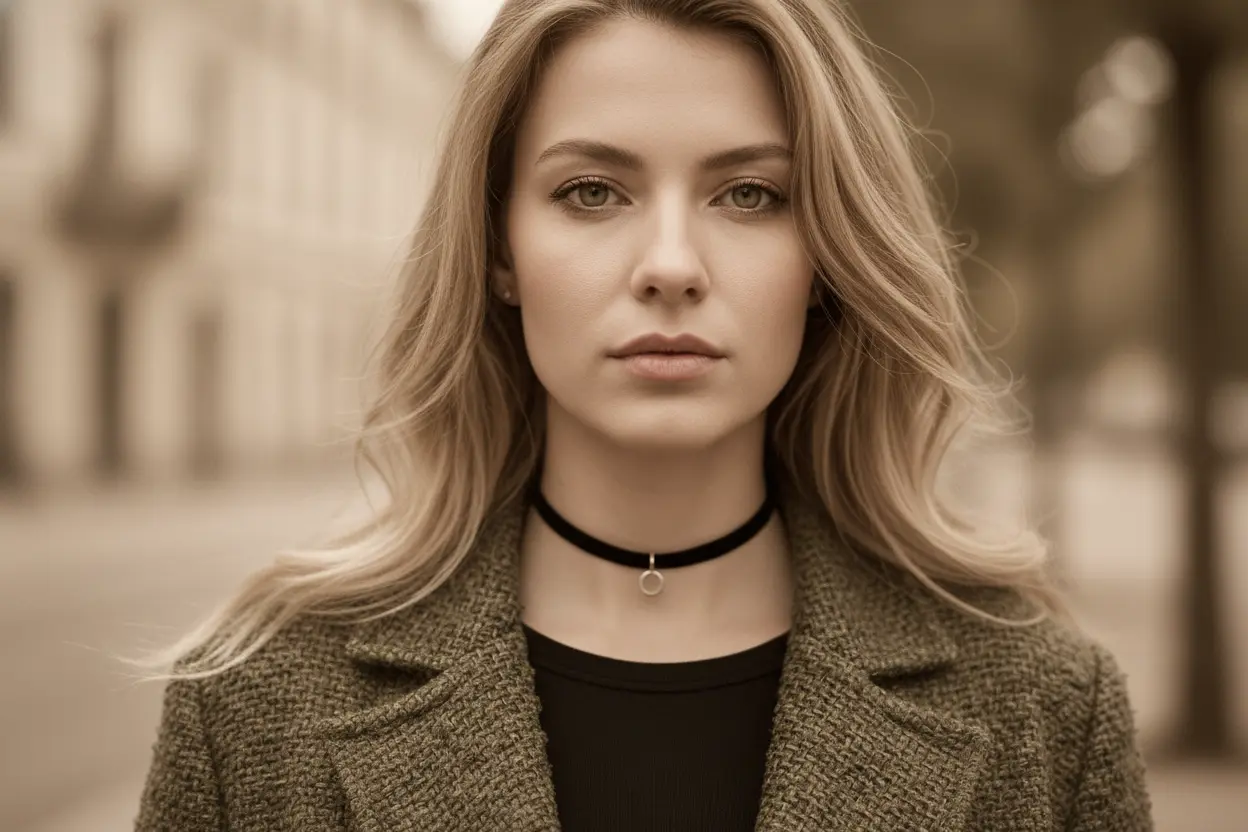
How to Apply a Sepia Filter Free Online With Bylo.ai
Follow these simple steps to get started with our platform.
Step 1. Upload Your Image to Start the Sepia Effect Process
Upload your image directly to Bylo.ai’s online editor, where the AI automatically analyzes brightness, contrast, and tone mapping to prepare the photo for accurate sepia rendering with balanced warmth and realistic color depth.
Step 2. Enter the Color Temperature to Create the Perfect Sepia Tone
Type in your preferred color temperature value to define the warmth level — lower values bring out soft golden hues for gentle nostalgia, while higher values create deeper brown tones for a cinematic vintage effect that enhances emotional depth.
Step 3. Generate and Download Your Vintage Sepia Photo
Click “Generate” to instantly render your photo with the selected sepia tone, maintaining clarity and texture for a professional-grade finish, then download your high-resolution image or continue refining it with other Bylo.ai tools like Enhance or Film Grain.
Key Features of Bylo.ai's Sepia Filter
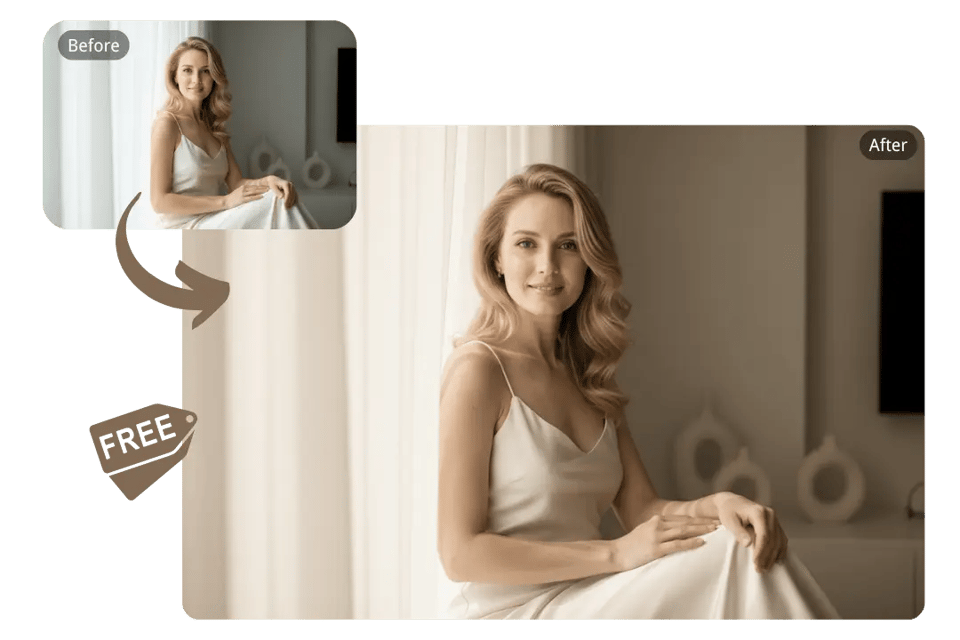
Bring Timeless Warmth with Free Sepia Filter Online
Add soft golden-brown tones to your photos in seconds with Bylo.ai’s free sepia filter online. Our AI recreates the nostalgic warmth of analog film, turning any modern image into a classic, vintage-inspired masterpiece.
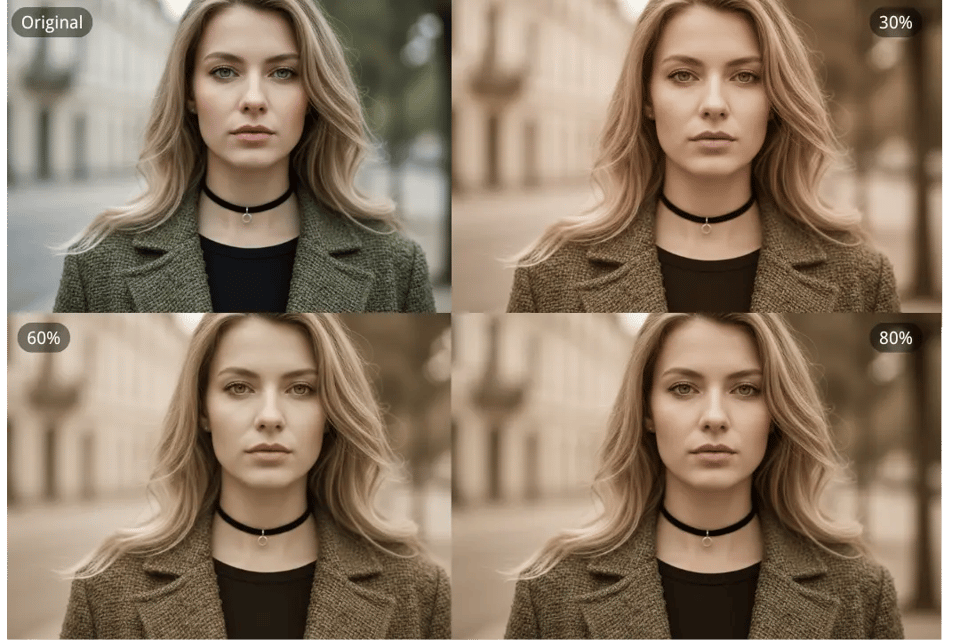
Fine-Tune Mood and Color with AI Temperature Control
Define the emotional tone of your photo by entering your preferred color temperature. Bylo.ai intelligently adjusts warmth and contrast to craft the perfect sepia balance — from subtle sunlit amber to deep cinematic brown.
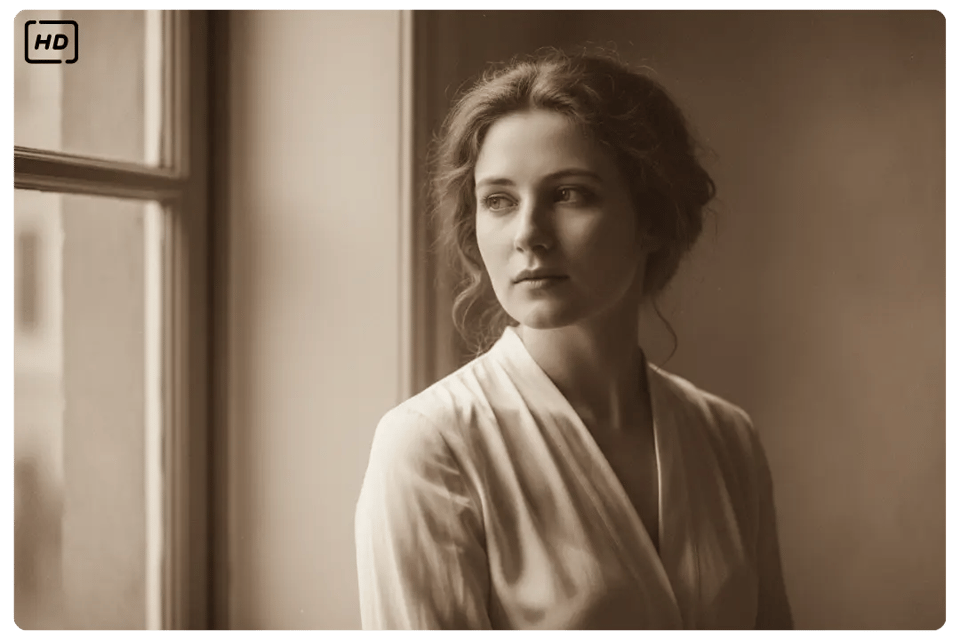
Preserve Every Detail with High-Resolution Vintage Rendering
Bylo.ai Sepia Filter enhances your image with film-grade depth while keeping every texture and highlight intact, producing realistic, high-definition sepia tones ideal for portraits, travel, or storytelling visuals.
Blend Sepia with Other Bylo.ai Creative Effects
Combine your sepia photo with additional Bylo.ai effects — such as Film Grain , Color Splash, or Vignette — to enrich mood, texture, and narrative depth, creating cohesive and expressive visual stories.
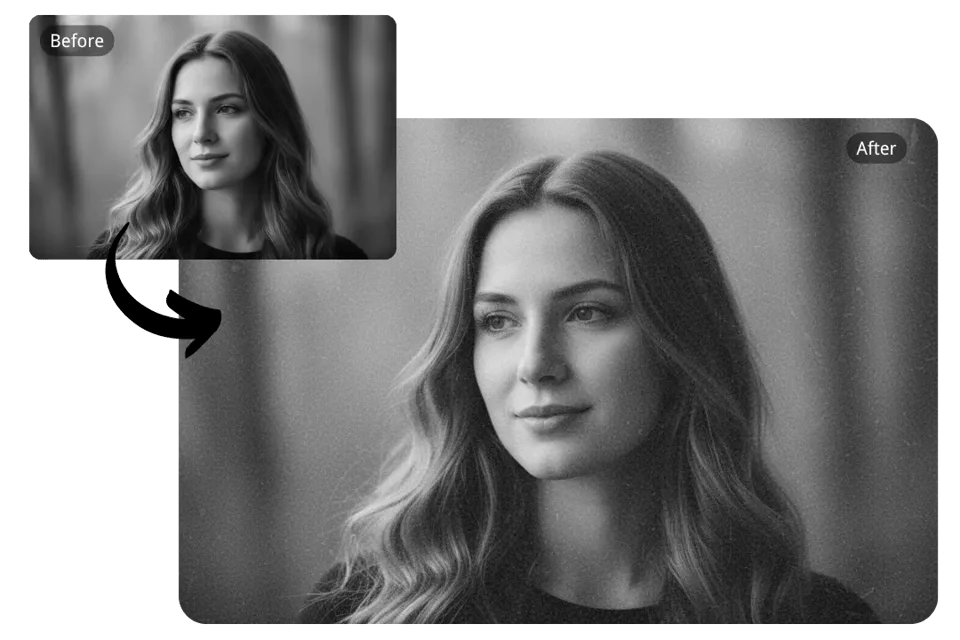
Discover How Sepia Brings Stories to Life with Bylo.ai
Add Emotion and Depth to Portraits with Sepia Portrait Photography
Bylo.ai’s sepia filter softly enhances facial tones and lighting, wrapping portraits in warm brown hues that evoke nostalgia and intimacy — perfect for creating expressive, story-driven character imagery.
Turn Travel Memories into Vintage Stories with Sepia Travel Photos
Transform your travel images into cinematic memories using Bylo.ai’s sepia effect, where golden warmth and subtle grain recreate the timeless charm of film photography across landscapes, streets, and architecture.
Give Products a Heritage Feel with Sepia Product Photography
Bylo.ai’s sepia tone filter adds classic elegance to lifestyle or product shots, giving visuals a handcrafted vintage appeal that enhances texture, warmth, and emotional connection with viewers.
Express Artistic Vision through Creative Sepia Artwork
Combine Bylo.ai’s sepia filter with artistic effects like Film Grain or Soft Focus to craft painterly, emotionally resonant compositions that feel timeless, cinematic, and beautifully personal.
How Creators Feel When They Use Bylo.ai’s Sepia Filter
See what our users have to say about our product
The Bylo.ai Sepia Filter adds such beautiful warmth to my portraits — it feels like real film. The tones are subtle yet full of emotion, and it instantly elevates the storytelling in my work.
Emma L.
Portrait Photographer
I use Bylo.ai for branding visuals, and the sepia effect is my go-to for creating a nostalgic, cohesive mood. It blends perfectly with vintage typography and classic layouts.
Daniel K.
Graphic Designer
The sepia filter from Bylo.ai helps me keep a consistent style across my posts. It’s quick, reliable, and gives every image that timeless retro charm my audience loves.
Sarah M.
Content Creator
Bylo.ai’s sepia tone tool is surprisingly cinematic — it keeps texture sharp while adding depth and warmth. It’s ideal for editorial campaigns or creative product shoots.
Marco R.
Brand Photographer
I’ve tried many filters, but Bylo.ai’s sepia effect feels the most natural. It turns my travel photos into vintage postcards without losing the atmosphere of the place.
Nina P.
Travel Blogger
The way Bylo.ai handles light and color in sepia tones is stunning. It gives my illustrations a soft, aged texture that looks handcrafted yet perfectly balanced.
Chloe W.
Digital Artist