
Select the model you want to generate your image with.
Create Text-Rich and Polished Visuals with GPT Image 2 Free Online
Create with ChatGPT Images 2.0 on Bylo.ai for sharper prompt control, clearer text-heavy visuals, stronger style realism, and more flexible image formats.
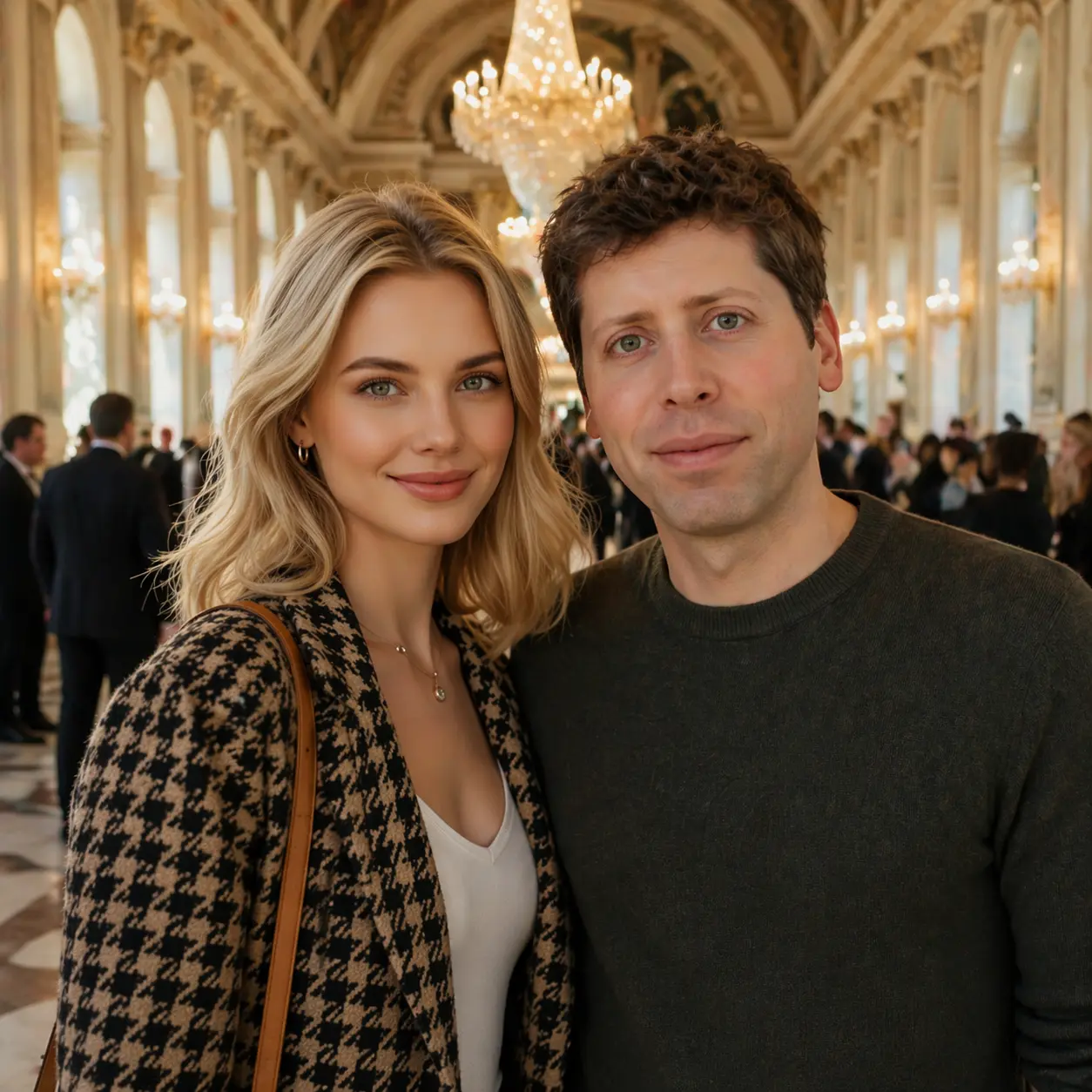
Your Generated Images
Meet OpenAI ChatGPT Images 2.0 on Bylo.ai
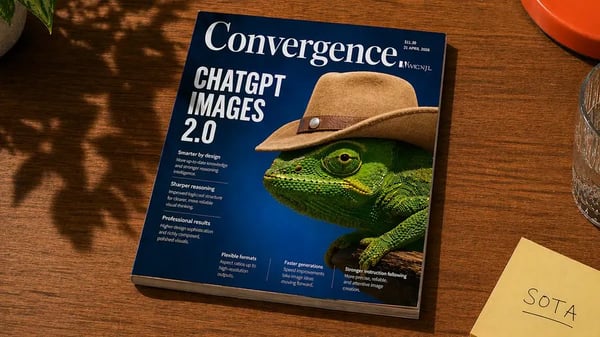
ChatGPT Images 2.0 is OpenAI’s new image model for more precise, practical, and visually advanced image creation. It is designed to handle complex visual tasks with stronger instruction following, better object placement, clearer dense text rendering, broader multilingual support, more consistent style control, and flexible aspect ratios for real creative formats. With added thinking capabilities for more demanding workflows, ChatGPT Images 2.0 goes beyond basic image generation and makes high-quality visual creation more structured and more usable. Now available on Bylo.ai, it gives creators, marketers, and designers an easier way to explore this new OpenAI Image model for polished visual work.
What’s New in GPT Image 2 Compared with GPT-4o Image
Sharper Prompt Control with GPT Image 2
GPT Image 2 handles layered instructions with stronger control, making it easier to generate visuals that stay closer to the original brief instead of drifting toward something only partially right. Whether the prompt includes composition rules, object relationships, scene details, or subtle visual constraints, GPT Image 2 delivers results that feel more accurate, more intentional, and more ready for real creative use.
ChatGPT Images 2.0 Makes Dense Text and Layouts More Usable
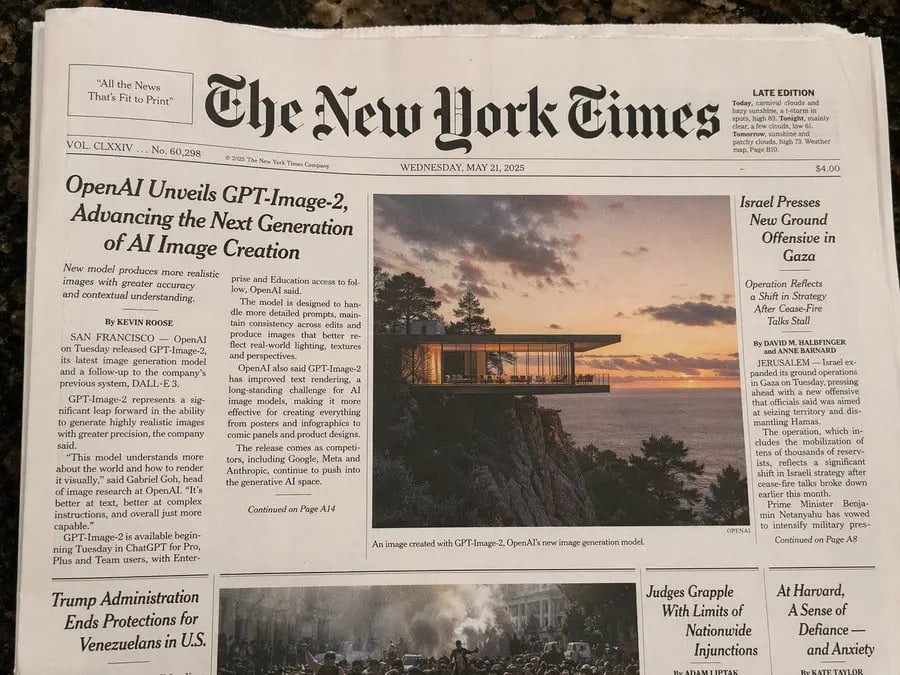
A major upgrade in ChatGPT Images 2.0 is its stronger ability to render dense text, iconography, UI elements, and information-heavy compositions with better clarity. That makes ChatGPT Images 2.0 more suitable for posters, explainers, mockups, and other visuals where readable content and cleaner layout structure matter just as much as the image style itself.
Multilingual Visuals Feel More Natural in OpenAI GPT-Image 2
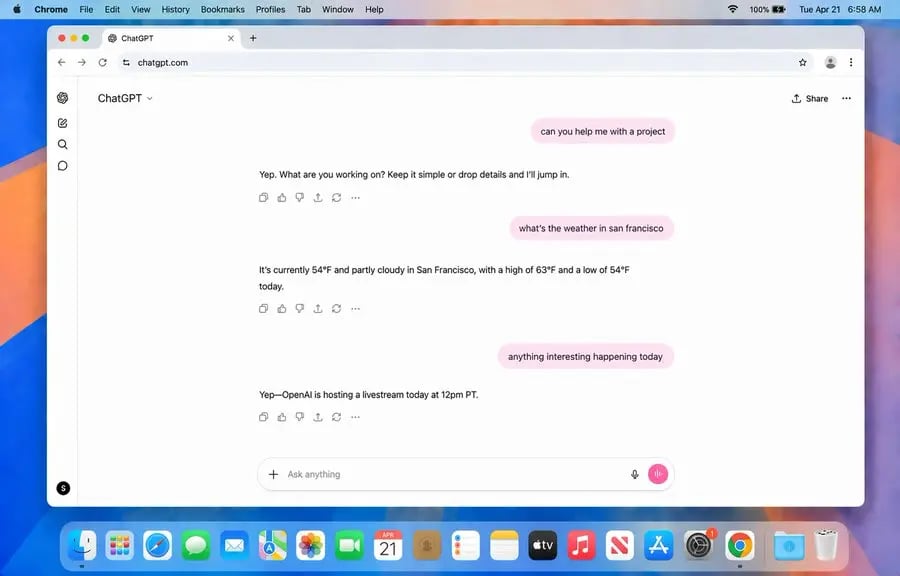
OpenAI GPT-Image 2 brings stronger multilingual image generation, especially when language is an essential part of the design rather than a minor label. With OpenAI GPT-Image 2, posters, comics, educational graphics, and branded visuals can present non-English text more coherently, making multilingual creative work feel far more practical and polished.
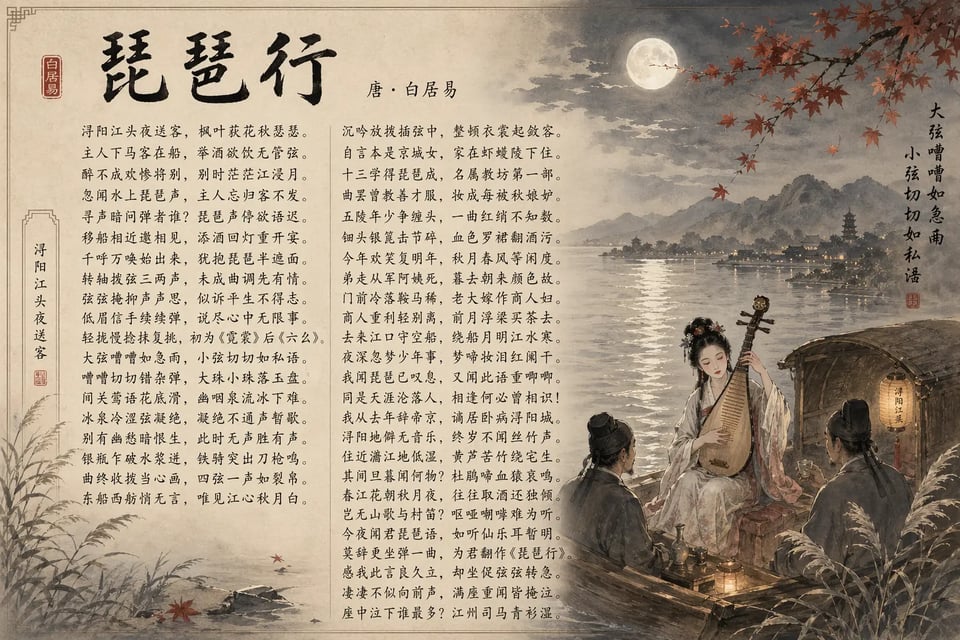
ChatGPT Image 2.0 Brings Better Style Fidelity Across Formats
From photorealistic scenes and cinematic stills to manga, pixel art, and other visually distinct formats, ChatGPT Image 2.0 does a better job of preserving the look users actually ask for. Instead of flattening different requests into a similar AI-like finish, ChatGPT Image 2.0 shows stronger consistency in texture, lighting, composition, and fine detail across a much wider creative range.
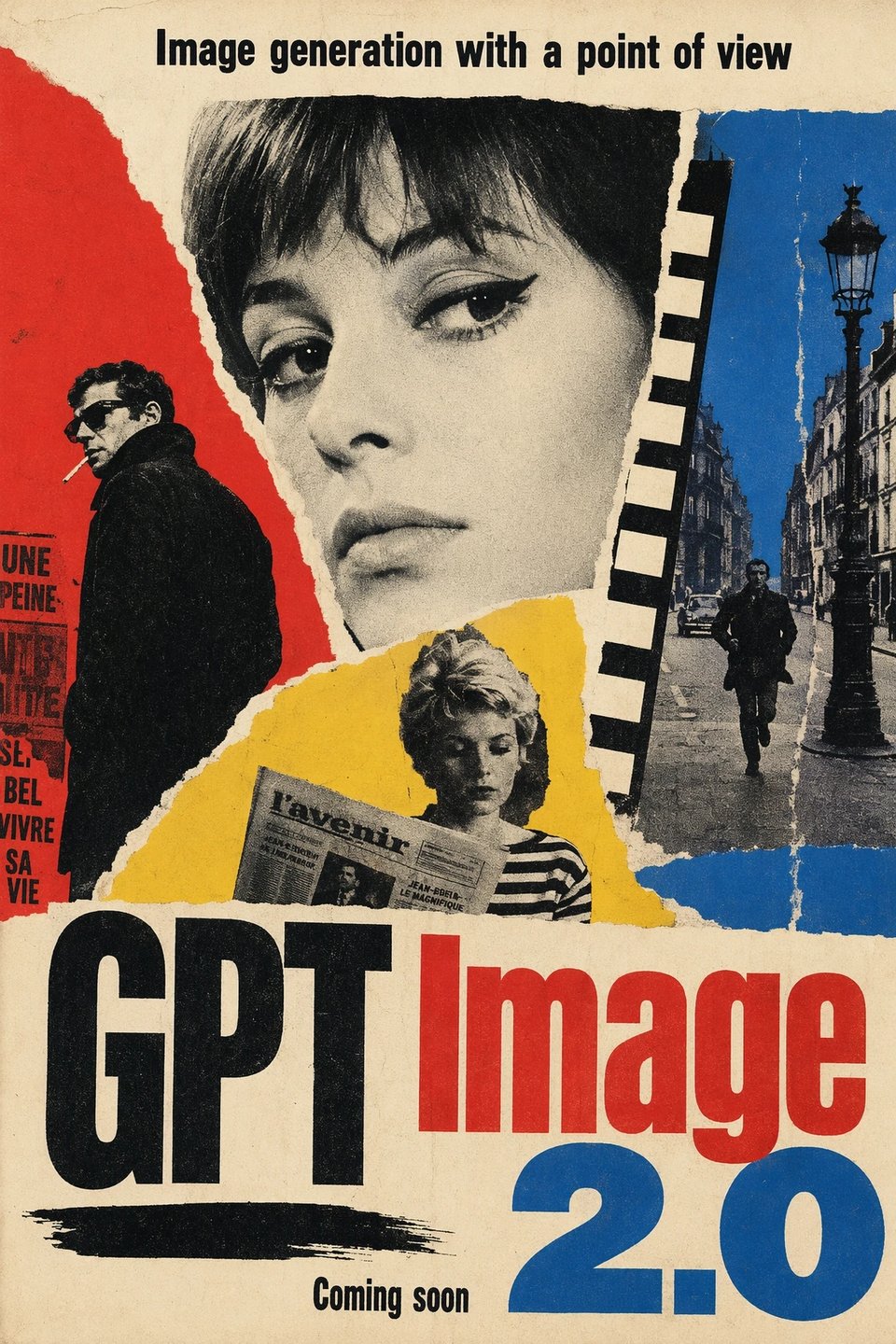
GPT Images 2 Fits More Real-World Formats from 3:1 to 1:3
GPT Images 2 supports aspect ratios as wide as 3:1 and as tall as 1:3, giving users much more flexibility when creating visuals for different publishing needs. With GPT Images 2, wide banners, presentation slides, tall posters, mobile screens, bookmarks, and social graphics can be generated in formats that feel closer to their final use case from the start.
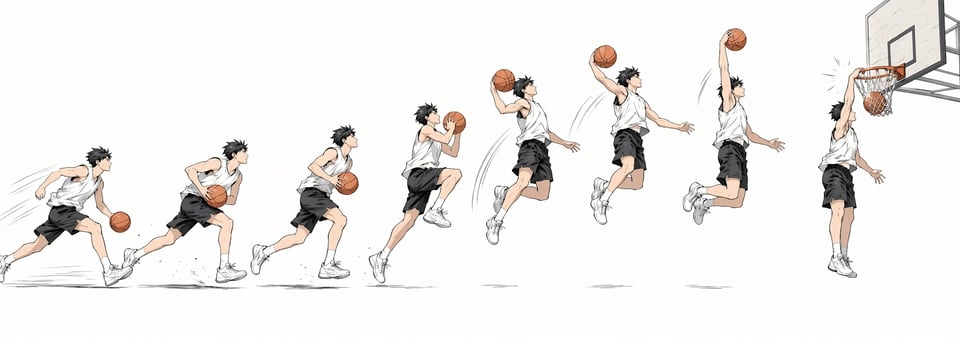
Thinking Capabilities Make ChatGPT Images 2 Better for Complex Visual Tasks
For more demanding image workflows, ChatGPT Images 2 adds thinking capabilities that help the model approach requests with more structure, accuracy, and visual cohesion. This allows ChatGPT Images 2 to better support complex tasks, including generating multiple distinct images from one prompt and handling creative work that benefits from a more deliberate path from idea to finished visual output.
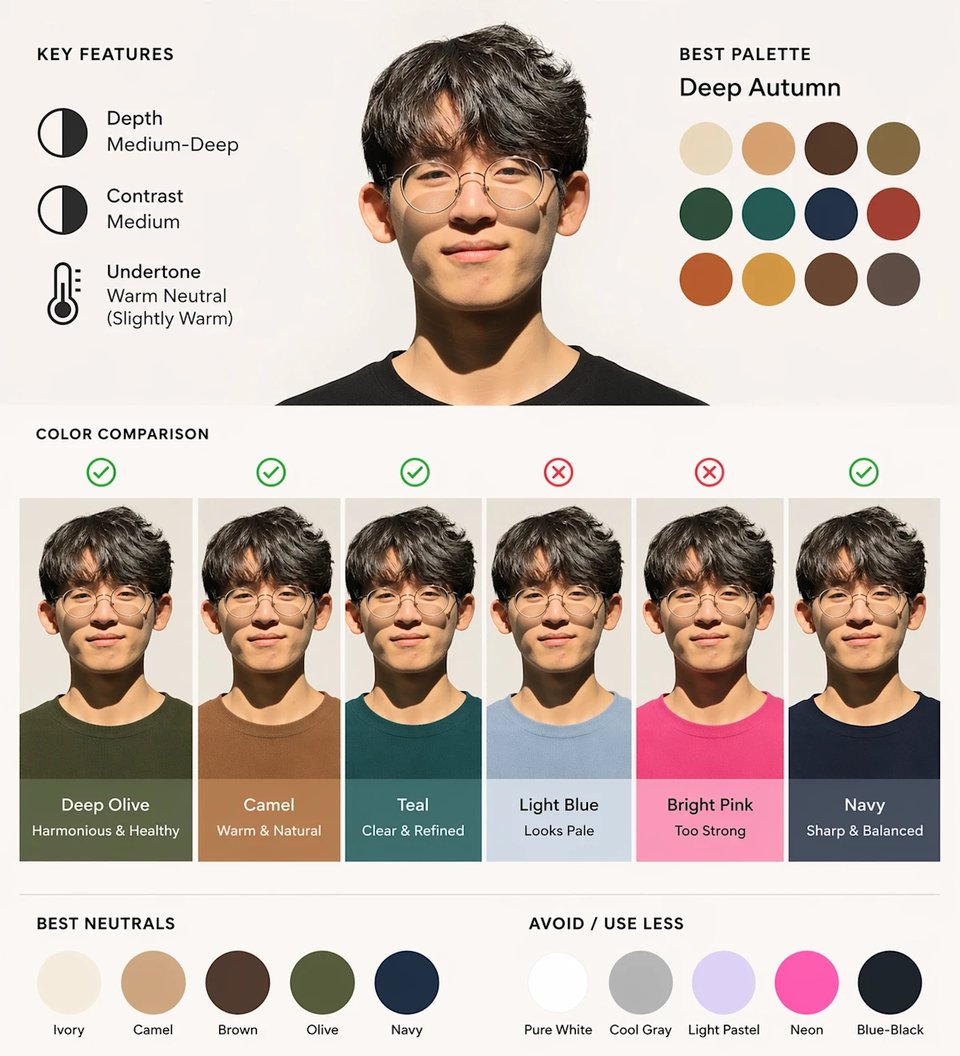
How to Use GPT Image 2 Free on Bylo.ai in 3 Steps
Follow these simple steps to get started with our platform.
Describe What You Want to Create
Start with a prompt that explains the image you want GPT Image 2 to generate, including the subject, style, composition, text, or overall visual direction. A clearer prompt helps GPT Image 2 respond with more accurate and more usable results, especially for visuals that need stronger structure or more detailed control.
Generate Images with GPT Image 2 Free
Once the prompt is ready, generate your image and see how GPT Image 2 handles layout, style, details, and visual clarity. On Bylo.ai, users can try GPT Image 2 free and quickly explore how the model performs across different creative ideas, from polished graphics to more text-heavy or style-driven image tasks.
Refine the Result for a Better Final Image
After the first output appears, adjust your prompt and continue generating until the image better matches your goal. This makes it easier to use GPT Image 2 free on Bylo.ai for creative testing, design exploration, and more refined visual results without stopping at the first version.
Copy, Paste, and Create More with ChatGPT Image 2 Prompts on Bylo.ai
Find ChatGPT Image 2 prompts on Bylo.ai that are ready to copy and paste while also helping you explore more creative ideas with less effort. Whether you want a faster way to start, a better prompt structure to build from, or fresh inspiration for different styles and concepts, these prompts make it easier to create and experiment.
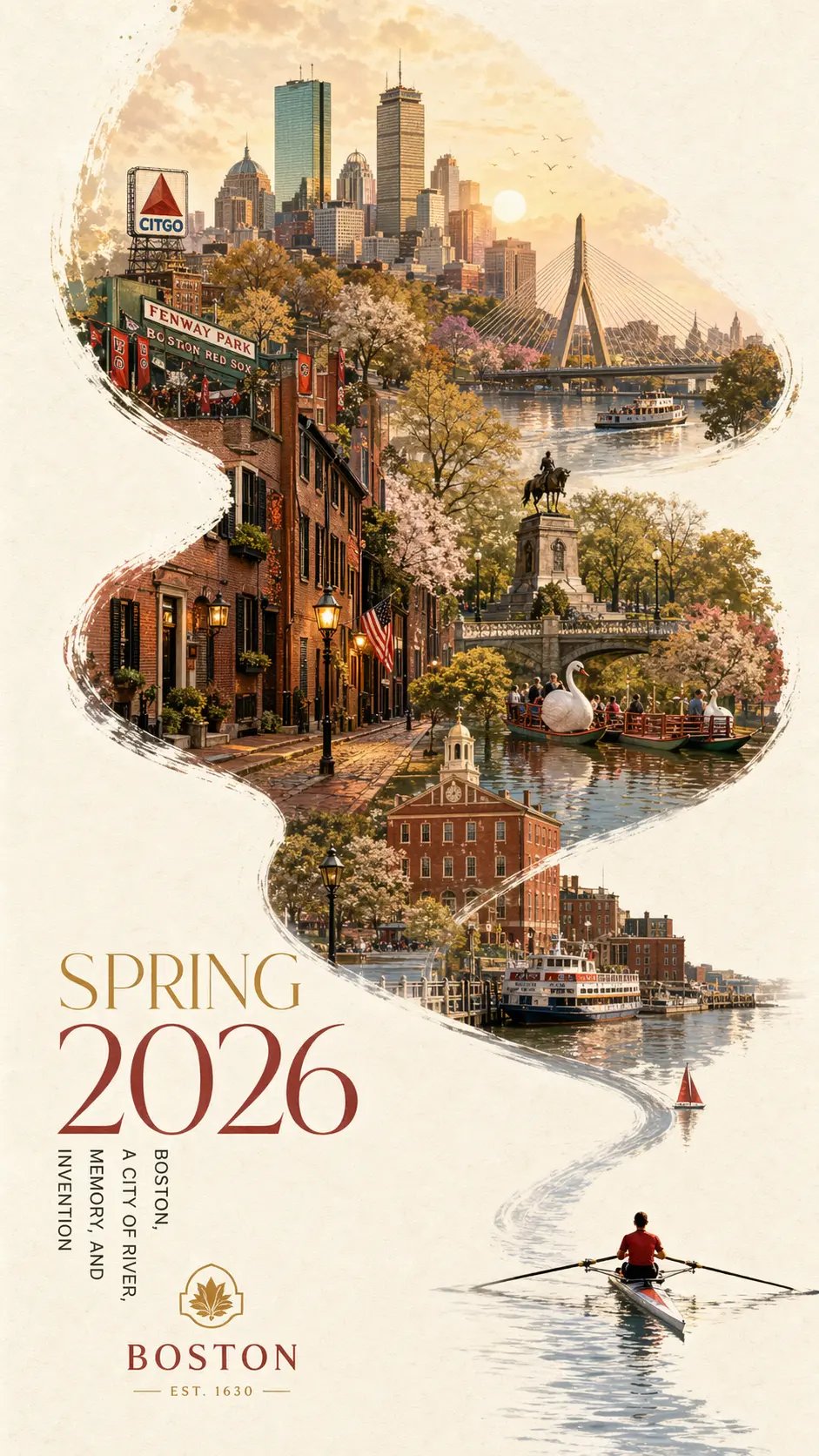
Artful City Poster Concepts
Ideal for city poster design that blends atmosphere, local character, and graphic storytelling into one polished visual direction. This style works especially well for travel-inspired artwork, seasonal city campaigns, and editorial-style poster compositions with stronger visual identity. ChatGPT Image 2 Prompt: A striking Spring 2026 city poster for Boston with an elegant celebratory mood and a bold contemporary design. On a clean off-white textured background with large areas of negative space, a miniature single sculler rows across the lower right corner of the image on a narrow ribbon of reflective water. The wake from the oar sweeps upward in a dynamic calligraphic curve, gradually transforming into the Charles River and then into a dreamlike hand-painted panorama of Boston. Inside this flowing river-shaped composition are iconic Boston elements: the Back Bay skyline, Beacon Hill brownstones, Acorn Street, Boston Public Garden, Swan Boats, Zakim Bridge, Fenway-inspired details, historic brick architecture, harbor ferries, and the city’s waterfront atmosphere. Soft morning fog, golden spring light, subtle festive accents in crimson and gold, rich detail, layered depth, sophisticated city-poster aesthetics, fresh and refined, visually powerful but not overcrowded. Elegant typography in the lower left reads “SPRING 2026” with a vertical slogan “BOSTON, A CITY OF RIVER, MEMORY, AND INVENTION”, text clear and beautifully composed, premium graphic design ,9:16
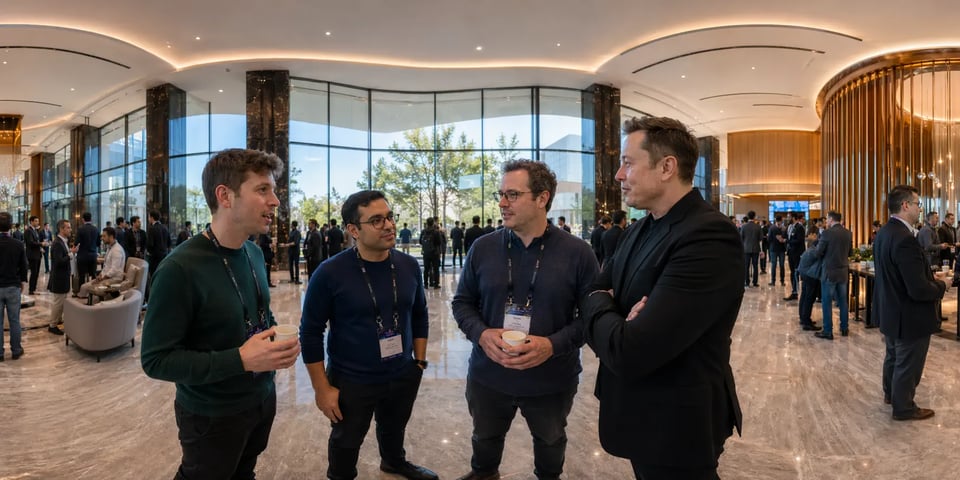
Immersive 360° Panorama Scenes
Well suited to panoramic environments that need scale, cinematic presence, and multiple recognizable figures within one cohesive setting. A strong direction for summit visuals, futuristic event scenes, and other immersive concepts designed to feel expansive and detailed. ChatGPT Image 2 Prompts: 360 equirectangular panoramic image of a spacious grand hall, featuring well-known founders of today’s leading AI model companies, such as Sam Altman, Demis Hassabis, Dario Amodei, and Elon Musk, gathered in the lobby and interacting naturally. Elegant modern interior, high-profile AI summit atmosphere, realistic people, cinematic lighting, immersive panoramic composition, detailed and polished style.
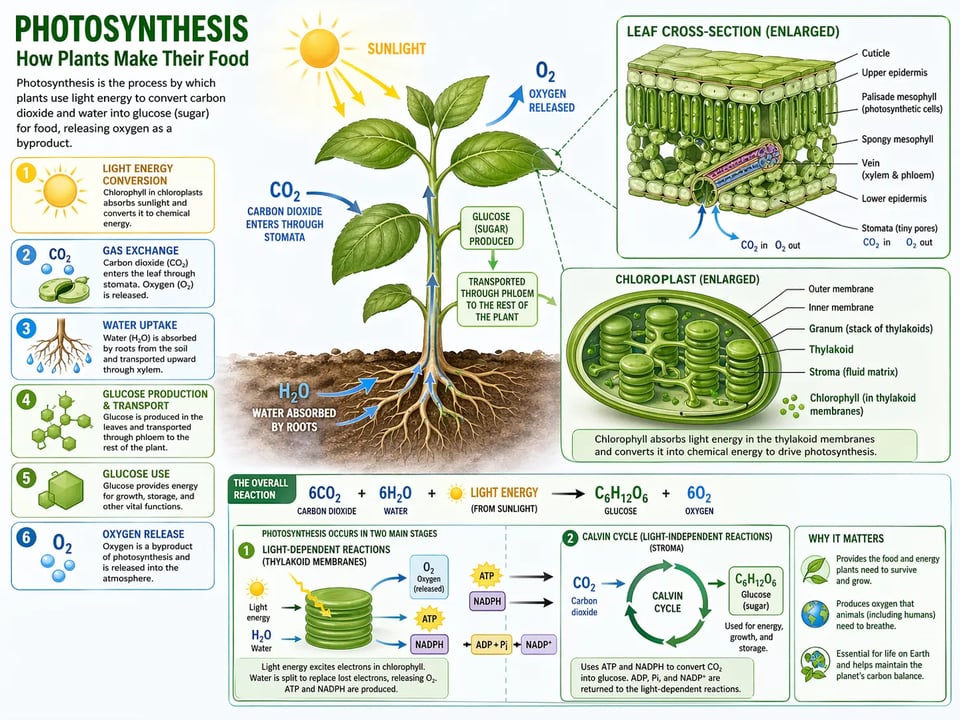
Clear Educational Infographics
A practical fit for turning complex ideas into visuals that feel easier to read and understand. Especially useful for science explainers, structured diagrams, and educational graphics where clarity, labeling, and clean visual organization all matter. ChatGPT Image 2 Prompts: A detailed educational infographic of photosynthesis in plants, featuring labeled biological diagrams, chloroplast close-ups, reaction pathways, and clean annotations for light energy conversion, gas exchange, and glucose production.
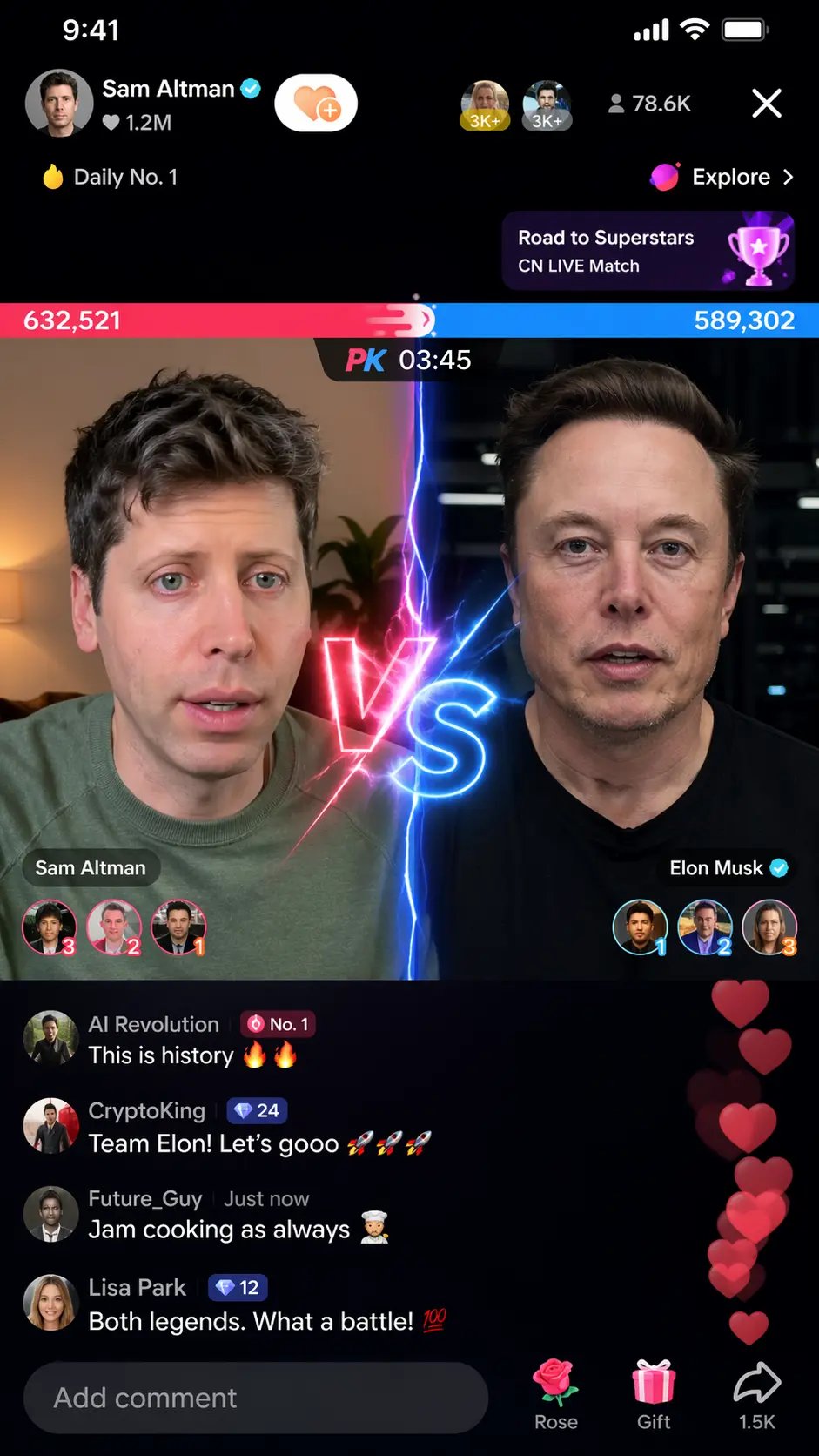
Viral Social Media Showdowns
Designed for bold, internet-native visuals with a dramatic, high-energy feel. A useful choice for livestream concepts, meme-style content, and social-first graphics built to look playful, dynamic, and instantly attention-grabbing. ChatGPT Image 2 Prompts: Sam Altman vs Elon Musk in a TikTok Live PK battle, split-screen, livestream UI, comments, likes, gifts, glowing VS effect, dynamic and viral
Realistic UI and Interface Mockups
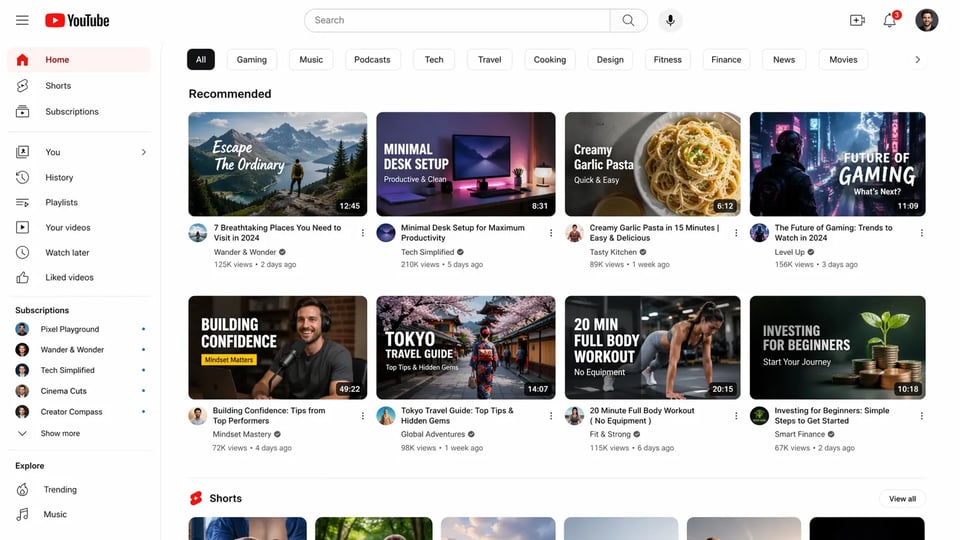
Helpful for creating interface visuals that look clean, modern, and believable rather than overly simplified or obviously artificial. A strong option for homepage concepts, product screenshots, and polished UI mockups that need clearer layout structure. ChatGPT Image 2 Prompts: A clean desktop-style YouTube homepage UI mockup with a left sidebar, top search bar, category tabs, and a grid of video thumbnails with titles, channel names, views, and timestamps.
Textbook-Style Educational Pages
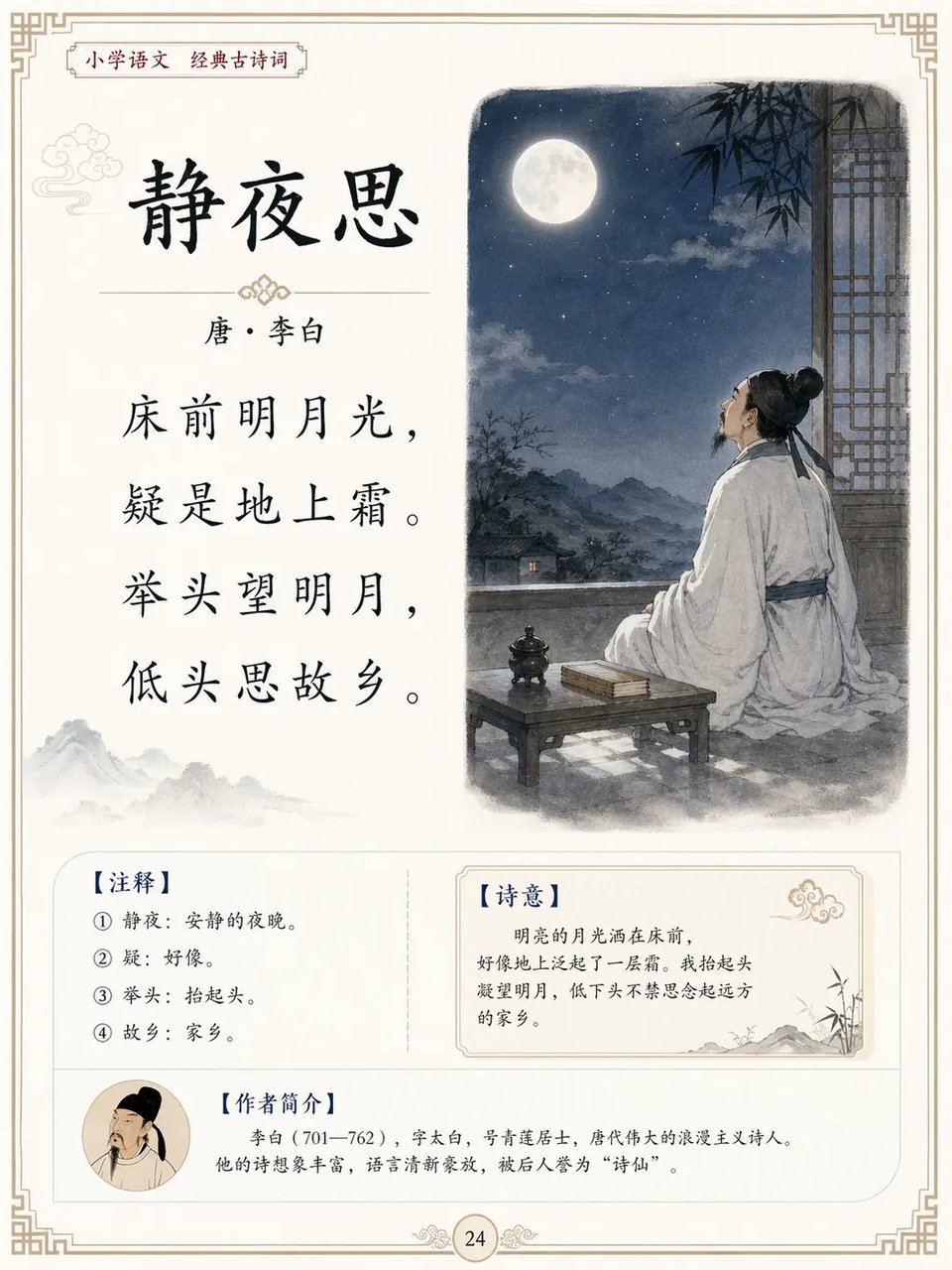
A good match for educational page design that combines structured text, supporting visuals, and a more refined printed layout. Particularly useful for poetry pages, language-learning materials, and classroom-style content that needs both readability and presentation. ChatGPT Image 2 Prompts: An educational textbook-style page for the Chinese classical poem “Quiet Night Thought (静夜思)”, featuring the full original Chinese poem text in a neat printed layout, with a refined traditional-style accompanying illustration and a clean Chinese textbook page design.
What You Can Create with ChatGPT Image 2.0
ChatGPT Image 2.0 for Posters with Real Text and Stronger Layouts
Some image models are fine for visuals, but much less dependable when the design also needs readable text and a cleaner structure. ChatGPT Image 2.0 is a better fit for posters, ads, and promotional designs where headlines, supporting copy, and visual hierarchy all need to work together in one image.
Infographics and Explainers Built with GPT Image 2
When the goal is to communicate an idea instead of just create a nice-looking picture, GPT Image 2 becomes far more useful. It works well for infographics, educational visuals, and structured explainers that need a clearer relationship between content, layout, and visual emphasis.
Brand Identity Directions with OpenAI GPT-Image 2
Early brand exploration often needs more than one rough sketch or visual moodboard. OpenAI GPT-Image 2 can help generate logo directions, brand-style concepts, and identity visuals that make it easier to test shape language, typography ideas, and overall creative direction before moving into final design work.
Lifestyle and Product Scene Creation in ChatGPT Images 2.0
For visuals that need to feel more photographic and believable, ChatGPT Images 2.0 is well suited to lifestyle scenes, product-in-context imagery, and campaign visuals with a more natural look. This kind of use case benefits from stronger realism, better material detail, and a more convincing overall image finish.
Story Panels and Repeat Characters with ChatGPT Image 2.0
Some creative work is not about one standalone image, but about building multiple scenes that still feel connected. ChatGPT Image 2.0 is a practical option for comics, illustrated stories, and sequential visuals where repeated characters, evolving scenes, and a more consistent visual identity matter across outputs.
Photo Edits and Visual Composites in GPT Images 2
GPT Images 2 is also useful when the task starts from an existing image rather than a blank canvas. It can support edits such as changing parts of a scene, placing a subject into a new environment, refining product presentation, or creating more complex composites while keeping the result visually cohesive.