
户外人像的金色光晕
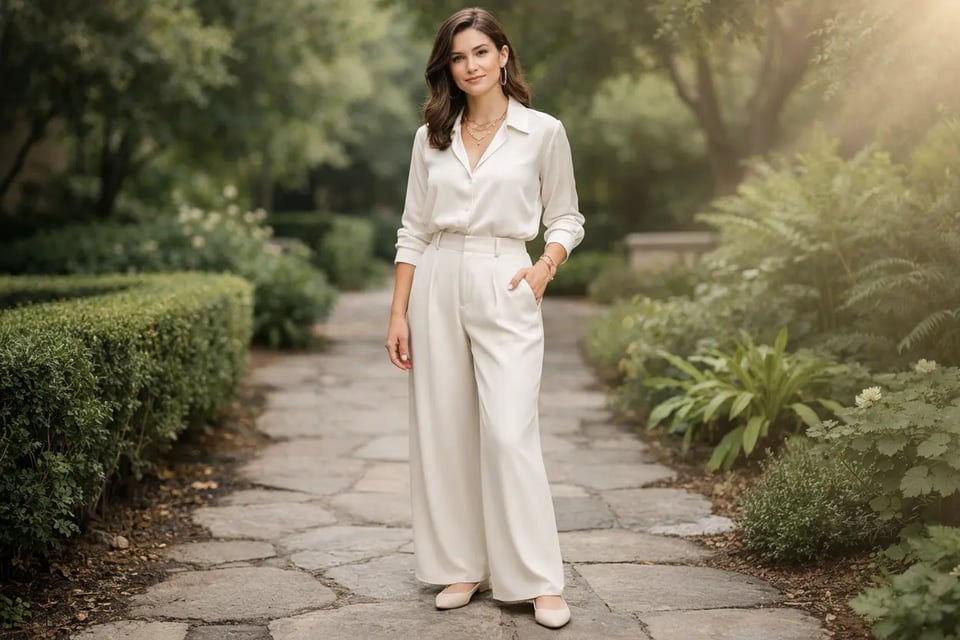
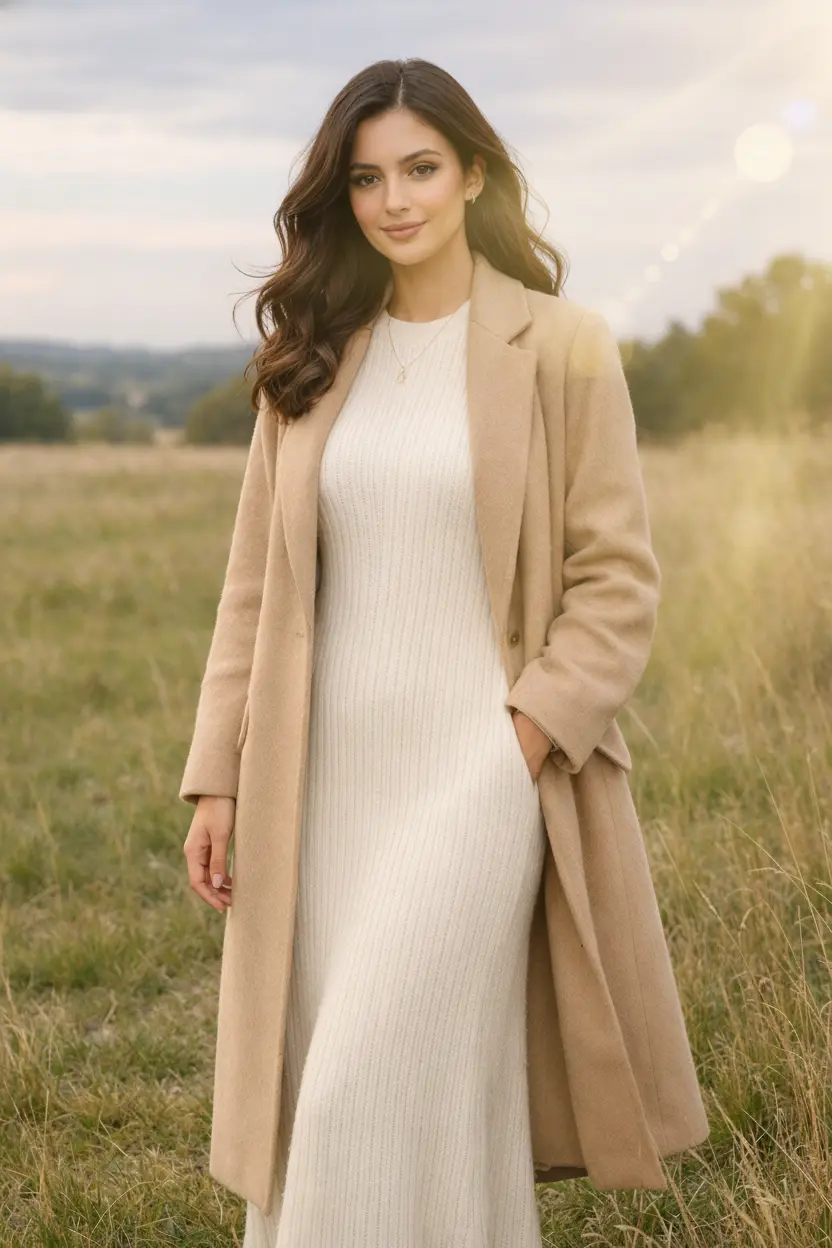
柔和的金色光晕能为户外人像增添更自然、更具情感的氛围,尤其适用于需要更多温暖感与阳光层次的画面。通过 Bylo.ai 的镜头光晕效果,只需在画面边缘添加柔和的光线,即可让简单的人像更具精致感与电影感,同时保持整体场景明亮、柔和且真实。
Select the model you want to generate your image with.
通过Bylo.ai简单提示词,为照片添加真实的镜头光晕、阳光辉光和电影感光效。
按照以下简单步骤开始使用我们的平台。
开始上传你想编辑的照片,无论是人像、风景、旅行照、产品图还是创意构图。清晰的源图能让 Bylo.ai 更好地生成自然、富有电影感且贴合原图光影氛围的镜头光晕效果。
输入描述来说明您想要的镜头光晕样式,例如角落柔和的金色光晕、电影风格的横向光线、温暖的日落光辉,或是主体背后的微妙阳光光环。这能让您更精准地控制最终效果的风格、位置、强度和氛围,而不仅仅依赖固定叠加层。
当您的描述准备就绪后,Bylo.ai 可在几秒钟内为您的图片添加镜头光晕效果。生成结果后,您可以预览新效果,如有需要可尝试其他变体,并在光照氛围符合您想要的电影感或自然氛围时下载最终图像。
对于希望快速提升图片质感的用户,Bylo.ai 的镜头光晕效果功能让整个过程变得简单许多。无需花费大量时间进行图层的复杂操作,用户只需将普通人像、旅行照片或风景照转换为更具视觉冲击力的图像,增强氛围亮度与焦点表现。这种高效的工作流特别适合希望以免费在线方式添加光晕特效,同时保持操作简便直观的用户。
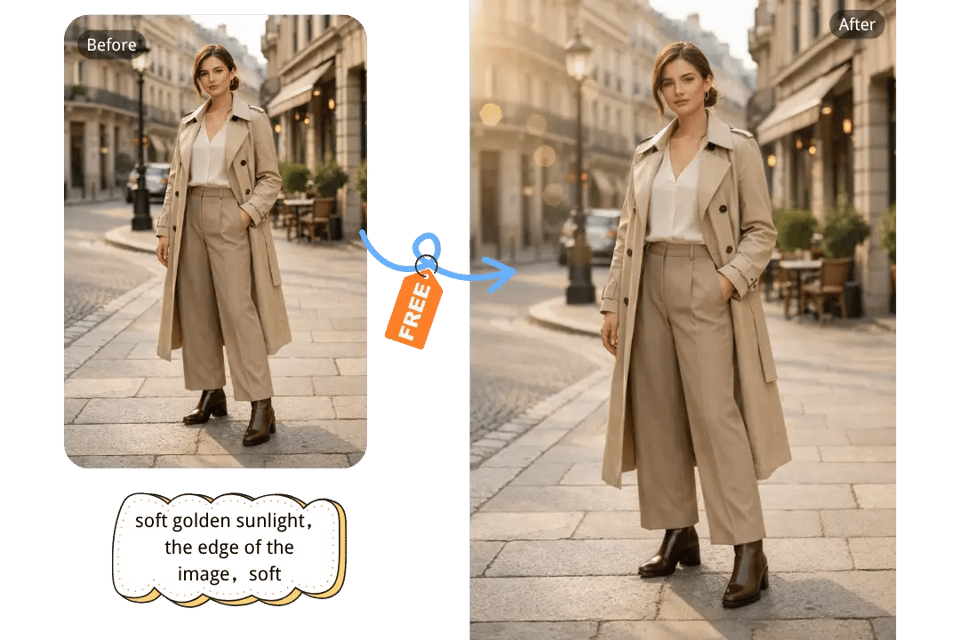
自然的阳光效果能够彻底改变照片的情绪氛围,而 Bylo.ai 的镜头光晕效果正适合这种转变。它可以帮助营造柔和的金光、柔和的阳光朦胧感,或更明亮的炫光高光,使这些效果在原图中显得更加真实可信。无论是人像、户外摄影还是风景图像,Bylo.ai 的镜头光晕效果都能帮助用户打造更温暖、更真实的阳光增强效果,同时避免图像显得过于人工。
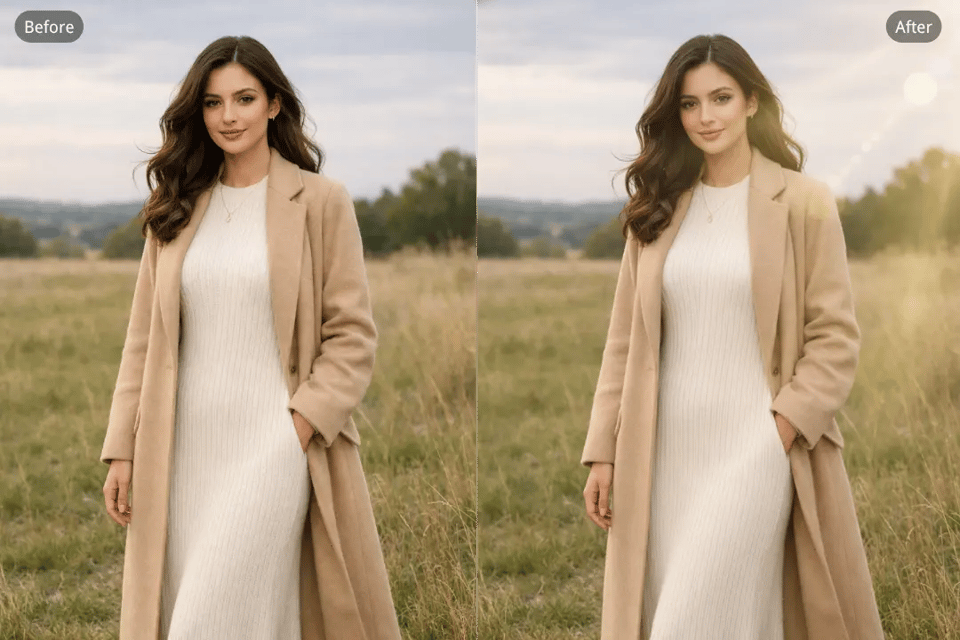
有些照片需要多种光影氛围,这也是为什么 Bylo.ai 的镜头光晕效果适用于不同方向的炫光。微妙的光晕可以让肖像更柔和,温暖的光晕能增强日落照片的氛围感,而明亮的炫光则能为创意摄影注入更强的视觉冲击力。通过 Bylo.ai 的镜头光晕效果,用户可以灵活地为不同场景、构图和审美偏好打造灵感源自阳光的编辑效果。
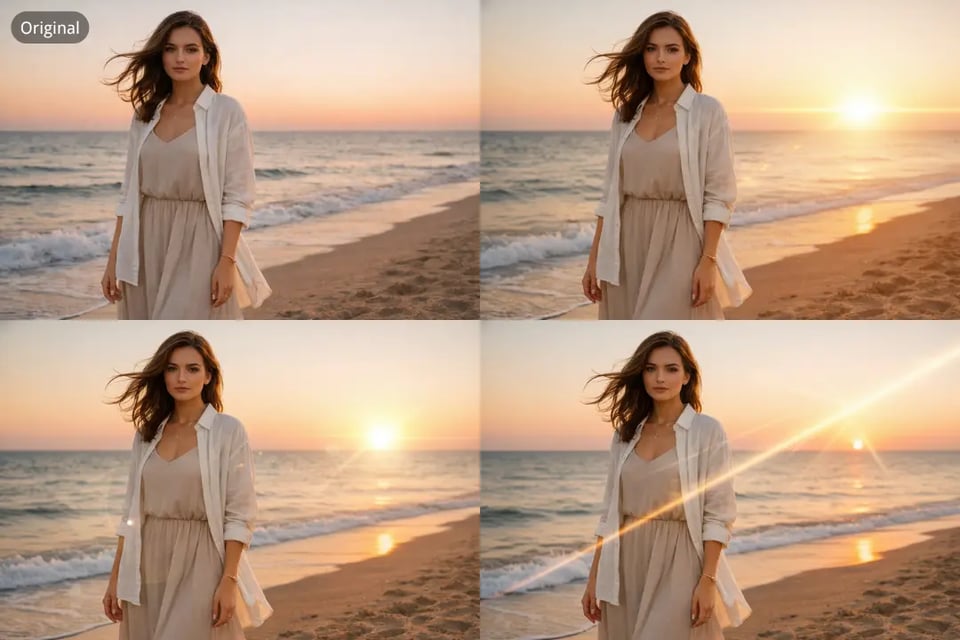
当目标不仅是亮度,而是营造更强的视觉氛围时,Bylo.ai 的镜头光晕效果(Lens Flare Effect)能够将图像推向更具电影感的风格。光线拖尾、发光高光与风格化的光晕分布,能让时尚摄影、产品图、海报和概念艺术更具沉浸感与表现力。通过使用 Bylo.ai 的镜头光晕效果,用户可以轻松打造更具戏剧性与氛围感的照片风格,使其更精致、更具视觉冲击力,更适合用于大胆且富有创意的视觉作品。
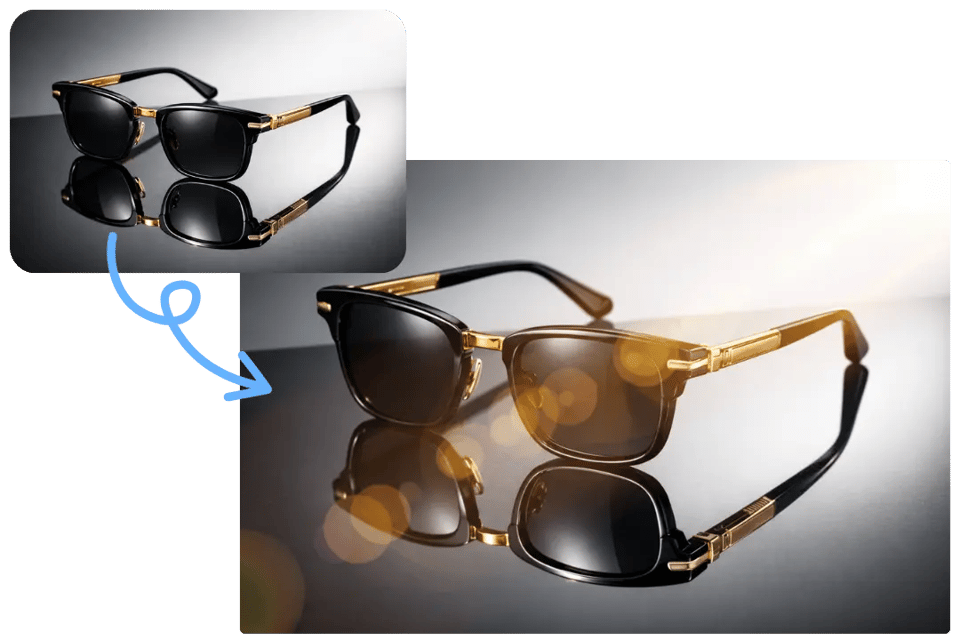
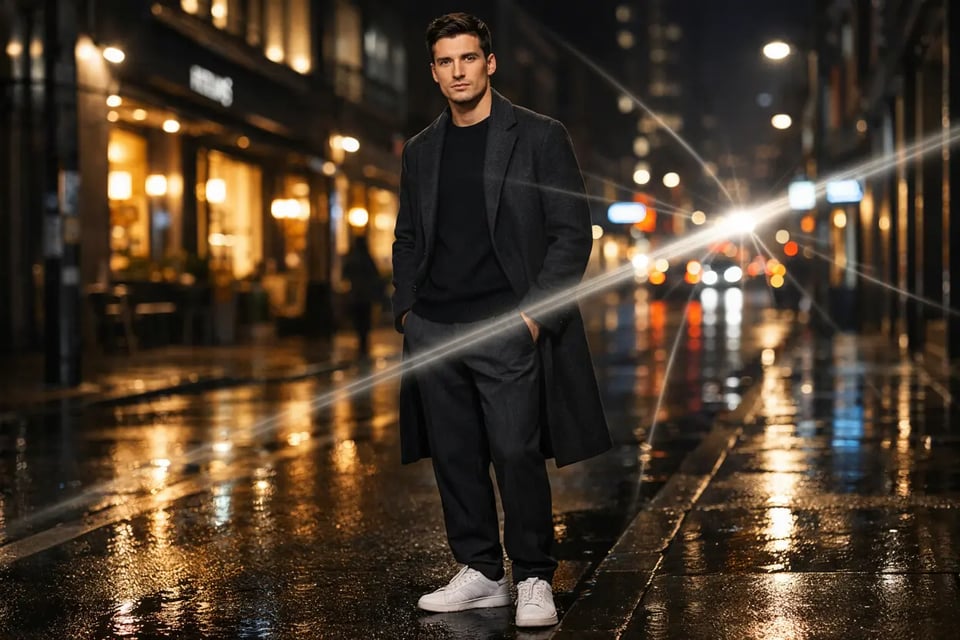
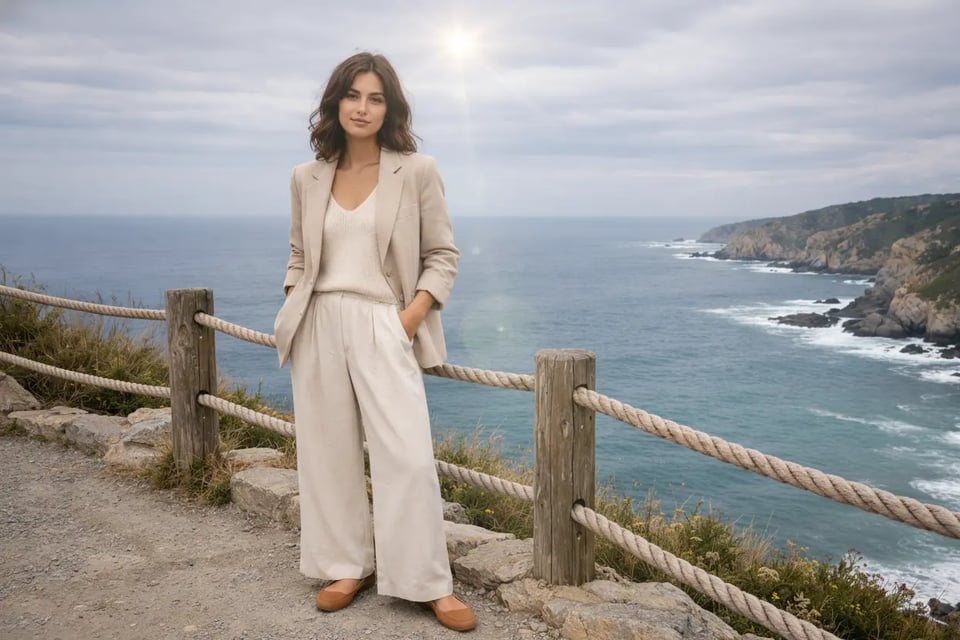
Bylo.ai 的镜头光晕效果适用于多种类型的图像,帮助用户根据不同创作目标轻松营造不同的光影氛围。从户外人像中的柔和阳光到风格化场景中的强烈电影感光带,这些示例展示了 Bylo.ai 镜头光晕效果如何将普通照片转化为更具温暖感、戏剧性和视觉吸引力的画面。
柔和的金色光晕能为户外人像增添更自然、更具情感的氛围,尤其适用于需要更多温暖感与阳光层次的画面。通过 Bylo.ai 的镜头光晕效果,只需在画面边缘添加柔和的光线,即可让简单的人像更具精致感与电影感,同时保持整体场景明亮、柔和且真实。
城市摄影与夜景常常因加入控制得当的戏剧性光线而更具冲击力。Bylo.ai 的镜头光晕效果可生成横向光线拖尾、发光高光或更强烈的光晕点缀,让城市灯光更具活力与层次感。该功能特别适用于街拍、未来风格以及需要电影氛围的创意视觉作品。
旅行与风景照片常常受益于柔和的光影处理,既能增强画面氛围,又不会喧宾夺主。通过 Bylo.ai 的镜头光晕效果,用户可以轻松添加微妙的光环光晕或温暖的阳光炫光,让天空、地平线和开阔的景色更有画面感。这种效果能让山川、海滩、夕阳和公路照片更具记忆点和视觉冲击力。
Bylo.ai’s Lens Flare Effect gives users an easier way to explore cinematic light edits before moving deeper into a project. For anyone who wants to compare different flare moods, test sunlight-inspired looks, or see how a flare changes the overall tone of an image, this free trial approach makes creative experimentation feel more flexible and more accessible from the start.
For users who do not want to spend time on complicated manual adjustments, Bylo.ai’s Lens Flare Effect offers a more direct editing experience. Uploading an image, describing the flare, and generating a result feels much simpler than working through traditional photo editing steps, which makes Bylo.ai’s Lens Flare Effect a strong choice for fast and easy lens flare photo editing.
A lens flare effect works best when it feels like part of the original image instead of an obvious visual layer added afterward. Bylo.ai’s Lens Flare Effect helps create warmer, more believable light that fits more naturally into portraits, landscapes, and stylized images, making the final result feel more polished while keeping the atmosphere visually convincing.
Bylo.ai offers more than a single way to improve an image after adding cinematic light. In addition to using Bylo.ai’s Lens Flare Effect, users can continue editing with other Bylo.ai image editors for enhancement, retouching, background changes, stylized transformations, and broader visual refinement, making Bylo.ai a more flexible destination for users who want more than a basic lens flare editor.