
免费在线AI图片缩放工具
Bylo.ai 提供免费试用,让您在升级前即可在线试用 AI 图片缩放工具。您可以轻松测试不同类型的图像,无论是产品照片、人像特写、截图还是其他日常视觉素材。
Select the model you want to generate your image with.
立即试用,放大图像细节,提升画质清晰度。
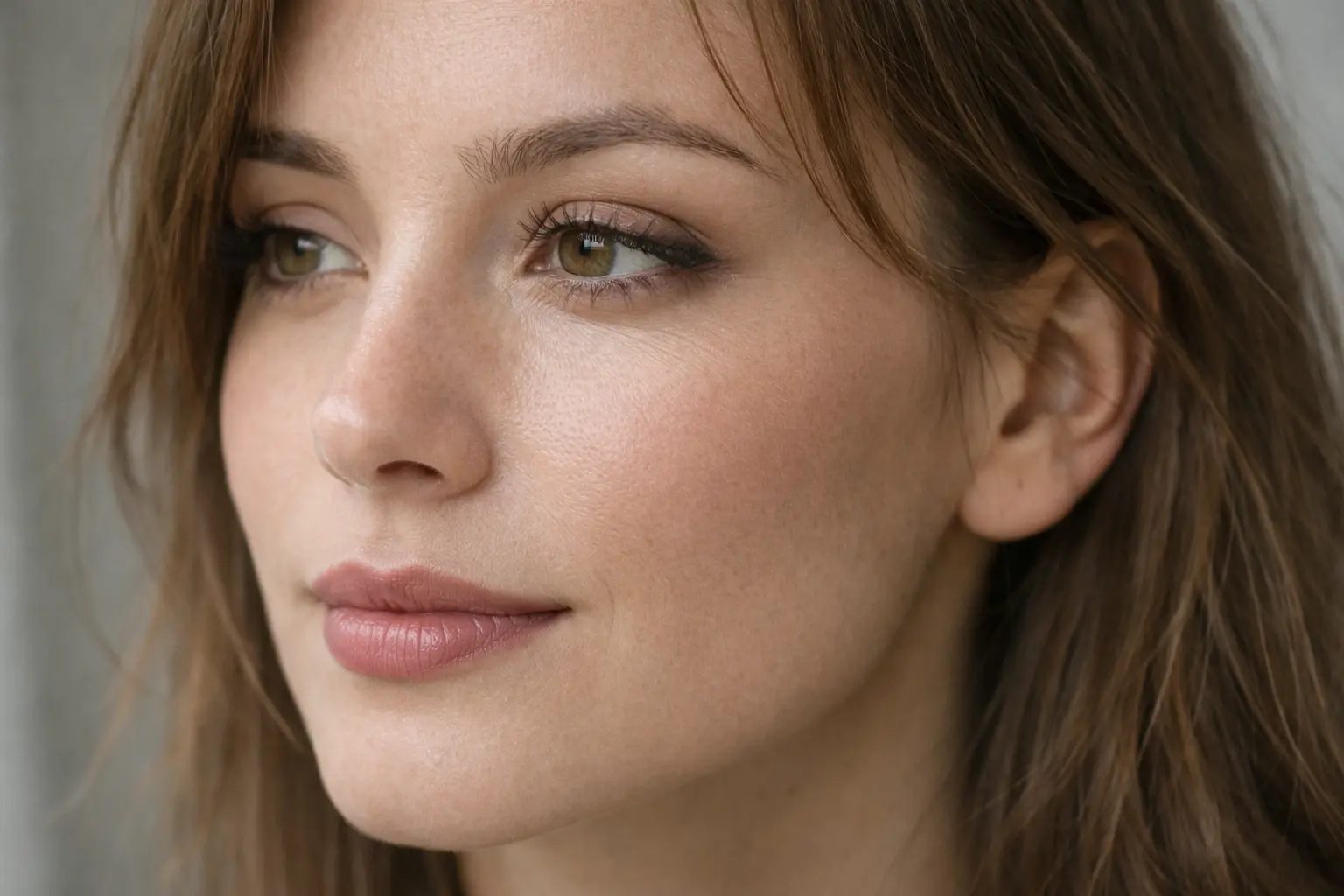
只需简单几步,即可开始使用我们的平台。
上传你想要放大的图片。Bylo.ai 支持多种常见图像格式,包括人像、产品图、截图和设计素材,让你快速开始处理照片。
输入你想放大的倍数。你可以直接控制图像内容的放大程度,从而更清晰地查看面部特征、产品细节、文字区域或其他小范围内容。
处理完成后,预览放大后的图片以检查清晰度和焦点。如果效果满意,可直接下载;也可以继续使用其他工具进一步提升整体细节。
当照片被放大时,细节往往变得难以辨识,尤其是原图较小或略显模糊的情况下。Bylo.ai的图像放大器能提升纹理、边缘和焦点区域的可见度,让肖像、产品图、截图等各类图像的局部放大更加清晰易读。
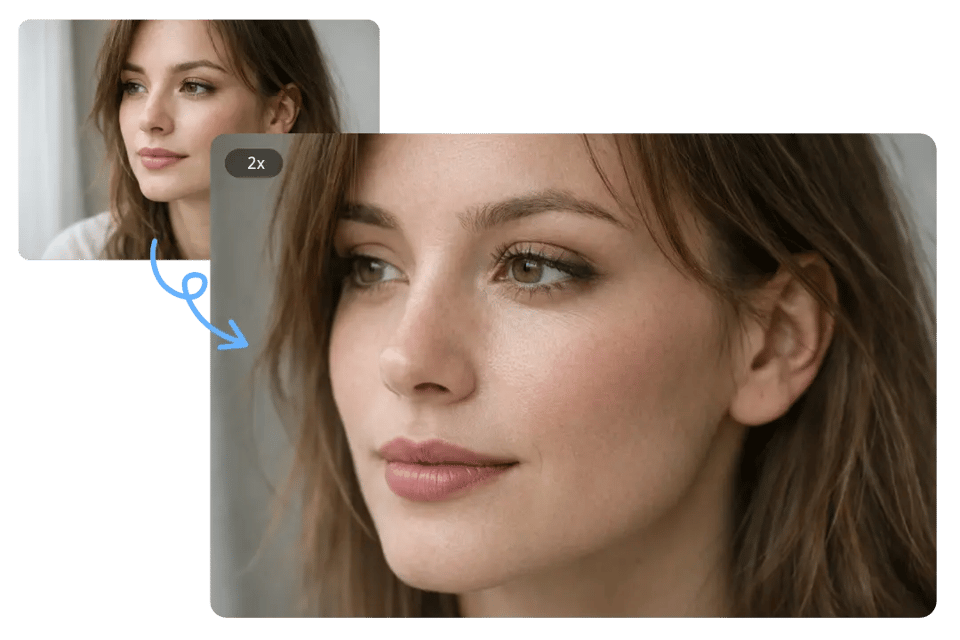
传统放大方式容易导致照片模糊、块状或视觉粗糙。Bylo.ai图像放大器有效减少模糊、像素化等问题,让放大后的图像更清晰、平滑、自然。
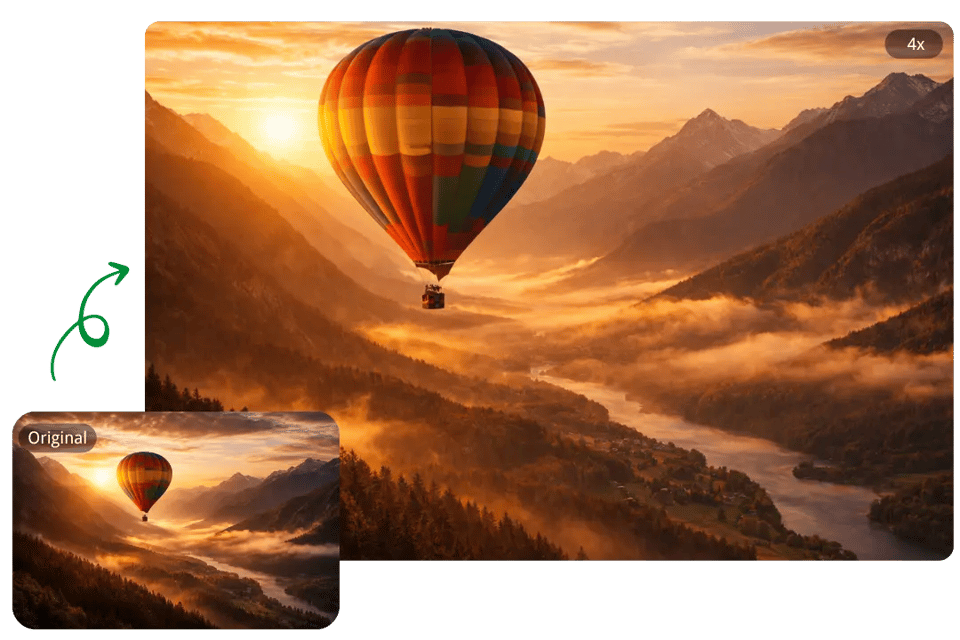
放大后的图像应保持清晰可读,而非仅仅变大。Bylo.ai的图像放大器在处理过程中保留更清晰的视觉结构,帮助放大后的照片保持锐利边缘、更精细的细节呈现和更精致的整体效果。
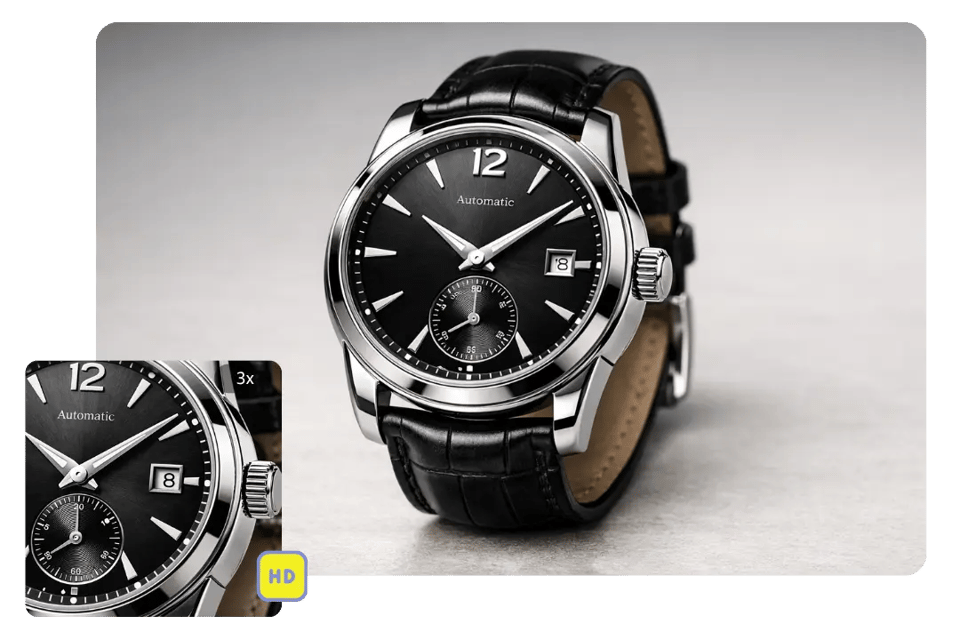
不同图像需要不同的放大倍数,无论是查看产品纹理、强化面部特征,还是让小字体更清晰可见,Bylo.ai 的图像缩放工具都能灵活满足您的需求,同时保持重要视觉内容清晰易用。
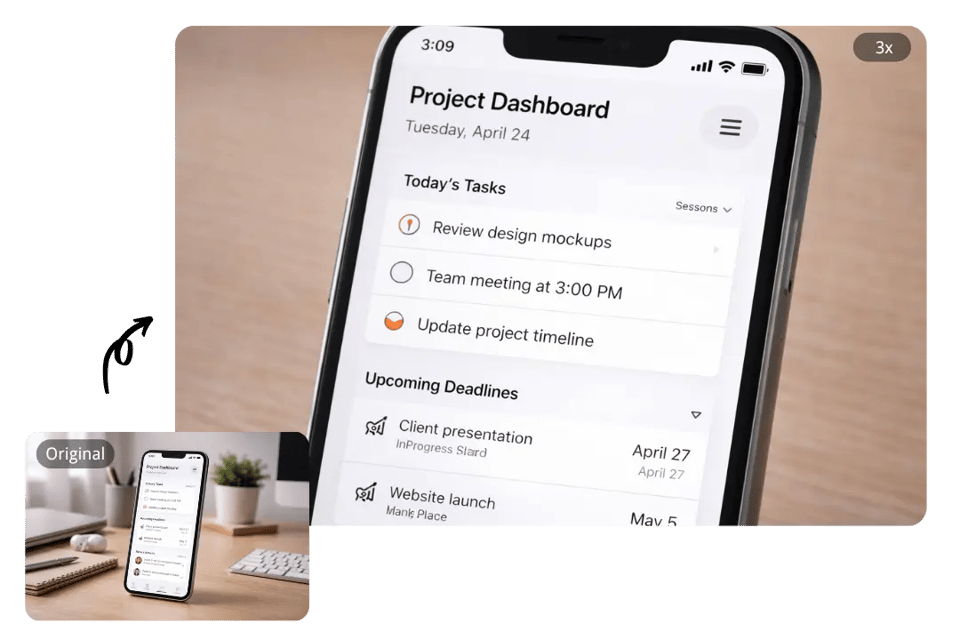
Product photos often need a closer view to show textures, materials, packaging, or small design elements more clearly. Bylo.ai’s Image Zoomer helps zoom product images with a cleaner visual result, making them more effective for e-commerce listings, product pages, ads, and digital catalogs.
Portrait photos sometimes need a tighter view to bring more attention to facial features, expressions, hair details, or makeup. Bylo.ai’s Image Zoomer helps users zoom in image portraits while keeping the result cleaner and more visually polished for headshots, beauty photos, and profile pictures.
Small text and interface details can be difficult to review when the original image is limited in size. Bylo.ai’s Image Zoomer works well for screenshots, presentation visuals, and text-heavy images, helping important areas look larger, clearer, and easier to inspect.
A closer view is often helpful when checking composition, textures, edges, or smaller design elements before editing. Bylo.ai’s Image Zoomer makes it easier to inspect visual details during design work, retouching, and other creative editing tasks.
Bylo.ai 提供免费试用,让您在升级前即可在线试用 AI 图片缩放工具。您可以轻松测试不同类型的图像,无论是产品照片、人像特写、截图还是其他日常视觉素材。
流畅的使用流程让您更专注于图像本身,而非工具本身。Bylo.ai 让图像缩放工具操作简单直观,只需上传图片、输入放大倍数,即可在线获得清晰结果,无需复杂控制或额外软件。
除了 AI 图片放大器,Bylo.ai 还提供多种图像编辑工具,帮助用户在一处完成图像处理。在使用 Image Zoomer 放大图片后,您可以继续使用其他编辑工具,如图像锐化器、AI 图像增强器、背景编辑工具及更多创意编辑选项,对图像进行优化。如果放大后的图像略微倾斜,或需要调整观看角度,Bylo.ai 上的 图像旋转器 可轻松调整角度,让最终效果清晰整洁。