
免费试用 Darken Image 工具,轻松编辑日常照片
Bylo.ai 提供简单易用的免费试用方式,让您在进行更高级编辑前,先体验 Darken Image 工具。无论您想减少过亮的光线,还是希望照片更具氛围感,Bylo.ai Image Darkener 都能让您轻松在线测试并优化图像色调,操作更省力。
Select the model you want to generate your image with.
立即暗化您的图像,将过亮的照片处理得更自然、更精致。
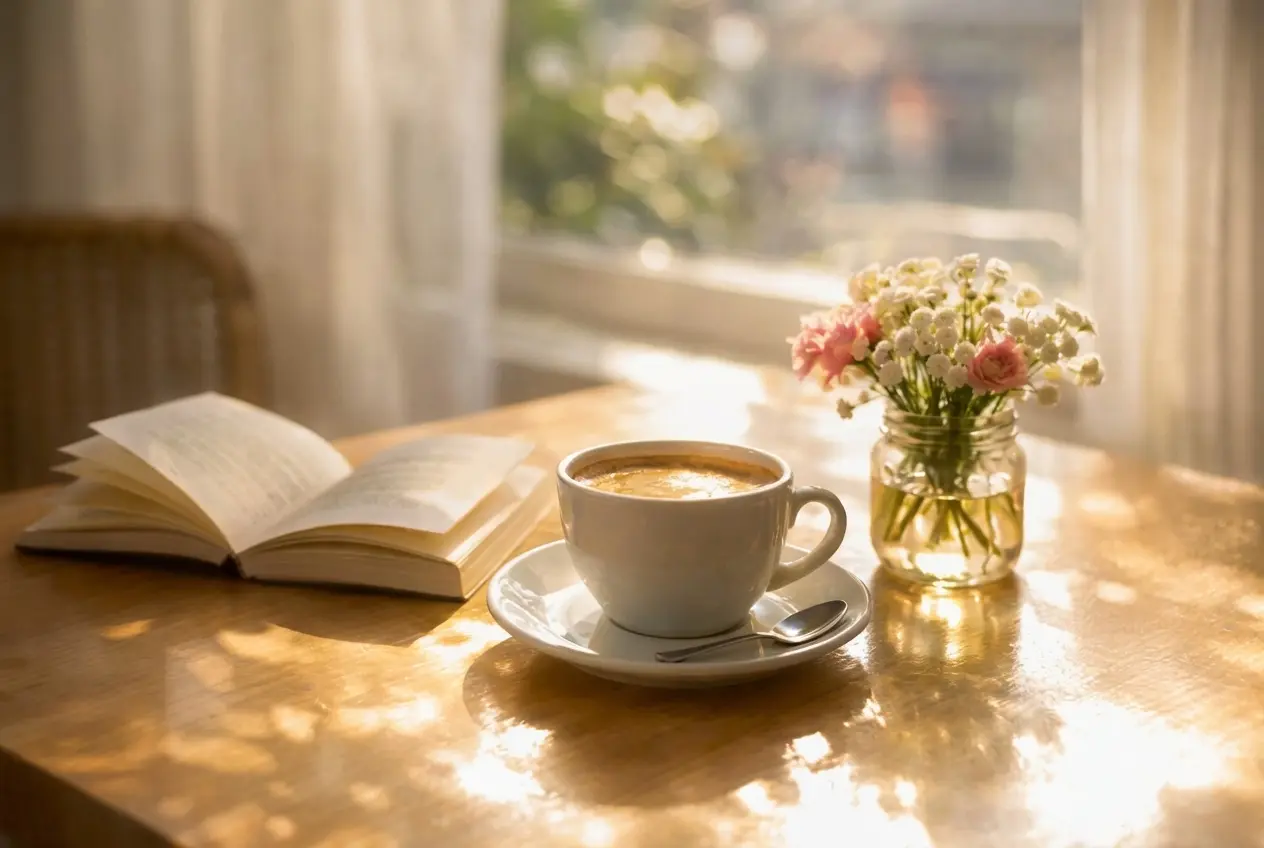
只需简单几步,即可开始使用我们的平台。
首先将您想要编辑的图像上传至 Bylo.ai。无论您的图片过亮、略显灰暗,还是只是需要更暗的视觉氛围,这都是让图片更加平衡、更具视觉质感的第一步。
图片上传完成后,使用暗化功能减少过亮区域,使照片呈现出更深、更可控的视觉效果。这一步能有效降低画面的不自然感,同时增添更具氛围感和视觉焦点的暗调风格。
应用效果后,请查看最终图像,确认更暗的视觉效果是否符合您的预期。当照片看起来更加平衡且视觉上更具吸引力时,您可以保存编辑后的版本,用于个人、创作或专业用途。
Bylo.ai 的调暗图片工具能帮助用户快速降低过曝部分,使照片更加均衡。无论图片显得过于苍白还是亮度超标,Bylo.ai 图片调暗工具都能让您轻松在线调整图像暗度,无需复杂操作即可获得更深层次、更精致的视觉效果。
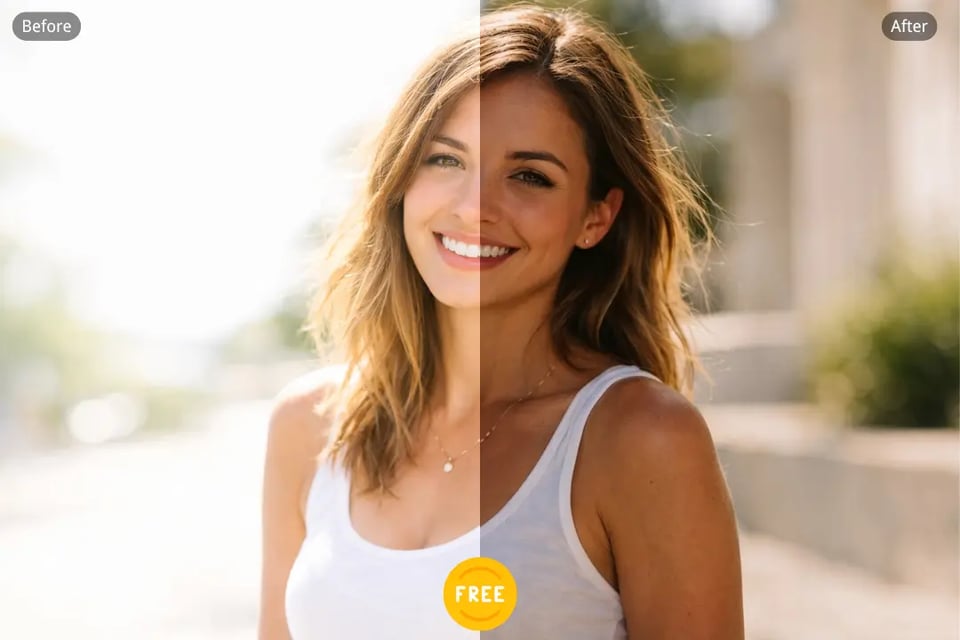
通过 Bylo.ai 图片调暗工具,用户可以更快捷、更简单地为图片添加更深的色调。该工具适用于需要快速调节明暗的场景,如人像、创意视觉、产品图或日常编辑,帮助您打造更具控制力和视觉吸引力的作品。
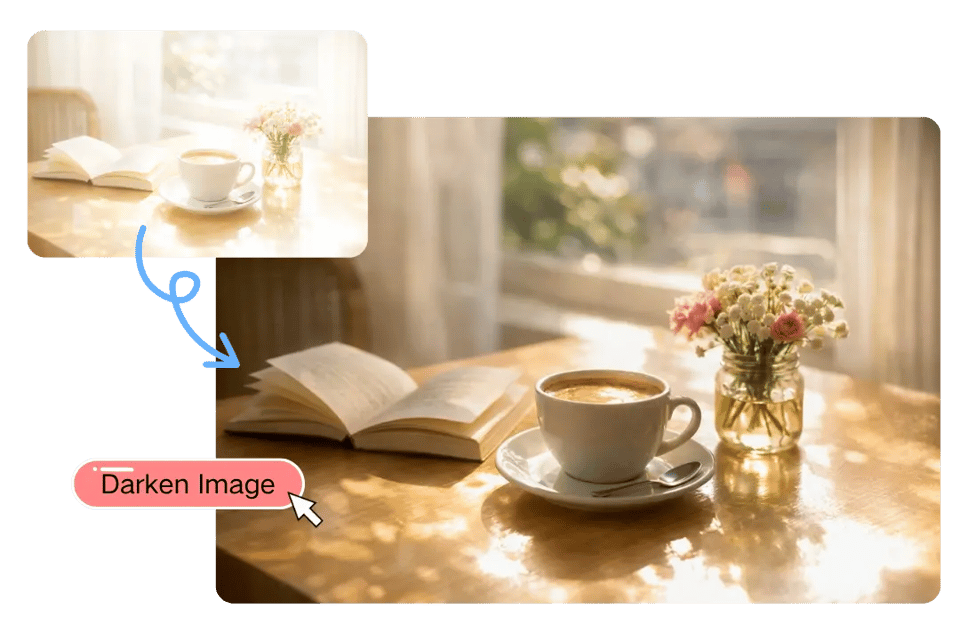
一张更暗的图片可以营造更强的氛围,让整体构图更具电影感或精致感。Bylo.ai 的 Darken Image 工具能帮助用户在提升视觉层次的同时,让图片更暗,是进行情绪驱动编辑和风格化照片增强的理想选择。
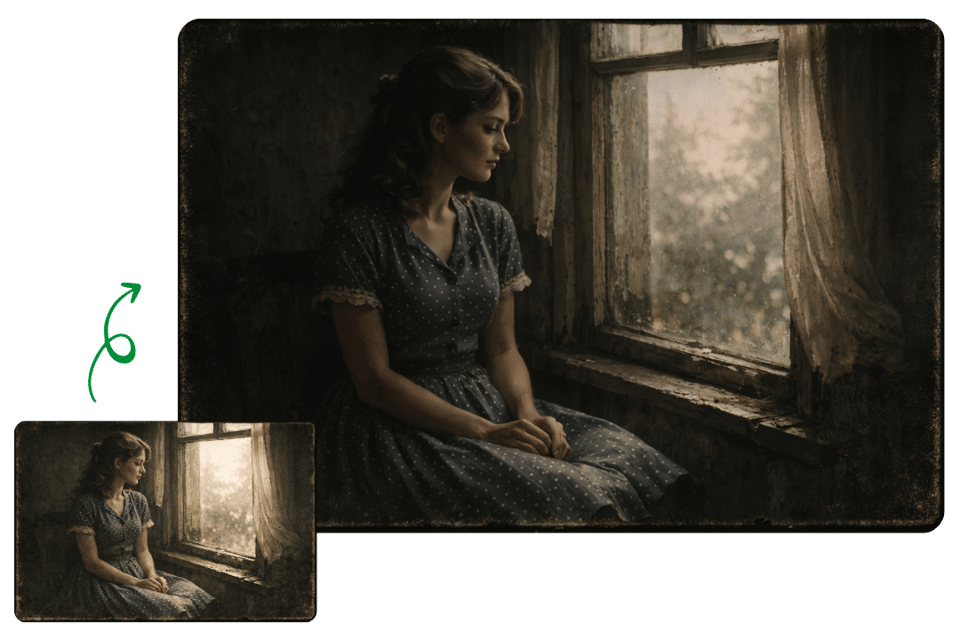
亮度过高的照片往往失去视觉平衡,看起来不够精致。Bylo.ai Image Darkener 能帮助您处理过曝或褪色的图像内容,让暗化工具还原更自然的色调,获得更清晰、更实用的图像效果。
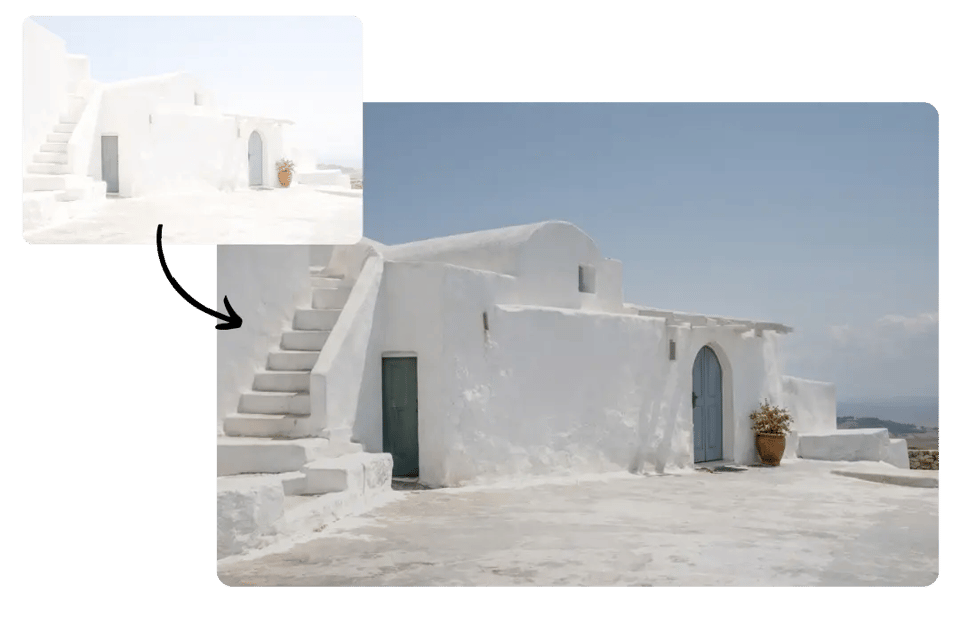
Outdoor photos taken under strong sunlight can sometimes look too bright, flat, or washed out. Bylo.ai’s Darken Image tool helps reduce excessive brightness and makes these images feel more balanced, clearer, and visually more comfortable without making the scene feel overly heavy.
Portraits often look more expressive when the lighting feels deeper and more controlled. With Bylo.ai Image Darkener, users can give selfies, fashion portraits, and lifestyle photos a darker and more atmospheric tone, helping the subject stand out with a stronger visual mood.
When text is placed on top of a bright image, the design can become harder to read. Bylo.ai lets users make image darker so banners, cover images, headers, and promotional visuals have better contrast, making titles and graphic overlays feel clearer and more effective.
Different product or campaign images may have inconsistent lighting, which can make a collection look less unified. Bylo.ai helps users darken image online to create a more consistent tone across product photos, brand assets, and promotional visuals, making the full set look cleaner and more cohesive.
Bylo.ai 提供简单易用的免费试用方式,让您在进行更高级编辑前,先体验 Darken Image 工具。无论您想减少过亮的光线,还是希望照片更具氛围感,Bylo.ai Image Darkener 都能让您轻松在线测试并优化图像色调,操作更省力。
Bylo.ai 专为希望在线快速暗化图片的用户而设计,无需复杂的编辑流程。通过更直观的界面和顺畅的操作流程,Bylo.ai 暗化图片工具帮助初学者和普通用户以更快、更实用的方式让照片变暗。
Bylo.ai 不仅提供单一的图像变暗功能,还为用户提供了多种图像编辑器,满足各类照片编辑需求。使用图像变暗工具后,您还可以继续使用 Bylo.ai 的其他图像编辑工具优化视觉效果,例如 色彩饱和度调节器 用于调节颜色饱和度,以增强色彩强度,以及图像增强、背景编辑、创意效果和整体优化等功能。