
Select the model you want to generate your image with.
使用Bylo.ai免费在线图片裁剪工具
选择尺寸,设定视觉中心,为肖像、产品、社交内容及日常图像获得更干净的裁剪效果。

Your Generated Images
如何使用 Bylo.ai 免费裁剪图像,获得更清晰的构图
操作简单,几步即可上手,开始使用我们的平台。
选择裁剪尺寸
首先上传图片并选择最适合您需求的裁剪尺寸。无论是日常编辑所需的平衡构图,还是社交媒体内容的理想比例,选择合适的尺寸有助于在裁剪前确定新的画面框架。
输入视觉焦点,实现更精准构图
在选择尺寸后,请输入您希望裁剪聚焦的视觉中心,例如人脸、主体、产品、情侣、宠物或其他关键区域。这能帮助裁剪结果更准确地围绕图像中最重要部分进行构图,避免因随机裁切造成的画面失衡。
预览并下载已裁剪图片
设置好尺寸和视觉中心后,预览新的构图,检查画面是否整洁、均衡且自然。当裁剪结果符合预期时,即可下载图片用于发布、个人资料、商品页面或其他日常视觉需求。
Bylo AI 图像裁剪工具的主要特色
在线免费裁图,获得更干净的构图
当照片包含过多背景或不必要的留白时,Bylo.ai 的图像裁剪工具能帮助你实现更紧凑、更精致的效果。通过选择尺寸并输入视觉中心,我们的图像裁剪工具可轻松实现在线免费裁图,同时保持构图更整洁、均衡、突出重点。
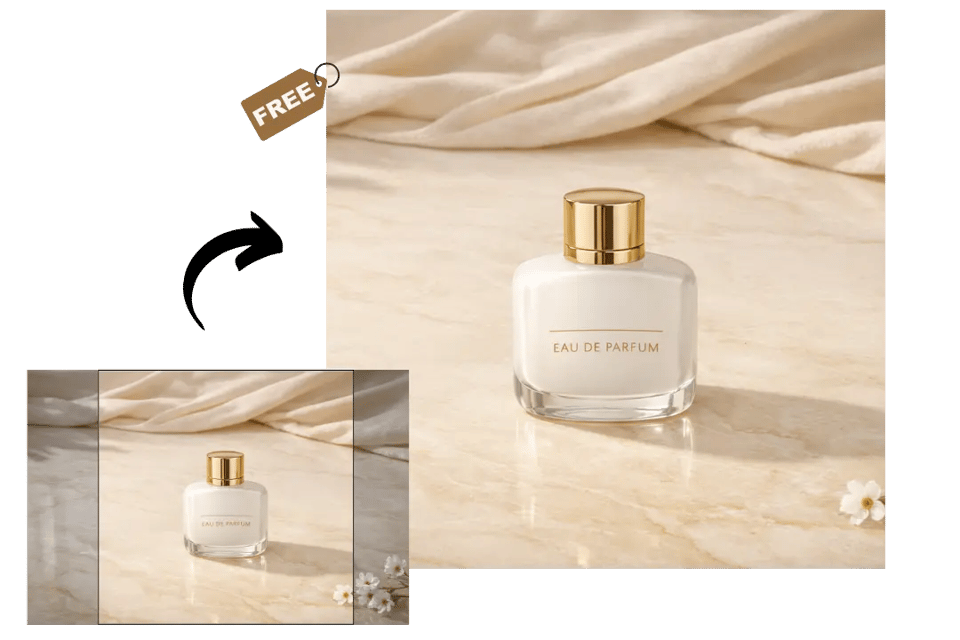
用一键裁图简化日常编辑
对于快速调整构图的需求,Bylo.ai 图像裁剪工具可作为实用的一键裁图工具,帮助用户在无需繁琐操作的情况下优化图像布局。只需选定尺寸并输入视觉中心,我们的图像裁剪工具即可为肖像、产品、旅行照片等日常视觉内容生成更干净的结果。
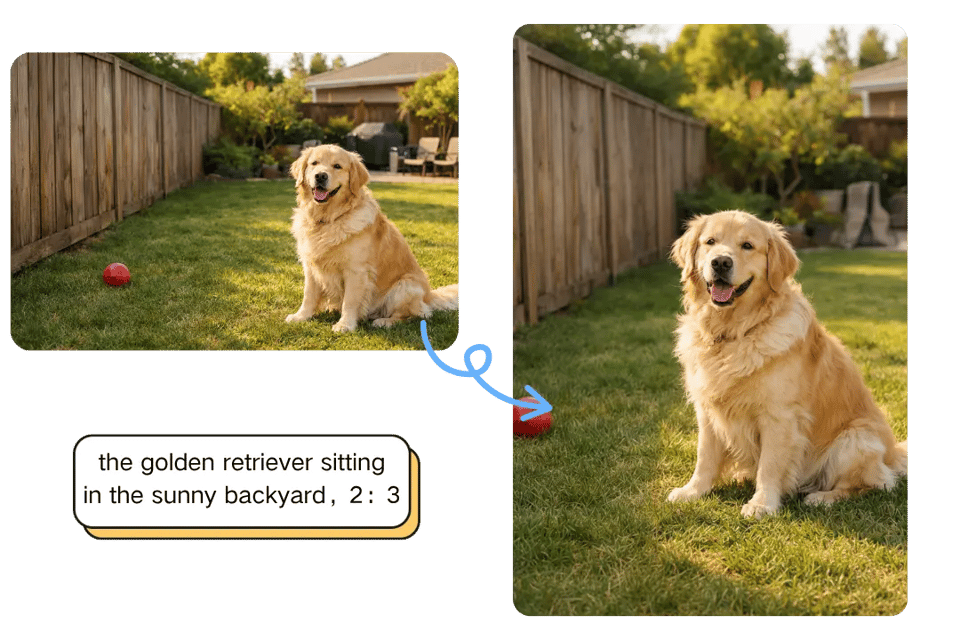
支持多种比例,更灵活地裁剪照片
不同图片需要不同的画面比例,Bylo.ai 的图像裁剪工具支持多种宽高比,让裁剪更简单自然。无论您想要正方形裁剪、横向宽幅构图,还是竖向高挑画面,我们的图像裁剪工具都能帮助用户更自然地调整画面构图,同时将最重要的视觉区域保持在中心位置。
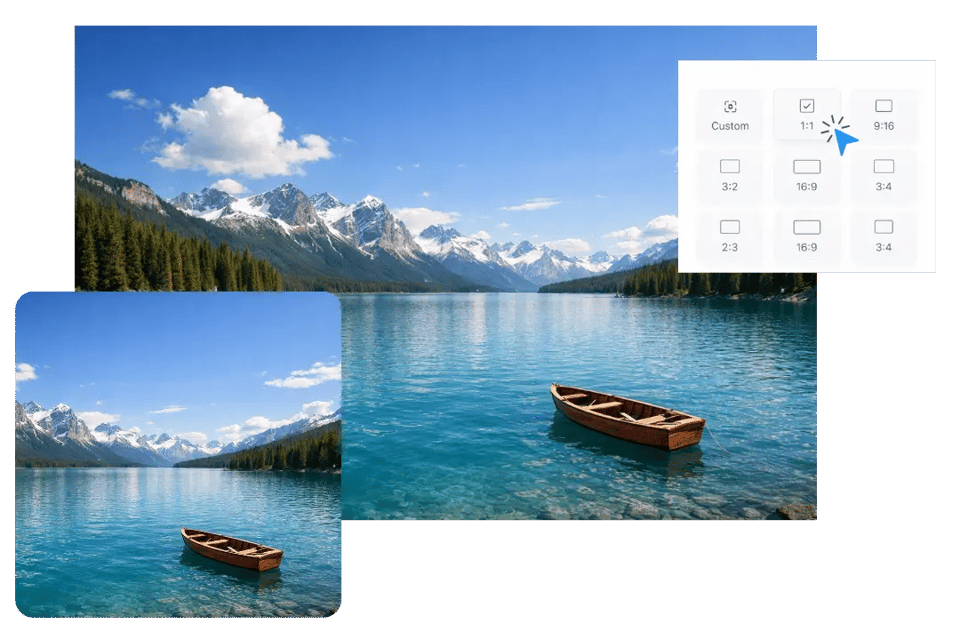
让社交媒体内容更有吸引力的图像裁剪工具
不同的社交平台布局通常需要更清晰的构图和更突出的视觉焦点,使图片更具目的性。Bylo.ai 的图像裁剪工具通过轻松调整关键主体周围的裁剪区域,帮助用户制作更干净、更平衡、更-ready to share 的社交媒体图片、封面和头像。
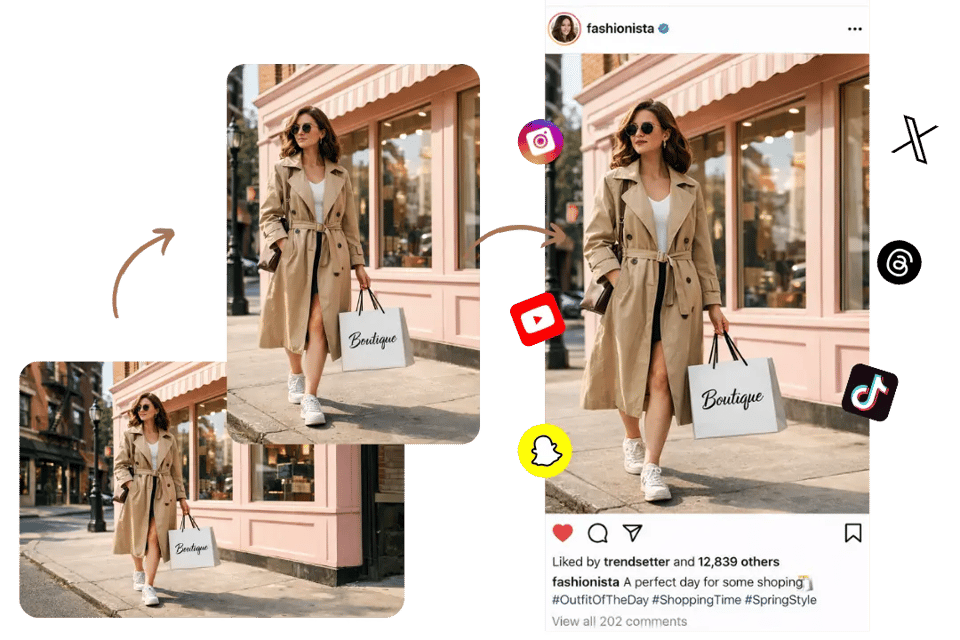
裁剪让画面更平衡
一个更好的裁剪可以让图片更有质感,而无需改变原始主题或风格。Bylo.ai 图像裁剪工具通过减少分散注意力的边缘区域,聚焦于最强的视觉点,使最终图像更紧凑、更清晰、更具视觉条理性。
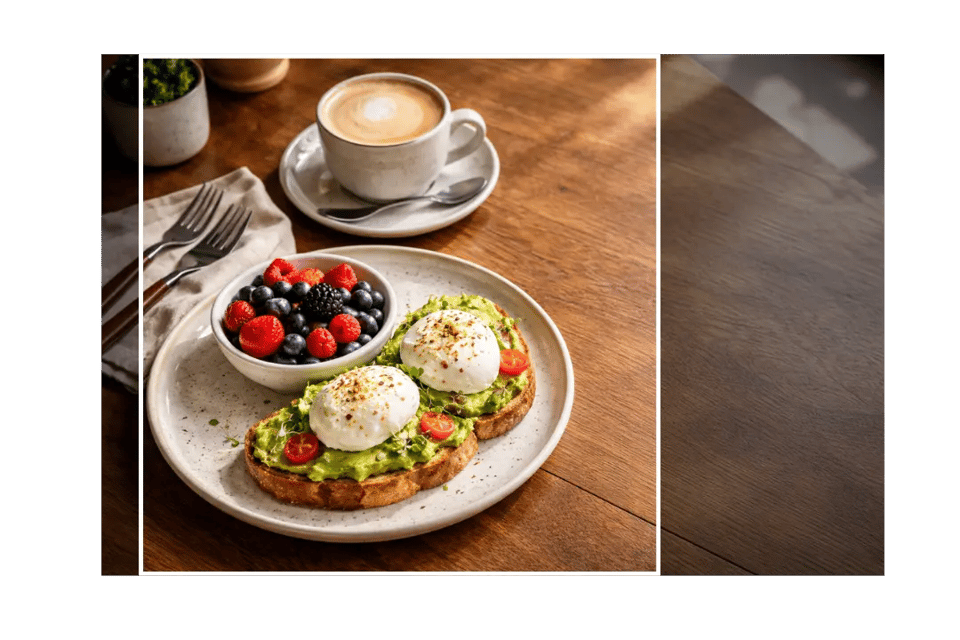
在Bylo.ai上更自然地裁剪日常图像
用裁剪工具让照片更上镜
Bylo.ai 图像裁剪工具特别适合处理背景过宽或构图不够平衡的人像照片。用户只需选择裁剪尺寸并设定视觉中心,即可让面部、上半身或完整主体保持清晰焦点,同时让最终图像看起来更干净、更紧凑、更具自然感。
为产品图片设计更简洁的视觉布局
一张经过精心裁剪的产品图往往显得更加清晰、精致,且适用于不同展示需求。通过 Bylo.ai 的图像裁剪工具,用户可以更精准地裁剪主物品周围的区域,使产品视觉效果更加聚焦、平衡,同时减少多余背景空间带来的干扰。
用于社交媒体图文和资料页的图像裁剪
社交媒体内容通常需要更简洁的画面以确保主体在不同布局中重点突出。Bylo.ai 图像裁剪工具可以帮助用户调整照片、个人资料图、封面风格图形等社交媒体内容的构图,始终将裁剪焦点放在最重要的视觉区域。
裁剪旅行与日常照片,优化画面构图
并非每张照片都需要复杂编辑才能获得更佳效果。有时,一个简单的裁剪就能去除干扰元素、改善画面平衡,并突出场景中最吸引人的部分。Bylo.ai 的图像裁剪工具帮助用户更自然地处理旅行照片、美食图片、宠物照片及其他日常视觉内容的构图。
为什么人们选择Bylo.ai来裁剪图片
适用于日常使用的免费图像裁剪试用版
Bylo.ai’s Image Cropper gives users an easy way to try image cropping before moving on to more advanced edits. Whether you want to improve framing, remove unnecessary outer areas, or create a cleaner composition, our Image Cropper helps you get started with less friction and see how a better crop can quickly improve the final visual.
简单易用的图像裁剪工具,轻松实现日常编辑
Bylo.ai Image Cropper is built to feel straightforward for different kinds of everyday image adjustments. Instead of dealing with a complicated editing process, users can simply choose the crop size, enter the visual center, and create a cleaner frame with less effort, making our Image Cropper useful for portraits, product photos, social content, and other common visual needs.
快速便捷的图像裁剪工具,轻松实现高效编辑
Bylo.ai’s Image Cropper helps users make framing changes in a faster and more convenient way when an image needs a cleaner layout without extra editing steps. By combining the selected size with the visual center you enter, our Image Cropper makes it easier to get a more balanced result quickly for everyday visuals, creative content, and simple photo cleanup.
不止是图像裁剪工具——还集成其他AI图像编辑功能
Bylo.ai offers more than a single Image Cropper. After cropping an image for a cleaner composition, users can continue refining their visuals with other Bylo.ai image editors for rotation, enhancement, sharpness improvement, background editing, and broader creative adjustments in one place. For images that need clearer time-based context after the composition is adjusted, users can also continue with Add Date to Photo on Bylo.ai to place a visible date stamp on the final image more naturally.