
Select the model you want to generate your image with.
在线免费灰度图像转换工具
通过Bylo.ai快速将图片转换为灰度图,几秒钟内生成清晰、对比平衡的黑白图像。
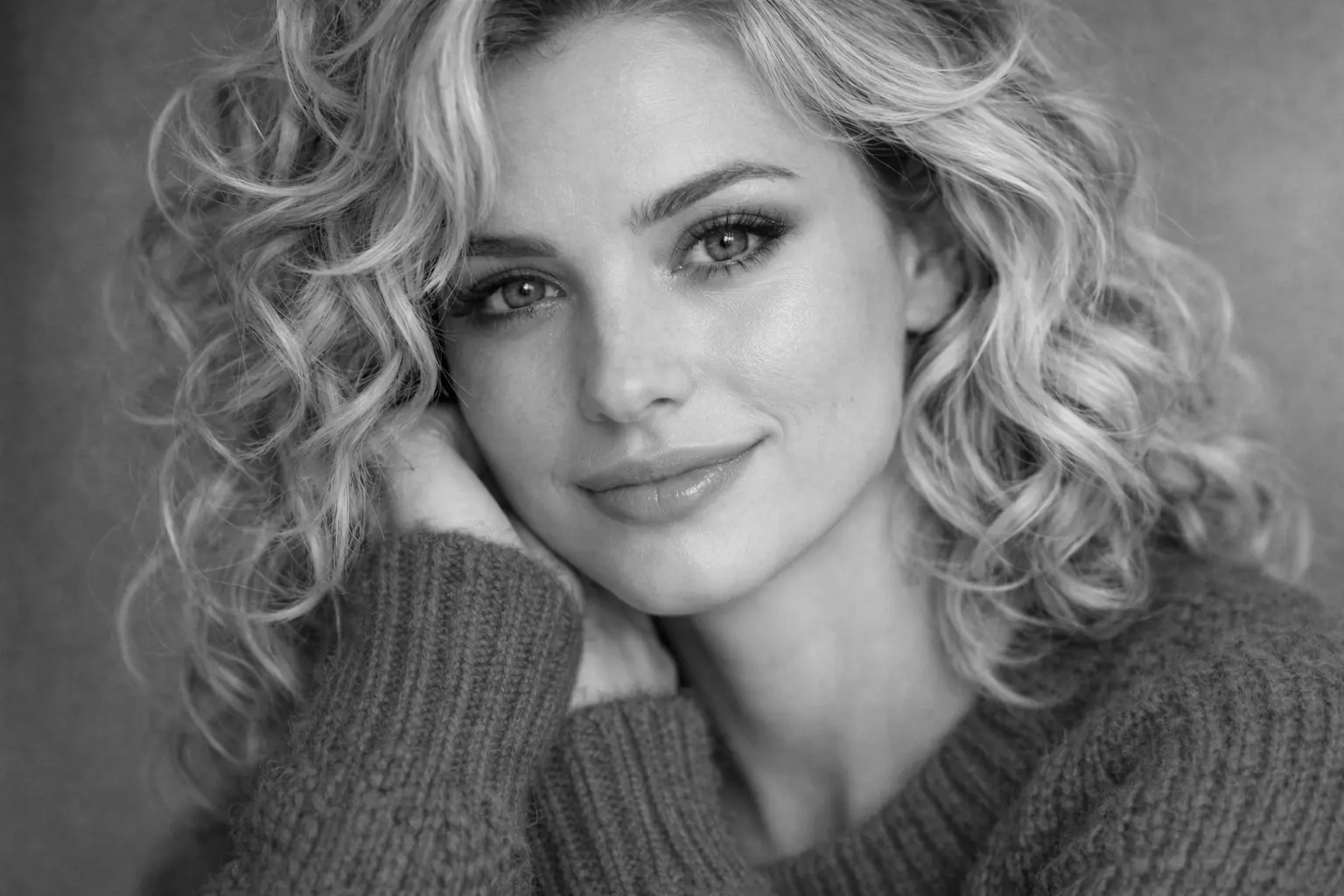
Your Generated Images
如何使用 Bylo.ai 免费在线将图片转换为灰度图像
只需几步操作即可开始使用我们的平台。
上传图像
将您想要编辑的图像上传至 Bylo.ai 的图像转灰度工具。图像加载到工作区后即可开始灰度处理。该工具会自动优化图像,在保留原始光影、结构和视觉细节的同时完成转换。
图像转灰度
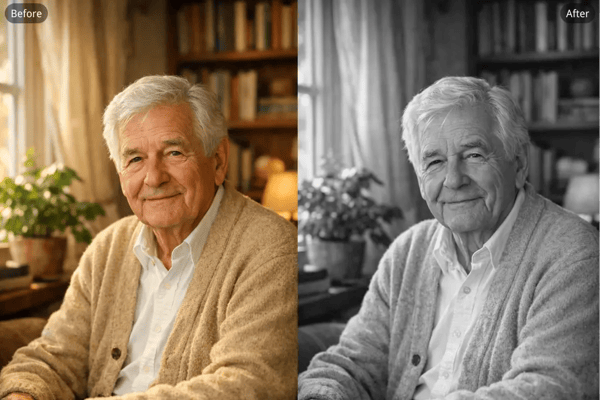
点击灰度选项,立即把图像转换为黑白。Bylo.ai 会移除颜色信息并重新计算色调亮度,使图像平滑过渡为黑白色调,同时保持自然对比度与层次感。
下载灰度图像
转换完成后可预览灰度效果并下载图片。最终的灰度版本保留原图的清晰度和亮度层次,适用于创意项目、视觉设计或社交媒体使用。
Bylo AI灰度图像转换器的主要功能
一键在线转换图片为灰度图像
通过 Bylo.ai 的灰度图像转换工具,您可以一步完成在线图像转灰度图像操作。上传照片后,工具会自动去除颜色信息,并重新计算亮度层次,使生成的黑白图像保持自然对比度、光线平衡和视觉结构。
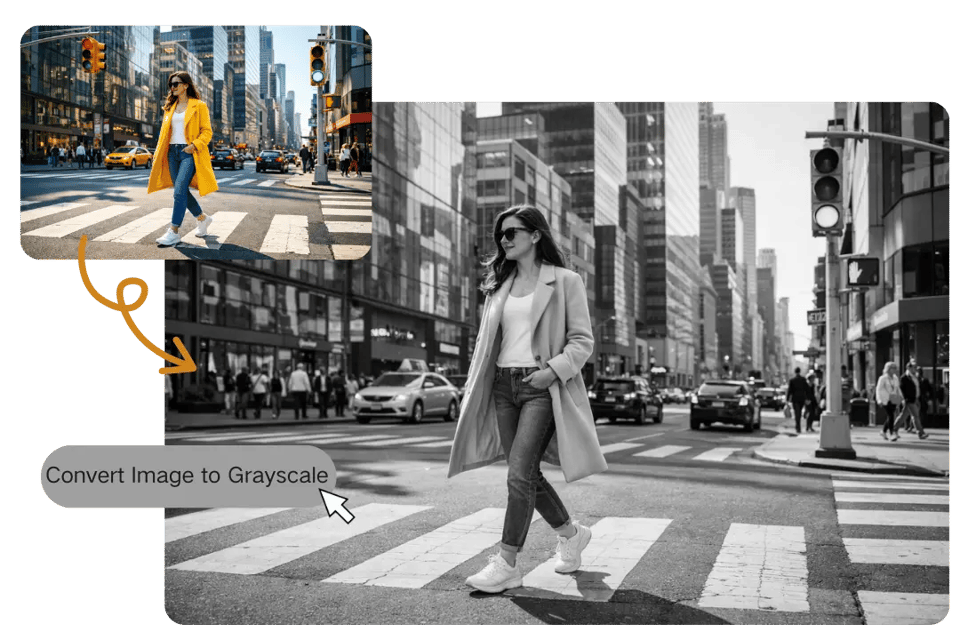
可调节强度地将彩色照片转为灰度图像
我们的灰度图像转换器支持调整灰度强度,将彩色照片转换为灰度图像。通过优化对比度和亮度,您可以创造出从柔和灰阶到强烈黑白对比的不同单色风格,呈现更具视觉冲击力的效果。
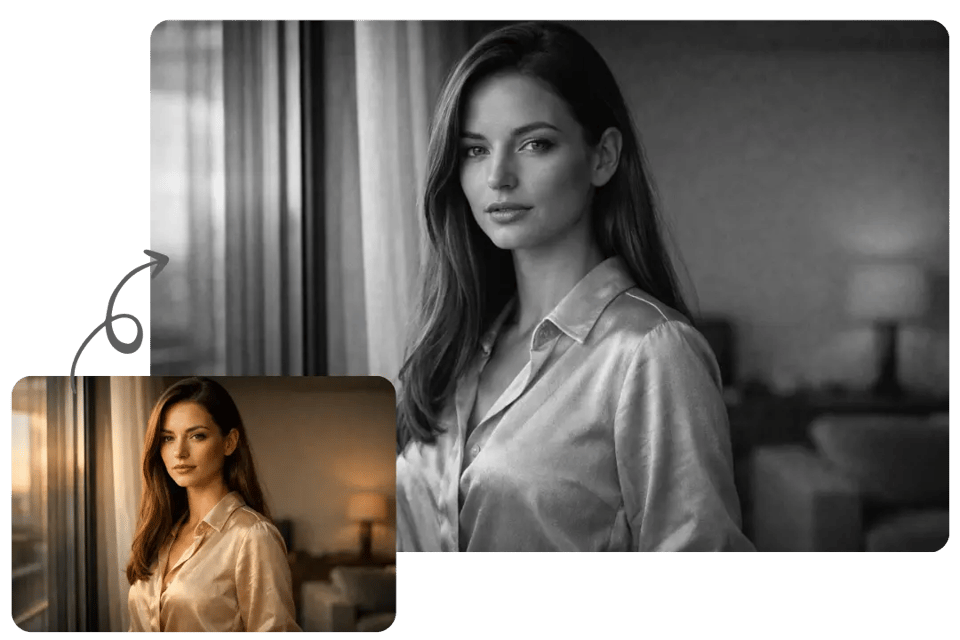
转换图像为灰度图像,同时保留细节与纹理
使用Bylo.ai的图像灰度转换器,您可以将图片转为灰度图,同时保留照片的细节表现力。转换过程中保持纹理、边缘和光影关系,使人像、物体和建筑结构在去色后依然清晰自然。
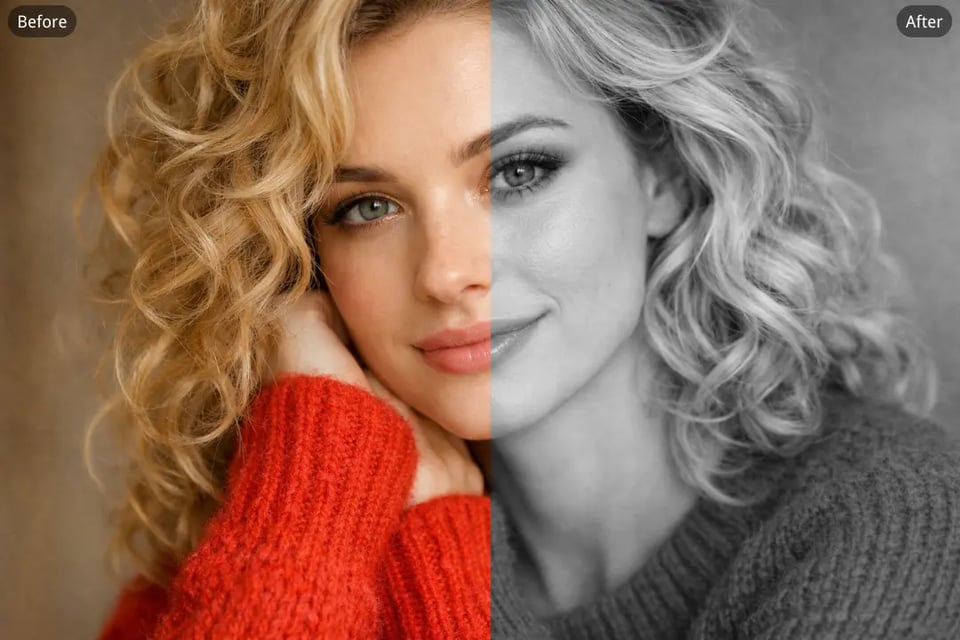
将图片转为灰度图,营造复古与艺术风格
我们的灰度图像转换器还能帮助您将照片转为灰度图,还原经典摄影风格的黑白视觉效果。通过强调对比度与构图,该工具轻松生成具有艺术感的黑白图像,适用于创意设计、摄影或视觉叙事。
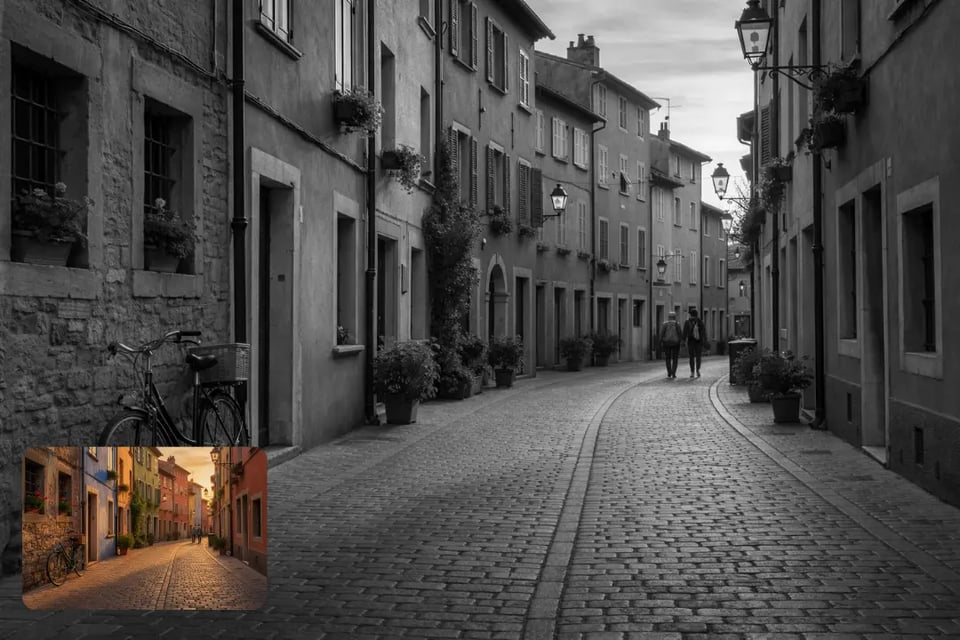
使用Bylo AI灰度图像转换器,轻松生成永恒的黑白瞬间
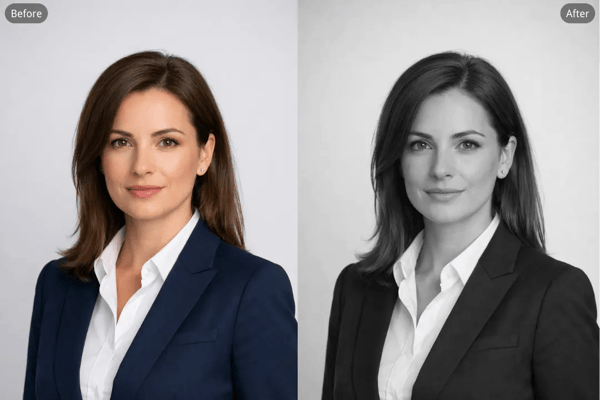
将人像照片转为灰度图,制作专业头像
Many users convert portrait photos to grayscale for professional headshots because monochrome images emphasize facial structure, lighting, and expression. By removing color distractions, grayscale portraits highlight shadows and contours, helping the subject appear more focused and visually refined.
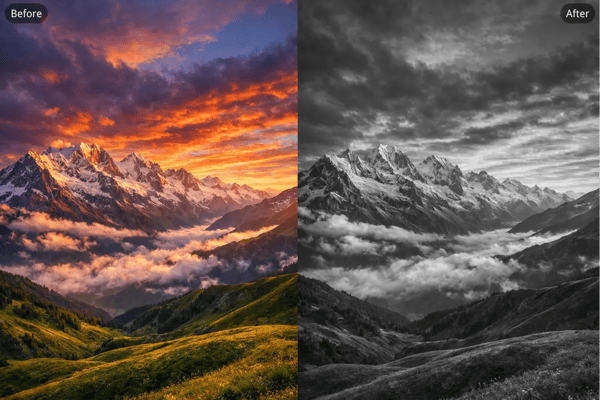
将风景照片转为灰度图,还原经典黑白摄影风格的视觉效果
Photographers often convert landscape photos to grayscale to create a timeless black-and-white photography style. Without color, elements such as clouds, buildings, mountains, and shadows become more prominent, allowing composition and tonal contrast to shape the mood of the scene.
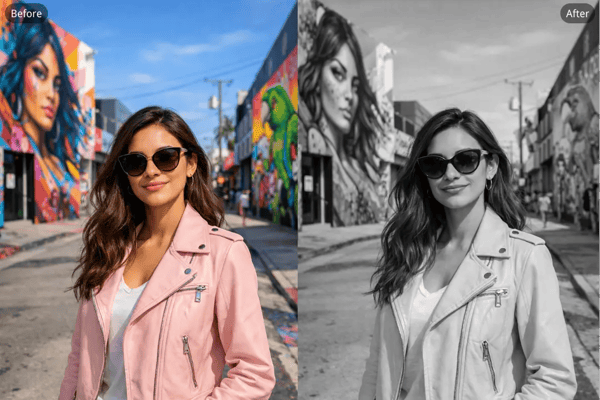
将图片转为灰度图,适用于社交媒体头像
Creators frequently convert images to grayscale for profile pictures to achieve a clean and minimal aesthetic on platforms like Instagram or LinkedIn. A monochrome avatar can stand out in a busy feed while maintaining clear facial features and balanced contrast.
将老照片转为灰度图,制作纪念性肖像
Families sometimes convert old photos to grayscale for memorial portraits when creating remembrance visuals for loved ones. A grayscale style gives the image a quiet, timeless tone while preserving the original portrait details and emotional expression.
选择我们的理由:Bylo.ai 的图像转灰度图工具
免费图像转灰度图工具,快速获得黑白效果
Bylo.ai提供免费的图像灰度转换工具,无需复杂设置即可快速将图片转为灰度图。只需上传图片,工具会自动将彩色照片转换为平衡的黑白版本,同时保留自然的亮度与对比度。
在线快速将图片转灰阶的便捷工具
我们的图像转灰度图工具设计简洁直观,只需上传照片、应用灰度转换并即时预览结果,即使是没有任何图像编辑经验的用户也能轻松上手。
真实自然的视觉效果
通过 Bylo.ai 将照片转为灰度图时,系统会重新计算亮度与对比度,确保图像视觉上依然自然。高光、阴影和纹理保持清晰,生成的单色图像具有真实感,而非平淡或过度处理的效果。
不仅限于图像转灰度图,更多色彩编辑功能
除了图像转灰度图功能外,Bylo.ai 还提供多种色彩编辑工具,帮助您调整色调、尝试不同视觉风格、提升图像质感。让您在一个平台上轻松美化照片并进行创意编辑。