
Select the model you want to generate your image with.
在线免费为照片添加胡须
使用Bylo.ai的AI胡须滤镜,轻松体验逼真、经典或搞笑的胡须风格,无需手动编辑。
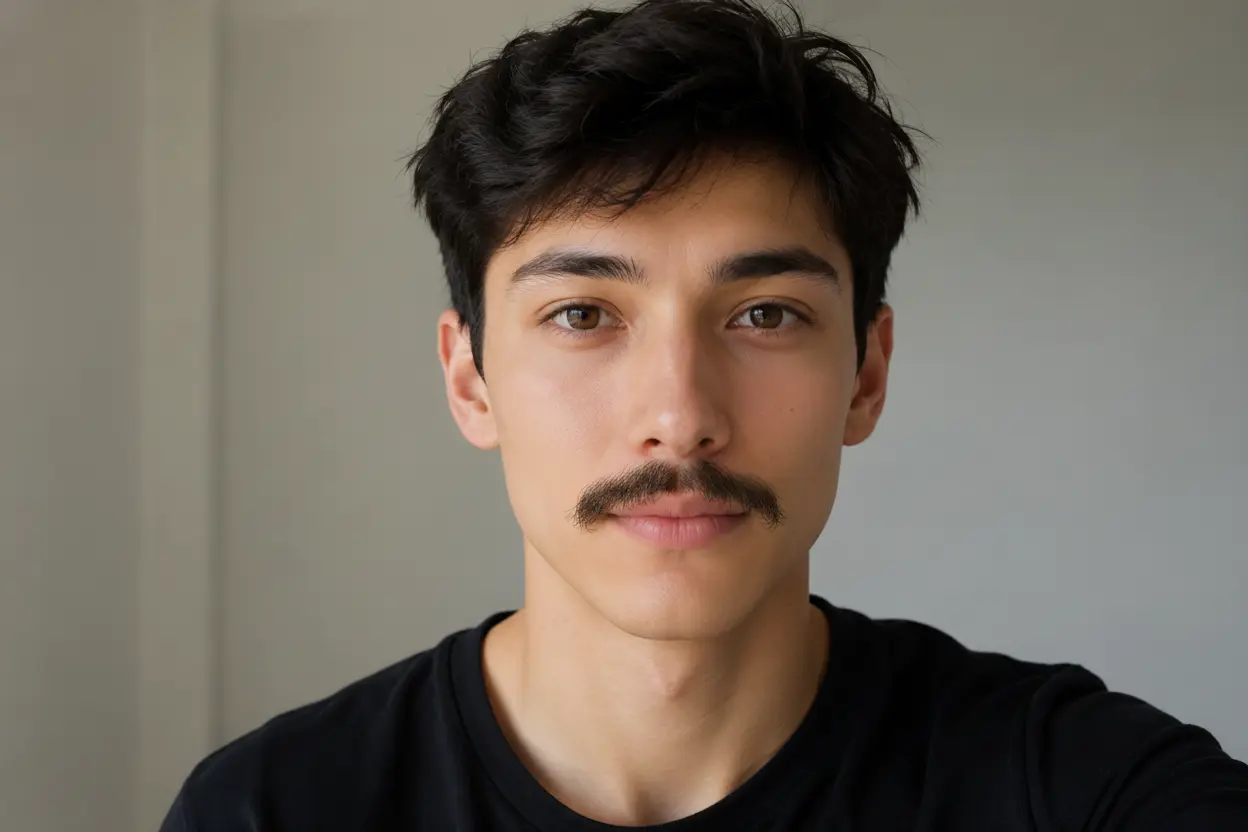
Your Generated Images
如何免费为照片添加胡须(Bylo.ai)
几步操作即可轻松上手我们的平台。
第一步:上传清晰的人像照片
选择自拍、头像或面部清晰的照片。正面照片在光线良好的情况下通常效果最佳,因为AI能更准确识别上唇区域、面部角度和自然阴影方向,从而更好地添加胡须。
第二步:描述你想要的胡须样式
输入简短提示语,描述你想要的胡须风格、颜色、粗细和氛围。你可以选择现实风格的八字胡、细铅笔胡、卷曲眉须,或者搞笑夸张的胡须样式,适用于自然测试或趣味照片编辑。
第三步:生成并保存新形象
点击‘生成’按钮,让我们的AI胡须滤镜为你的照片添加胡须。结果能匹配人物的脸型、唇部轮廓、光线和原始表情,让编辑后的照片更自然,而不是简单地贴上一张贴纸。
Bylo.ai AI 胡须滤镜的主要特色
智能匹配面部特征,自然地添加胡须
好的胡须编辑不应显得像贴纸。通过 Bylo.ai 的 AI 胡须滤镜,可以沿着自然的上唇区域放置胡须,并匹配人物的面部角度、光线、发色和肤色。这样可以帮助用户为自拍、肖像、头像或前后对比测试等照片添加更可信的胡须效果。
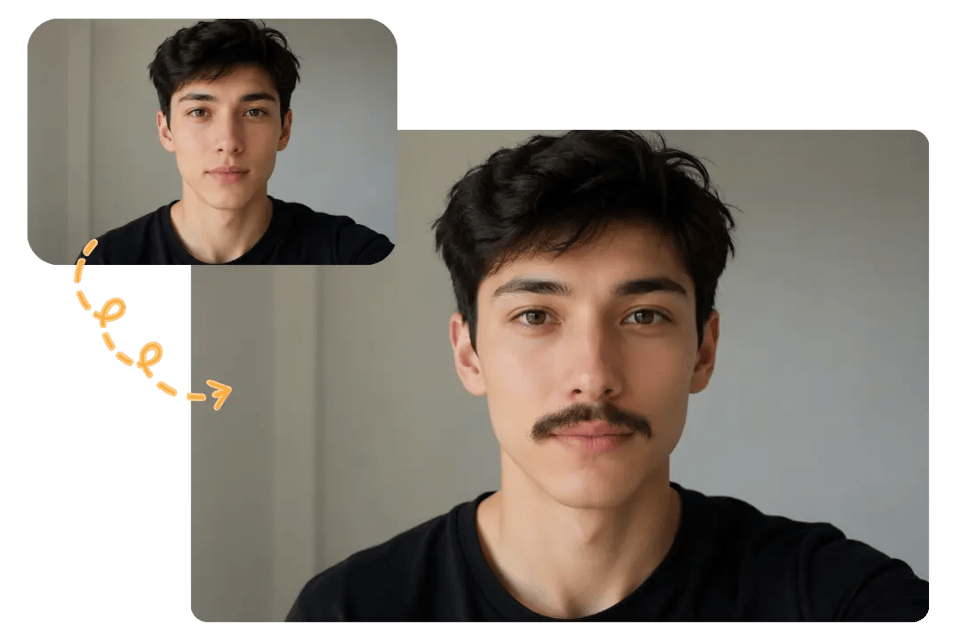
试试看经典与搞笑风格的 AI 胡须滤镜
不同用户对胡须效果的需求各异,从轻微的造型预览到夸张的搞笑效果都能实现。Bylo.ai 的 AI 胡须滤镜支持用户通过简单描述来选择想要的风格,例如八字胡、铅笔胡、弯月胡、海象胡或派对搞笑胡须,让结果更个性化。
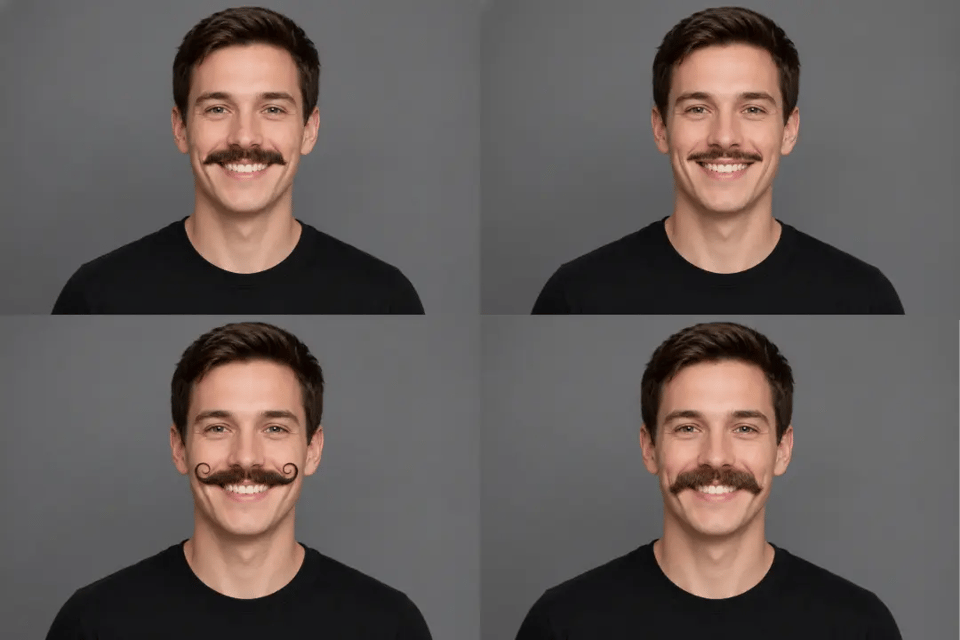
在线添加胡须到照片,保持原图真实感
在编辑人像时,面部、表情、服装、背景和构图应保持稳定。Bylo.ai 帮助用户在线为照片添加胡须,而无需改变主体身份或让图片显得过度修饰。胡须成为主要变化元素,而原本人像依然保持熟悉且干净的感觉。
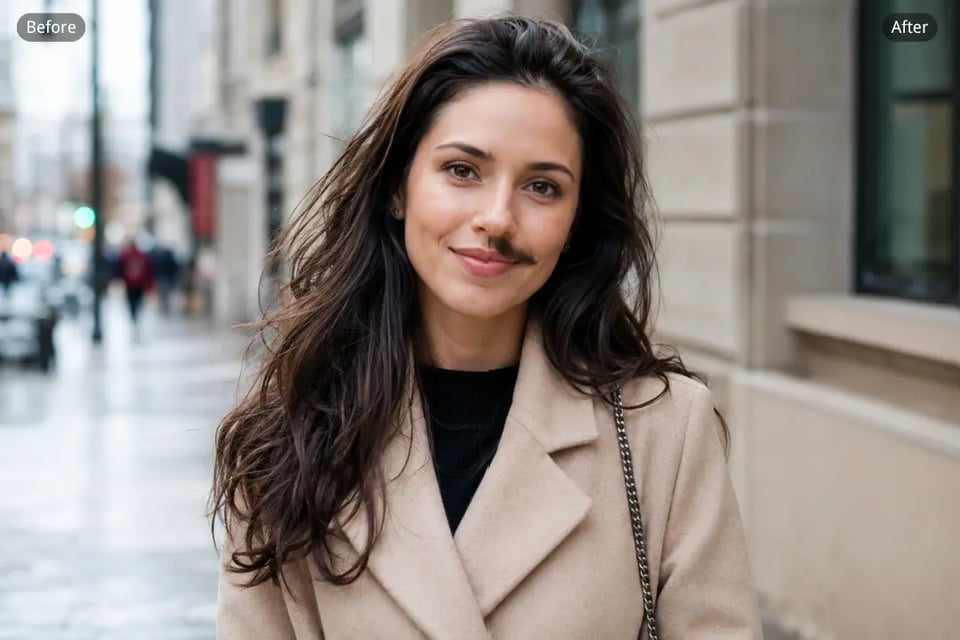
制作可分享的 AI 胡须滤镜照片,用于社交互动
胡须编辑特别适用于轻松有趣的社交内容、朋友恶作剧、主题帖、Movember 视觉效果、角色创意以及宠物照片。通过 Bylo.ai,用户可以将普通肖像快速转换为更具记忆点的 AI 胡须滤镜照片,既有趣又便捷,适合群聊、个人资料更新或社交媒体发布。
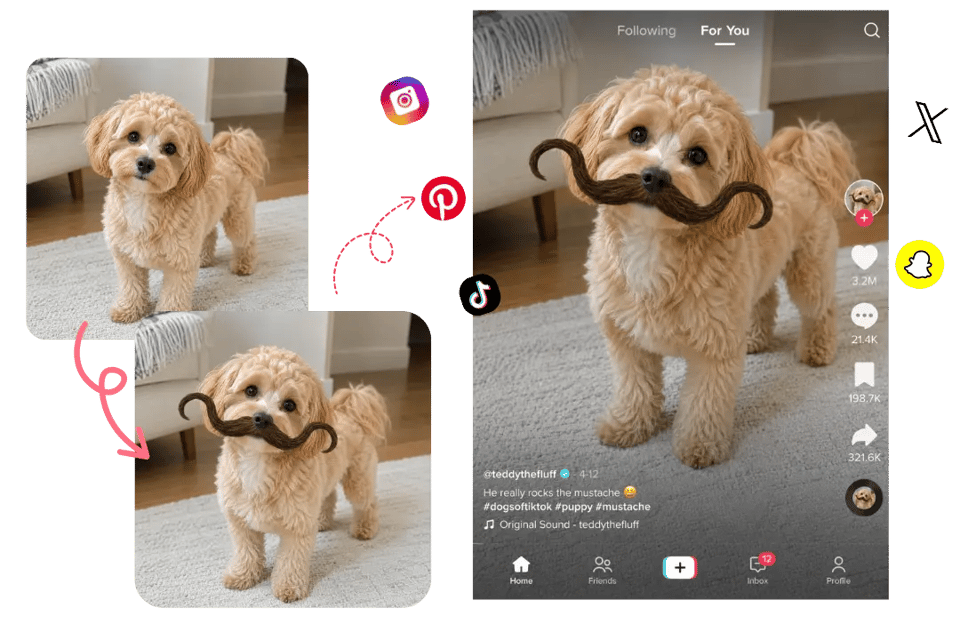
用“添加胡须”功能可以创作出什么?
在尝试不同风格前预览胡须效果
对于正在考虑留胡须的用户来说,可以在做出真实造型决定前,通过 Bylo.ai 的 AI 胡须滤镜预览不同风格的胡须。该工具能将干净的人像快速转换为多种胡须样式(如八字胡、铅笔胡、弯月胡、马蹄胡或自然日常款)的虚拟试戴,帮助用户更直观地判断哪种风格更适合自己的脸型。
为朋友制作有趣 AI 胡须滤镜编辑
自拍、朋友照或合照可以轻松变成有趣的胡须编辑,用于聊天图、生日笑话、反应图或日常社交分享。Bylo.ai 的 AI 胡须滤镜可在保留原始面部、表情和姿态的基础上添加幽默的胡须,让结果既搞笑又不失人物本色。
Create Themed Photos with Add Moustache to Photo Effects
Movember、无须月、派对装扮、复古概念和怀旧活动视觉素材都可以通过快速添加胡须来增强趣味性。Bylo.ai 帮助用户为头像更新、宣传帖、活动图或主题肖像添加胡须效果,同时保持图像比普通贴图更干净。
使用 AI 胡须滤镜创建人物肖像
作家、艺术家、RPG玩家和游戏创作者可以利用胡须编辑来尝试面部毛发如何改变角色的年龄、情绪、职业或视觉形象。Bylo.ai 的 AI 胡须滤镜可在肖像中添加粗犷、优雅、幽默、复古或戏剧性的胡须细节,而无需从头重建整个角色图像。
为什么选择 Bylo.ai 为照片添加胡须?
免费试用“添加胡须”功能,快速体验不同风格
Bylo.ai gives users a free trial to test moustache edits before moving into more advanced photo creation. You can upload a portrait, try realistic or funny moustache styles, and check how the final look fits your face without needing complex editing software.
简单易用的 AI 胡须滤镜,便捷编辑
The AI Moustache Filter works through a straightforward upload-and-prompt workflow. Users only need to describe the moustache style they want, such as a pencil moustache, chevron moustache, or handlebar moustache, and Bylo.ai handles the facial placement, blending, and generation process.
自然逼真的“添加胡须”结果,自然贴合面部特征
A good moustache edit should match the upper lip area, face angle, lighting, skin tone, and natural hair color. Bylo.ai helps users add moustache to photo results that feel integrated with the original portrait instead of looking like a flat sticker or rough overlay.
更多面部编辑工具,不仅限于 AI 胡须滤镜
Bylo.ai also supports broader face editor workflows beyond moustache edits. After using the AI Moustache Filter, users can explore beard effects, hairstyle changes, makeup edits, portrait retouching, funny filters, and other AI-powered face transformations in one place.