
Select the model you want to generate your image with.
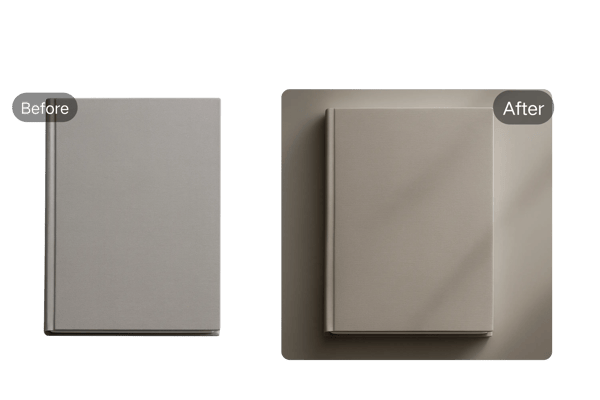
Add Shadow to Image Easily with AI Shadow Maker
Transform Your Images with Stunning Shadows – Powered by Bylo.ai!
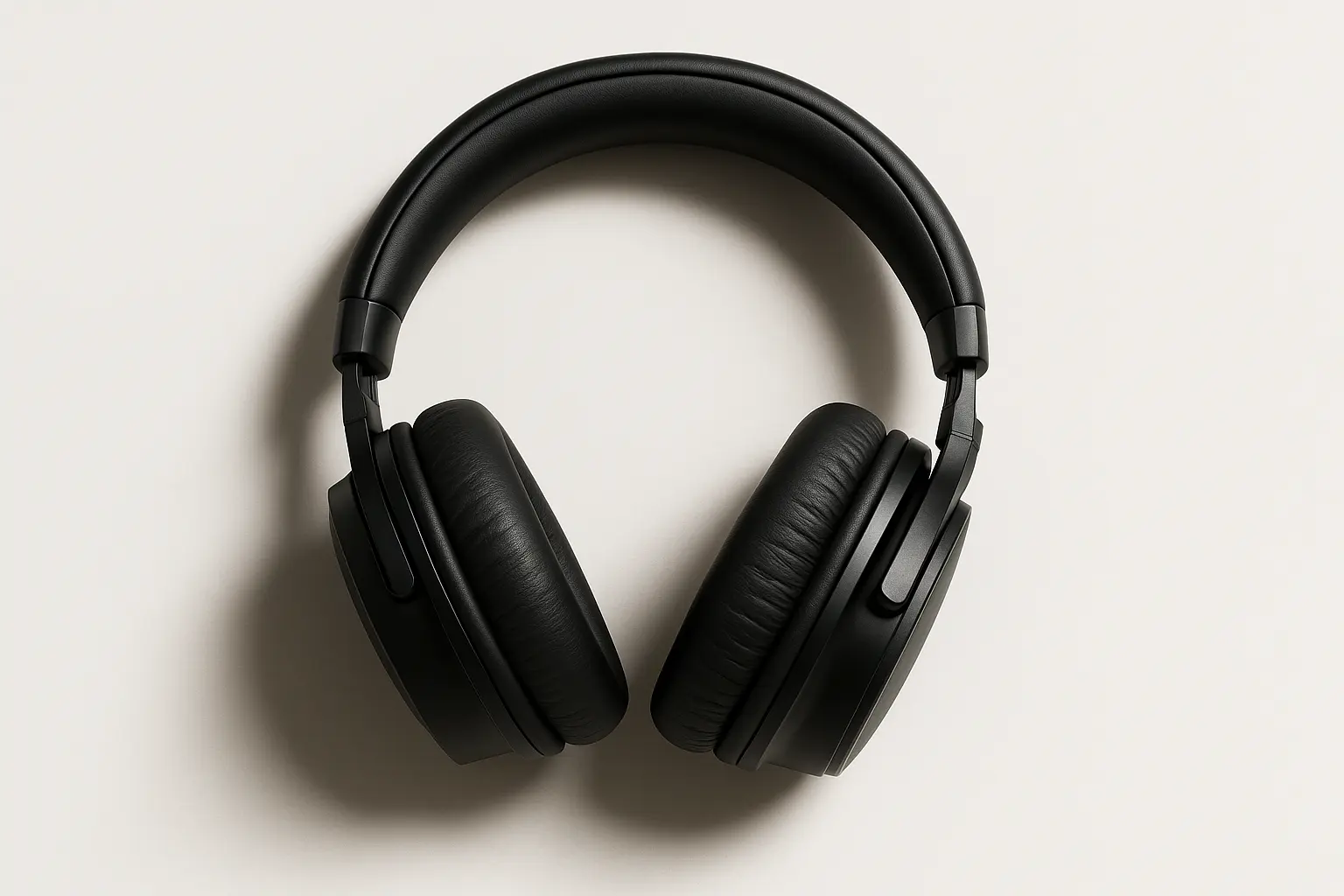
Your Generated Images
Key Features: Add Shadow to Image with Bylo.ai’s AI Shadow Maker
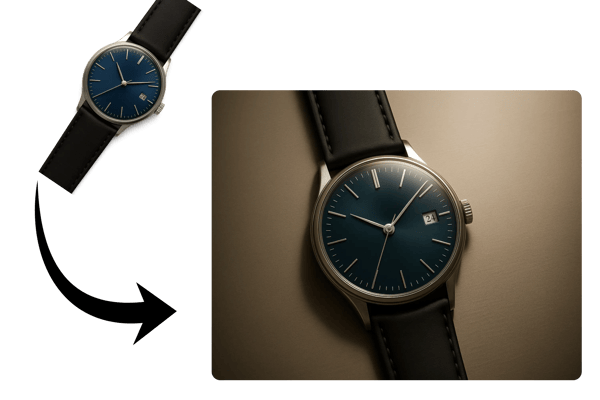
Shadow Sculpting Wizardry:
Craft shadows on pictures with precision, choosing from soft glows, dramatic picture in shadow effects, or layered pics of shadow for bold designs. Tweak angle, opacity, and blur to shape your vision.
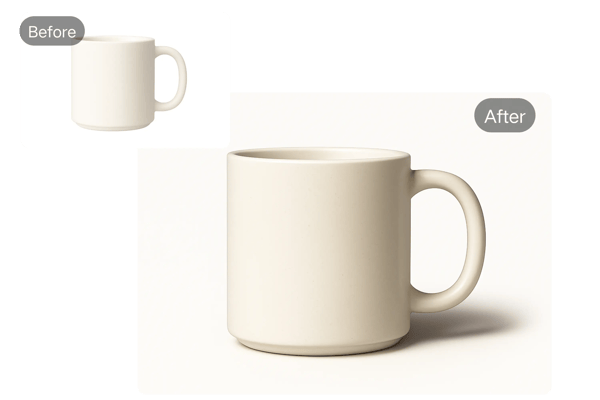
AI-Powered Shadow Alchemy:
The AI intuitively reads your image, conjuring natural shadowing images that blend seamlessly, saving you hours of manual editing for a perfect shadow picture.
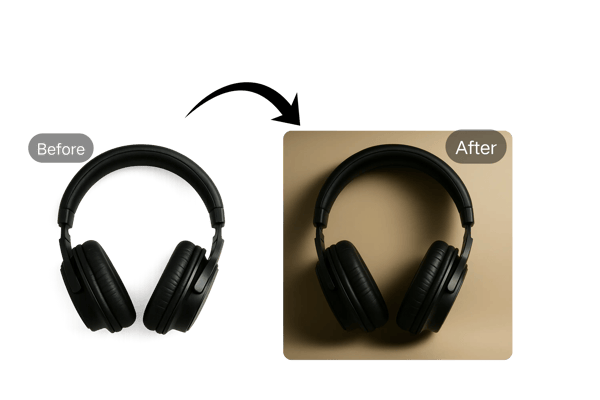
Dynamic Multi-Shadow Effects:
Stack multiple images of shadows for a cinematic depth, ideal for creating striking shadowing pictures that elevate product shots or artistic creations.
Web-Optimized Brilliance:
Export pics with shadow in high-resolution JPEG, PNG, or WebP, balanced for crisp visuals and fast load times, ensuring your image of a shadow shines online.
How to Add a Shadow to an Image Using Bylo.ai
Upload Your Photo
Start by uploading a high-resolution image. This will be the base for your shadow picture or shadowing images project.
Customize Your Shadow
Use Bylo.ai’s intuitive editor to adjust blur, offset, color, and spread. Choose the perfect shadow style for your picture in shadow or shadow picture.
Generate and Download
Once satisfied, click 'Generate' and download your shadowed image in your preferred format.
Use Cases for Adding Shadows to Images
E-Commerce Product Photos:
Add a drop shadow to image for product listings to make items pop against clean backgrounds, increasing click-through rates.
Social Media Content:
Create eye-catching shadowing pictures for Instagram or TikTok posts, drawing attention with dynamic pics with shadow.
Website Design:
Use images of shadow to highlight buttons or banners, guiding user focus and improving site navigation.
Graphic Design Projects:
Experiment with shadowing images for posters or digital art, adding depth to create professional-grade shadow pictures.
What Users Say About Adding Shadows to Images with Bylo.ai
Bylo.ai’s shadow maker transformed my design workflow. Adding a drop shadow to image is so intuitive, and the AI suggestions are spot-on!
Emma T.
Graphic Designer
I used to struggle with product photos looking flat. Now, with picture shadowing, my listings look professional and attract more clicks.
Liam S.
E-Commerce Owner
The ability to add a shadow to an image for my blog visuals has made my posts pop. It’s a game-changer for engagement!
Sophie R.
Blogger
Creating pics of shadow for Instagram is effortless with Bylo.ai. The customizable options let me match my brand perfectly.
Noah K.
Social Media Manager
I love how I can create shadow pictures for my thumbnails in minutes. It makes my videos look polished and clickable!
Ava L.
YouTuber
Bylo.ai’s images of shadows are optimized for web performance, which is crucial for my clients’ sites.
James P.
Web Developer
Frequently Asked Questions About Adding a Shadow to an Image
Is Bylo.ai’s Shadow Maker Free to Use?
Yes, Bylo.ai offers a free trial for creating your first shadow image. You can explore its full features before subscribing.
Can I Use AI-Generated Shadow Images Commercially?
Commercial usage is available with a subscription. Visit Bylo.ai’s terms of service to understand usage rights.
How Long Does It Take to Add a Shadow to an Image?
It only takes a few minutes. The AI generates your image of a shadow quickly while ensuring quality.
Do I Need to Install Software to Use Bylo.ai’s Shadow Maker?
No installation is required. Bylo.ai’s picture shadow tool is entirely web-based and device-friendly.
What File Formats Can I Download?
You can download images with shadows in JPEG, PNG, or WebP formats, all high-resolution and web-ready.
Is My Personal Information Secure?
Yes. Bylo.ai does not store your images after session completion, ensuring privacy during the shadowing process.