
Select the model you want to generate your image with.
Create Stunreening Mirror Images Free Online
Bylo.ai lets you mirror images instantly with custom angles—try it free and no registration needed.
Your Generated Images
How to Create a Mirror Image Free With Bylo.ai
1.Upload Your Image
Choose a JPG or PNG image from your device and upload it to Bylo.ai. Make sure the image is clear and ready for editing.
2.Input Mirror Style
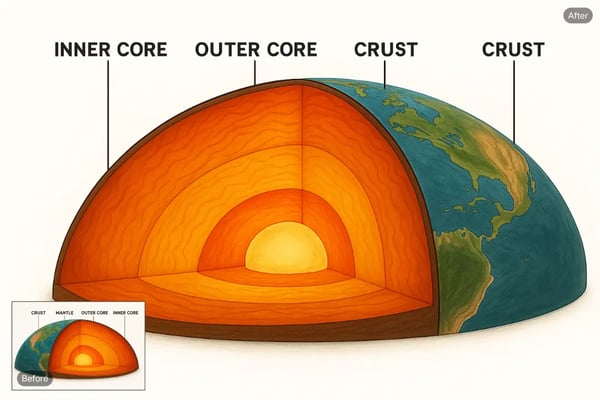
Enter your desired mirror style—horizontal, vertical, or a custom angle—to flip your image precisely.
3.Save Your Image
Once the mirrored image is generated, preview the result and download it to your device for your creative projects.
Key Features of Bylo.ai's AI Image Mirroring Tool
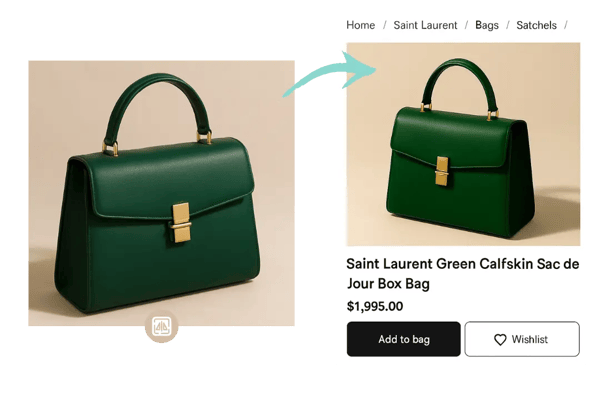
AI-Powered Product Photo Mirroring
Our AI ensures precise mirror effects for product photography. Input custom angles to flip a jewelry photo, creating a symmetrical showcase for an online store’s ad campaign, enhancing visual appeal and customer engagement.
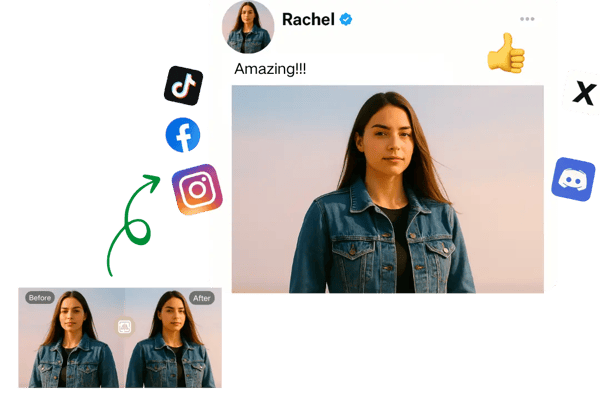
Create Reverse Images for Social Media
Easily reverse your portrait image—horizontally, vertically, or at a custom angle—to create a standout profile picture for social media. This reversed image effect brings a fresh, artistic touch that grabs attention and expresses your unique style. And if you want the background to match your new look, our AI background generator makes it easy to create something that fits perfectly.
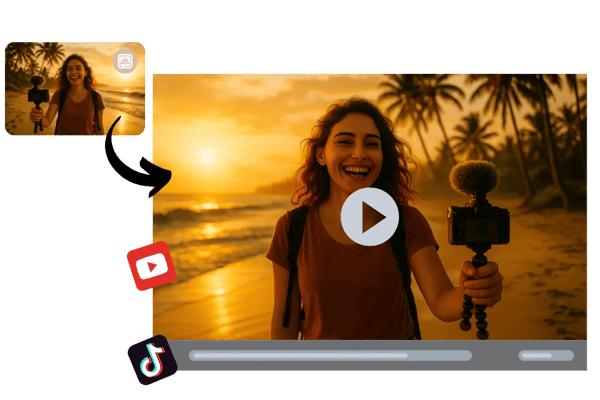
Instant Vlog Image Inverter
Quickly flip a video thumbnail with your chosen mirror style to create a captivating vlog intro. A mirrored beach scene adds a reflective twist that grabs viewers’ attention on YouTube.
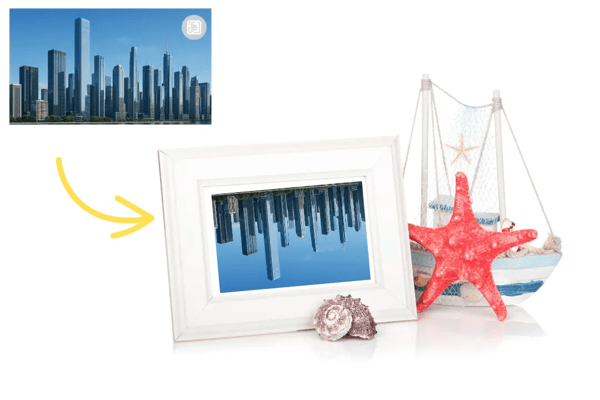
Flexible Poster Design Image Reflector
Input custom mirror angles to reflect a cityscape or artwork for a poster design. Create a visually striking, symmetrical layout perfect for music festivals or art exhibitions.
Versatile Mirror Image Applications for Creative Projects
Event Photography Mirror Effects
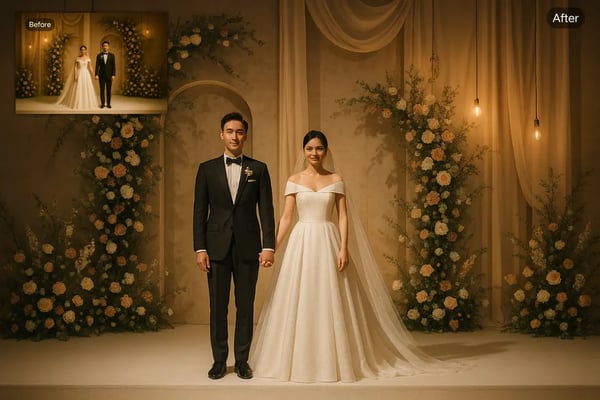
Create mirrored wedding photos with custom angles for romantic, symmetrical shots, perfect for enhancing albums or client previews with emotional depth.
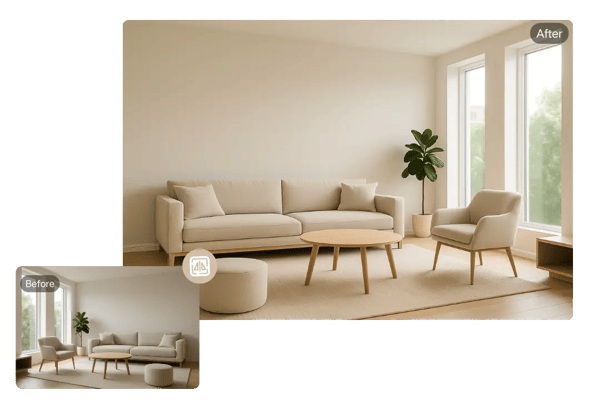
Interior Design Image Flipping
Flip room images to showcase balanced layouts, helping clients visualize mirrored decor for home staging or real estate presentations.
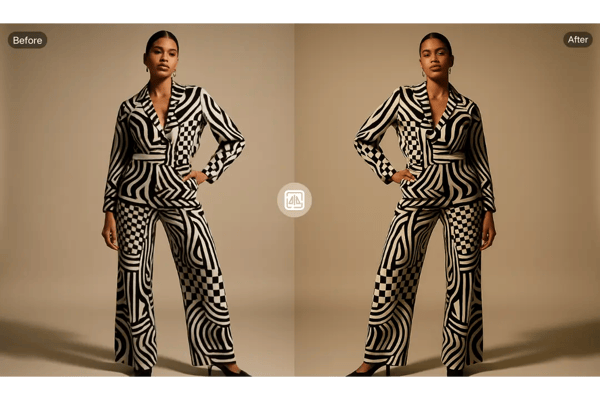
Fashion Lookbook Image Reflection
Mirror outfit photos with custom tilts to highlight symmetry in clothing designs, ideal for creating striking fashion catalogs or portfolios.
Educational Visuals Image Mirroring
Mirror diagrams at specific angles to create engaging visuals for textbooks or online courses, enhancing clarity and visual appeal for students.
What Users Are Saying About Bylo.ai’s Image Mirroring Tool
Bylo.ai's custom mirror styles made my Instagram portraits pop with a unique vibe.
Sarah T.
Social Media Influencer
I mirrored product shots for my shop, and the angled flips added such a cool effect!
Mike R.
E-commerce Store Owner
The AI-powered mirroring created a perfect cityscape reflection for my blog.
Emma L.
Travel Blogger
Flipping logos with custom angles for my clients was so easy with Bylo.ai.
James K.
Graphic Designer
The custom tilt feature let me mirror travel photos for a stunning blog visual.
Lisa M.
Content Creator
Created a mirrored album cover with a unique angle. Bylo.ai is a game-changer!
Alex P.
Music Artist
FAQs About Bylo.ai's Mirror Image Tool
What is a mirror image?
A mirror image is a flipped version of a photo, either horizontally, vertically, or at a custom angle, creating a reflection-like effect for creative or corrective purposes.
Why should I mirror an image?
Mirroring enhances symmetry, corrects photo orientations, or adds creative flair to visuals for social media, designs, or professional projects.
How do I customize mirror styles?
Input your preferred mirror style—horizontal, vertical, or a specific angle—in our tool to create a tailored reflection effect.
Can I mirror images on any device?
Yes, Bylo.ai is a web-based tool that works seamlessly across various devices, including desktops, laptops, tablets, and smartphones. Whether you're using Windows, macOS, iOS, or Android, you can upload and mirror images directly from your browser—no installation needed.
Does mirroring affect image quality?
No, Bylo.ai preserves the original resolution and clarity of your images during the mirroring process. Our AI-powered engine ensures that no compression or distortion is introduced, so your final image remains sharp and professional.
What file formats are supported?
Bylo.ai currently supports JPG and PNG image formats, which are widely used for both web and print. These formats ensure compatibility and high-quality results when applying mirror effects.
Is Bylo.ai’s mirror image tool free to use?
Bylo.ai offers a free trial of its mirror image tool, giving you access to core features at no cost. For continued use or access to premium options, an upgrade may be required.