
Select the model you want to generate your image with.
All-in-One AI Skinny Filter for a Natural, Confident You
One click, zero cost—discover your best look with our free skinny filter.

Your Generated Images
How to Use Skinny Filter With Bylo.ai
Step 1: Upload Your Photo
Drag and drop your photo into the upload area. Our AI skinny filter supports high-resolution images for the best results.
Step 2: Apply the Skinny Filter
Our AI automatically applies the skinny filter, subtly refining body contours and facial features in seconds.
Step 3: Download and Share
Review your polished image, then download it or share it directly to social media.
Key features Of Bylo.ai's AI Skinny Filter
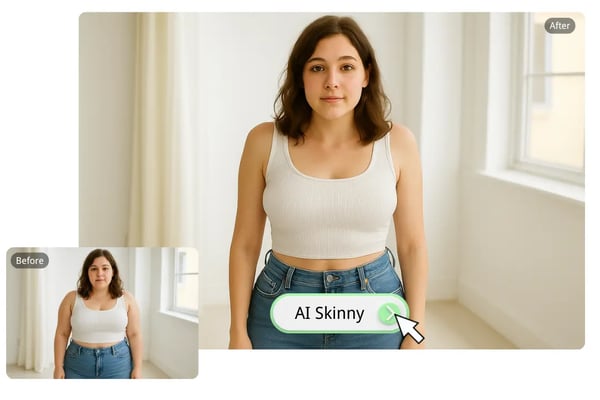
One-Click AI Skinny Filter for Effortless Slimming
Apply our AI skinny filter with a single click to instantly slim your body and face, perfect for quickly enhancing selfies or portraits with a natural, flattering look.
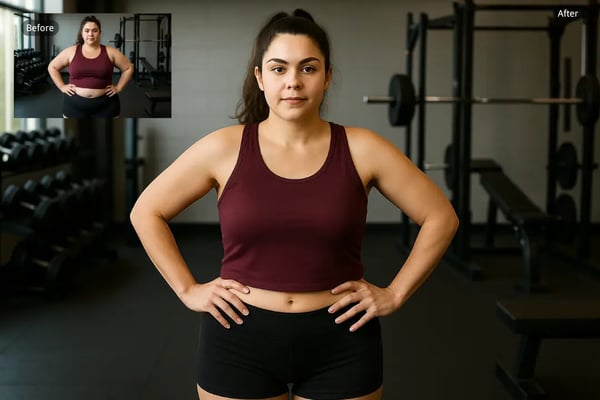
Customizable Thin Filter for Targeted Adjustments
Use our thin filter to manually refine areas like the arms, waist, or jawline—giving you full control to shape your ideal figure without distortion. Complete your transformation with our smile filter to add a natural, confident expression before sharing.
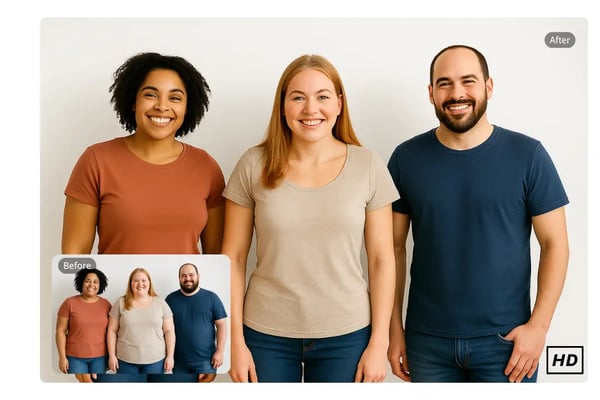
High-Quality Free Skinny Filter Output
Our free skinny filter delivers studio-quality results without degrading photo resolution, ensuring your enhanced images look sharp and professional.
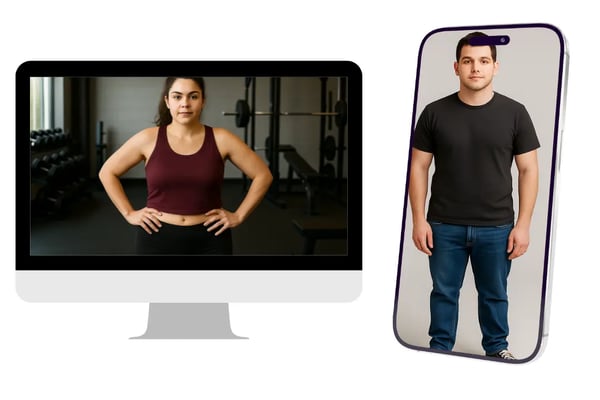
AI Skinny Generator Across Multiple Devices
Access the AI skinny generator on desktop or mobile, allowing you to edit photos seamlessly whether you're at home or on the go.
Your Go-To AI Skinny Generator for Any Need
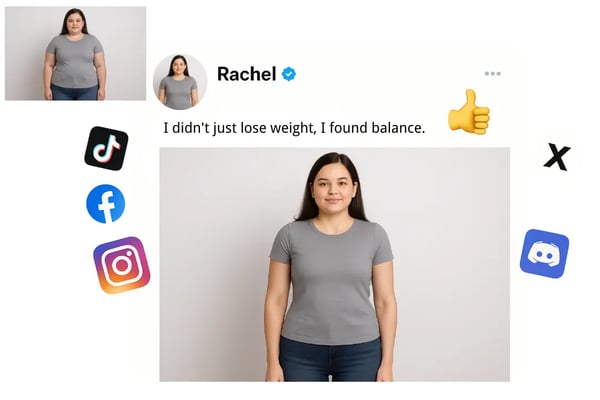
Enhance Selfies for Social Media
Use the AI skinny filter to correct unflattering angles and achieve a slimmer, more confident look for Instagram, TikTok, or Snapchat posts, boosting your social media presence.
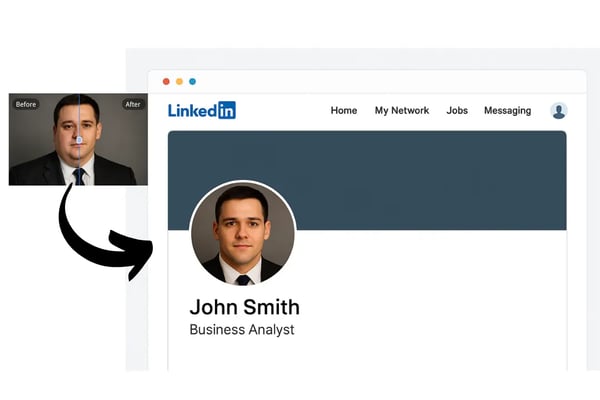
Refine Portraits for Professional Use
Apply the skinny filter to create polished headshots for LinkedIn or resumes, subtly enhancing your silhouette for a professional, approachable image.
Frequently Asked Questions About Skinny Filter
What is Bylo.ai's Skinny Filter?
Bylo.ai's Skinny Filter is an AI-powered tool that subtly slims body contours and facial features in photos, creating natural, flattering results.
Do I need to log in to use the skinny filter?
No login is required to use our AI skinny filter, making it quick and accessible for everyone.
How long does it take to apply the skinny filter?
Our thin filter is applied in seconds, thanks to our fast AI processing, delivering instant results without compromising quality.
Will my photos still look natural after using the thin filter?
Yes, our AI skinny generator ensures subtle, realistic adjustments that preserve your photo’s natural proportions and background.
Can I use the skinny filter on my phone?
Absolutely! Bylo.ai’s skinny filter works seamlessly on both desktop and mobile devices, perfect for on-the-go edits.
Is my photo data secure with Bylo.ai?
Your privacy is our priority. We ensure your photos and data remain secure, with no external access during the editing process.
What types of photos work best with the AI skinny filter?
Portraits, selfies, and group photos work best. High-resolution images yield the most polished and natural results.