
Select the model you want to generate your image with.
Vignette Effect: Create Stunning Photos with Bylo.ai
Transform Your Images with the Timeless Vignette Effect at Bylo.ai!
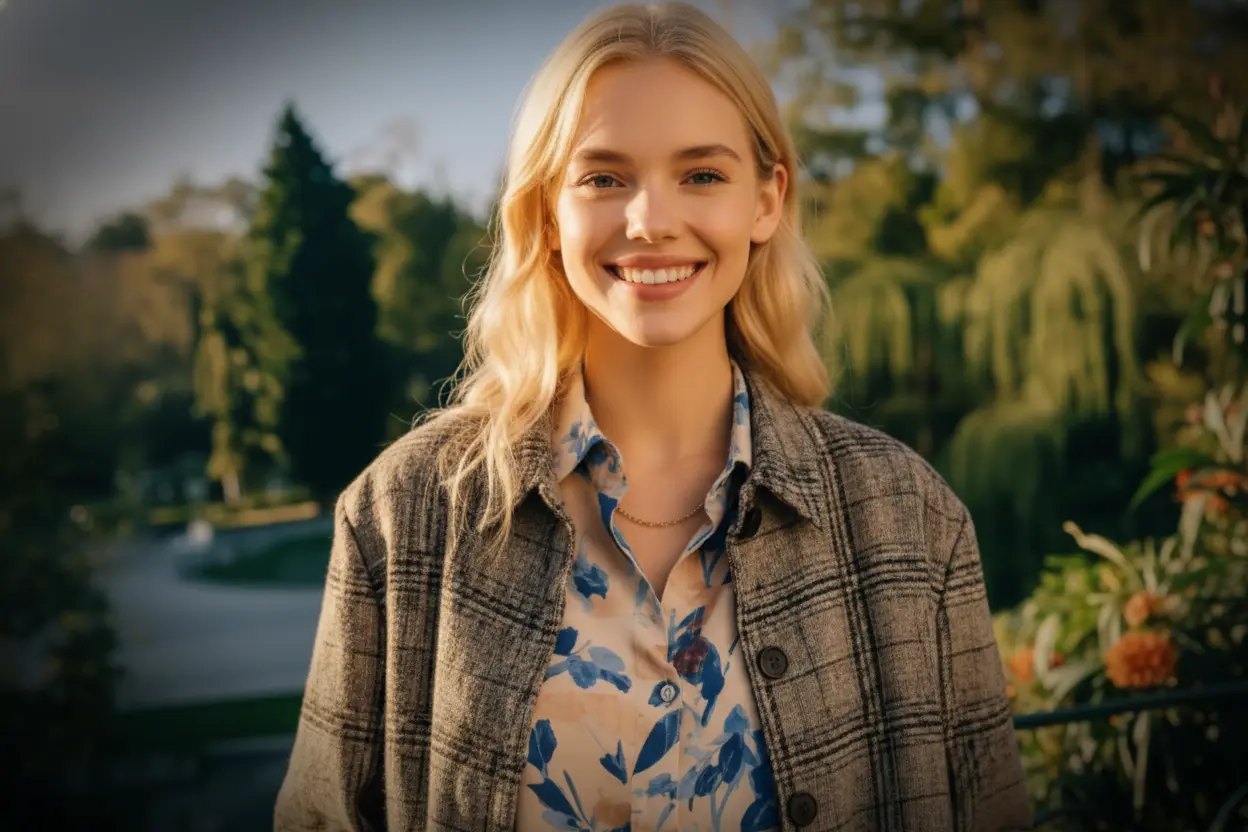
Your Generated Images
What is Vignette Photography?
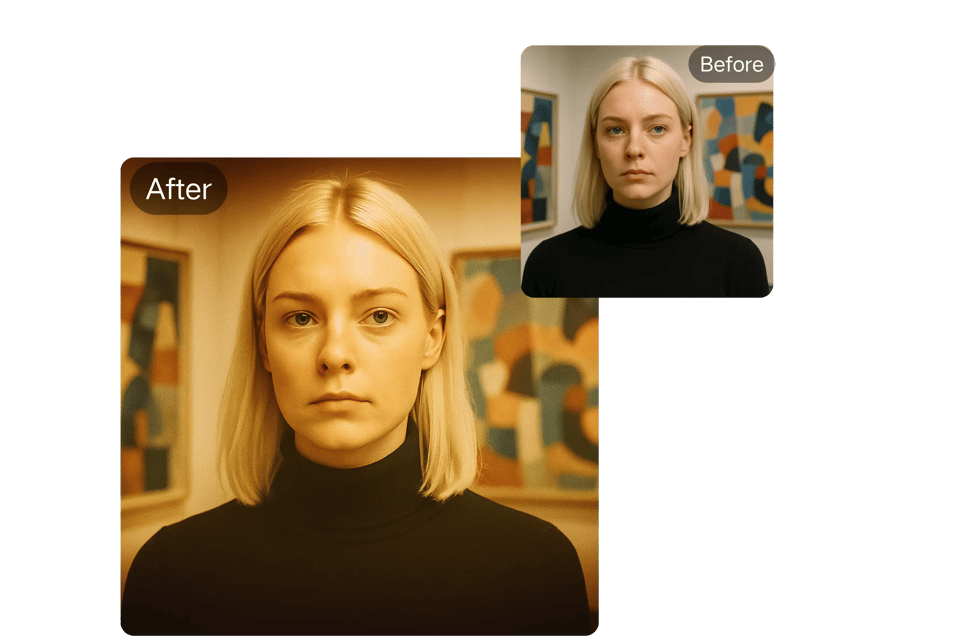
Vignette photography refers to a technique where the edges of an image gradually darken or fade, drawing attention to the center. This vignette effect adds depth, drama, and focus to your photos, making them visually striking. Whether you're creating a color vignette for a vibrant portrait or a subtle background vignette for a product shot, vignetting enhances the mood and storytelling of your images. With Bylo.ai, you can easily add a vignette to a photo online, no advanced editing skills required.
Key Features of Bylo.ai’s Vignette Tool
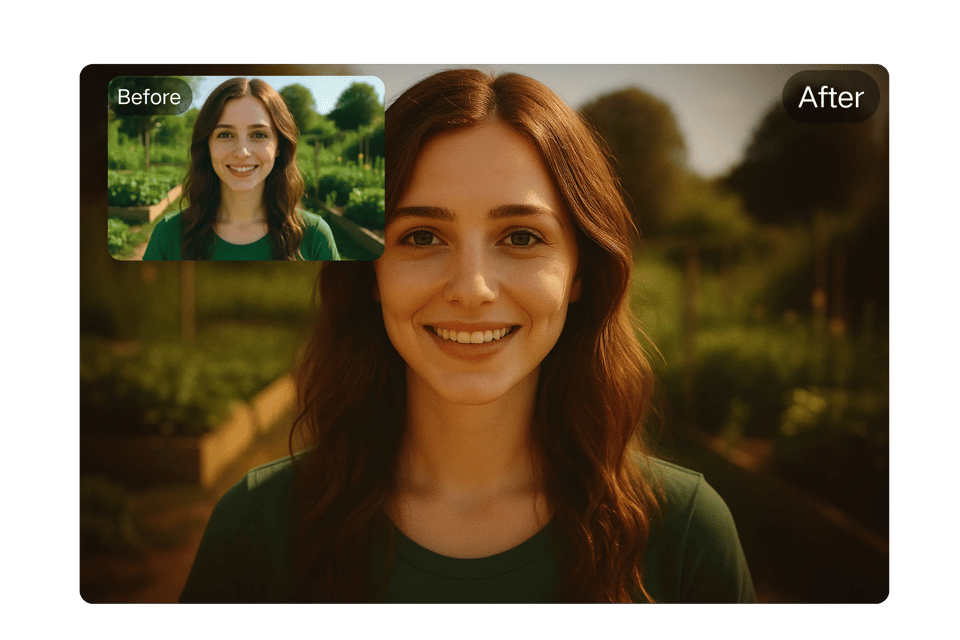
Customizable Vignette Intensity:
Adjust the strength of the vignette to create a soft fade or a dramatic vignetting effect.
High-Resolution Output:
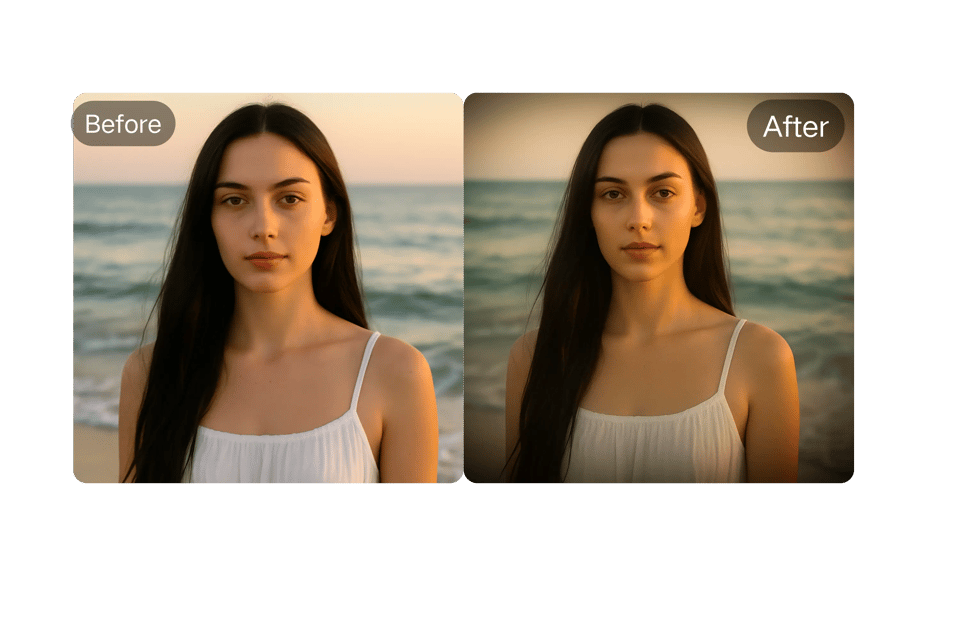
Download vignette photos in crisp JPEG or PNG formats, perfect for social media or print.
Online Accessibility:
Create vignette pictures instantly with our web-based tool—no downloads needed for online vignette creation.
User-Friendly Interface:
Even beginners can master how to vignette with our intuitive drag-and-drop editor.
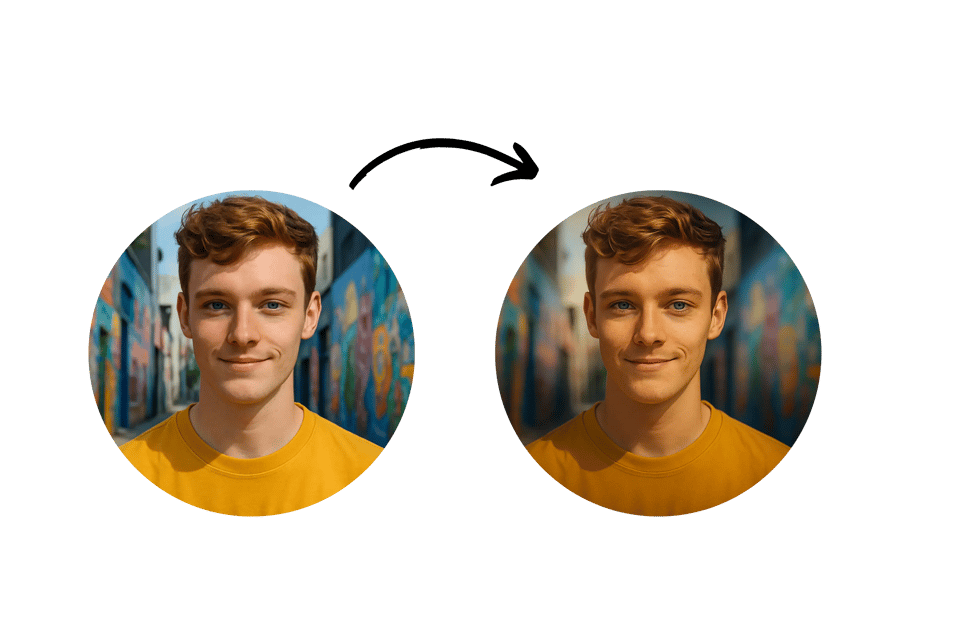
Use Cases for Vignette Photography
Portraits Portraits with Emotion:
Use a vignette photo to emphasize your subject’s face, ideal for Instagram or LinkedIn profiles.
Social Media Engagement:
Boost click-through rates with vignette pictures tailored for YouTube thumbnails or Twitter posts.
Travel Snapshots:
Highlight landmarks with a vignetting effect to create shareable vignette images for blogs or Pinterest.
Product Photography Drama:
Apply a background vignette to make your eCommerce products pop on Etsy or Shopify.
How to Use Bylo.ai’s Vignette Effect Tool
Upload Your Photo:
Select a high-quality image to serve as the base for your vignette image.
AI-Enhanced Vignette Processing:
Bylo.ai’s AI automatically applies a color vignette or classic vignetting effect, optimizing intensity and style for your image.
Generate and Download:
Click “Generate” to create your vignette photo and download it as a JPEG or PNG.
User Reviews of Bylo.ai’s Vignette Tool
“Bylo.ai’s vignette photography tool made it so simple to add a professional vignette effect to my portraits. The color options are fantastic!”
Liam S.
Photographer
“I love how I can add a vignette to a photo online without Photoshop. My travel vignette photos look stunning!”
Maya R.
Blogger
“The color vignette options let me get creative with my digital art. Bylo.ai is my go-to for image vignette work.”
Noah K.
Artist
“Bylo.ai’s photo vignettes gave my client albums a romantic touch. The tool is so easy to use!”
Ava L.
Wedding Planner
“Creating vignette pictures for my YouTube thumbnails was a breeze. It’s free and fast!”
Sophia T.
Content Creator
“The background vignette feature helped my product images stand out on my website. Highly recommend Bylo.ai!”
Ethan J.
Small Business Owner
FAQs About Bylo.ai’s Vignette Effect Tool
Is Bylo.ai’s Vignette Tool Free to Use?
Yes, you can try Bylo.ai’s online vignette tool for free to create your first vignette photo without signing up.
Can I Use My Vignette Images Commercially?
Commercial use may require a subscription. Visit Bylo.ai for terms of service details.
How Long Does It Take to Create a Vignette Photo?
Bylo.ai’s vignette effect tool generates your vignette image in just seconds, delivering professional results fast.
Do I Need to Install Anything to Add a Vignette?
No installation needed. Bylo.ai’s vignette photography tool is fully web-based and works on all modern devices.
What File Formats Are Available for Download?
Download your vignette photos as high-resolution JPEG or PNG files, perfect for online or print use.
Is My Personal Information Safe?
Uploaded images are not stored after your session, ensuring privacy while using Bylo.ai’s image vignette tool.