
Select the model you want to generate your image with.
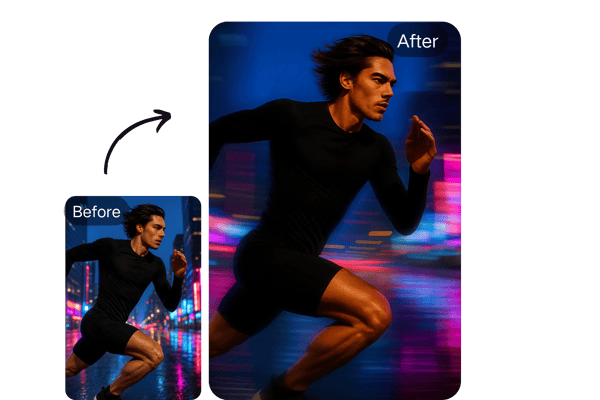
Elevate Your Visuals with Bylo.ai’s Motion Blur Effect
Transform Your Images with Bylo.ai’s Motion Blur: Speed Meets Creativity
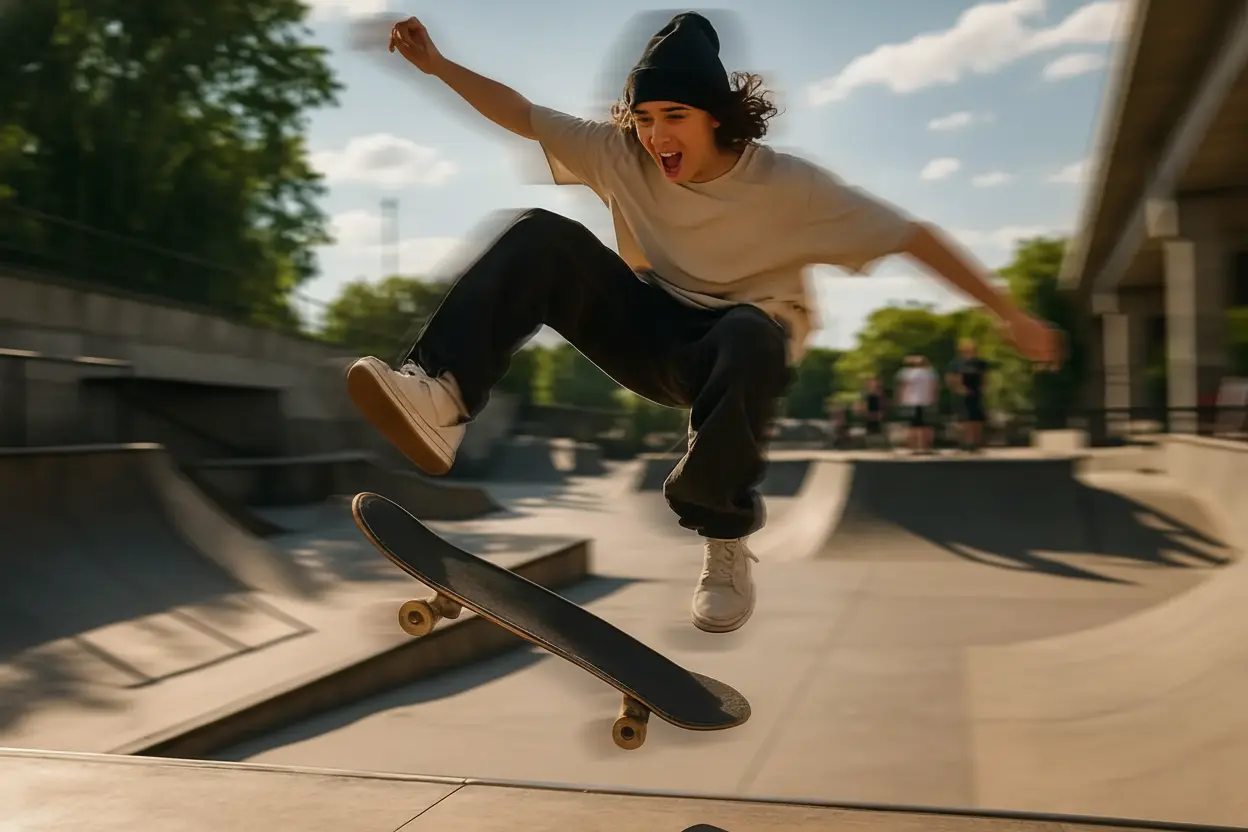
Your Generated Images
Key Features of Bylo.ai’s Motion Blur Image Tool
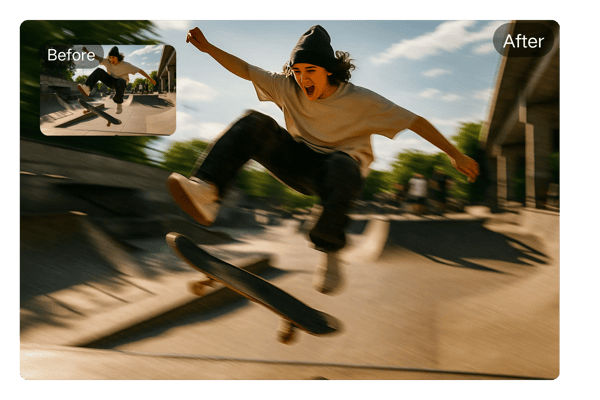
Intuitive Motion Blur Filter Interface
Bylo.ai’s motion blur filter offers an easy-to-use interface that allows both beginners and professionals to create stunning motion blur photos online without any hassle.
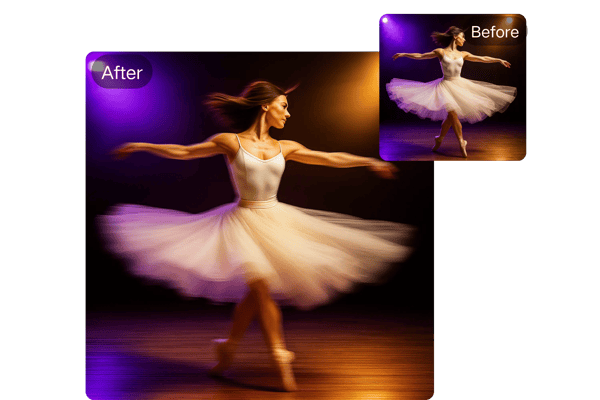
Customizable Motion Blur Intensity
Adjust the strength and direction of your motion blur effect to craft the perfect motion blur image or motion blur background tailored to your vision.
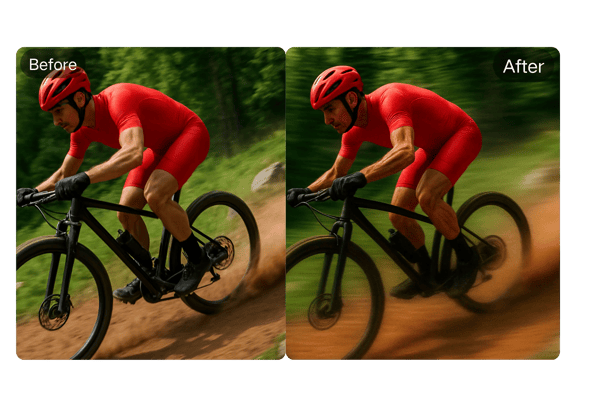
Real-Time Motion Blur Preview
Instantly see your changes with Bylo.ai’s real-time motion blur preview. Fine-tune your free photo blur settings and ensure flawless results before downloading.
High-Resolution Motion Blur Photo Downloads
Download your motion blur photos in high-resolution JPEG or PNG formats. Perfect for social media, websites, print projects, and more, allBylo.ai Motion Blur Features with professional-quality results.
How to Use Bylo.ai’s Motion Blur Online Tool
Upload Your Image
Choose a high-quality photo to serve as the base for your motion blur effect. Upload it directly to Bylo.ai’s motion blur online tool in seconds.
Enter a prompt (optional)
You can input your own ideas to change the picture freely, everything is determined by your imagination
Preview and Download
Preview your motion blur photo in real-time, make final tweaks, and download your high-resolution image ready for any platform.
Creative Use Cases for Motion Blur
Social Media Content:
Add a motion blur background to Instagram posts or TikTok thumbnails to grab attention with dynamic visuals.
Gaming Graphics:
Create immersive motion blur photos for gaming thumbnails or promotional art, emphasizing action.
Advertising Campaigns:
Incorporate motion blur filters in ads to highlight products in motion, like cars or sports gear.
Artistic Photography:
Experiment with free photo blur to give still images a sense of motion, perfect for creative portfolios.
User Feedback on Bylo.ai’s Motion Blur Image Tool
Bylo.ai’s motion blur filter is a game-changer for my social media projects. It’s so easy to create professional-looking motion blur images in minutes!
Emma S.
Graphic Designer
The motion blur background feature helped my thumbnails stand out. My click-through rate has never been better!
Jake R.
YouTuber
I love the free photo blur option. It’s perfect for experimenting with creative effects without breaking the bank.
Priya M.
Photographer
Adding motion blur photos to my client’s website was a breeze. Bylo.ai’s tool is fast and reliable.
Liam T.
Web Developer
The motion blur online tool saved me hours of editing. The results are stunning and perfect for our ad campaigns.
Sofia L.
Marketing Manager
As a beginner, I found Bylo.ai’s interface super intuitive. My motion blur images look like they were done by a pro!
Noah K.
Student
Frequently Asked Questions About Bylo.ai’s Motion Blur Tool
Is Bylo.ai’s Motion Blur Tool Free to Use?
You can use the free photo blur feature to create your first motion blur image without any cost or signup.
Can I Use Motion Blur Images Commercially?
Commercial use may require a subscription. Check the terms of service at Bylo.ai for details.
How Long Does It Take to Apply a Motion Blur Effect?
Bylo.ai’s motion blur online tool generates your customized image in just minutes for professional-quality results.
Do I Need to Install Software to Use the Motion Blur Tool?
No installation is needed. Bylo.ai’s motion blur filter is entirely web-based and works on all modern devices and browsers.
What File Formats Are Available for Download?
You can download your motion blur photos as high-resolution JPEG or PNG files, suitable for social media, websites, or print.
Is My Uploaded Image Safe?
Yes. Bylo.ai does not store your uploaded images after your session, ensuring your privacy and security.