
Select the model you want to generate your image with.
Contrast Images: Free Online Image Contrast Editor
Contrast images effortlessly and elevate your visuals with our smart AI tool — fast, powerful, and beginner-friendly for all creators.
Your Generated Images
Key Features of Our Contrast Image Editor
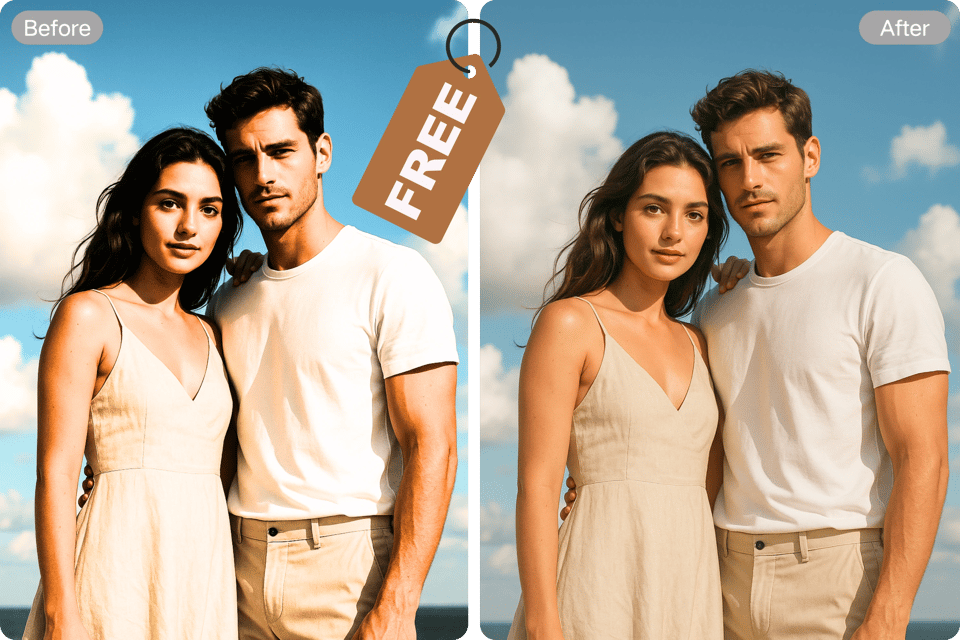
One-Tap Contrast Enhancement
Transform your photos instantly with our AI-powered tool, delivering vibrant contrast adjustments in a single click. Perfect for enhancing selfies, pet photos, or landscapes, it saves time while ensuring professional-quality results with minimal effort.
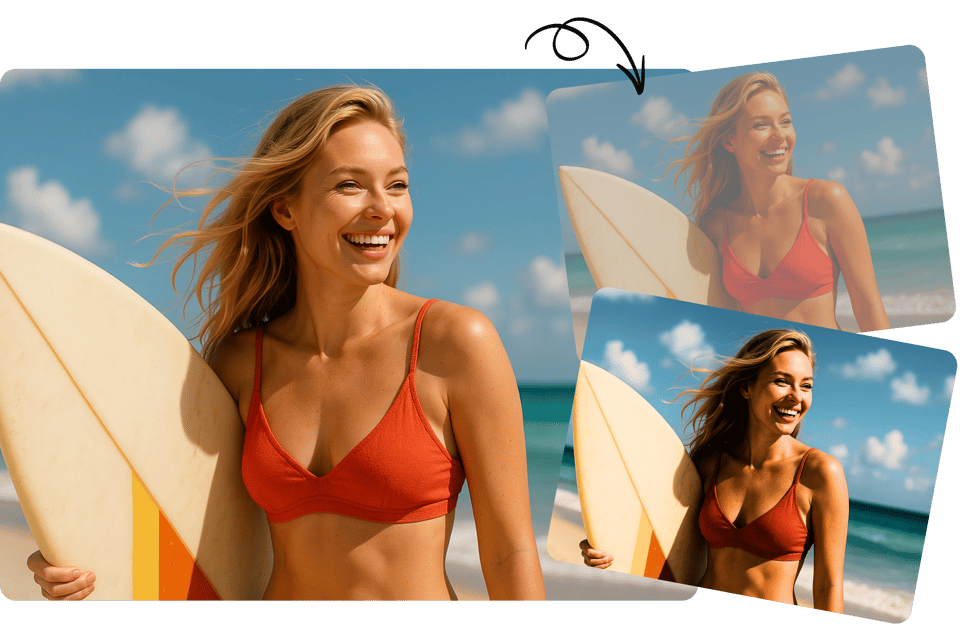
Brighten with Precision
Elevate dull images by boosting contrast effortlessly. Our tool intelligently enhances brightness and depth, making your baby photos, group shots, or nature captures pop with vivid clarity and stunning visual appeal.You can also use our clone stamp tool for further editing.
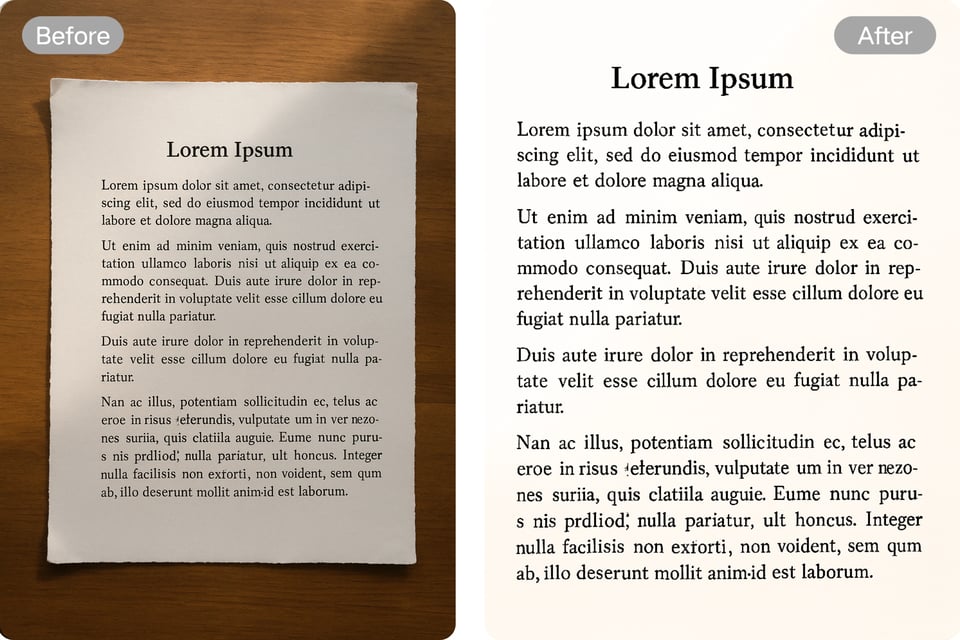
Text Clarity Boost
Improve readability in images with text using our contrast editor. It sharpens text against backgrounds, ideal for posters, social media graphics, or presentations, ensuring your message stands out clearly and professionally.
Create Contrast Images Effortlessly
From portraits to scenic landscapes, our editor adapts to any photo type. Enhance contrast for selfies, friends, or pets, creating eye-catching visuals that highlight details and bring every moment to life.
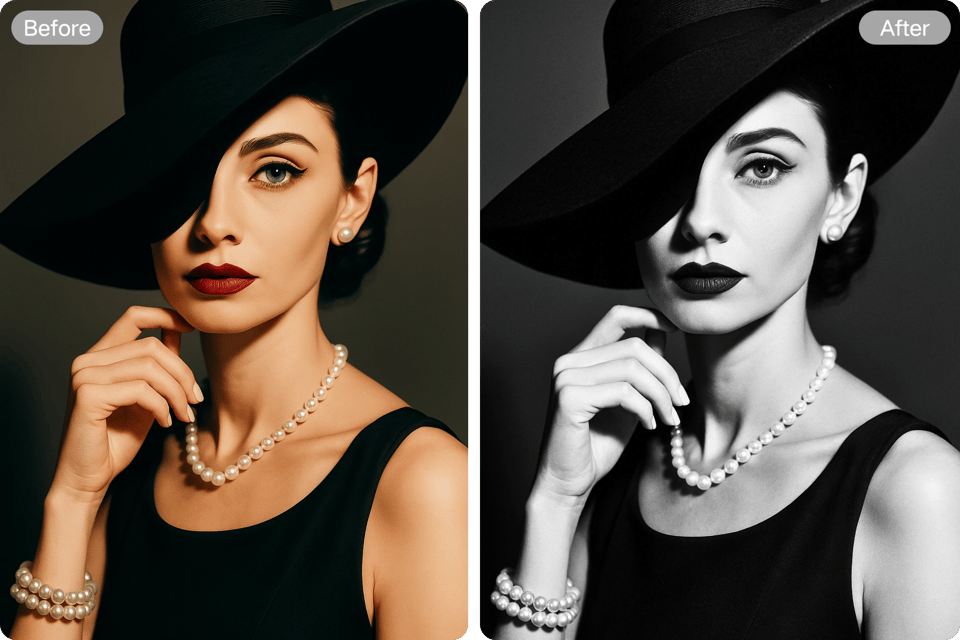
Use Cases of Contrast Images by Contrast Image Editor
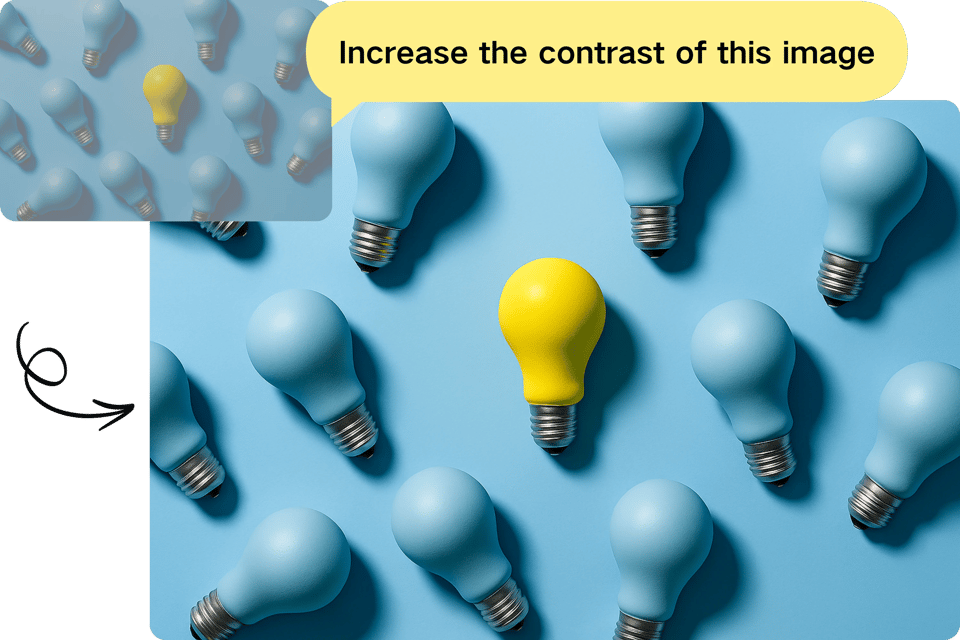
Photography Enhancement
Transform low contrast images into high contrast images with the image contrast editor, boosting detail and vibrancy for stunning portraits and landscapes.
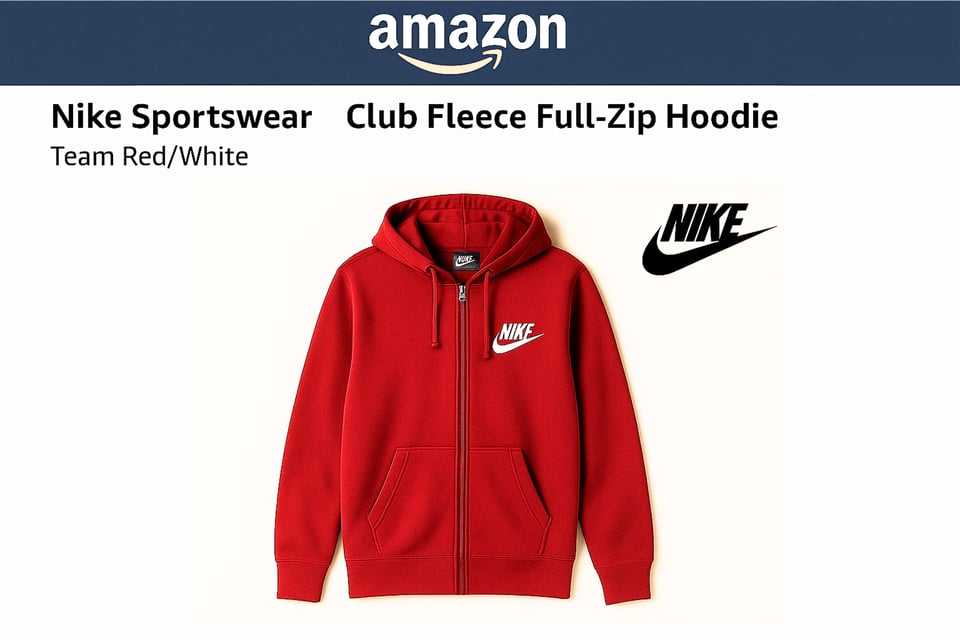
E-Commerce Optimization
Add contrast to product photos using the color contrast generator, creating clear, appealing visuals to drive online sales and customer engagement.
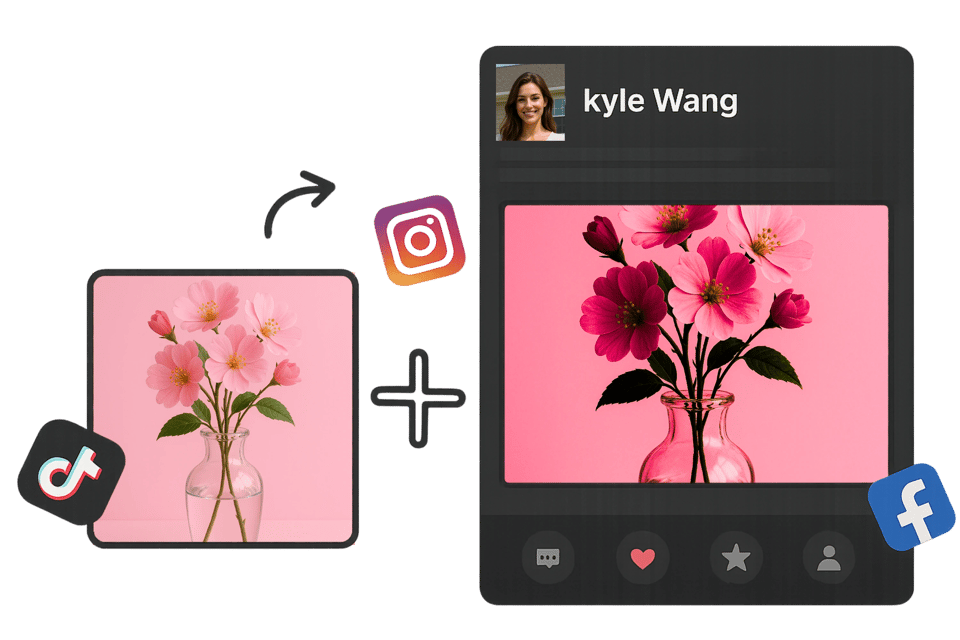
Social Media Visuals
Contrast images online to craft eye-catching posts, enhancing high contrast images for platforms like Instagram to boost audience interaction.
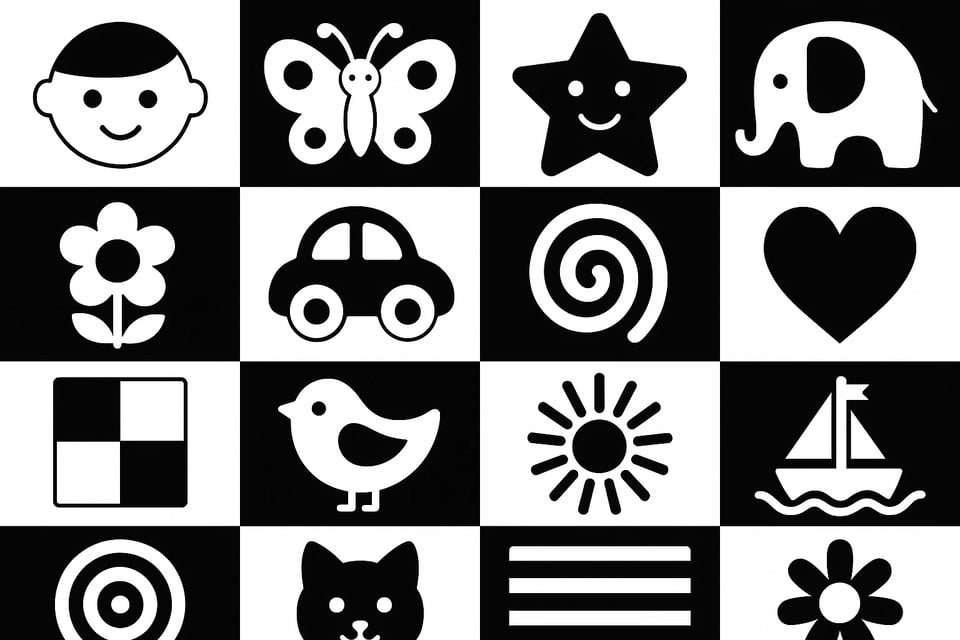
High Contrast Baby Cards
High-contrast images can be helpful to encourage a baby’s vision development and focus. Easily print high contrast baby cards out to make cards or other material forms for daily use.
How to Contrast Images Online with Bylo?
Step 1: Upload or Describe Your Image
Upload the photo you want to enhance, then either add prompts to adjust contrast and detail — or generate a new high-contrast image with just your words.
Step 2: Let the AI Work Its Magic
Relax while the AI analyzes your image and applies smart contrast adjustments. It brings out the depth, lighting, and mood without any manual editing needed.
Step 3: Download and Share
Save your enhanced photo with a click. Then share it on social media to impress your audience with sharper, more dramatic visuals instantly.
More Contrast Photography Examples
Contrast Portrait Photos
Elevate selfies or family portraits with enhanced contrast, making skin tones vibrant and facial details sharp. Perfect for social media, this creates striking, professional-quality images that capture personality.
Contrast Animal Pictures
Boost the vibrancy of pet or wildlife photos with our editor. Enhanced contrast highlights fur textures and colors, making every animal shot lively and captivating for sharing or framing.
Contrast Object Picture
Transform product or still-life images with vivid contrast. Our tool sharpens details and enhances colors, ideal for e-commerce or hobby photography, ensuring objects stand out with clarity.
Contrast Cartoon/Anime Photos
Amplify the boldness of cartoon or anime images. Enhanced contrast makes colors pop and lines sharper, perfect for fan art or digital creations, delivering eye-catching, dynamic visuals.
Why Pick Bylo’s Image Contrast Editor?
As a digital marketer, I’ve used many tools, but this AI image contrast editor stands out for how effortlessly it lets me contrast images without losing detail.
Jessica Lin
Digital Marketing Specialist
I use it daily to fine-tune photos for my portfolio. The ability to contrast images precisely has made my photography stand out more than ever.
Ethan Miles
Professional Photographer
This tool made image contrast editing a breeze for my product photos. It enhances texture and depth instantly with minimal input.
Carla Nguyen
E-commerce Brand Manager
I love how intelligently it adjusts brightness and contrast. For UX mockups, it helps us present sharper visuals that pop.
Leo Hart
UI/UX Designer
Our social team saves so much time now. Contrasting images used to take forever—this tool automates it while keeping the quality crisp.
Maria Chen
Social Media Strategist
As a blogger, high-contrast visuals are crucial for engagement. This AI editor nails it every time—no more fumbling in Photoshop.
Samuel King
Lifestyle Blogger
Frequently Asked Questions of Image Contrast Editor
How does the AI enhance contrast?
The image contrast editor uses AI to analyze and adjust light and dark areas, creating high contrast images with vibrant details effortlessly.
Can I adjust high contrast images?
Yes, easily transform high contrast images by boosting contrast online, revealing hidden details with the color contrast generator for stunning results.
Is the image contrast editor beginner-friendly?
Absolutely, the intuitive interface lets anyone contrast images online without skills, offering sliders and one-click options for quick edits.
Does the image contrast editor support multiple formats?
The image contrast editor supports JPG, PNG, and more, ensuring you can add contrast to images without quality loss.
How fast is the editing process?
Contrast images online in seconds with real-time previews, making the image contrast editor ideal for quick, professional-grade enhancements.
Will contrast affect image quality?
Proper adjustments enhance clarity without artifacts; the tool ensures high contrast images maintain resolution and quality.