
Select the model you want to generate your image with.
Free AI Clone Stamp Tool: Precision Editing for Professional Results
Seamlessly edit photos, remove imperfections, and craft perfect textures with AI-powered precision in just a few clicks.
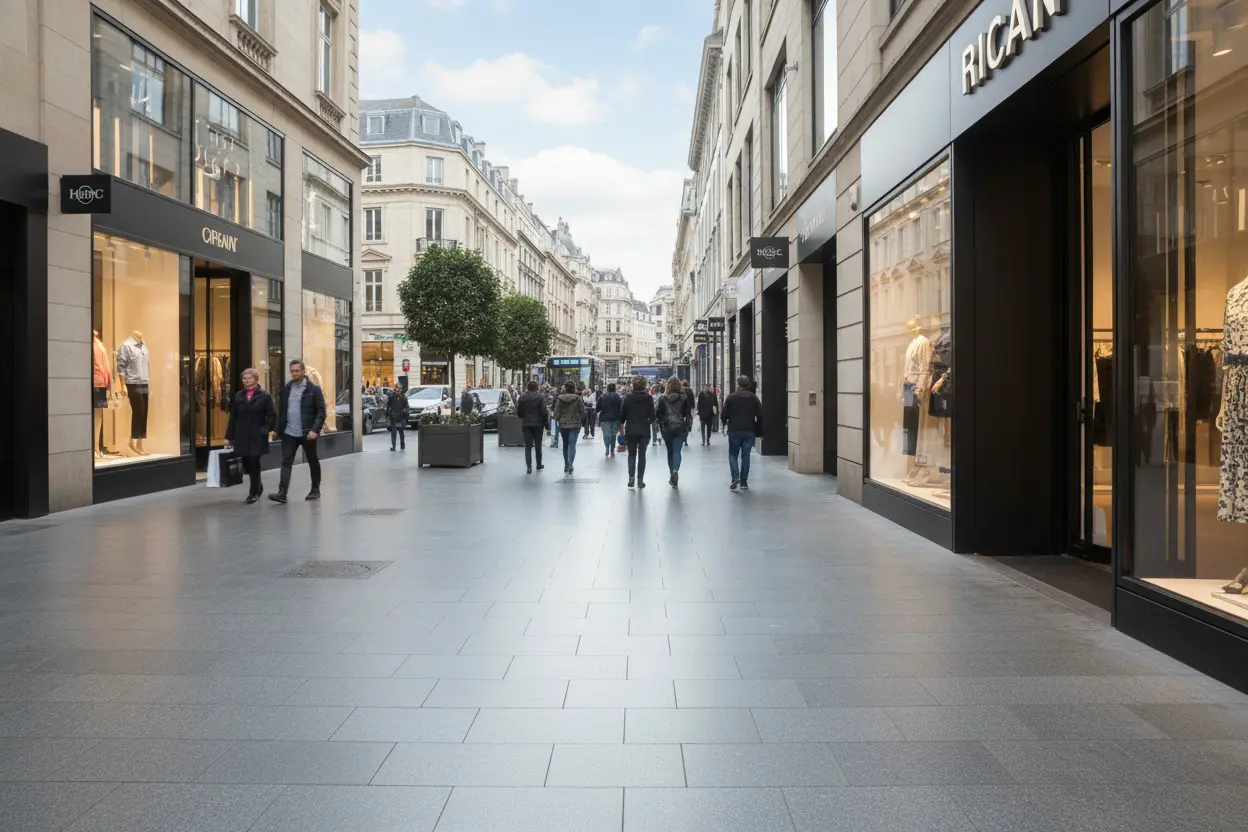
Your Generated Images
How to Use the Clone Stamp Tool
Step1:Upload Your Image
Start by uploading the photo you want to edit. Enter specific prompt words to fine-tune details, guiding the AI Clone Stamp Tool for precise edits.
Step2:Let AI Work Its Magic
Wait as the AI Clone Stamp Tool processes your image, seamlessly applying edits like removing blemishes or duplicating elements with professional precision.
Step3:Download and Share
Once editing is complete, download your enhanced image. Share it directly to social media to showcase your stunning, AI-crafted masterpiece.
Key Features of Our Clone Stamp Tool
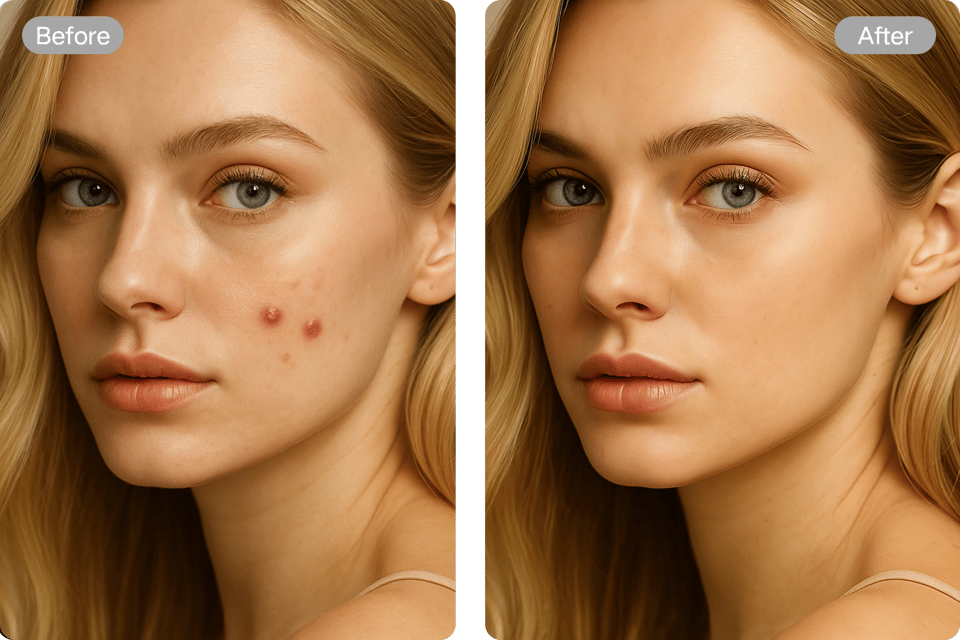
Remove Any Unwanted Objects
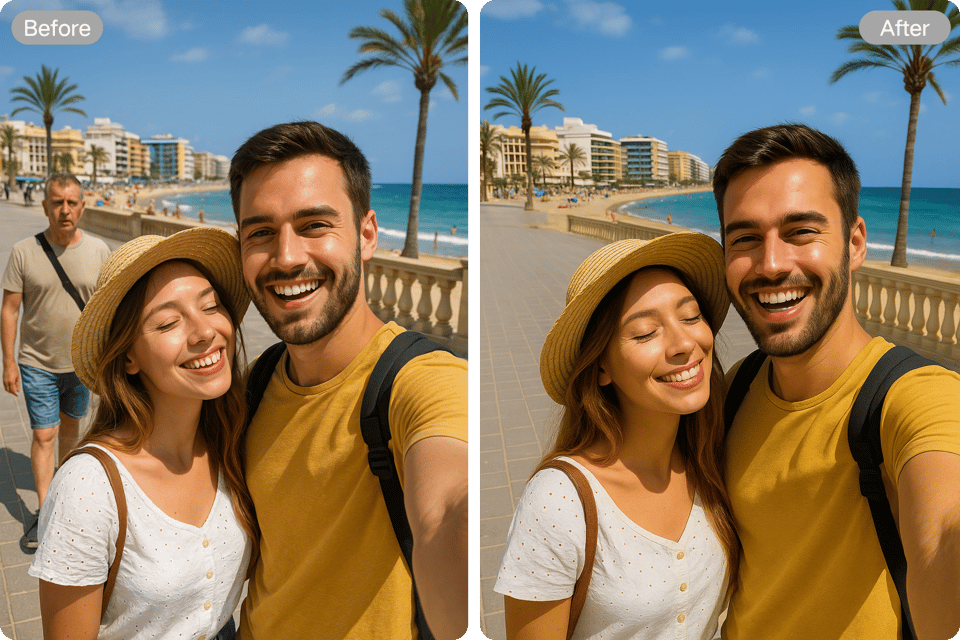
The AI Clone Stamp Tool effortlessly repairs imperfections, removing blemishes like stains, scratches, or watermarks from selfie. It seamlessly eliminates unwanted objects such as passersby, wires, or acne, restoring your images to pristine condition with natural, undetectable results in just a few clicks.
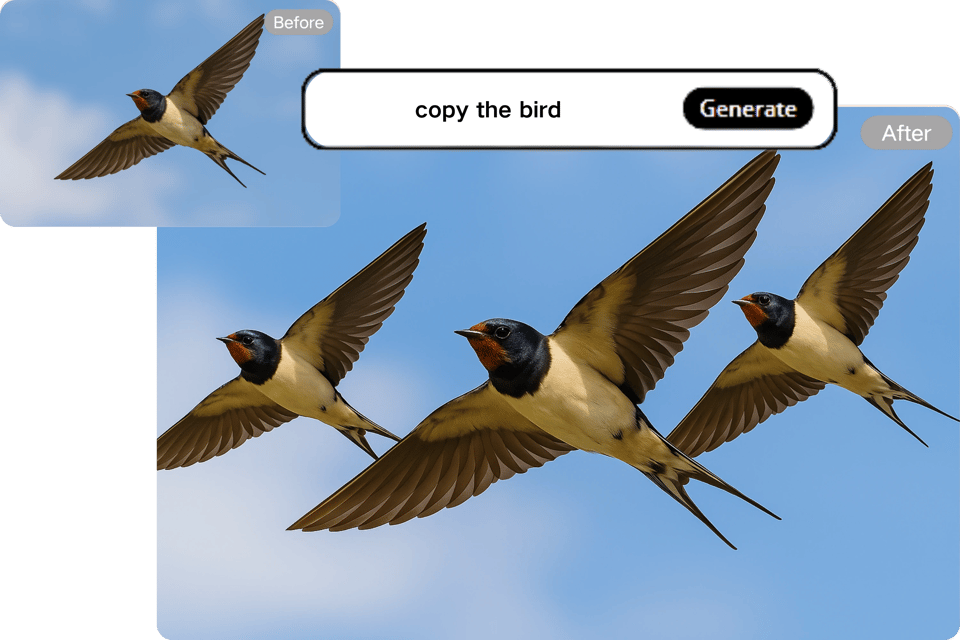
Seamless Content Duplication
Replicate elements like flowers, clouds, or objects with the AI Clone Stamp Tool. Extend backgrounds to fill cropped areas or create cohesive compositions by copying and blending specific parts of the image, ensuring smooth transitions and professional-quality outputs for any project.
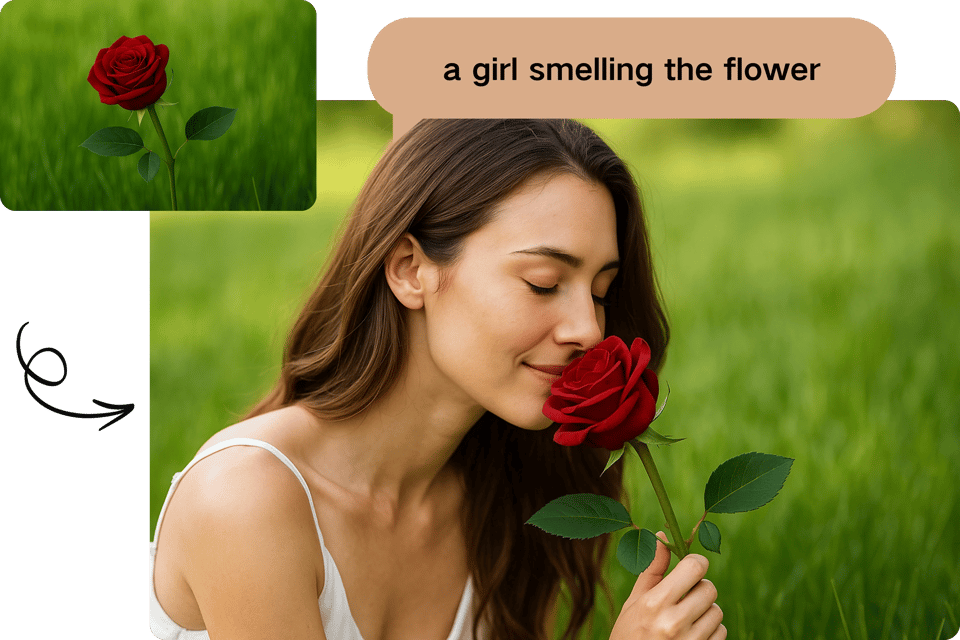
Creative Image Synthesis
Unleash your creativity with the AI Clone Stamp Tool by combining elements from multiple images. Craft unique compositions by blending objects, backgrounds, or textures, allowing for imaginative designs that merge diverse visuals into a single, harmonious artwork with precision.
Pattern and Texture Replication
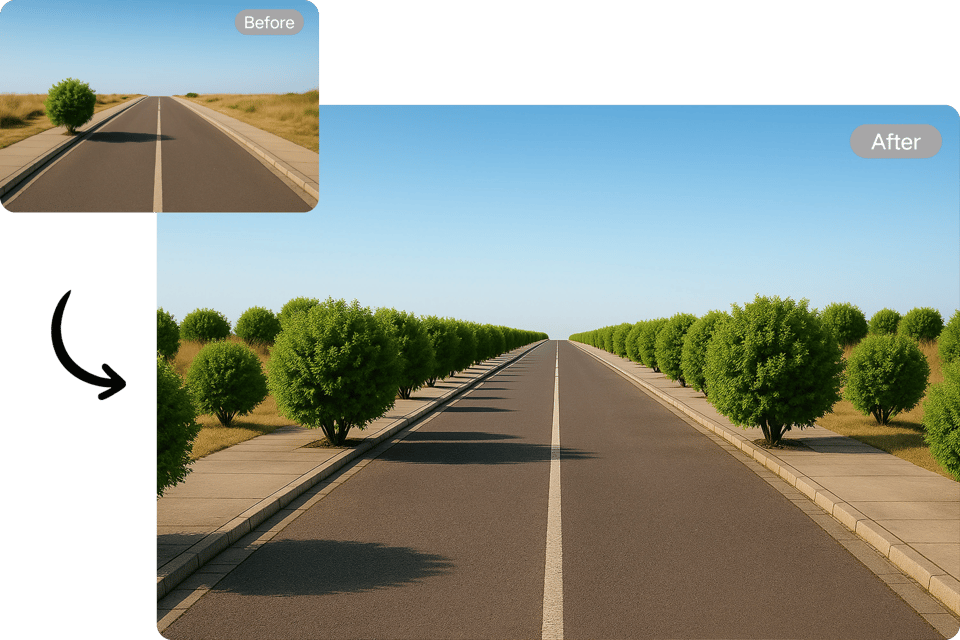
The AI Clone Stamp Tool excels at duplicating textures like brick walls or grass patterns for consistent designs. Perfect for creating repetitive backgrounds or enhancing surfaces, it ensures uniform textures, making it ideal for graphic design and architectural visualization projects.
Applications of Our Clone Stamp Tool
Repair Small Flaws
The AI Clone Stamp Tool swiftly removes distractions like passersby or power lines from photos. It restores damaged images, repairing scratches or stains, delivering clean, professional results for stunning photography.

Film and Game Asset Creation
The AI Clone Stamp Tool generates textures like leaves or brick walls for film and game scenes. It streamlines batch processing, ensuring consistent, high-quality details for immersive visual environments.
Creative Design Projects
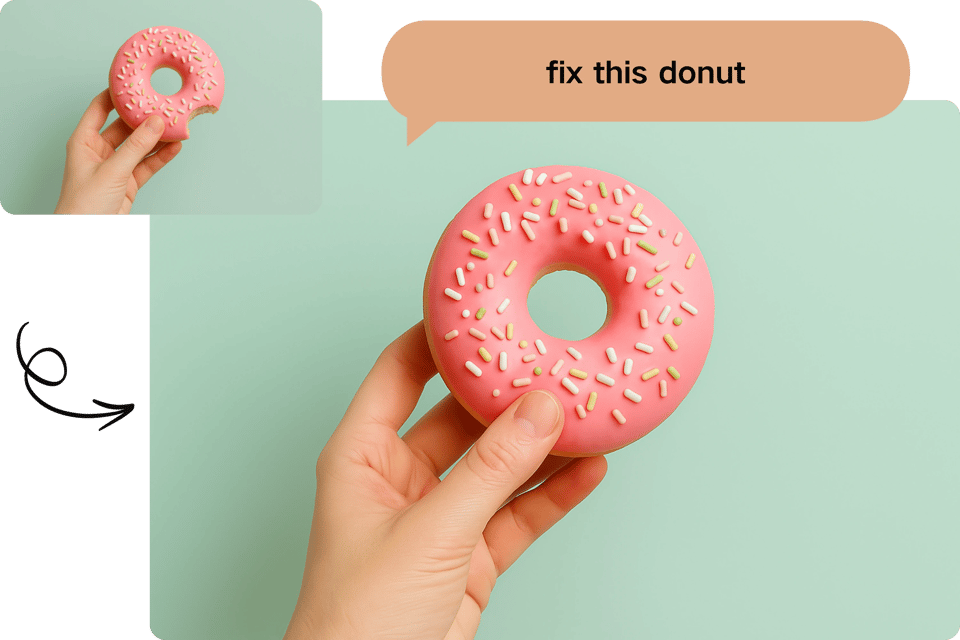
Artists use the AI Clone Stamp Tool to clone elements, crafting repeating patterns for murals or textiles. It enables rapid creation of intricate designs, enhancing efficiency and creativity in artistic workflows.
Archaeological Restoration
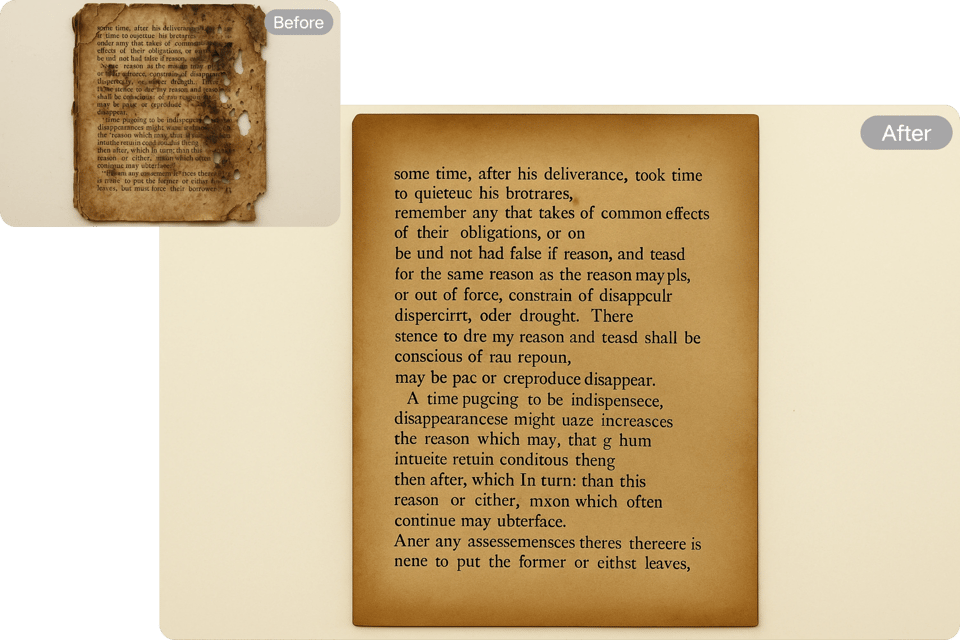
The AI Clone Stamp Tool digitally repairs damaged artifacts or ancient manuscripts. It reconstructs missing parts with precision, preserving cultural heritage by restoring visual integrity for research and display purposes.
Users Feedback of Clone Stamp Tool
The AI Clone Stamp Tool is a game-changer for photo editing! It effortlessly removes unwanted objects, saving me hours. Highly intuitive and precise.
Emma Wilson
Professional Photographer
This tool makes texture replication for game design seamless. I cloned brick patterns perfectly in minutes. It's a must-have for efficiency.
Liam Carter
Game Developer
Restoring old family photos was a breeze with the AI Clone Stamp Tool. Scratches vanished, and results looked natural. Truly impressive!
Sophia Nguyen
Freelance Editor
I used the AI Clone Stamp Tool to create repeating patterns for my artwork. It’s fast, accurate, and boosted my creative workflow significantly.
Noah Patel
Digital Artist
The AI Clone Stamp Tool simplified my film project by generating consistent textures. It’s reliable and produces professional-grade results every time.
Ava Thompson
Film Production Assistant
Digitally repairing ancient manuscripts was effortless with the AI Clone Stamp Tool. It preserved details perfectly, aiding our research.
Ethan Brooks
Archaeological Researcher
Frequently Asked Questions of Clone Stamp Tool
How does the AI Clone Stamp Tool remove objects?
It intelligently analyzes the image, seamlessly blending surrounding pixels to erase unwanted elements like wires or people with natural-looking results.
Can the AI Clone Stamp Tool restore old photos?
Yes, it repairs scratches, stains, or faded areas in vintage photos, preserving details and restoring images to their original clarity effortlessly.
Is the AI Clone Stamp Tool beginner-friendly?
Absolutely! Its intuitive interface allows users of all skill levels to edit images quickly, with prompts guiding precise adjustments.
Can I replicate textures with the AI Clone Stamp Tool?
Yes, it duplicates patterns like brick or grass flawlessly, ideal for creating consistent textures in design or game projects.
How fast is the AI Clone Stamp Tool?
Edits are processed in seconds, depending on image complexity, allowing quick turnaround for professional or personal projects.
Does the AI Clone Stamp Tool support multiple formats?
It handles JPEG, PNG, and more, ensuring compatibility with most image types for versatile editing and export options.